
realme RMA2416
Contents
realme Buds Wireless 5 Lite Bluetooth Neckband User Manual
Model: RMA2416
Introduction
This manual provides detailed instructions for the realme Buds Wireless 5 Lite Bluetooth Neckband. Please read this manual thoroughly before using the product to ensure proper operation and to maximize its lifespan. The realme Buds Wireless 5 Lite offers a seamless audio experience with Bluetooth 5.4 connectivity, powerful 12.4mm dynamic bass drivers, and a long-lasting battery. Its IP55 rating ensures durability against dust and water.
Package Contents
Ensure all items are present in the package:
- realme Buds Wireless 5 Lite Neckband
- USB Type-C Cable
- Extra Ear Tips (Sizes S/M/L)
- User Manual
- Warranty Card

Image: The realme Buds Wireless 5 Lite neckband, USB Type-C charging cable, and various sizes of ear tips.
Product Overview
Key Features
- Bluetooth 5.4 Connectivity: Provides stable and fast pairing with Android, iOS, and laptop devices.
- 12.4mm Dynamic Bass Boost Driver: Delivers enhanced audio quality with deep bass.
- Up to 35 Hours Playback: Extended battery life for prolonged use.
- 45ms Low Latency: Optimized for gaming and video synchronization.
- IP55 Dust & Water Resistant: Offers protection against dust and splashes, suitable for various environments.
- Environmental Noise Cancellation (ENC): Enhances call clarity by reducing background noise.
- Dual Device Connection: Allows simultaneous connection to two devices.
- Magnetic Earbuds: Keeps earbuds securely together when not in use, preventing tangles.

Image: Visual representation of key features such as IP55 rating, 12.4mm dynamic bass driver, Bluetooth 5.4, magnetic earbuds, 45ms ultra-low latency, 600-cycle battery, and ENC.
Controls
The neckband features an in-line control panel for easy management of audio and calls.

Image: Detailed view of the in-line control module, showing the volume up/down buttons and the multi-function button.
- Multi-function Button:
- Single press: Play/Pause music, Answer/End call.
- Double press: Next track.
- Triple press: Previous track.
- Long press (2 seconds): Reject/Hang up call, Activate phone voice assistant (availability may vary by device/OS/app).
- Volume Buttons (+/-): Adjust volume.
- Magnetic Control: Separating the magnetic earbuds can automatically connect/resume playback, while joining them can disconnect/pause playback.
Setup
Charging the Device
Before first use, fully charge your realme Buds Wireless 5 Lite.
- Connect the provided USB Type-C cable to the charging port on the neckband.
- Connect the other end of the cable to a USB power adapter (5V/1A recommended) or a computer's USB port.
- The indicator light will show charging status. A full charge takes approximately 2 hours.
- Once fully charged, the indicator light will change (refer to LED indicator section in the full manual for specific light patterns).
A full charge provides up to 35 hours of playback time.
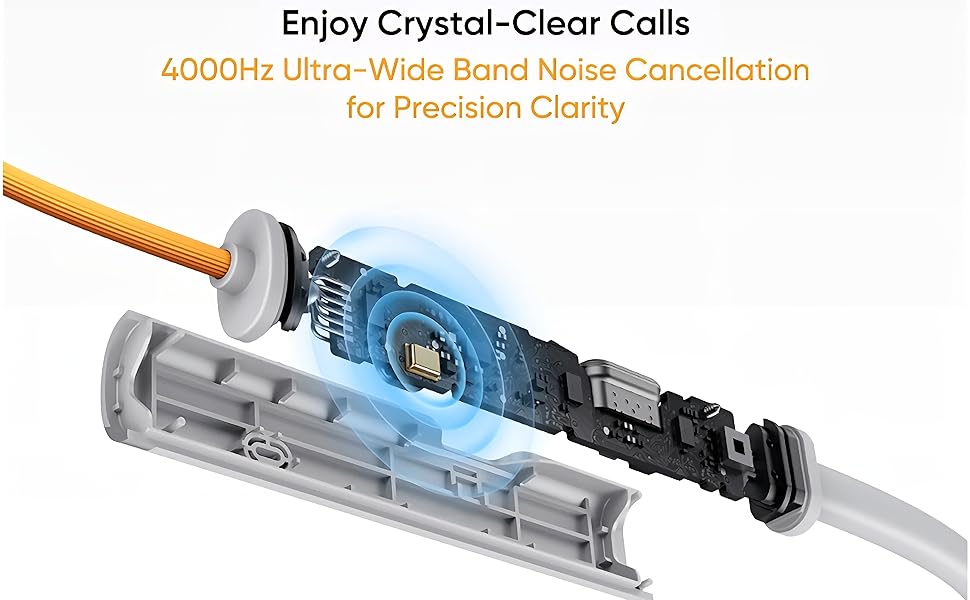
Image: Illustration highlighting the 35 hours of playback time for the realme Buds Wireless 5 Lite.
Bluetooth Pairing
To connect your realme Buds Wireless 5 Lite to a device:
- Ensure the neckband is charged and powered on. If the earbuds are magnetically joined, separate them to power on.
- The indicator light will flash, indicating it is in pairing mode.
- On your device (smartphone, tablet, laptop), enable Bluetooth.
- Search for available Bluetooth devices and select "realme Buds Wireless 5 Lite" from the list.
- Once connected, the indicator light will stop flashing and remain solid blue for a few seconds.
The neckband supports Bluetooth 5.4 for a stable connection up to 10 meters.
Operating Instructions
Music Playback
- Play/Pause: Single press the multi-function button.
- Next Track: Double press the multi-function button.
- Previous Track: Triple press the multi-function button.
- Volume Up/Down: Press the '+' or '-' buttons.
Call Management
- Answer/End Call: Single press the multi-function button.
- Reject Call: Long press the multi-function button for 2 seconds.
The in-line microphone provides clear voice pickup for calls, enhanced by Environmental Noise Cancellation (ENC).
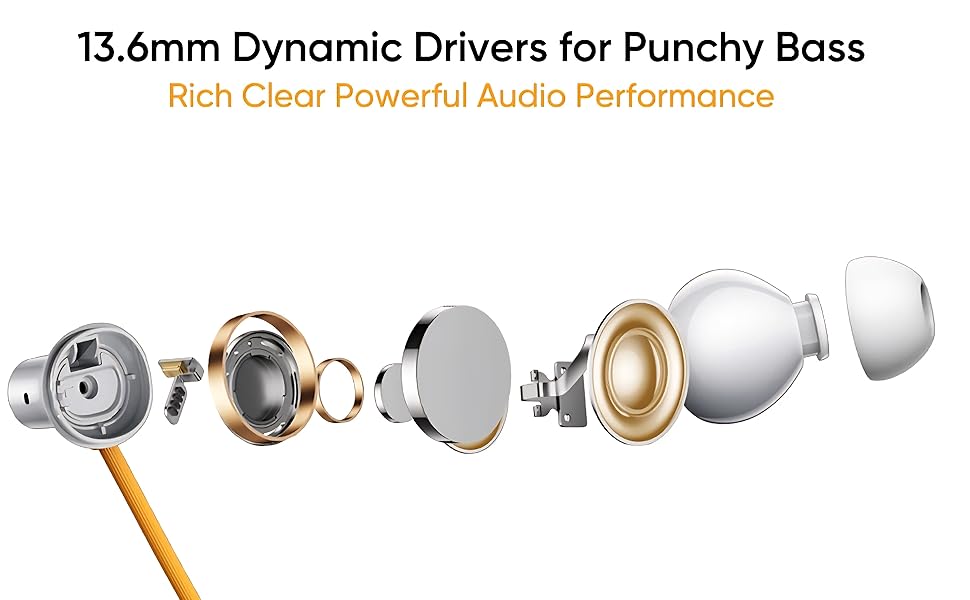
Image: Depiction of the Environmental Noise Cancellation (ENC) feature for clear calls.
Voice Assistant
To activate your phone's voice assistant (e.g., Google Assistant, Siri), long press the multi-function button for 2 seconds.
Dual Device Connection
The realme Buds Wireless 5 Lite supports connecting to two devices simultaneously.
- Connect the neckband to the first device as per the Bluetooth Pairing instructions.
- Disconnect the neckband from the first device (do not unpair).
- Connect the neckband to the second device.
- Reconnect the neckband to the first device from its Bluetooth settings. The neckband should now be connected to both devices.
You can switch between devices by pausing audio on one and playing on the other.
Maintenance
Cleaning
- Wipe the neckband and earbuds with a soft, dry, lint-free cloth.
- For ear tips, remove them and clean with a mild soap solution if necessary, then rinse thoroughly and dry completely before reattaching.
- Avoid using harsh chemicals or abrasive materials.
Storage
- Store the neckband in a cool, dry place away from direct sunlight and extreme temperatures.
- When not in use, the magnetic earbuds can be joined to prevent tangling and secure the neckband.

Image: Close-up of the magnetic earbuds, demonstrating how they connect for secure storage.
Water and Dust Resistance
The realme Buds Wireless 5 Lite is rated IP55 for dust and water resistance. This means it is protected against limited dust ingress and low-pressure water jets from any direction.
- Do not submerge the device in water.
- Avoid exposing it to high-pressure water or steam.
- Ensure the charging port cover is securely closed to maintain water resistance.
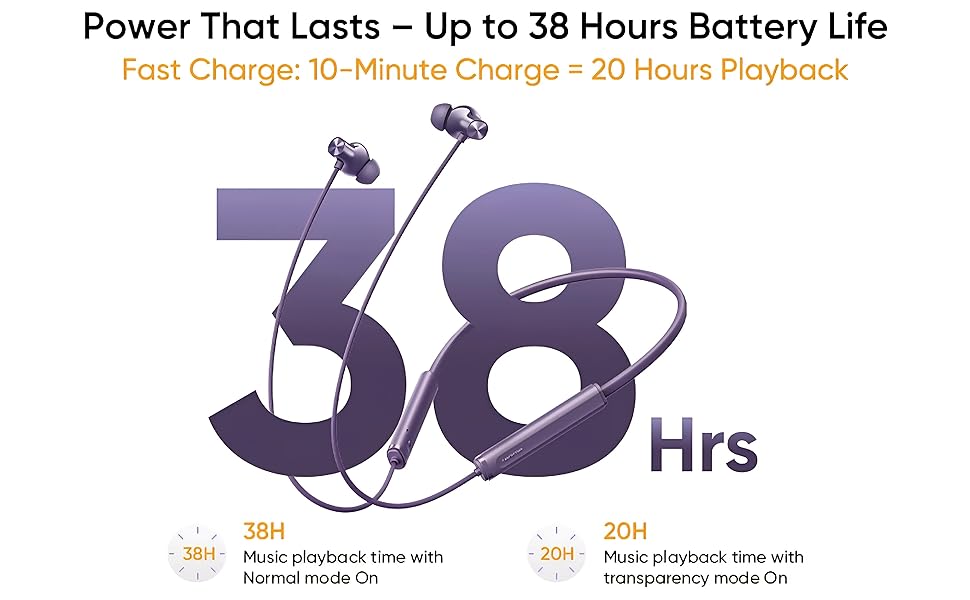
Image: The realme Buds Wireless 5 Lite shown with water splashes, illustrating its IP55 dust and water resistance.
Troubleshooting
| Problem | Possible Solution |
|---|---|
| Cannot power on | Ensure the device is charged. Separate the magnetic earbuds to power on. |
| Cannot pair with device |
|
| No sound or low volume |
|
| Call quality issues |
|
Specifications
| Feature | Detail |
|---|---|
| Model Name | realme Buds Wireless 5 Lite |
| Model Number | RMA2416 |
| Connectivity Technology | Bluetooth 5.4 |
| Bluetooth Range | 10 Metres |
| Audio Driver Size | 12.4 mm Dynamic Bass Boost Driver |
| Battery Life | Up to 35 Hours Playback |
| Charging Time | Approximately 2 Hours |
| Audio Latency | 45 Milliseconds |
| Noise Control | Environmental Noise Cancellation (ENC) |
| Water Resistance Level | IP55 (Dust & Water Resistant) |
| Material | ABS Plastic + Silicone |
| Item Weight | 30 Grams |
| Control Type | Physical Button + Magnetic Control |
| Compatible Devices | Smartphones, Tablets, Laptops, Smart TVs |
Warranty and Support
The realme Buds Wireless 5 Lite comes with a 1-year warranty. Please retain your purchase receipt for warranty claims.
Manufacturer and Importer Details:
Manufacturer/Packer/Importer: realme Mobile Telecommunications (India) Pvt. Ltd.
3rd Floor, Tower-B, Building No.8, DLF Cyber City, DLF Phase II, Gurugram, Haryana – 122002, India.
Customer Support:
Toll-Free Number: 1800-102-2777
Email: service.in@realme.com
For further assistance, please contact realme customer support with your product model number (RMA2416) and purchase details.
Ask a question about this manual
Ask about setup, troubleshooting, compatibility, parts, safety, or missing instructions. Manuals+ will review the question and use this page’s manual context to help answer it.