
Jesebang YT18
Jesebang AI Translation Earbuds YT18 User Manual
Model: YT18 | Brand: Jesebang
Introduction
The Jesebang AI Translation Earbuds YT18 are advanced real-time translation headphones designed to facilitate seamless communication across language barriers. Featuring Bluetooth 5.4 connectivity, these earbuds support 164 languages with high accuracy and offer multiple translation modes to suit various scenarios. They also function as high-fidelity audio earbuds for music and calls, providing a versatile 3-in-1 solution for business, learning, and travel.
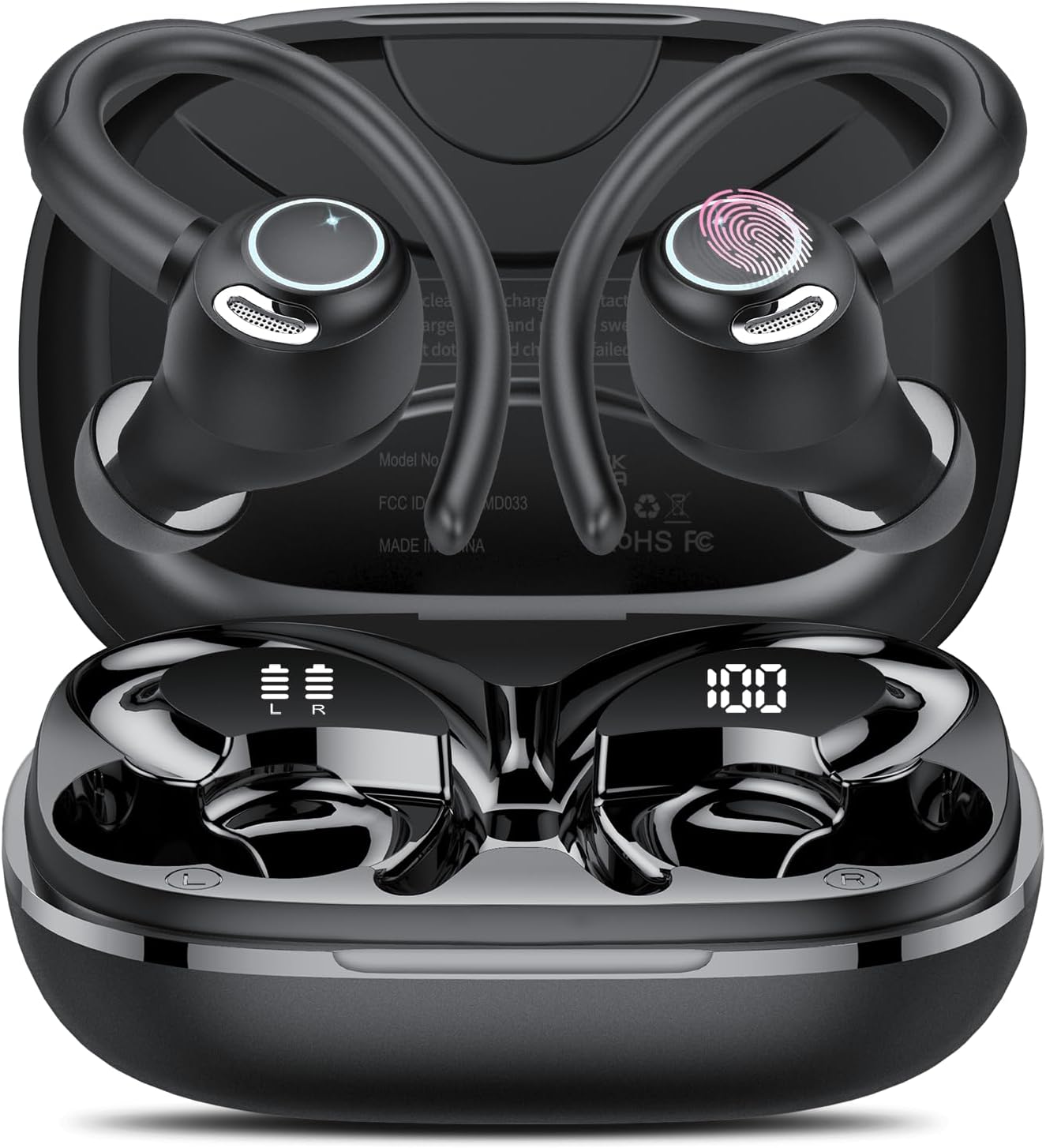
Image: The Jesebang AI Translation Earbuds YT18, shown in their open charging case. The earbuds feature an ergonomic design with ear hooks and touch controls, while the case displays battery levels for both earbuds and the case itself.
Key Features
- 164 Language Support: Real-time, two-way translation covering 98% of commonly spoken languages with over 98% accuracy, no subscription required.
- 7 Translation Modes: Includes Free Conversation, Headset+Phone, Voice Memo, Speaker, Camera, Video, and AI Chat modes for diverse communication needs.
- Ultra-Stable Bluetooth 5.4: Ensures low-power streaming and a transmission range of up to 15 meters with minimal latency.
- 3-in-1 Functionality: Combines translation, music playback, and calling features in a single device.
- High-Fidelity Audio: Equipped with 14.2mm Hi-Fi drivers for rich bass and clear highs, plus advanced ENC noise cancellation.
- Extended Battery Life: Up to 8 hours of playback on a single charge, and up to 48 hours total with the charging case. Features a smart LED digital display for battery monitoring.
- Ergonomic & Durable Design: Lightweight TPE ear hooks for comfortable, secure fit, and IPX7 nano-coating for water resistance against sweat and rain.

Image: This image illustrates the global reach of the earbuds' translation capabilities, showing two individuals engaged in conversation, with flags of multiple countries (e.g., USA, Germany, France, Italy, Spain, Belgium, Dutch, Swedish, Polish, Irish, UK) indicating the wide range of supported languages.
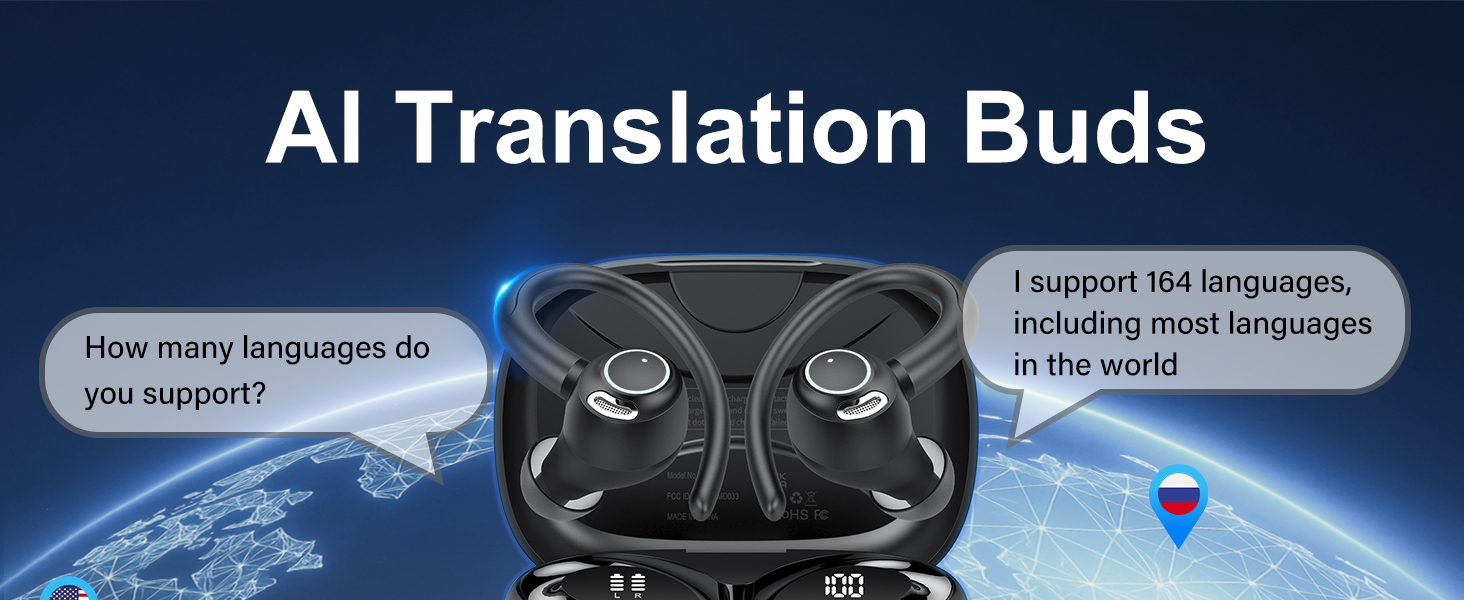
Image: A graphic highlighting the AI Translation Buds' support for 164 languages and over 98% translation accuracy, with a world map background and language location pins.
Package Contents
Upon unboxing your Jesebang AI Translation Earbuds YT18, please ensure all the following items are present:
- 1x Language Translator Earbuds (Pair)
- 1x Charging Box
- 3x Pairs of Earplugs (S/M/L)
- 1x User Manual
- 1x USB-C Charging Cable
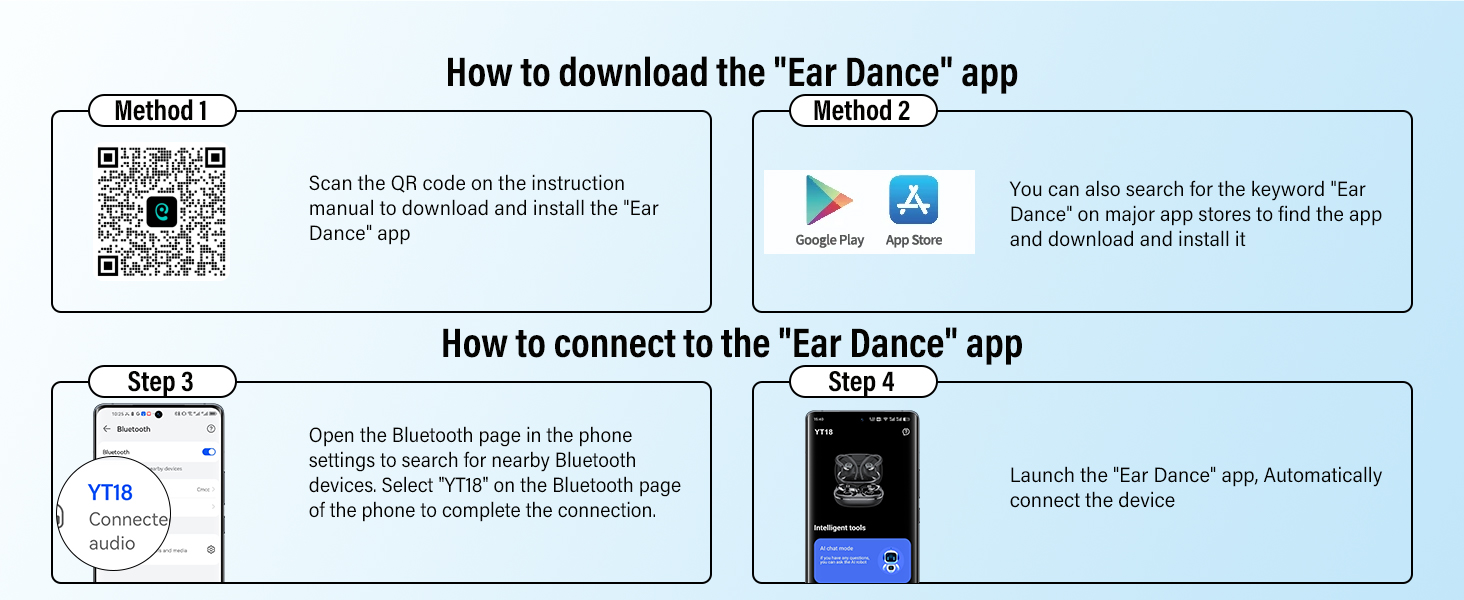
Image: A flat lay display of the Jesebang YT18 AI True Wireless Earbuds package contents, including the earbuds, charging case, user guide, and USB-C charging cable.
Getting Started
Charging the Earbuds and Case
Before first use, fully charge the earbuds and the charging case. Connect the provided USB-C charging cable to the charging case and a compatible power source. The LED digital display on the case will indicate the charging status and battery levels.
- Full charge time: Approximately 1.5 hours.
- Single earbud playback: Up to 8 hours.
- Total playback with charging case: Up to 48 hours.

Image: A visual representation of the earbuds' battery life, indicating 8 hours of single listening time and 48 hours total with the charging case, along with icons for earbud and case battery displays.
Downloading and Connecting to the EarDance App
The EarDance app is essential for utilizing the full translation capabilities of your earbuds. It is compatible with both iOS and Android devices.
- Method 1 (QR Code): Scan the QR code found in the physical instruction manual or on the product packaging to directly download and install the "EarDance" app.
- Method 2 (App Store Search): Search for "EarDance" in your device's app store (Google Play Store for Android or Apple App Store for iOS) and download the official application.
- Bluetooth Pairing: Open the Bluetooth settings on your phone. Search for nearby Bluetooth devices and select "YT18" to complete the connection.
- App Connection: Launch the "EarDance" app. The app will automatically detect and connect to your YT18 earbuds.
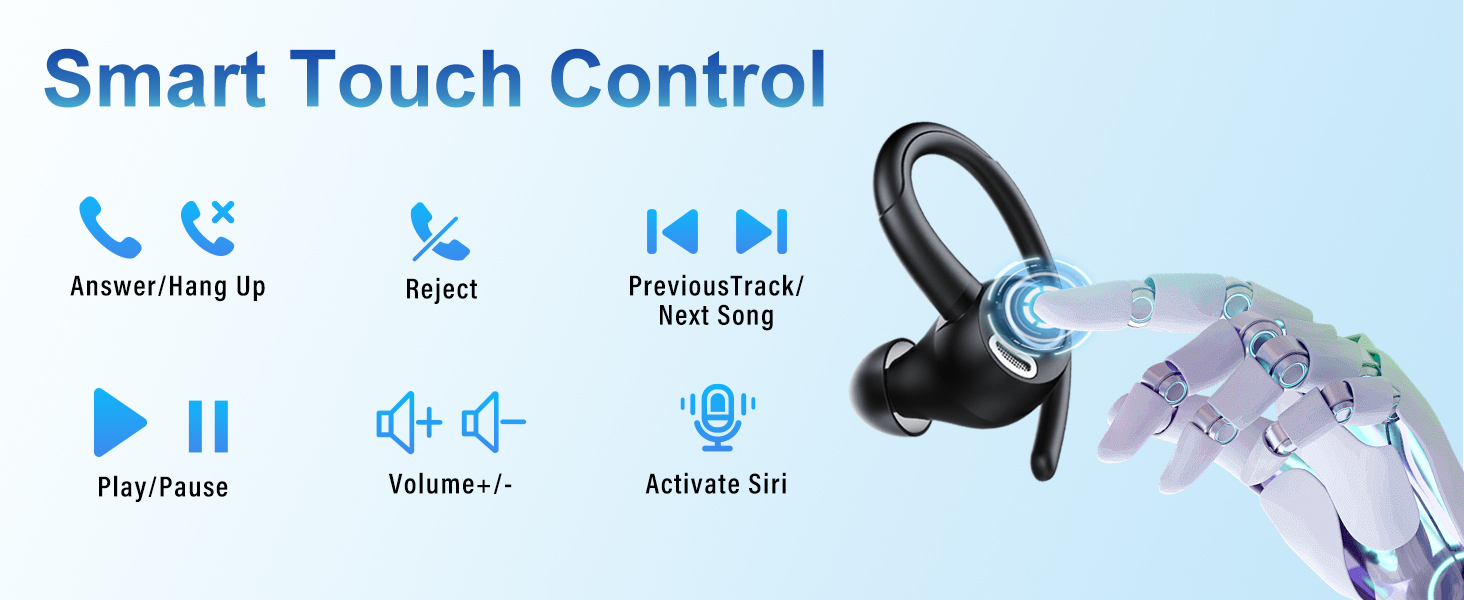
Image: A step-by-step guide on how to download the EarDance app using a QR code or app store search, and how to connect the YT18 earbuds via Bluetooth and within the app.
For direct app download, visit: EarDance App Download
Operating Your Earbuds
Translation Modes
The Jesebang YT18 earbuds offer 7 distinct translation modes through the EarDance app:
- Free Conversation Mode: Provides automatic real-time voice translation for natural, flowing conversations.
- Headset+Phone Mode: Enables smooth two-way communication where one person uses the headset and the other uses the phone.
- Voice Memo Mode: Instantly converts spoken words into text.
- Speaker Mode: Plays translations out loud, useful for group interactions.
- Camera Mode: Translates text captured through your phone's camera.
- Video Mode: Offers real-time audio and subtitle translation for videos.
- AI Chat: An interactive mode for fun and engaging language learning.

Image: A detailed graphic showcasing the seven distinct modes available with the Jesebang translation earbuds: AI Chat, Free Talk, Translation Machine, Headphones + Phone, Voice Note, Audio and Video Translation, and Photo Translation.
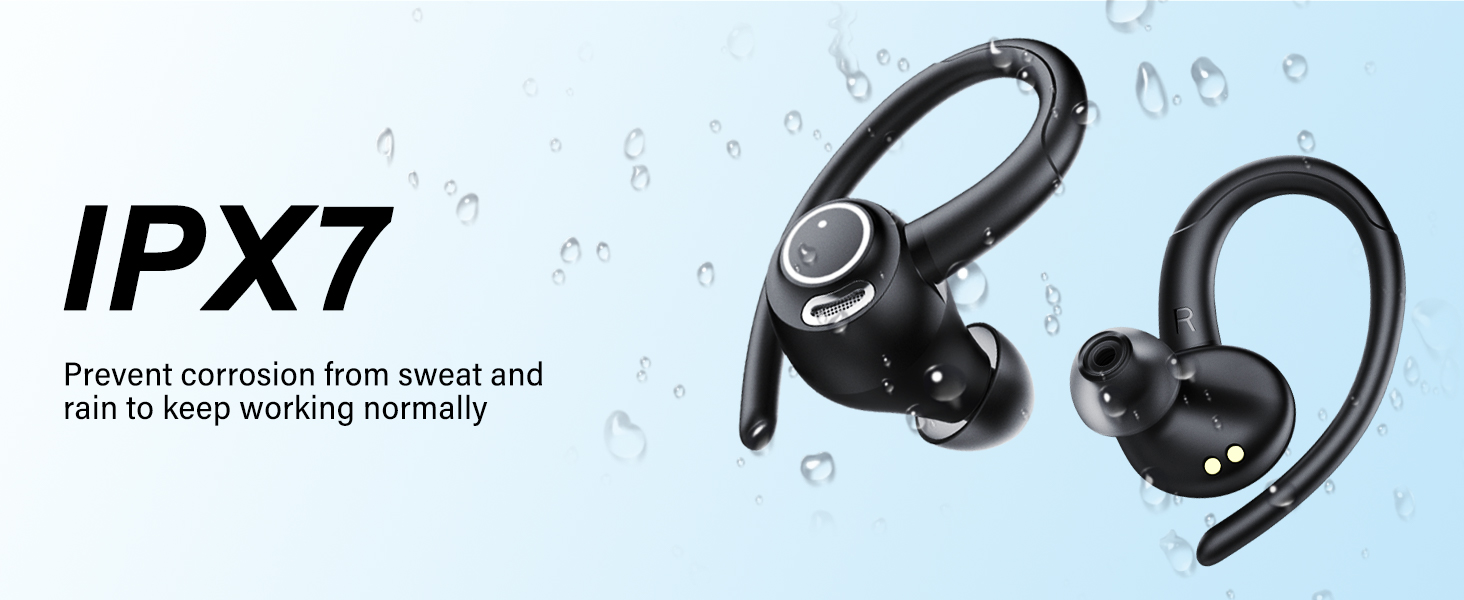
Image: This image depicts three primary use cases for the earbuds: listening to music, engaging in real-time translation, and making phone calls, highlighting their versatile 3-in-1 functionality.
Smart Touch Control
The earbuds feature intuitive touch controls for various functions:
- Answer/Hang Up Call: Single tap.
- Reject Call: Long press.
- Play/Pause Music: Single tap.
- Previous/Next Song: Double tap left/right earbud.
- Volume +/-: Triple tap left/right earbud.
- Activate Voice Assistant (Siri/Google Assistant): Long press.
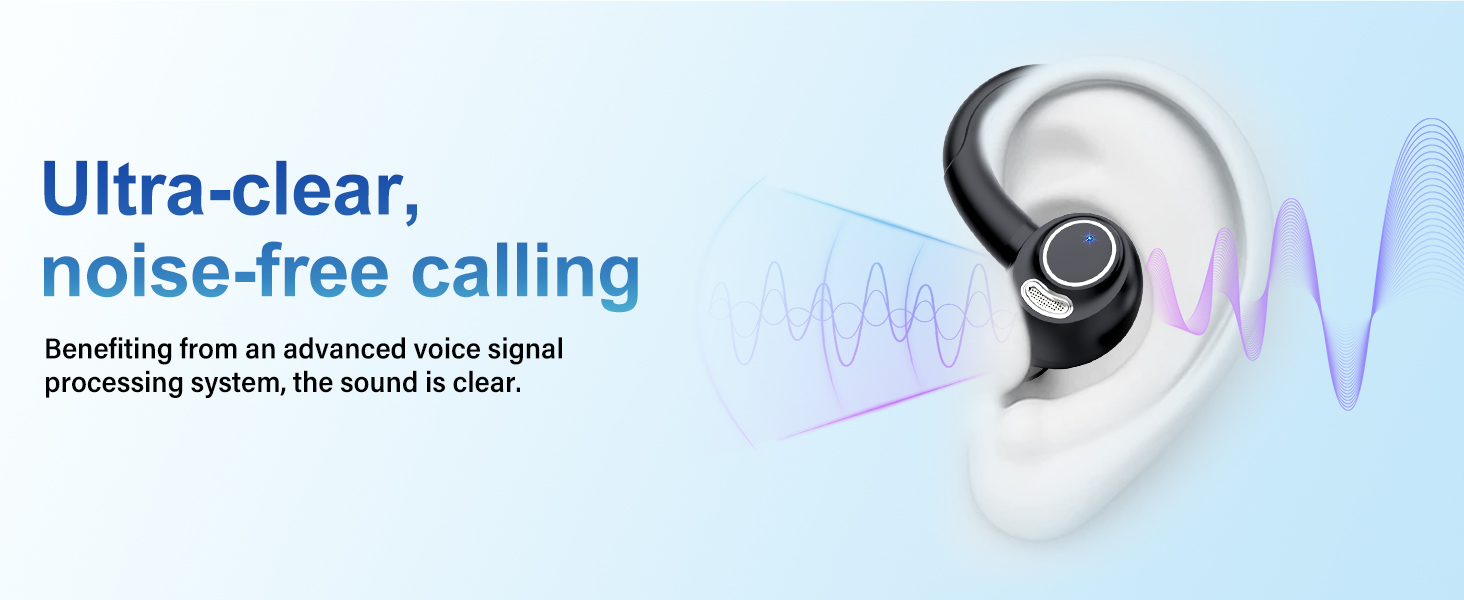
Image: A visual guide to the smart touch controls on the earbud, showing icons for answering/hanging up calls, rejecting calls, playing/pausing, skipping tracks, adjusting volume, and activating Siri.
Care and Maintenance
To ensure the longevity and optimal performance of your Jesebang AI Translation Earbuds YT18, follow these care instructions:
- Cleaning: Regularly wipe the earbuds and charging case with a soft, dry, lint-free cloth. Do not use abrasive cleaners or solvents.
- Water Resistance: The earbuds are IPX7 waterproof, meaning they are protected against immersion in water up to 1 meter for 30 minutes. They are resistant to sweat and rain, but not suitable for swimming or showering. Ensure they are dry before placing them back in the charging case.
- Storage: Store the earbuds in their charging case when not in use to protect them from dust and damage. Keep them in a cool, dry place away from extreme temperatures.
- Battery Care: Avoid fully depleting the battery for extended periods. Charge them regularly, even if not in frequent use, to maintain battery health.
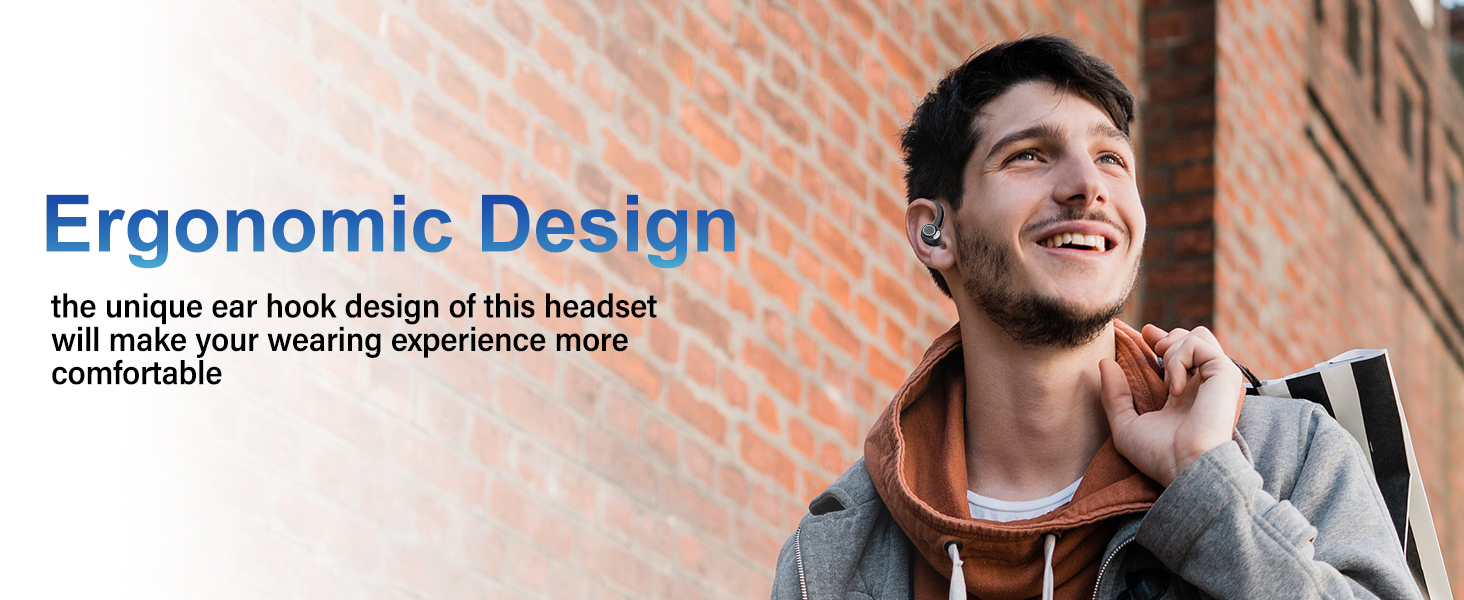
Image: A visual representation of the earbuds' IPX7 waterproof rating, showing water droplets around them, indicating their resistance to sweat and rain for normal operation.
Troubleshooting
If you encounter any issues with your Jesebang AI Translation Earbuds YT18, please refer to the following common solutions:
- Earbuds not pairing/connecting:
- Ensure both earbuds are charged.
- Turn off and on your device's Bluetooth.
- Forget "YT18" in your device's Bluetooth settings and re-pair.
- Place earbuds back in the case, close, wait a few seconds, then open and try again.
- No sound or low volume:
- Check the volume level on both your earbuds (via touch control) and your connected device.
- Ensure earbuds are properly seated in your ears.
- Clean any debris from the earbud mesh.
- Translation not working or inaccurate:
- Ensure the EarDance app is open and connected to the earbuds.
- Check your internet connection, as translation requires online processing.
- Verify that the correct source and target languages are selected in the app.
- Speak clearly and at a moderate pace.
- Charging issues:
- Ensure the USB-C cable is securely connected to both the case and the power source.
- Try a different USB-C cable or power adapter.
- Clean the charging contacts on the earbuds and inside the case with a dry cotton swab.
Technical Specifications
| Feature | Specification |
|---|---|
| Model Number | YT18 |
| Package Dimensions | 4.09 x 3.94 x 1.54 inches |
| Item Weight | 4.8 ounces |
| Bluetooth Version | 5.4 |
| Battery Type | 1 AAA batteries (included) |
| Single Earbud Playback | Up to 8 hours |
| Total Playback (with case) | Up to 48 hours |
| Charging Time | Approx. 1.5 hours |
| Waterproof Rating | IPX7 |
| Speaker Size | 14.2mm Hi-Fi drivers |
| Noise Cancellation | ENC (Environmental Noise Cancellation) |
| Manufacturer | Shenzhen modu Acoustic Technology Co., Ltd |
| Date First Available | June 24, 2025 |
Warranty and Support
Jesebang products are manufactured with high-quality standards. For warranty information and customer support, please refer to the contact details provided on the product packaging or visit the official Jesebang website. Keep your purchase receipt for warranty claims.
For further assistance, you may also contact the seller directly through the platform where the product was purchased.
Related documentsYT18

Ask a question about this manual
Ask about setup, troubleshooting, compatibility, parts, safety, or missing instructions. Manuals+ will review the question and use this page’s manual context to help answer it.