
Introduction
Thank you for choosing the ZEBRONICS Transformer M Plus Wired Gaming Mouse. This manual provides detailed instructions for setting up, operating, and maintaining your new gaming mouse to ensure optimal performance and an enhanced gaming experience. Please read this manual thoroughly before use.
Package Contents
- ZEBRONICS Transformer M Plus Wired Gaming Mouse
- USB to Type C Cable (1.5m detachable)
Product Overview
The ZEBRONICS Transformer M Plus is a high-performance wired gaming mouse designed for precision and comfort. It features 6 programmable buttons, a 6-level DPI switch, and 8 RGB lighting modes.
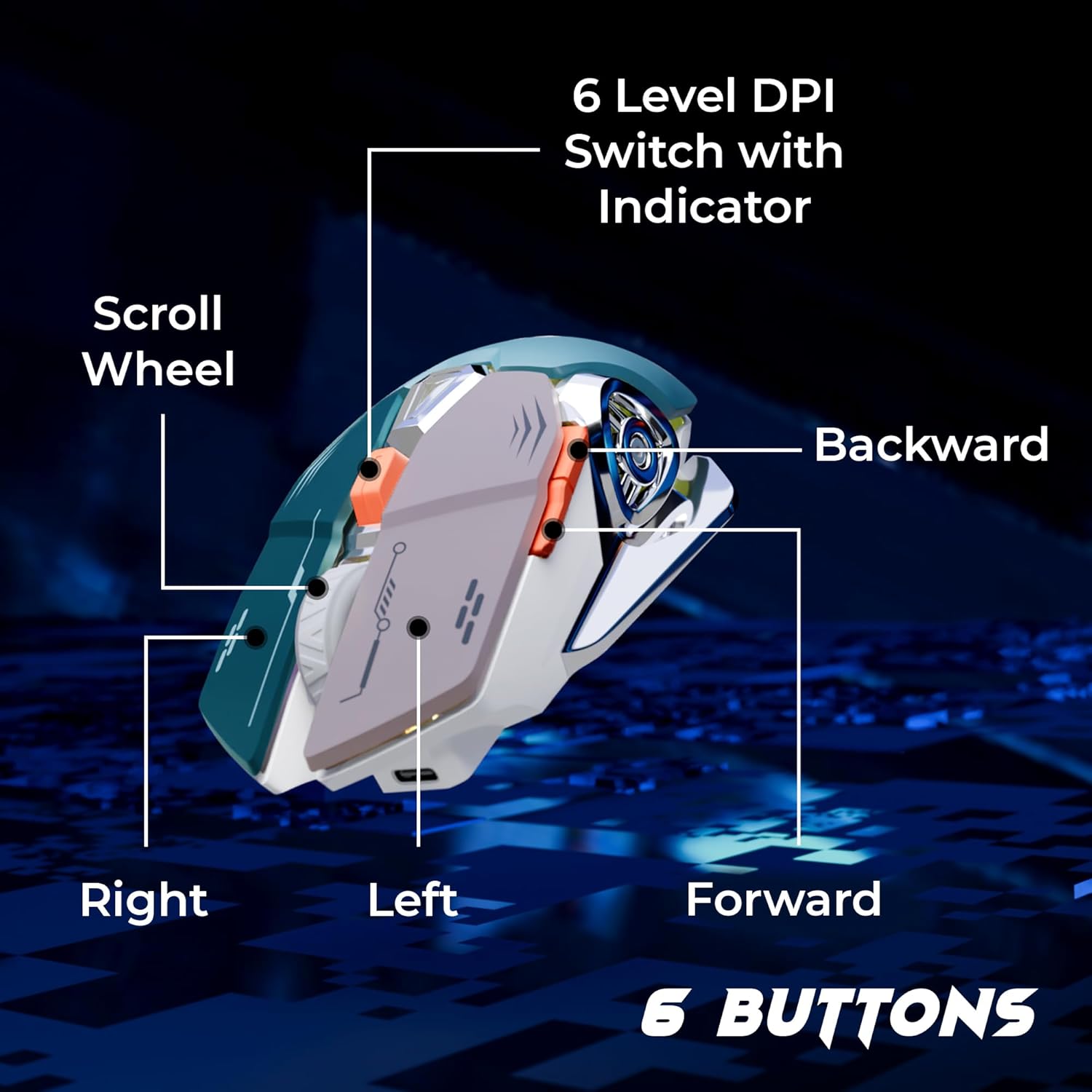
Image: Overview of the mouse buttons, including Left, Right, Scroll Wheel, Forward, Backward, and 6-Level DPI Switch with Indicator.
- Left Click Button: Standard left mouse button function.
- Right Click Button: Standard right mouse button function.
- Scroll Wheel: For scrolling and middle-click function.
- Forward Button: Navigates forward in web browsers or applications.
- Backward Button: Navigates backward in web browsers or applications.
- DPI Switch Button: Cycles through 6 customizable DPI levels.
Setup
- Connect the Cable: Attach the USB to Type C cable to the mouse's Type C port.
- Plug into Computer: Insert the USB-A end of the cable into an available USB port on your computer.
- Driver Installation: The mouse is plug-and-play. Your operating system will automatically detect and install the necessary drivers. No additional software installation is required for basic functionality.

Image: The detachable 1.5-meter USB to Type C cable and its USB-A connector for computer connection.
Operating Instructions
DPI Adjustment
The mouse features a 6-level DPI switch, allowing you to adjust cursor sensitivity on the fly. Press the DPI button (located behind the scroll wheel) to cycle through the available DPI settings. An indicator light will change to show the current DPI level.
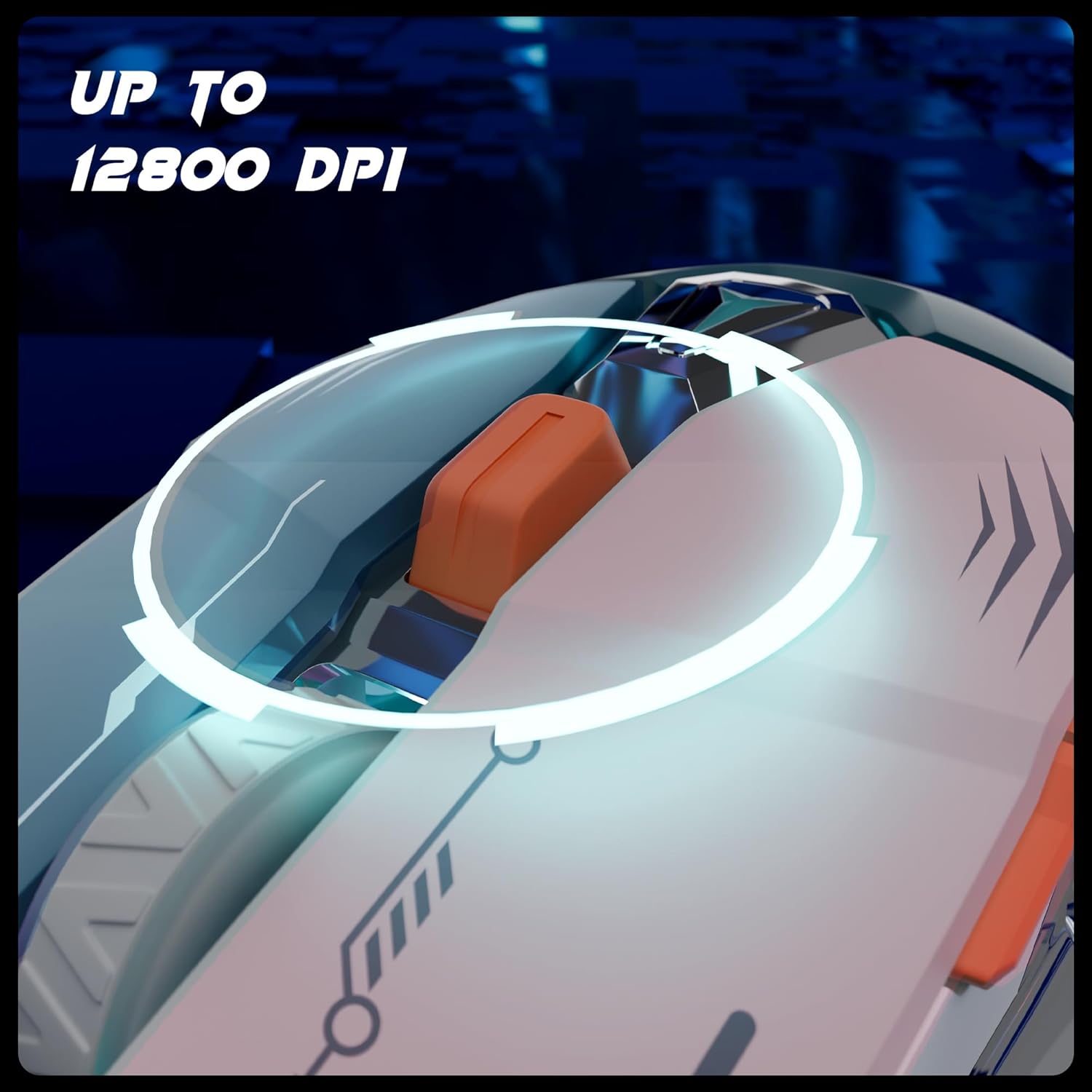
Image: The DPI switch button and its function, enabling quick sensitivity changes up to 12800 DPI.
The mouse supports up to 12800 DPI for ultra-fast tracking and precise cursor movement.
RGB Lighting Modes
Customize your gaming setup with 8 dynamic RGB lighting modes. A dedicated button (often combined with the DPI button or a separate button on the mouse) allows you to cycle through these modes. Refer to the product's specific button layout for the RGB control button.
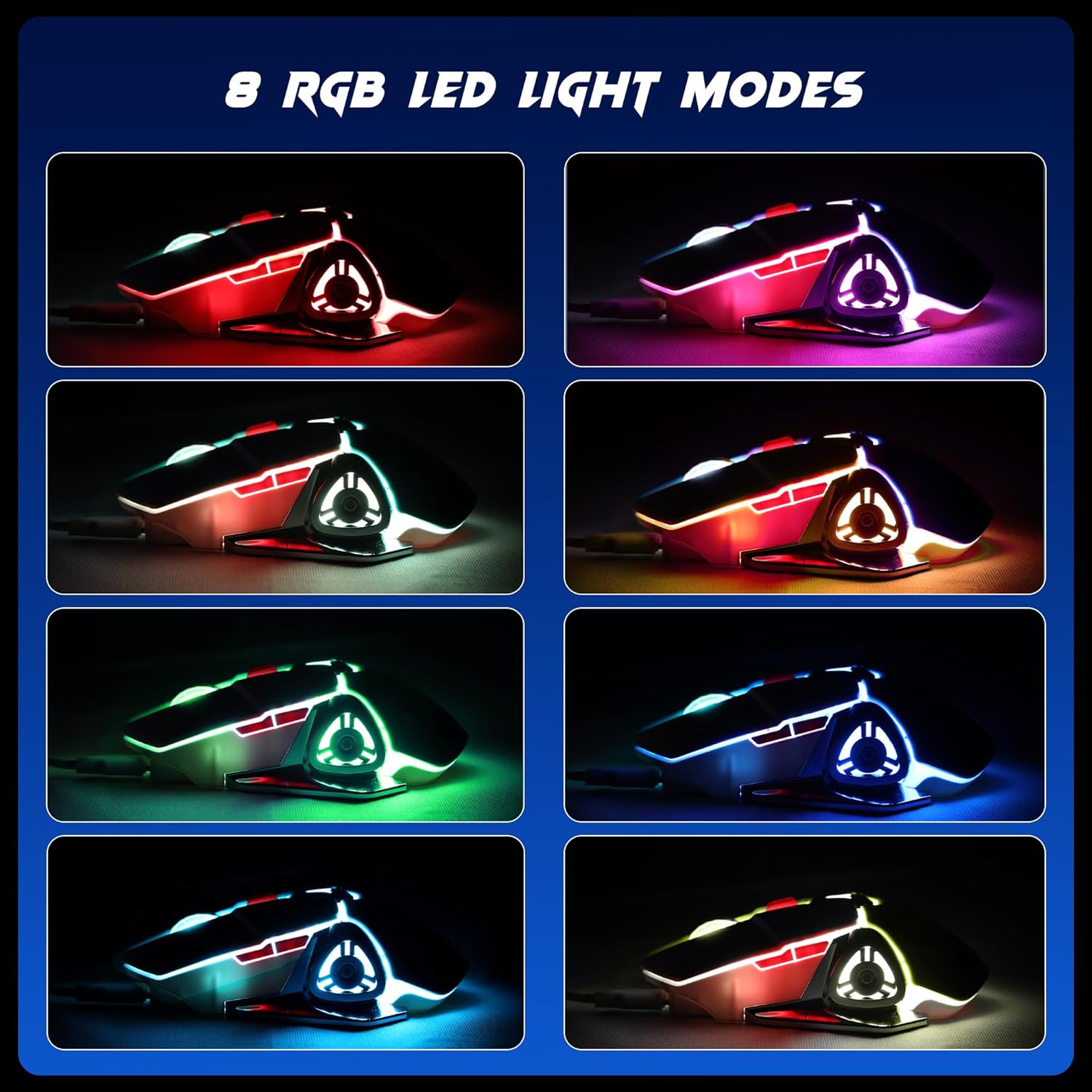
Image: Visual representation of the 8 distinct RGB LED light modes available on the mouse.
Polling Rate
The mouse operates at a 1000Hz polling rate, ensuring a rapid response time and minimal input lag for smoother gameplay.

Image: Illustration of the mouse's 1000Hz polling rate and high accuracy tracking.
Maintenance
- Cleaning: Use a soft, dry cloth to clean the mouse. Avoid using harsh chemicals or abrasive materials.
- Cable Care: Handle the detachable cable carefully. Avoid sharp bends or excessive pulling to prevent damage.
- Storage: Store the mouse in a dry, dust-free environment when not in use.
Troubleshooting
- Mouse Not Responding:
- Ensure the USB cable is securely connected to both the mouse and the computer.
- Try plugging the mouse into a different USB port on your computer.
- Restart your computer.
- Tracking Issues:
- Clean the optical sensor on the underside of the mouse with a soft cloth.
- Ensure you are using the mouse on a suitable surface (e.g., a mouse pad).
- Adjust the DPI settings using the DPI switch button.
- RGB Lights Not Working:
- Ensure the mouse is properly connected and powered.
- Cycle through the RGB modes using the dedicated button to see if it responds.
Specifications
| Feature | Detail |
|---|---|
| Brand | ZEBRONICS |
| Model Number | ZEB TRANSFORMER M PLUS |
| Connectivity Technology | USB Wired |
| Movement Detection Technology | Optical |
| DPI Range | Up to 12800 DPI (6-level switch) |
| Polling Rate | 1000Hz |
| Number of Buttons | 6 |
| RGB Lighting | 8 Modes |
| Cable Length | 1.5m (Detachable) |
| Dimensions (LxWxH) | 13 x 8.3 x 0.1 Centimeters |
| Item Weight | 111 g |
| Power Source | USB Powered |
| Country of Origin | China |
Warranty and Support
For warranty information, technical support, or service inquiries, please refer to the warranty card included with your product or visit the official ZEBRONICS website. Keep your purchase receipt for warranty claims.
Official ZEBRONICS Website: www.zebronics.com
