
ZEBRONICS ZEB TRANSFORMER M PLUS
Zebronics Transformer M Plus Wired Gaming Mouse
User Manual
Introduction
This manual provides instructions for the setup, operation, and maintenance of your Zebronics Transformer M Plus Wired Gaming Mouse. Please read this manual thoroughly before using the product to ensure optimal performance and longevity.
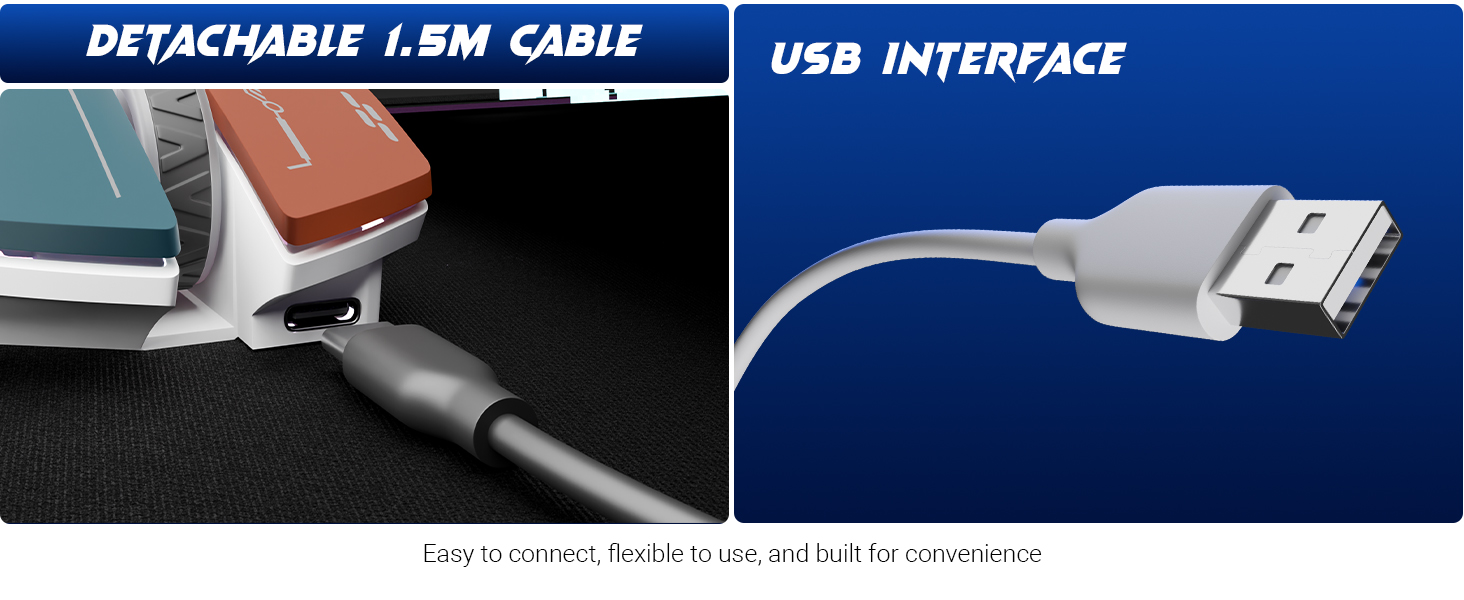
Image: The Zebronics Transformer M Plus Gaming Wired Mouse, showcasing its design.
Package Contents
Verify that all items are present in the package:
- Mouse
- USB to Type C Cable
Features
- Adjustable DPI: Up to 12800 DPI for precise tracking.
- High Polling Rate: 1000Hz polling rate for responsive input.
- 6-Level DPI Switch: On-the-fly DPI adjustment with indicator.
- RGB Lighting: 8 dynamic RGB lighting modes.
- 6 Buttons: Includes dedicated forward, backward, and DPI buttons.
- Detachable Cable: 1.5-meter detachable USB to Type-C cable.
- Gaming Grade Sensor: High-resolution sensor for accurate tracking.
- Ergonomic Design: Shaped for comfortable use during extended sessions.
Setup
- Connect the Type-C end of the provided cable to the mouse.
- Connect the USB-A end of the cable to an available USB port on your computer.
- The mouse will be automatically detected and installed by your operating system.
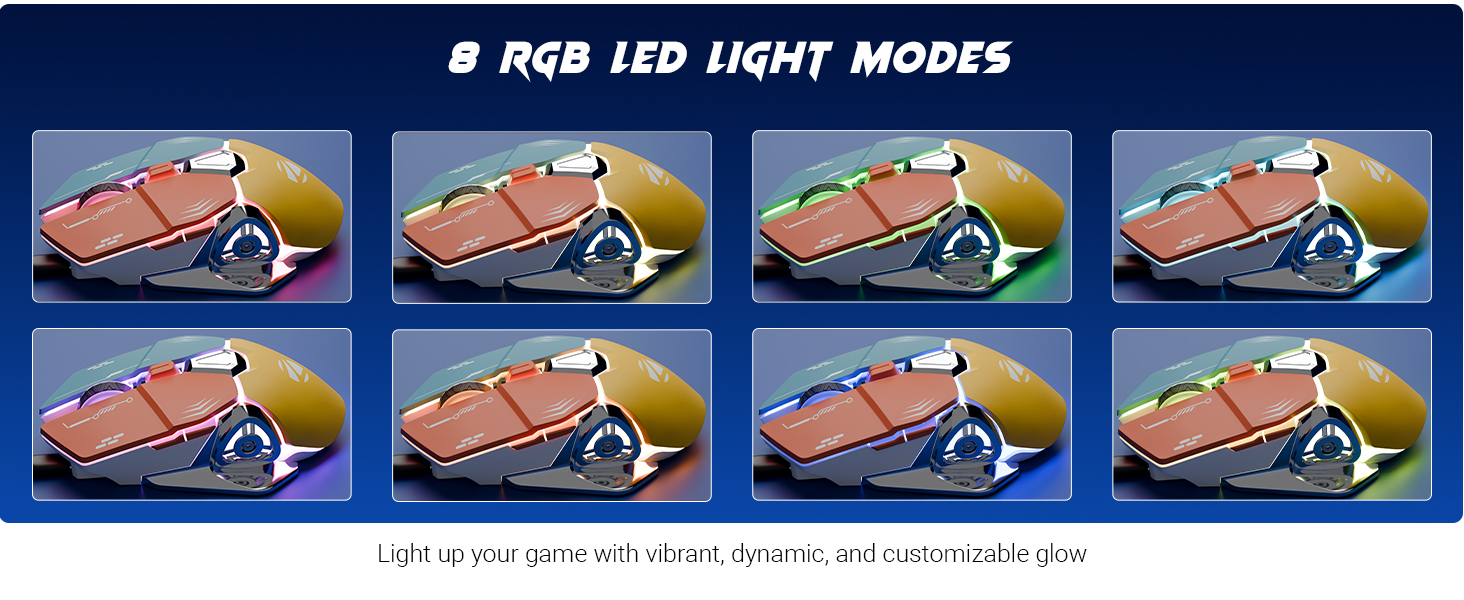
Image: Illustration of the detachable 1.5m cable and the USB interface for connection.
Operating Instructions
DPI Adjustment
The mouse features a 6-level DPI switch, allowing you to change sensitivity on the fly. Press the DPI button (usually located behind the scroll wheel) to cycle through the available DPI settings. An indicator light will show the current DPI level.
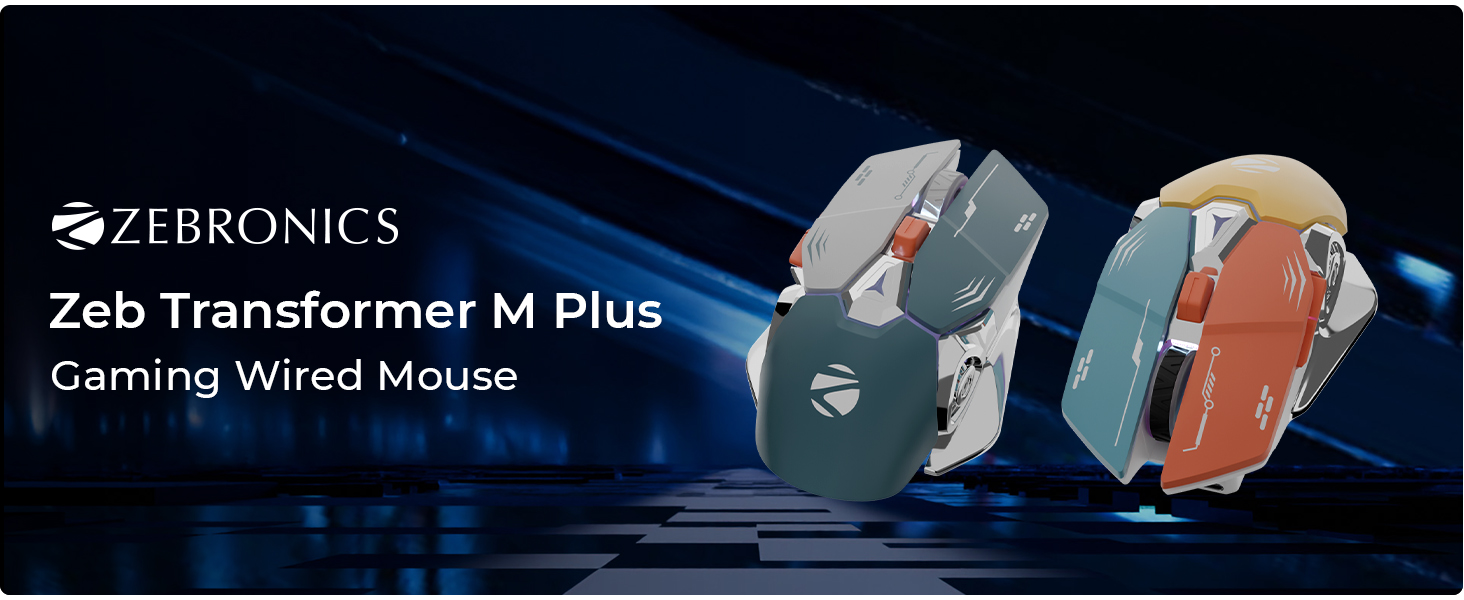
Image: Close-up of the mouse highlighting the DPI switch and its function, indicating up to 12800 DPI.
RGB Lighting Modes
The mouse includes 8 dynamic RGB lighting modes. Use the dedicated RGB control button (refer to the button layout image) to cycle through these modes and customize the mouse's appearance.
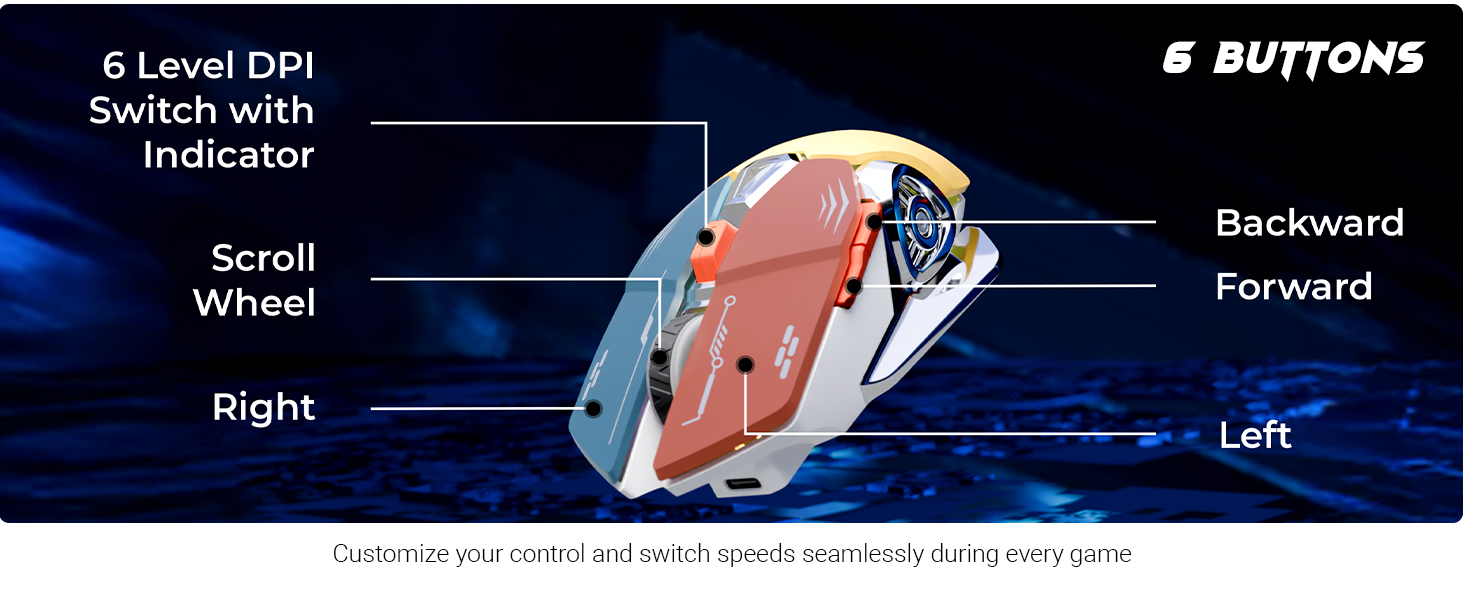
Image: Visual representation of the 8 different RGB LED light modes available on the mouse.
Button Functions
The Zebronics Transformer M Plus mouse features 6 buttons for enhanced control:
- Left Click: Standard primary action.
- Right Click: Standard secondary action.
- Scroll Wheel: Scroll up/down, and middle click.
- Forward Button: Navigates forward in web browsers or file explorers.
- Backward Button: Navigates backward in web browsers or file explorers.
- DPI Switch: Adjusts mouse sensitivity (DPI levels).
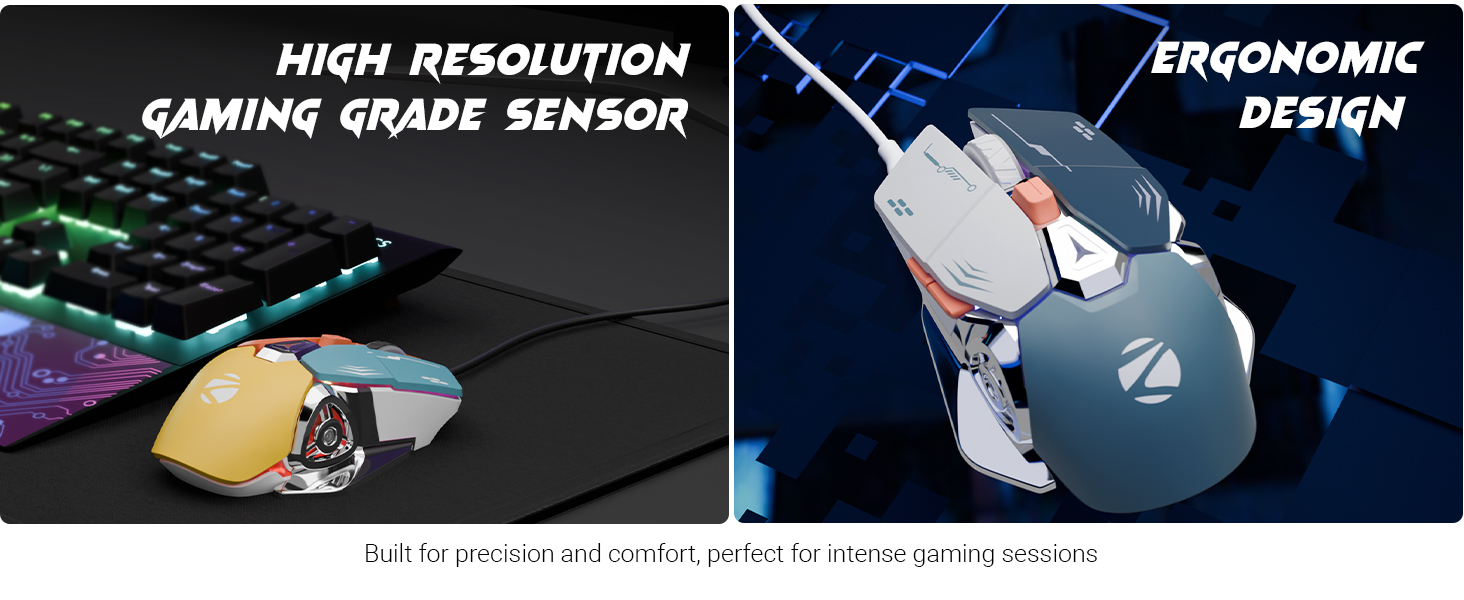
Image: Diagram illustrating the 6-button layout of the mouse, labeling the scroll wheel, DPI switch, left, right, forward, and backward buttons.
Polling Rate and Accuracy
The mouse operates at a 1000Hz polling rate, ensuring rapid response times. Its high-accuracy sensor provides precise tracking for various applications.
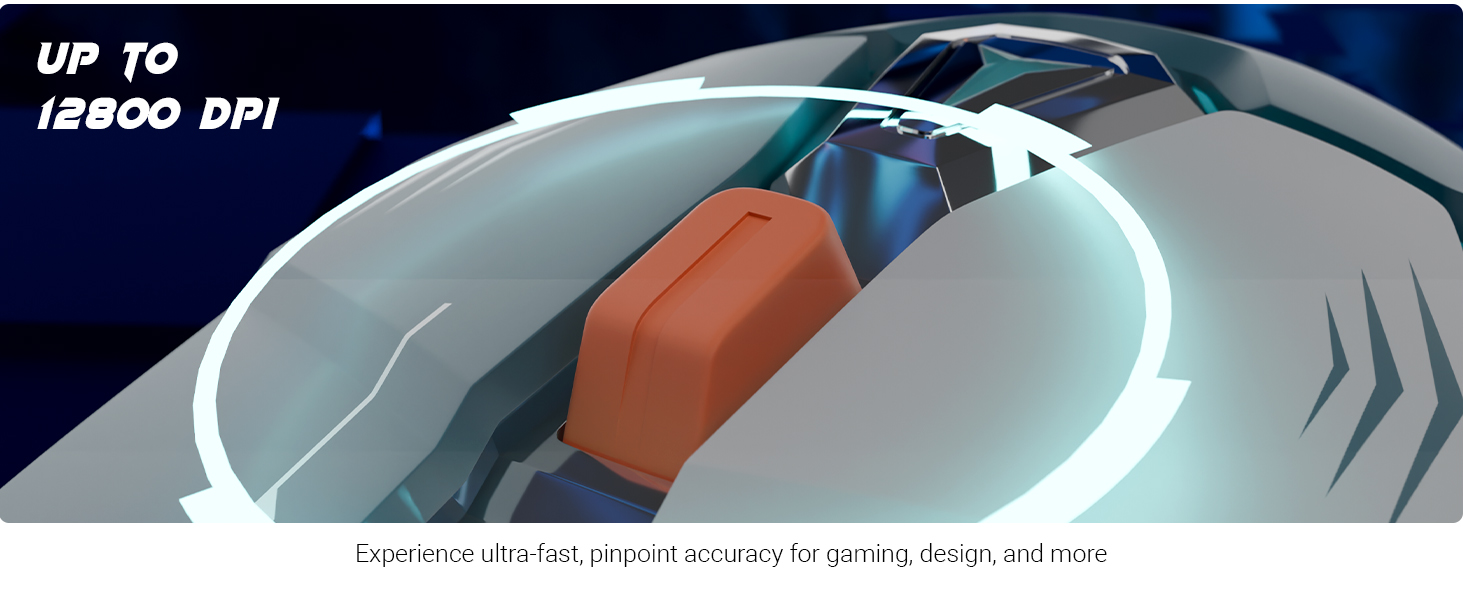
Image: Visuals demonstrating the 1000Hz polling rate and high accuracy features of the mouse.
Ergonomic Design and Sensor
The mouse is designed for comfort during prolonged use, featuring an ergonomic shape. It is equipped with a high-resolution gaming-grade sensor for reliable performance.
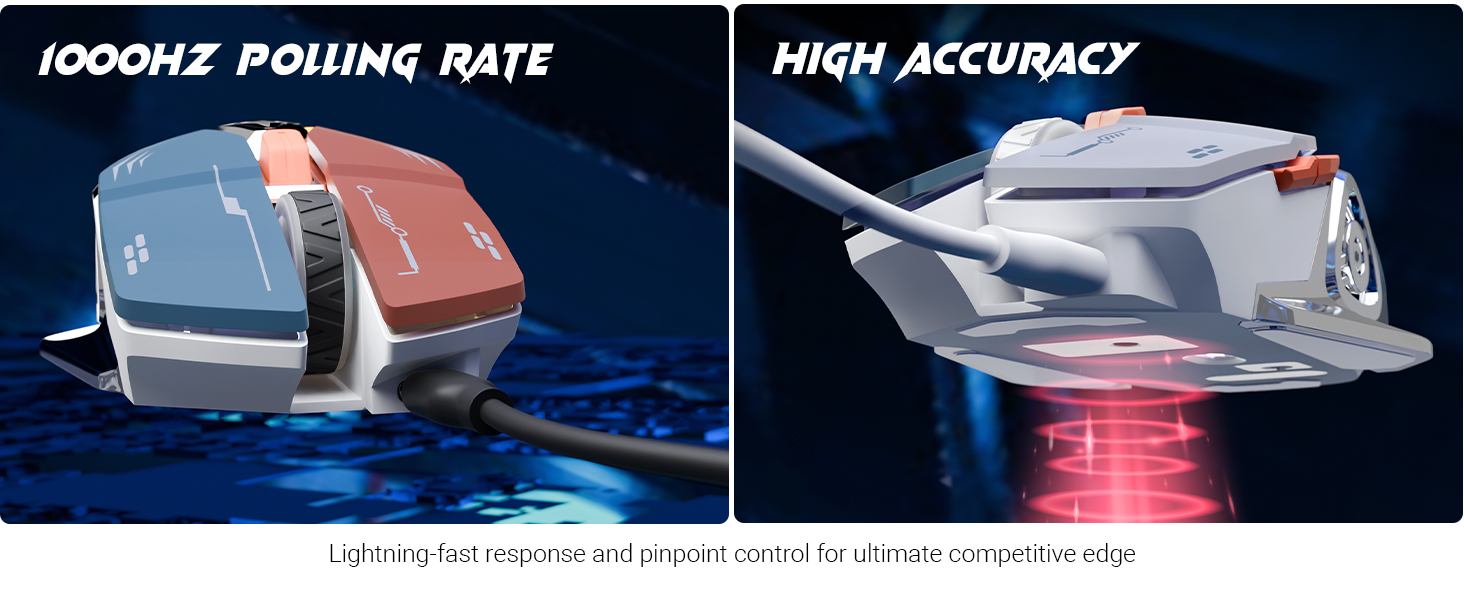
Image: Depiction of the mouse's high-resolution gaming-grade sensor and its ergonomic design for user comfort.
Product Overview Video
Video: An overview of the Zebronics Transformer M Plus mouse, highlighting its key features and design elements.
Maintenance
- Keep the mouse clean by wiping it with a soft, dry cloth.
- Avoid using harsh chemicals or abrasive cleaners.
- Do not expose the mouse to excessive moisture or extreme temperatures.
- Ensure the cable is not bent sharply or tangled to prevent damage.
Troubleshooting
- Mouse not responding:
- Check if the USB cable is securely connected to both the mouse and the computer.
- Try connecting the mouse to a different USB port.
- Restart your computer.
- DPI not changing:
- Ensure you are pressing the correct DPI switch button.
- Verify that the indicator light changes when pressing the DPI button.
- RGB lights not working:
- Check if the mouse is properly connected and powered.
- Press the RGB control button to cycle through modes.
Specifications
| Brand | ZEBRONICS |
| Model Number | ZEB TRANSFORMER M PLUS |
| Connectivity Technology | USB (Wired) |
| Movement Detection Technology | Optical |
| DPI Range | Up to 12800 DPI |
| Polling Rate | 1000Hz |
| Number of Buttons | 6 |
| RGB Modes | 8 |
| Cable Length | 1.5 meters (Detachable) |
| Item Weight | 111 g |
| Product Dimensions (LxWxH) | 13 x 8.3 x 0.1 cm |
| Included Components | Mouse, USB to Type C Cable |
| Country of Origin | China |
Warranty and Support
For warranty information and technical support, please refer to the official Zebronics website or contact their customer service. Keep your purchase receipt for warranty claims.
Official Zebronics Website: www.zebronics.com
Related documentsZEB TRANSFORMER M PLUS

Ask a question about this manual
Ask about setup, troubleshooting, compatibility, parts, safety, or missing instructions. Manuals+ will review the question and use this page’s manual context to help answer it.