
1. Introduction
This manual provides instructions for the Care Bears Grumpy Bear Digital Pet. This interactive virtual pet allows users to care for and play with a digital Grumpy Bear character. Please read this manual thoroughly to ensure proper use and enjoyment of your digital pet.

Image: Front and back view of the Grumpy Bear Digital Pet.
2. Safety Information
WARNING: CHOKING HAZARD - Small Parts. Not for children under 3 years.
This product contains small parts and is not suitable for young children. Adult supervision is recommended during use, especially for younger users.
3. Package Contents
- 1 x Care Bears Grumpy Bear Digital Pet
- 1 x Nonstandard Battery (pre-installed)
4. Setup
4.1. Battery Installation
Your Care Bears Digital Pet comes with a pre-installed nonstandard battery. If replacement is needed:
- Locate the battery compartment on the back of the device.
- Using a small screwdriver (not included), open the battery compartment.
- Remove the old battery and insert a new nonstandard battery, ensuring correct polarity.
- Securely close the battery compartment.
4.2. Initial Power-On
Press the power button (usually marked with a circle and line symbol) to turn on your digital pet. The screen will display the initial setup sequence.

Image: Front and back view of the Grumpy Bear Digital Pet, indicating that a battery is included.
5. Operating Instructions
The Care Bears Digital Pet features an interactive display screen and several control buttons for interaction.

Image: Detailed view of the digital pet's features, including the screen, buttons, and keychain attachment.
5.1. Basic Interactions
- Feed: Select the food icon to provide meals to your Grumpy Bear.
- Nurture: Engage in activities to comfort and care for your bear.
- Play: Access mini-games to keep your bear entertained and happy.
- Clean: Ensure your bear's environment is clean.
- Grow: Observe your Grumpy Bear's development as you care for it.

Image: Visual representation of the main care activities available on the digital pet's screen.
5.2. Control Buttons
The device typically features three or four primary buttons for navigation and selection:
- Select Button: Used to confirm choices or enter menus.
- Navigation Buttons (Left/Right or Up/Down): Used to scroll through options or move characters in games.
- Cancel/Back Button: Used to exit menus or cancel actions.
Refer to the on-screen prompts for specific button functions during gameplay and interaction.
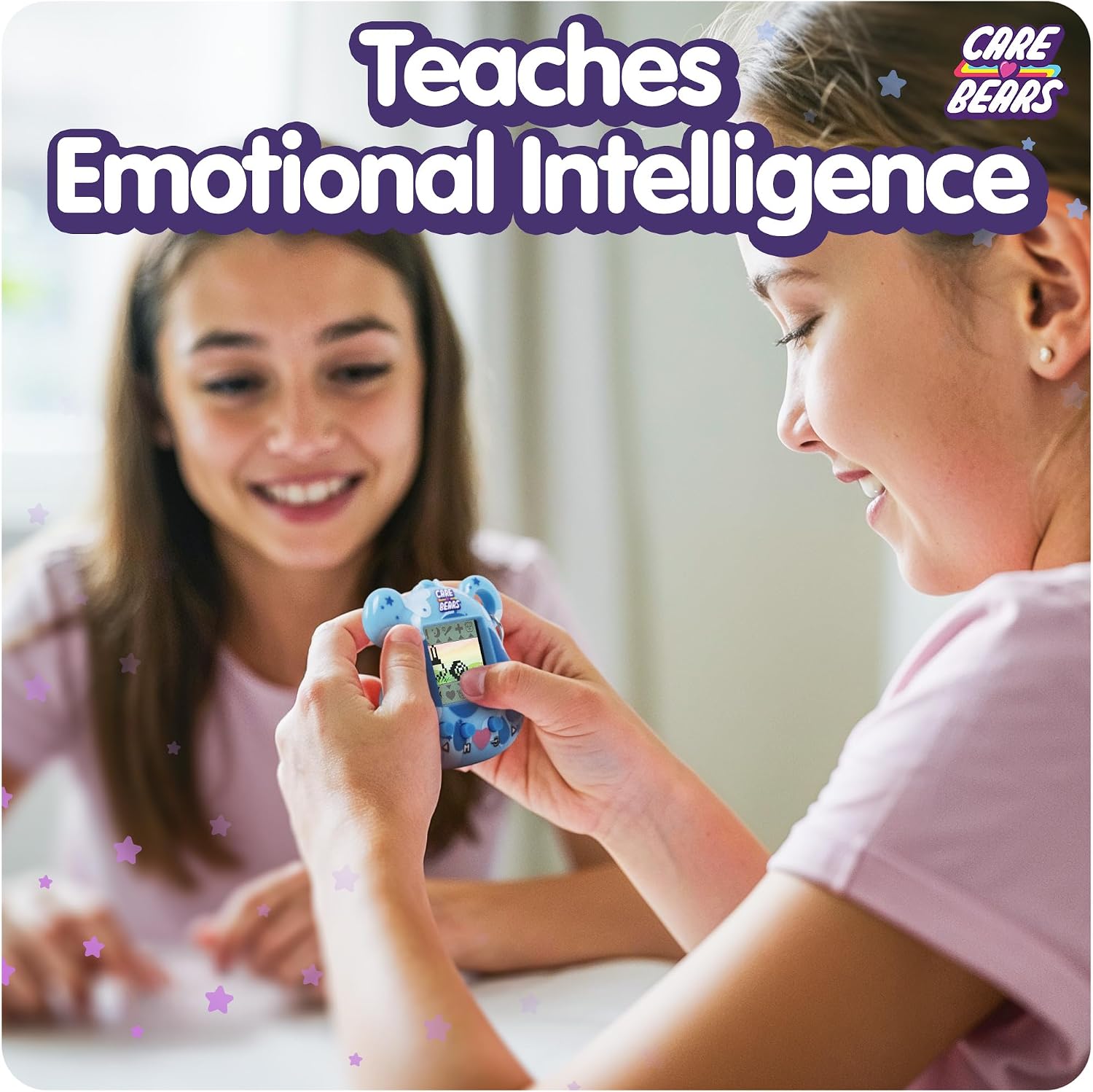
Image: Children engaging with the digital pet.
6. Gameplay
The Care Bears Digital Pet includes mini-games designed to engage users and keep Grumpy Bear happy. These games contribute to your bear's overall well-being and growth.
6.1. Mini-Games
- Path Navigation Game: Guide your bear to avoid obstacles. Three strikes result in a loss.
- Card Matching Game: Match pairs of cards within a time limit.
Winning games increases your bear's happiness. Even if you do not win, participation in games can positively affect your bear's mood.
7. Maintenance
7.1. Cleaning
To clean your digital pet, gently wipe the surface with a soft, dry cloth. Do not use liquid cleaners or immerse the device in water.
7.2. Battery Replacement
When the battery is low, the device may display a low battery indicator or cease to function. Replace the battery as described in Section 4.1.
8. Troubleshooting
| Problem | Possible Cause | Solution |
|---|---|---|
| Device does not turn on. | Low or dead battery. | Replace the battery (see Section 4.1). |
| Screen is blank or unresponsive. | Battery issue or device malfunction. | Replace battery. If problem persists, contact customer support. |
| Grumpy Bear is unhappy or sick. | Insufficient care (feeding, playing, nurturing). | Increase interaction with your digital pet by feeding, playing games, and nurturing it regularly. |
| Sound is too quiet. | Volume setting or inherent design. | Check if there's a volume control option (if available). Note that some devices may have intentionally lower sound output. |
9. Specifications
- Model Number: CB/KK1GB
- ASIN: B0FF4JRQ6R
- Product Dimensions: 2.36 x 0.79 x 2.36 inches
- Item Weight: 2.39 ounces
- Material: Plastic
- Battery: 1 Nonstandard Battery (included)
- Recommended Age: 5 years and up
- Manufacturer: Thumbs Up!
10. Warranty and Support
For warranty information or technical support, please refer to the manufacturer's official website or contact their customer service department. Keep your purchase receipt as proof of purchase.
Manufacturer: Thumbs Up!