
Introduction
The NEWSKILL Aton V2 Gaming Headset offers versatile connectivity options including 2.4G wireless, Bluetooth 5.0, and a wired USB-C connection, ensuring compatibility across multiple platforms. Designed for an immersive audio experience, it features 50mm neodymium drivers, a flexible retractable microphone for clear communication, and customizable RGB lighting. This manual provides essential information for setting up, operating, and maintaining your headset.
1. Package Contents
- NEWSKILL Aton V2 Gaming Headset
- USB-C to USB-A Charging/Data Cable
- 2.4G USB Wireless Dongle
- User Manual
2. Product Overview (Controls and Ports)
Familiarize yourself with the various controls and ports on your NEWSKILL Aton V2 headset for optimal use.

This image displays the control layout on the left earcup, including the volume adjustment wheel, power button, microphone mute switch, and a button for managing RGB lighting effects.

The underside of the left earcup features the USB-C port for charging and wired connection, alongside the dedicated port for the retractable microphone.
- Power Button: Located on the left earcup. Used to power the headset on/off and enter Bluetooth pairing mode.
- Volume Roller: A scroll wheel on the left earcup for adjusting audio output volume.
- Microphone Mute Button: A dedicated button on the left earcup to quickly mute or unmute the microphone.
- RGB Control Button: Cycles through RGB lighting modes or turns the lighting off.
- USB-C Port: For charging the headset and establishing a wired connection.
- Microphone Port: Where the retractable microphone extends from.
3. Setup and Connection
3.1. 2.4G Wireless Connection (PC, PS5, Nintendo Switch Docked)
- Insert the 2.4G USB wireless dongle into an available USB port on your device (PC, PS5, or Nintendo Switch dock).
- Press and hold the Power Button on the headset for 3 seconds to turn it on.
- The headset will automatically attempt to connect to the dongle. A solid indicator light on the headset signifies a successful connection.
- Ensure the headset is selected as the audio output and input device in your system settings.
3.2. Bluetooth 5.0 Connection (Mobile Devices, Nintendo Switch Handheld)
- Press and hold the Power Button on the headset for 3 seconds to turn it on.
- To enter Bluetooth pairing mode, press and hold the Power Button for an additional 5 seconds until the indicator light flashes rapidly (usually blue/red).
- On your mobile device or Nintendo Switch (in handheld mode), navigate to the Bluetooth settings and search for available devices.
- Select "NEWSKILL Aton V2" from the list to pair. A solid blue indicator light confirms a successful connection.
3.3. Wired Connection (USB-C)
- Connect one end of the provided USB-C cable to the USB-C port on the headset.
- Connect the other end of the USB-C cable to an available USB-C port on your device.
- The headset will function as a wired audio device. No battery power is required for wired operation.
4. Operating Instructions
4.1. Power On/Off
- Power On: Press and hold the Power Button for 3 seconds.
- Power Off: Press and hold the Power Button for 5 seconds until the indicator light turns off.
4.2. Volume Adjustment
- Rotate the Volume Roller upwards to increase the volume.
- Rotate the Volume Roller downwards to decrease the volume.
4.3. Microphone Usage
- Extend Microphone: Gently pull the microphone out from its port on the left earcup. Adjust its position for optimal voice pickup.
- Retract Microphone: Push the microphone back into its port until it is fully stored.
- Mute/Unmute: Press the Microphone Mute Button once to toggle mute on or off. An indicator light (if present) may show the mute status.
This image shows the headset with its flexible, omnidirectional microphone extended from the left earcup, positioned for clear voice communication.

The headset is shown with the microphone retracted, demonstrating its discreet storage when not in use.
4.4. RGB Lighting Control
- Press the RGB Control Button to cycle through various lighting effects or to turn the RGB lighting off.

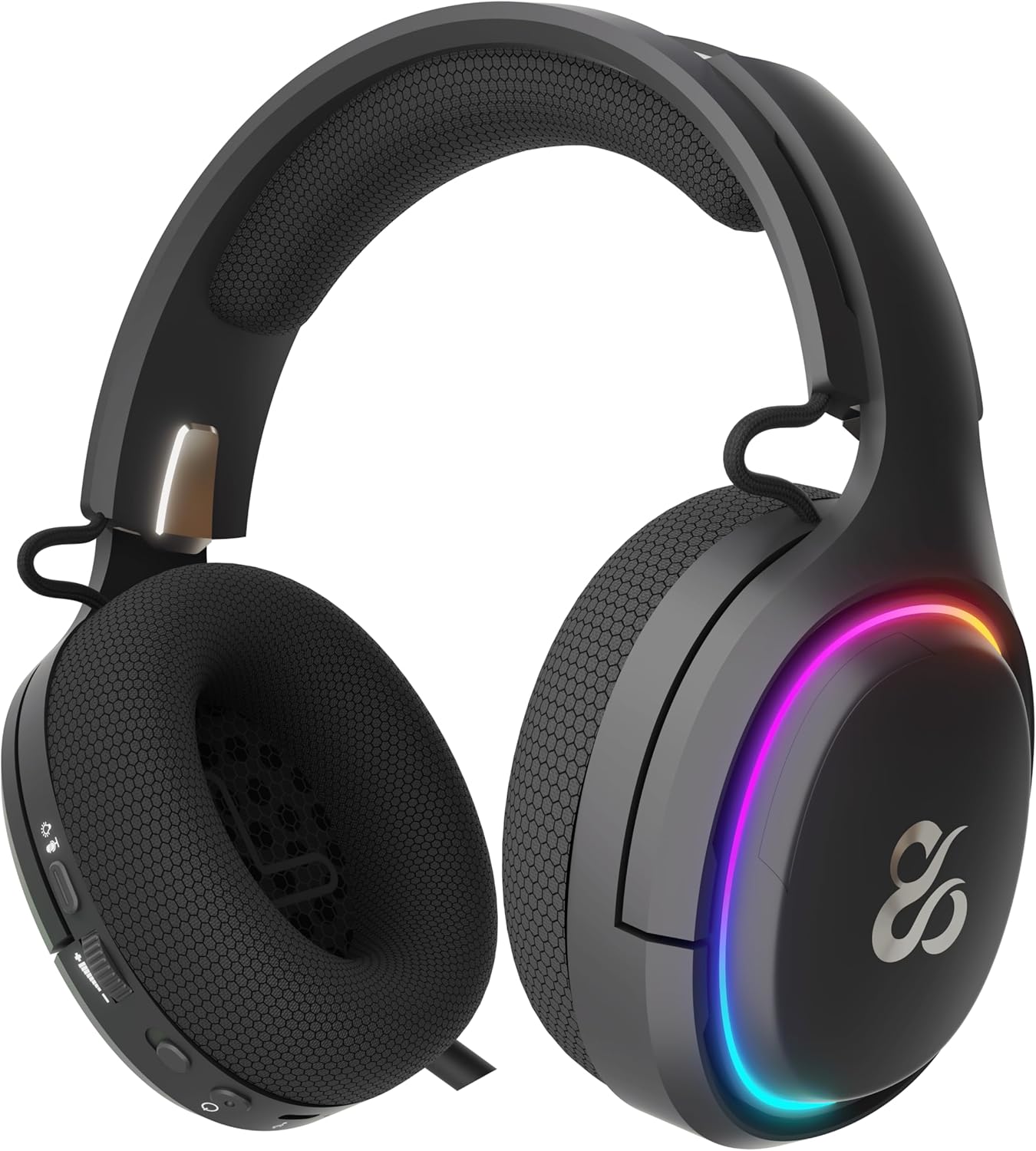
The earcup's outer ring illuminates with a colorful RGB light effect, customizable via the dedicated control button.
4.5. Charging
- Connect the provided USB-C cable to the headset's USB-C port and to a power source (e.g., computer USB port, USB wall adapter).
- The indicator light will show the charging status (e.g., red for charging, off or green for fully charged).
- A full charge provides up to 60 hours of use without RGB lighting, or 38 hours with RGB lighting enabled.
5. Maintenance
5.1. Cleaning
- Use a soft, dry, lint-free cloth to clean the headset.
- Avoid using harsh chemicals, cleaning solvents, or strong detergents.
- Do not immerse the headset in water or expose it to excessive moisture.
5.2. Storage
- Store the headset in a cool, dry place away from direct sunlight and extreme temperatures.
- Avoid placing heavy objects on the headset to prevent damage.
6. Troubleshooting
- No Sound:
- Check the headset's volume roller and ensure it is not at the minimum setting.
- Verify the headset is properly connected (2.4G dongle inserted, Bluetooth paired, or USB-C cable secure).
- Confirm the correct audio output device is selected in your computer or console's sound settings.
- Ensure the headset is charged.
- Microphone Not Working:
- Ensure the microphone is extended and not muted (check the mute button).
- Verify the correct audio input device is selected in your computer or console's sound settings.
- Test the microphone with another application or device.
- Connection Issues:
- For 2.4G wireless, try re-inserting the USB dongle and restarting the headset.
- For Bluetooth, unpair the headset from your device and then re-pair it. Ensure no other Bluetooth devices are interfering.
- For wired connection, ensure the USB-C cable is fully inserted at both ends.
- Charging Issues:
- Ensure the USB-C cable is not damaged and is securely connected.
- Try a different USB port or power adapter.
7. Specifications
- Model Number:
- NS-HS-ATONV2
- Connectivity:
- 2.4G Wireless, Bluetooth 5.0, USB-C Wired
- Drivers:
- 50mm Neodymium Magnets
- Microphone:
- Omnidirectional, Retractable
- Battery Life:
- Up to 60 hours (without RGB), 38 hours (with RGB)
- Charging Port:
- USB-C
- Compatible Devices:
- PC, PlayStation 5 (PS5), Nintendo Switch, Mobile Phones
- Dimensions:
- 10 x 270 x 21 cm
- Weight:
- 860 g
8. Safety Information
- Avoid prolonged listening at high volumes to prevent hearing damage.
- Do not expose the headset to water, moisture, or extreme temperatures.
- Do not attempt to disassemble or modify the headset. This may void the warranty and cause damage.
- Keep the headset and its accessories out of reach of children and pets.
- Dispose of the battery responsibly according to local regulations.
9. Warranty and Support
This product is covered by a manufacturer's warranty. For detailed warranty information, technical support, or service inquiries, please refer to the official NEWSKILL website or contact their customer service department. Please retain your proof of purchase for warranty claims.


