
1. Introduction
This user manual provides essential information for the safe and efficient operation, assembly, and maintenance of your Pikabike F28 Electric Bike. Please read this manual thoroughly before your first ride and keep it for future reference.
The Pikabike F28 is an electric mountain bike designed for adults, featuring a powerful 1500W peak motor, a 480Wh removable battery, 7-speed gearing, and front suspension for versatile riding across various terrains.
2. Safety Information
WARNING: Always wear a helmet and appropriate safety gear when riding. Obey all local traffic laws and regulations. Do not operate the e-bike under the influence of alcohol or drugs.
- Perform a pre-ride inspection before each use, checking brakes, tire pressure, battery level, and all connections.
- Ensure all bolts and quick releases are securely tightened.
- Do not exceed the maximum load capacity of 350 lbs.
- Avoid riding in extreme weather conditions or on excessively slippery surfaces.
- Familiarize yourself with the e-bike's controls, especially the motor assist levels and braking system, before riding in traffic.
- Keep hands and feet clear of moving parts, especially the chain and wheels.
3. Package Contents
Upon opening the box, verify that all components are present and undamaged. The package should include:
- Pikabike F28 Electric Bike (partially assembled)
- 48V 10Ah Removable Battery
- Battery Charger
- Front Wheel
- Pedals
- Seat Post with Saddle
- Front and Rear Fenders
- Headlight
- Tool Kit
- User Manual (this document)

Image: The Pikabike F28 Electric Bike and its main components as received in the package.
4. Assembly and Setup
Your Pikabike F28 Electric Bike comes 95% pre-assembled. Follow these steps to complete the assembly:
4.1 Unboxing and Preparation
Carefully remove the bike and all components from the packaging. Remove all protective foam and zip ties.
Video: General installation guide for the KICA Ebike, demonstrating unboxing and initial setup steps.
4.2 Handlebar Installation
- Remove the preservative screen from the stem and tighten the screws. Replace the anticorrosive sieve.
- Use the provided tool to remove the screws from the handlebar clamp and place the handlebar in the correct position.
- Tighten the screws. Caution: Gently press against the underside of the screw with your hand while screwing it in to ensure proper alignment.
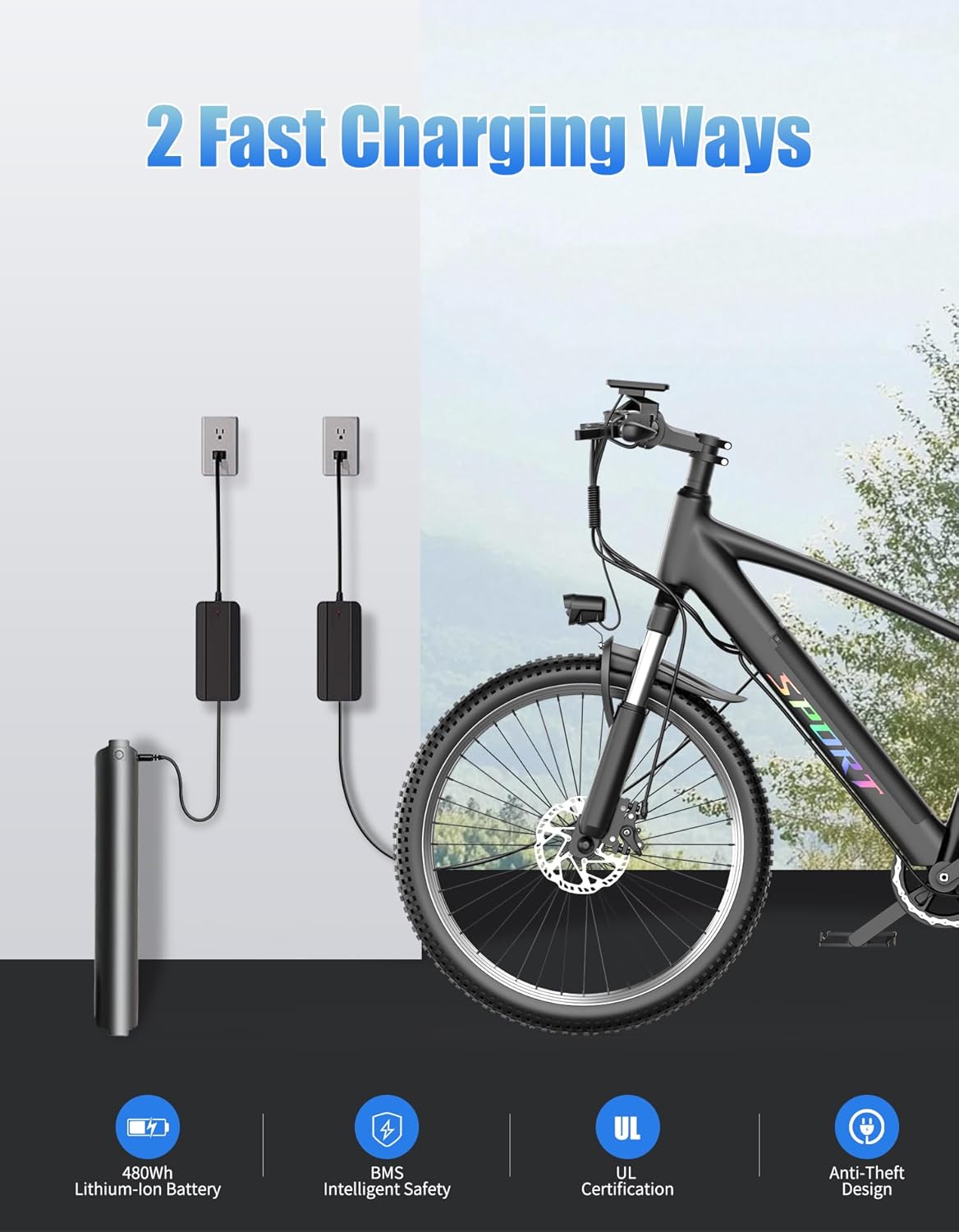
Image: A detailed view of the handlebar assembly, including the display and controls.
4.3 Display Installation
- Place the display on the handlebar and secure it by tightening the screws on the rear top hat.
- Tighten the rear screws to firmly fix the display in place.

Image: The clear LCD display, showing battery level, speed, PAS level, and trip distance.
4.4 Front Wheel Installation
- Remove the screws and plastic protective cover from the front wheel axle.
- Carefully place the front wheel under the front fork, ensuring the brake rotor aligns with the caliper.
- Tighten the screws with a tool after placing them in the correct position.
4.5 Headlight Installation
- Attach the headlight to the designated mounting point on the front fork.
- Insert the screws and fix the rear nail cap to secure the headlight.

Image: The bright LED headlight, essential for safe riding in low-light conditions.
4.6 Seat Post Installation
- Insert the seat post into the frame's seat tube. Secure the seat riser and tighten the fixing bolts to the desired height.
- Optionally, bring seat covers for added comfort.
4.7 Pedal Installation
- Identify the left (L) and right (R) pedals. The left pedal screws counter-clockwise, and the right pedal screws clockwise.
- Carefully thread each pedal into its respective crank arm. Ensure they are fully tightened with a wrench to prevent loosening during rides.
4.8 Battery Installation
The 48V 10Ah battery is removable for convenient charging and security.
- Align the battery with the mounting bracket on the bike frame.
- Slide the battery into place until it clicks securely. Use the provided key to lock the battery to the frame for theft prevention.

Image: The 48V 10Ah removable battery, offering up to 65 miles per charge.
5. Operating Instructions
5.1 Powering On/Off
Press and hold the power button on the display to turn the e-bike on or off. The LCD display will illuminate, showing battery level, speed, PAS level, and trip distance.
5.2 Pedal Assist System (PAS)
The Pikabike F28 features a Pedal Assist System. Use the '+' and '-' buttons on the control panel to adjust the assist level. Higher levels provide more motor assistance, while lower levels require more pedal effort.

Image: The 7-speed gear system and professional derailleur for smooth and precise shifting.
5.3 Shifting Gears
The e-bike is equipped with a 7-speed gear system. Use the shifter on the handlebar to change gears according to terrain and desired speed. Shift smoothly to avoid strain on the chain and gears.
5.4 Braking
The Pikabike F28 uses dual disc brakes for reliable stopping power. Apply both brake levers simultaneously for balanced and effective braking. Avoid sudden, hard braking, especially at high speeds.
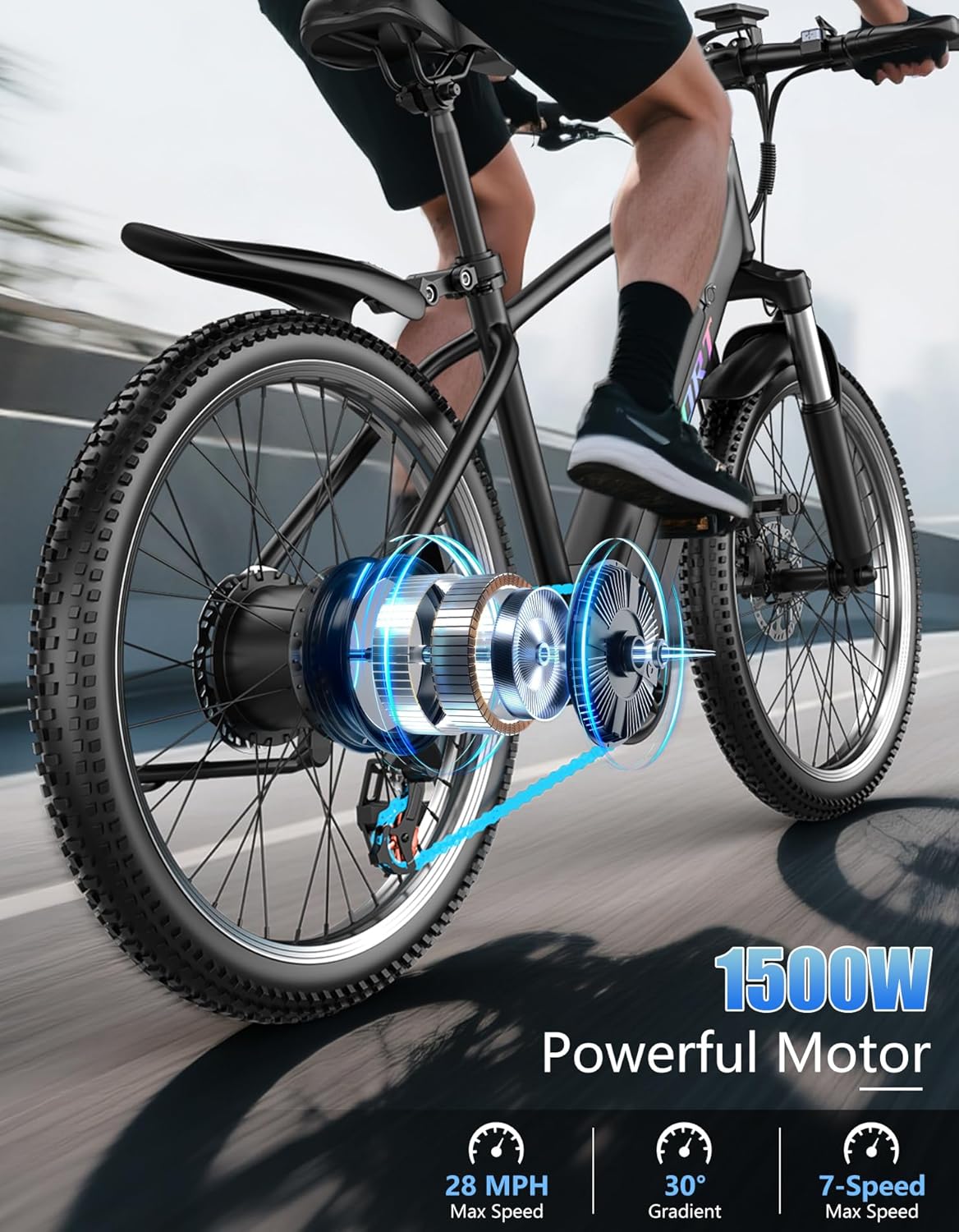
Image: The 1500W peak motor integrated into the rear wheel, providing powerful assistance.
6. Maintenance
Regular maintenance ensures the longevity and safe operation of your e-bike.
- Tires: Check tire pressure before each ride. The recommended pressure is typically indicated on the tire sidewall.
- Brakes: Regularly inspect brake pads for wear and ensure brake levers are responsive. Adjust or replace as needed.
- Chain: Keep the chain clean and lubricated to ensure smooth shifting and prevent rust.
- Battery: Charge the battery regularly, even when not in use, to maintain its health. Store the battery in a cool, dry place.
- Frame & Components: Periodically check all bolts and fasteners for tightness. Clean the frame with a damp cloth and mild soap. Avoid high-pressure washing near electrical components.
- Suspension: Inspect the front suspension for proper function and cleanliness.
7. Troubleshooting
| Problem | Possible Cause | Solution |
|---|---|---|
| Motor not assisting | Battery low or off; PAS level too low; Loose connection. | Charge battery; Increase PAS level; Check all electrical connections. |
| Brakes feel weak | Worn brake pads; Loose brake cable; Air in hydraulic system (if applicable). | Inspect/replace brake pads; Adjust cable tension; Consult a bike mechanic. |
| Gears not shifting smoothly | Dirty/dry chain; Derailleur misalignment; Damaged shifter cable. | Clean and lubricate chain; Adjust derailleur; Replace cable if damaged. |
| Unusual noises during ride | Loose components; Dry chain; Brake rub. | Check all bolts; Lubricate chain; Adjust brake caliper. |
8. Specifications
| Feature | Detail |
|---|---|
| Model Name | F28 |
| Motor | 1500W Peak (750W Rated) Brushless Motor |
| Top Speed | Up to 28 MPH |
| Battery | 48V 10Ah (480Wh) Removable Lithium-ion |
| Max Range | Up to 65 miles (Pedal Assist Mode) |
| Charging Time | 4-5 hours |
| Gears | 7-Speed Shimano System |
| Brakes | Dual Disc Brakes |
| Suspension | Front Fork Suspension |
| Tires | 26" x 2.0" All-Weather Tires |
| Frame Material | Alloy Steel |
| Bicycle Weight | 50.7 lbs |
| Max Load Capacity | 350 lbs |
| Recommended Rider Height | 5'1" - 6'6" |

Image: Detailed dimensions of the Pikabike F28 and recommended rider height range.
9. Warranty and Support
Your Pikabike F28 Electric Bike is backed by a 36-month warranty, covering manufacturing defects and major components. Please retain your proof of purchase for warranty claims.
For technical support, troubleshooting assistance, or warranty inquiries, please contact Pikabike customer service through the retailer where you purchased the product or visit the official Pikabike website for contact information.
Always refer to the official Pikabike website or your purchase documentation for the most up-to-date warranty terms and support procedures.