
HP 327pf (B0CG3UT)
HP 327pf 27-inch Full HD LCD Monitor User Manual
Model: 327pf (B0CG3UT)
Introduction
This manual provides essential information for setting up, operating, and maintaining your HP 327pf 27-inch Full HD LCD Monitor. Please read these instructions carefully before using your monitor to ensure optimal performance and safety.
The HP 327pf monitor offers a 27-inch Full HD display with IPS technology, providing wide viewing angles and consistent image accuracy. Key features include a 100 Hz refresh rate for smooth visuals, HP Eye Ease for reduced blue light emission without color shift, and multiple connectivity options.
What's in the Box
Verify that all components are present in the package:
- HP 327pf 27-inch Full HD Monitor
- DisplayPort Cable
- HDMI Cable
- AC Power Cable
- Monitor Stand (Base and Neck)
- Quick Setup Poster
- Warranty Card
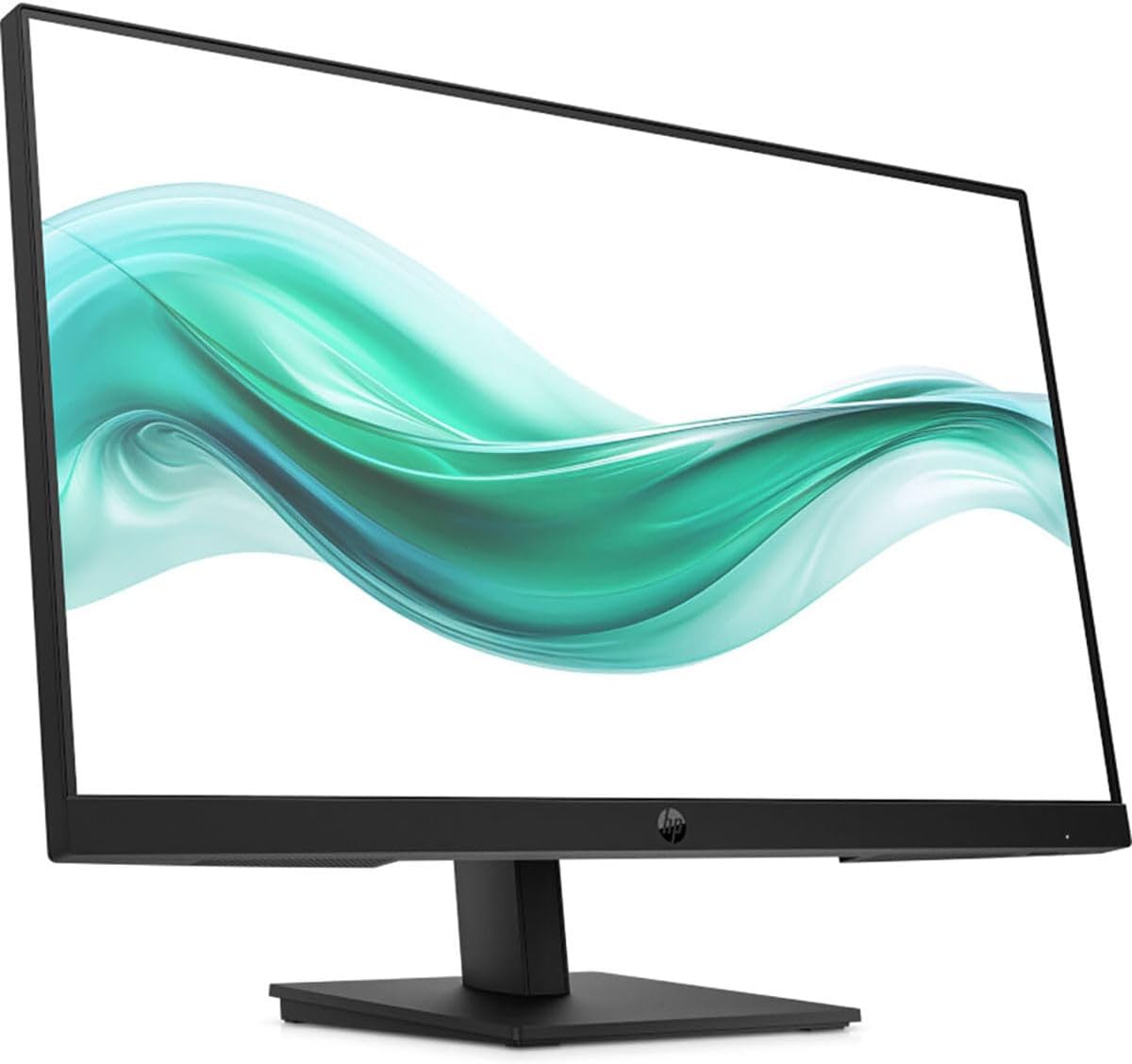
Image: Front view of the HP 327pf monitor, showcasing its slim bezels and stand.
Setup Instructions
1. Assembling the Monitor Stand
- Carefully remove the monitor and stand components from the packaging.
- Attach the stand neck to the monitor panel. Ensure it clicks securely into place.
- Attach the stand base to the stand neck. Tighten any screws if provided, typically by hand or with a coin.
- Place the assembled monitor on a stable, flat surface.

Image: Side view of the HP 327pf monitor, illustrating the slim profile and how the stand connects to the display panel.
2. Connecting Cables
The monitor supports HDMI, DisplayPort, and VGA connections.
- Power Cable: Connect the AC power cable to the monitor's power input and then to a wall outlet.
- Video Cable:
- For optimal performance, use the provided HDMI or DisplayPort cable. Connect one end to the corresponding port on the monitor and the other end to your computer's video output port.
- Alternatively, connect a VGA cable from the monitor to your computer's VGA port.

Image: Rear view of the HP 327pf monitor, highlighting the various input ports including HDMI, DisplayPort, and VGA, along with the power input.
3. Powering On
Press the power button located on the monitor to turn it on. Ensure your computer is also powered on.
Operating the Monitor
On-Screen Display (OSD) Menu
The monitor features an intuitive joypad OSD button for navigating and adjusting settings. This button is typically located on the bottom or back of the monitor.
- Accessing the OSD: Press the joypad button to open the OSD menu.
- Navigation: Use the joypad to move through menu options (up, down, left, right).
- Selection: Press the joypad button to select an option or confirm a setting.
- Exiting: Navigate to the 'Exit' option or press the joypad button repeatedly to go back through menus and eventually exit.
Key Features
- IPS Technology: Provides wide 178-degree viewing angles, ensuring consistent image accuracy from almost any perspective.
- 100 Hz Refresh Rate: Delivers smoother motion and clearer detail, beneficial for general use and casual gaming.
- HP Eye Ease: An always-on hardware low-blue light filter designed to reduce eye strain without affecting color accuracy. This feature is active by default and does not require manual adjustment.
- Adjustable Tilt: The monitor stand allows for tilt adjustments to help you find a comfortable viewing angle. Gently tilt the monitor panel forward or backward to your desired position.
Maintenance and Care
- Cleaning the Screen:
- Turn off the monitor and unplug the power cord.
- Gently wipe the screen with a soft, lint-free cloth.
- For stubborn marks, lightly dampen the cloth with water or a non-abrasive screen cleaner. Do not spray liquid directly onto the screen.
- Cleaning the Casing: Use a soft, dry cloth to wipe the monitor casing. Avoid using harsh chemicals or abrasive cleaners.
- Ventilation: Ensure the monitor's ventilation openings are not blocked to prevent overheating.
- Storage: When not in use for extended periods, store the monitor in a cool, dry place, ideally in its original packaging.
Troubleshooting
| Problem | Possible Solution |
|---|---|
| No image on screen |
|
| Image is blurry or distorted |
|
| Colors appear incorrect |
|
| Monitor flickers |
|
Specifications
| Model Name | HP 327pf |
| Model Number | B0CG3UT#ABA |
| Screen Size | 27 Inches |
| Panel Technology | In-Plane Switching (IPS) |
| Resolution | 1920 x 1080 (Full HD) |
| Aspect Ratio | 16:9 |
| Refresh Rate | Up to 100 Hz |
| Response Time | 5 ms |
| Brightness | 250 Nit |
| Color Support | 16.7 Million Colors |
| Viewing Angle | 178° horizontal, 178° vertical |
| Connectivity | 1x HDMI 1.4, 1x VGA, 1x DisplayPort 1.2 |
| VESA Mount Compatible | Yes |
| Dimensions (LxWxH) | 2.3 x 24.1 x 14.4 inches (without stand) |
| Weight | 9.77 pounds |
| Color | Black |
Warranty and Support
Your HP 327pf monitor comes with a standard limited warranty. Please refer to the included Warranty Card for detailed terms and conditions, including warranty period and coverage.
For technical support, service, or additional product information, please visit the official HP support website or contact HP customer service. You can typically find support resources by searching for "HP Support" online and entering your product model number (327pf or B0CG3UT).
Online Support: support.hp.com
Related documents327pf (B0CG3UT)


Ask a question about this manual
Ask about setup, troubleshooting, compatibility, parts, safety, or missing instructions. Manuals+ will review the question and use this page’s manual context to help answer it.