
1. Product Overview
The EZON C009Pro Heart Rate Monitor Chest Strap is designed to provide accurate heart rate data for various fitness activities. It features dual-protocol connectivity (ANT+ & Bluetooth 5.1) for seamless integration with a wide range of fitness devices and applications.
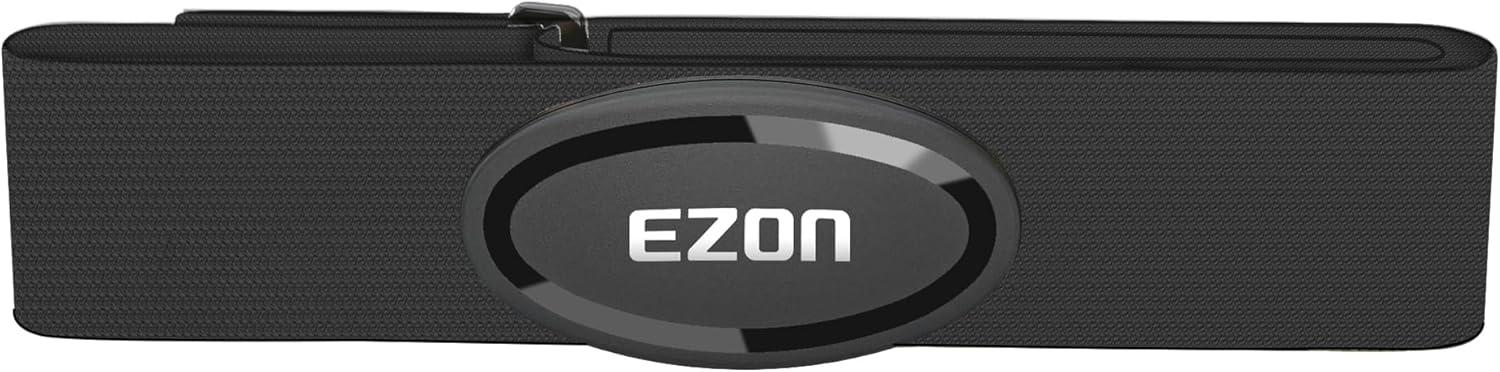
Figure 1: EZON C009Pro Heart Rate Monitor Chest Strap.
Key Features:
- Advanced Heart Rate Monitoring Technology: Equipped with advanced heart rate sensing technology and new-generation heart rate algorithm, ensuring precise readings even during intense workouts.
- Dual Protocol Connectivity: Built-in Bluetooth 5.1 and ANT+ protocols offer seamless pairing with your favorite apps and devices. Compatible with Strava, Zwift, Polar Beat, Wahoo, Peloton, and most major fitness apps, as well as GPS bike computers, gym equipment, and running watches.
- Comfortable & Adjustable: Made with ultra-soft, breathable, and stretchable material, the chest strap offers a secure and snug fit for all body types. Lightweight and barely noticeable, it lets you stay focused on your training without distractions.
- Powerful Battery Life: Designed for active users, C009Pro up to 365 days of use on a single replaceable battery (CR2032). No need for frequent recharging, just train and go.
- Instant Pairing: No button, just connect and go. Turn on Bluetooth on your smartphone and connect to your fitness app, the heart rate monitor activates automatically for a smooth, hassle-free experience.
- Multi-Sport Compatible: Whether you're running, cycling, or training at the gym, the C009Pro is your all-in-one training companion. It accurately tracks heart rate across various sports to help you stay in the optimal zone and push your limits.
- 30M Waterproof Design: Built to withstand the toughest conditions—rain, mud, and even swimming. C009Pro features a 30-meter waterproof rating, ensuring reliable performance in any environment.
2. Getting Started (Setup)
2.1 Components
The package includes:
- EZON C009Pro Heart Rate Sensor
- Adjustable Chest Strap
- CR2032 Battery (pre-installed or included)
2.2 Wearing the Heart Rate Monitor
For accurate readings, ensure the heart rate monitor is worn correctly:
- Moisten the two electrode pads on the back of the strap with water or electrode gel. This improves conductivity.
- Attach the sensor module to the chest strap using the two snap buttons. Ensure the EZON logo is facing upwards.
- Place the chest strap around your chest, directly below your pectoral muscles. The sensor should be centered on your sternum.
- Adjust the strap to ensure a snug but comfortable fit. It should not be too tight to restrict breathing, nor too loose to slide during activity.

Figure 2: Proper placement of the heart rate monitor on the chest.
Video 1: Demonstrates how to wear the C009Pro Heart Rate Monitor Chest Strap and its features.
2.3 Connecting to Devices and Apps
The C009Pro supports both Bluetooth 5.1 and ANT+ for broad compatibility.
- Ensure the heart rate monitor is worn and activated (as described in 2.2).
- On your smartphone or compatible device (e.g., GPS bike computer, running watch), enable Bluetooth.
- Open your preferred fitness application (e.g., Strava, Zwift, Wahoo, Peloton, Polar Beat).
- Navigate to the device pairing or sensor connection settings within the app.
- Select "C009Pro" or the identified heart rate sensor from the list of available devices.
- Confirm the connection. The app should display your real-time heart rate.
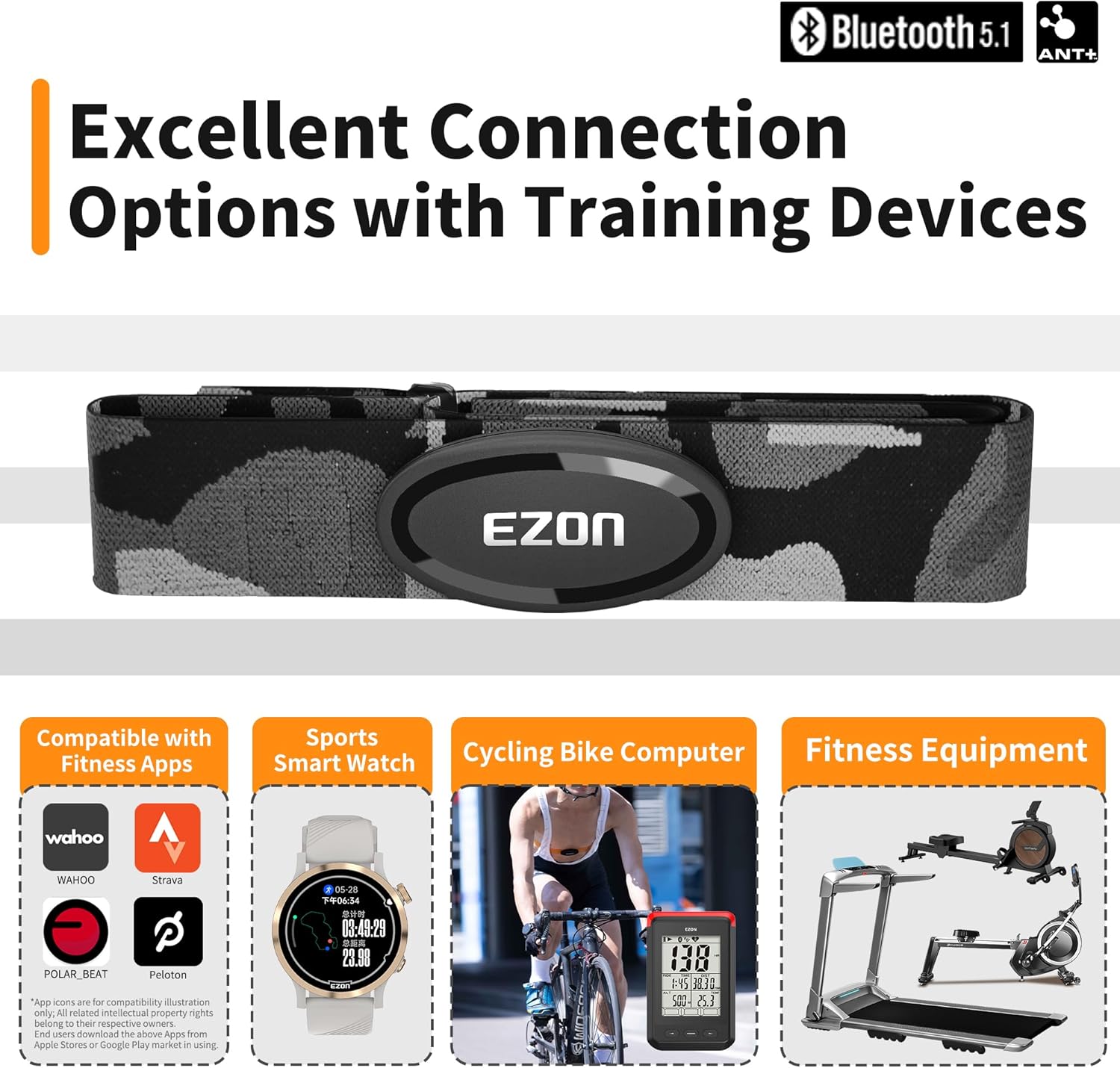
Figure 3: Connectivity options for the EZON C009Pro, including popular fitness apps and devices.
Video 2: Demonstrates the dual ANT+ and Bluetooth 5.1 protocol connectivity of the HRM Chest Strap.
Video 3: Step-by-step guide on how to connect the EZON C009Pro to popular fitness applications.
3. Operation
3.1 Automatic Activation
The C009Pro heart rate monitor features instant pairing. There are no physical buttons to press. Once the moistened electrode pads make proper contact with your skin, the device automatically powers on and becomes discoverable via Bluetooth or ANT+.
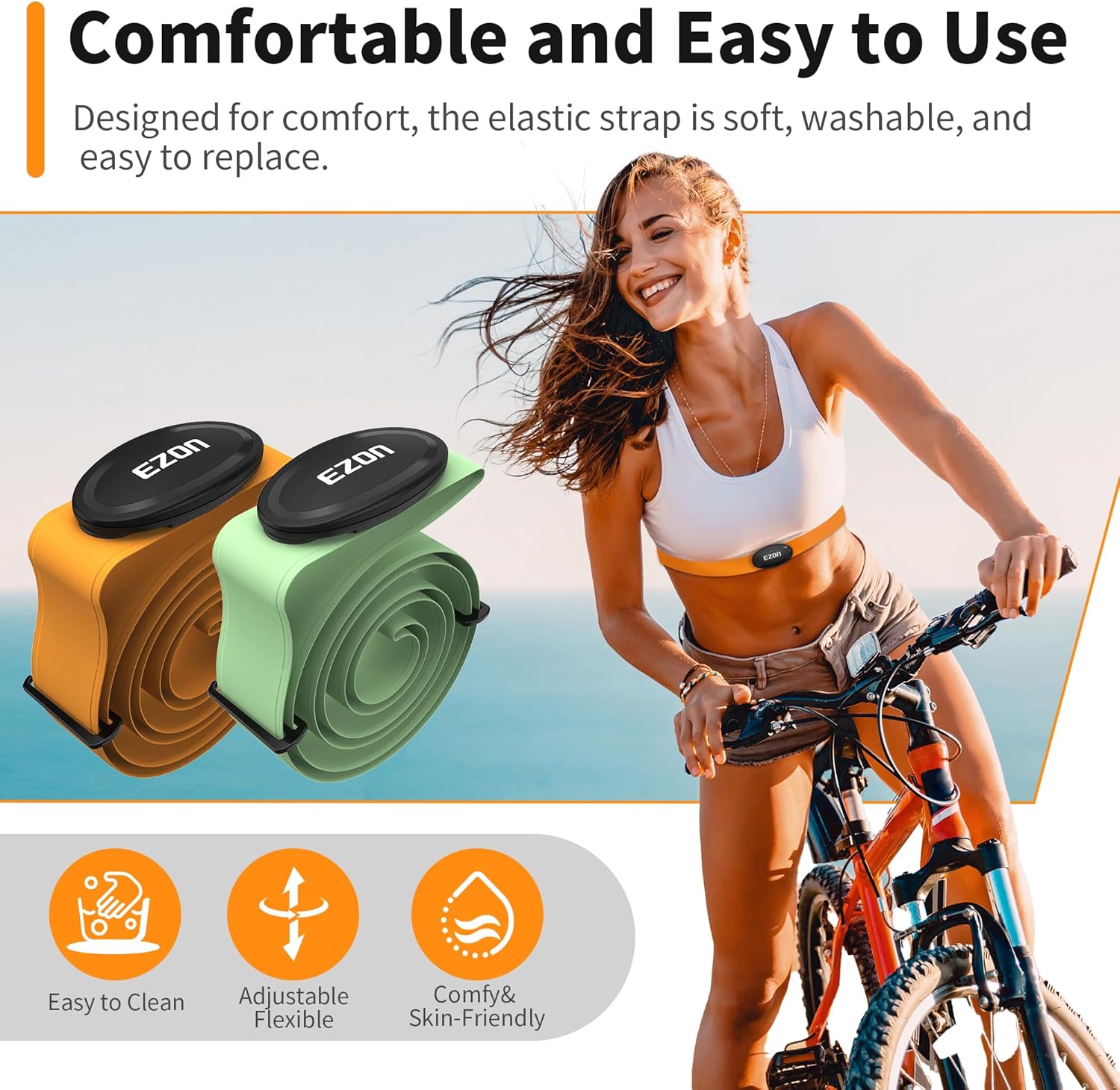
Figure 4: The C009Pro activates automatically upon wearing.
3.2 Real-time Heart Rate Tracking
The C009Pro provides highly accurate heart rate data, typically within +/- 1 BPM. This precision allows you to monitor your exertion levels effectively and train within specific heart rate zones (e.g., warm-up, fat burn, cardio, strength, max) as defined by your fitness app or training plan.

Figure 5: Real-time heart rate tracking with high accuracy.
3.3 Multi-Sport Compatibility
This heart rate monitor is suitable for a wide range of physical activities, including:
- Running
- Cycling
- Gym Workouts (weightlifting, cardio machines)
- HIIT (High-Intensity Interval Training)
- Hiking
- Swimming (due to 30M waterproof rating)

Figure 6: The C009Pro features a 30M waterproof design.
4. Maintenance
4.1 Cleaning the Chest Strap
To maintain hygiene and ensure optimal performance, clean the chest strap regularly:
- Detach the sensor module from the chest strap by unsnapping the buttons.
- Hand wash the fabric strap with mild soap and water. Do not machine wash or tumble dry.
- Rinse thoroughly to remove all soap residue.
- Hang the strap to air dry completely before reattaching the sensor or storing.
- Wipe the sensor module with a damp cloth and dry it thoroughly. Do not submerge the sensor module in water for cleaning, as it is only water-resistant, not fully waterproof when detached.
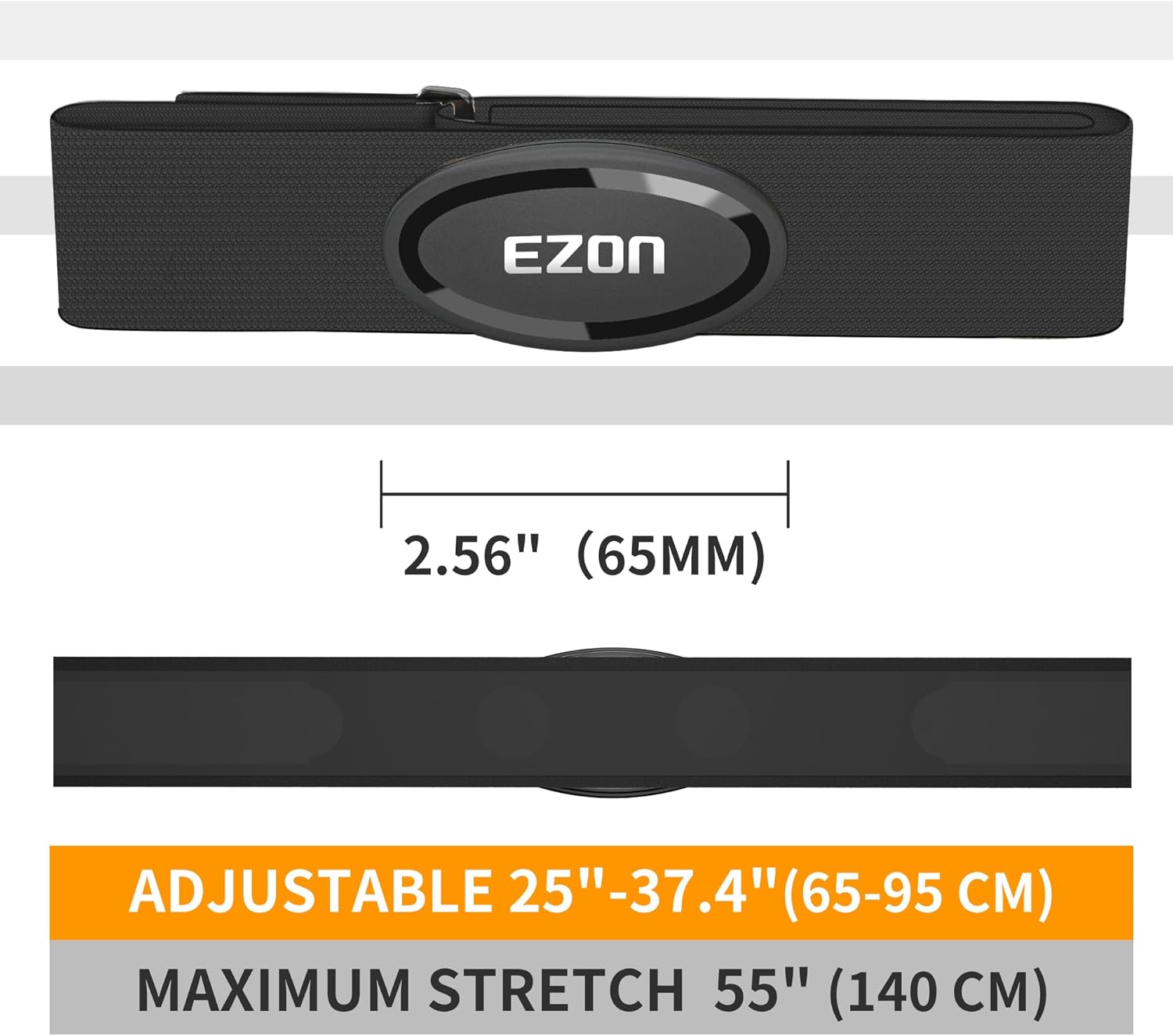
Figure 7: The sensor module detaches from the strap for easy cleaning.

Figure 8: The strap is made of soft, breathable, and washable material.
4.2 Battery Replacement
The C009Pro uses a replaceable CR2032 coin cell battery, offering up to 365 days of use. When the battery is low, your connected app may indicate a weak signal or the device may stop transmitting data.
- Use a small coin to twist open the battery cover on the back of the sensor module.
- Remove the old CR2032 battery.
- Insert a new CR2032 battery with the positive (+) side facing upwards.
- Replace the battery cover and twist it securely to ensure a watertight seal.
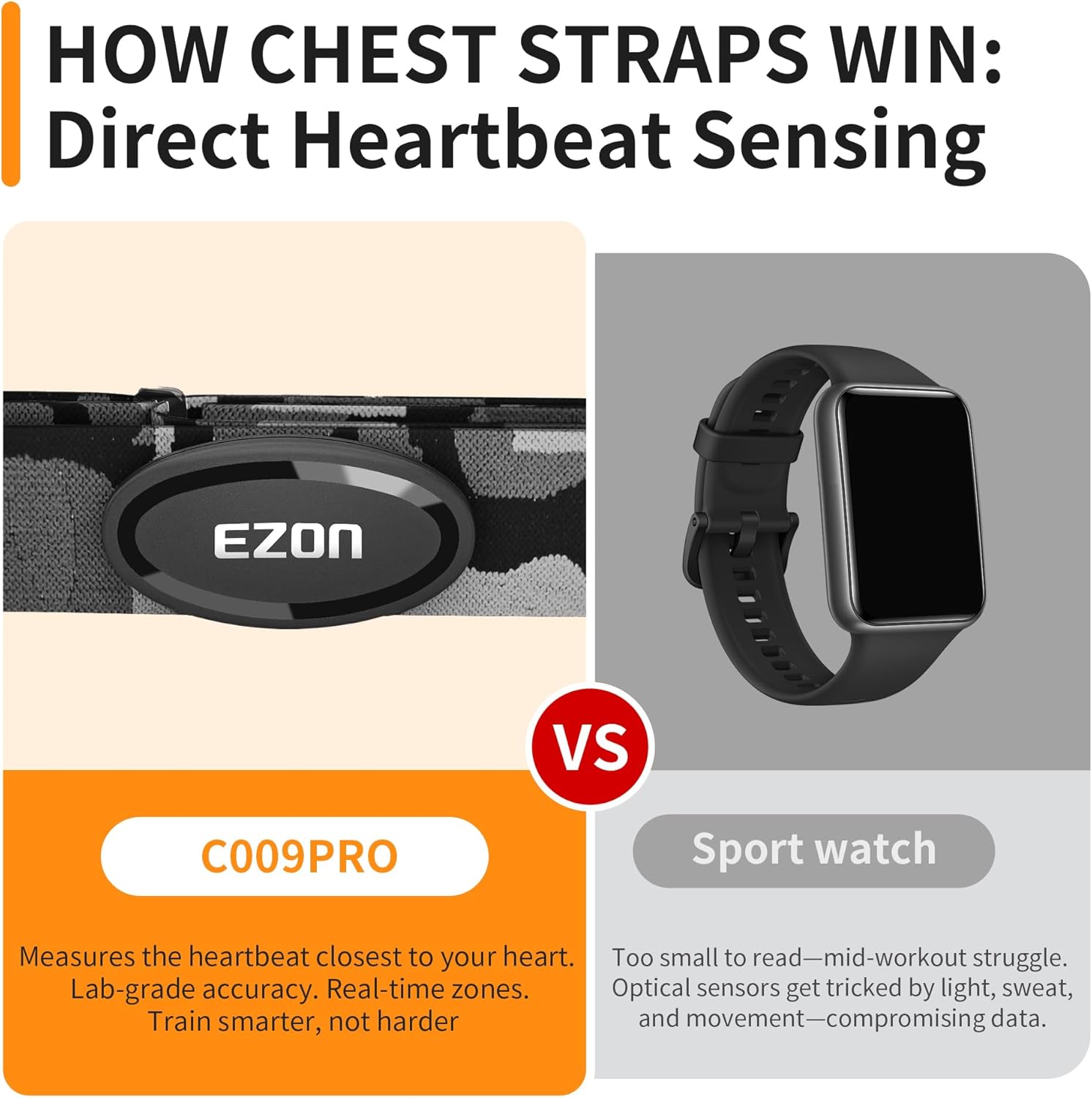
Figure 9: The C009Pro uses a replaceable CR2032 battery.
5. Troubleshooting
- No Heart Rate Reading:
- Ensure the electrode pads are sufficiently moistened and making good contact with your skin.
- Check if the sensor module is securely snapped onto the chest strap.
- Verify that Bluetooth/ANT+ is enabled on your receiving device and the sensor is paired correctly within the app.
- Replace the CR2032 battery if it's low or depleted.
- Inaccurate Readings:
- Ensure the strap is snug but comfortable. A loose strap can cause erratic readings.
- Re-moisten the electrode pads.
- Avoid strong electromagnetic interference from other electronic devices.
- Connectivity Issues:
- Restart your smartphone or receiving device.
- Unpair and re-pair the sensor in your fitness app settings.
- Ensure no other devices are actively connected to the heart rate monitor.
6. Technical Specifications
| Specification | Detail |
|---|---|
| Brand | EZON |
| Model Name | C009Pro |
| Material | Nylon |
| Color | Black |
| Compatible Devices | Smartphones, GPS Bike Computers, Gym Equipment, Running Watches |
| Connectivity | Bluetooth 5.1, ANT+ |
| Battery Life | Up to 400 Hours (approx. 365 days of typical use) |
| Battery Type | CR2032 (Replaceable) |
| Sensor Type | Optical (ECG-based) |
| Waterproof Rating | 30M (suitable for swimming) |
| Item Package Dimensions | 4.45 x 3.7 x 1.85 inches |
| Package Weight | 0.1 Kilograms |
7. Warranty and Support
EZON is committed to providing quality products and customer satisfaction.
- Warranty: The product comes with a 1-year free replacement warranty.
- Return Policy: A 30-day return policy is available.
- Customer Support: EZON offers lifetime support and aims for a 24-hour response time for inquiries.
- For further assistance, please visit the official EZON website or contact customer service through your purchase platform.


