
Introduction
This manual provides essential information for the safe and efficient operation of your TABWEE T80 Android 15 Tablet. Please read this manual thoroughly before using the device and retain it for future reference.
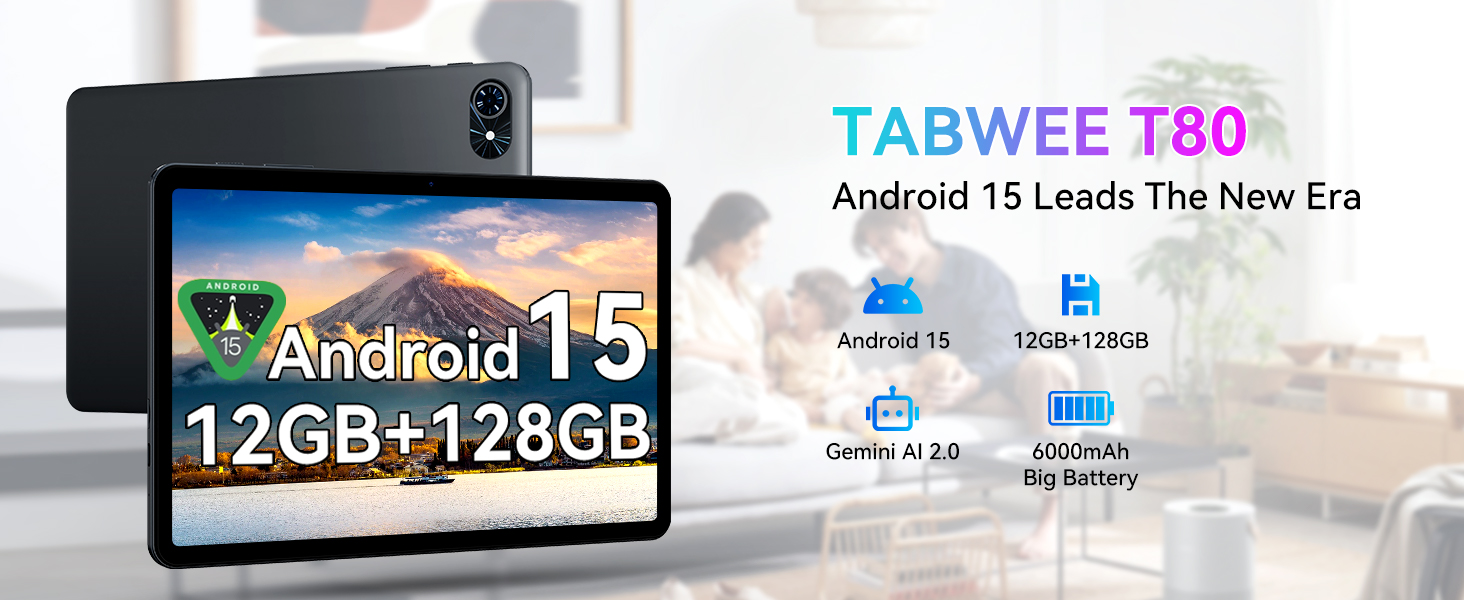
Image: Overview of the TABWEE T80 tablet, showcasing its primary features including the Android 15 operating system, memory configuration, AI capabilities, and battery capacity.
Package Contents
Verify that all items listed below are present in your product package:
- TABWEE T80 Tablet
- USB Cable
Setup
Initial Charging
Before first use, fully charge the tablet. Connect the provided USB cable to the tablet's Type-C charging port and the other end to a compatible power adapter (not included) or a computer's USB port. The 6000mAh battery supports fast charging.
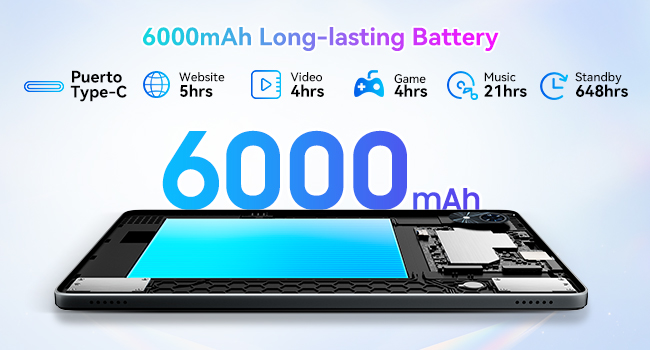
Image: Illustration of the tablet's internal 6000mAh battery and the external Type-C charging port, indicating its long-lasting capacity.
Powering On/Off
- To Power On: Press and hold the Power button until the TABWEE logo appears.
- To Power Off: Press and hold the Power button, then select "Power off" from the options displayed on the screen.
Initial Configuration
Upon first power-on, the tablet will guide you through the initial setup process. This includes selecting your language, connecting to a Wi-Fi network, setting up your Google account, and configuring basic security settings.
Operating Instructions
Android 15 Operating System
Your TABWEE T80 tablet operates on Android 15, providing a secure, efficient, and user-friendly interface. Key features include enhanced privacy controls, improved multitasking capabilities, and a cleaner user experience.
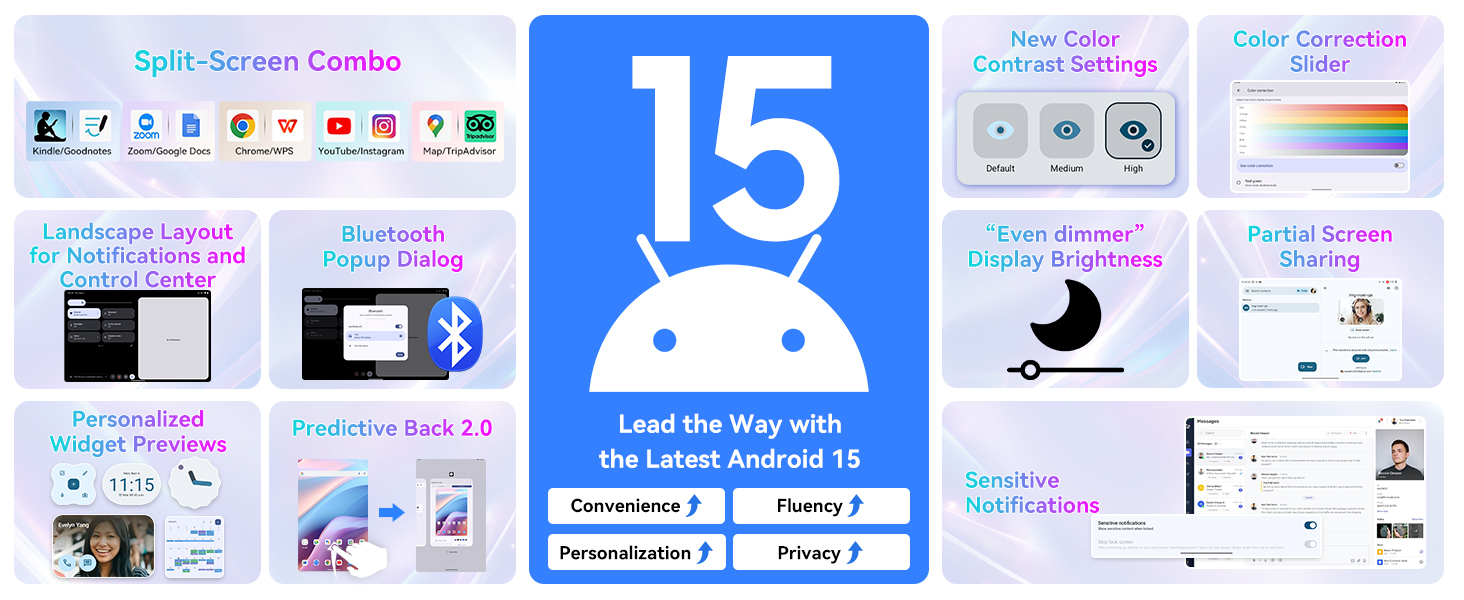
Image: Visual representation of new features in Android 15, such as split-screen functionality, advanced display settings, and improved notification management.
Gemini AI 2.0 Integration
The tablet is equipped with Gemini AI 2.0, offering intelligent assistance for various tasks. This includes smart chats, text-to-image generation, voice-enabled Q&A, smart control, real-time conversations, and full-screen smart assistance.

Image: Diagram illustrating the various functionalities of Gemini AI 2.0, including communication, content creation, and intelligent control features.
Display and Visuals
The 10-inch display features a 1280 x 800 pixel resolution with a 120Hz touch sampling rate for smooth interaction. It offers a 178-degree full view and 84.9% screen-to-body ratio for an immersive visual experience. The display supports 1080P HD content and has dual-channel audio with a 3.5mm jack for immersive sound.
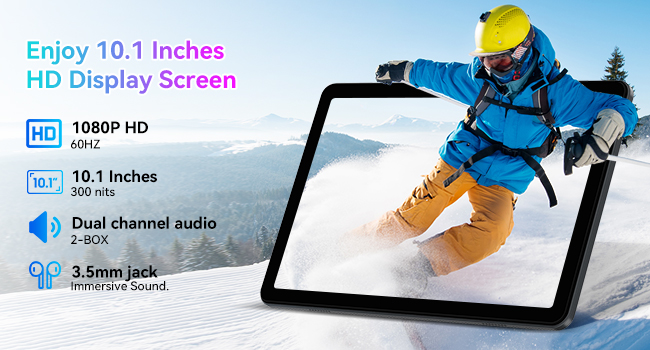
Image: Details of the tablet's 10.1-inch HD display, highlighting its resolution, refresh rate, brightness, and audio capabilities.
Performance and Storage
The tablet is equipped with 12GB RAM (4GB base + 8GB expansion) and 128GB of internal storage. Storage can be expanded up to 2TB using a Micro SD card (not included), providing ample space for applications, media, and documents. The Unisoc T310 processor ensures fluid performance for multitasking, gaming, and productivity.
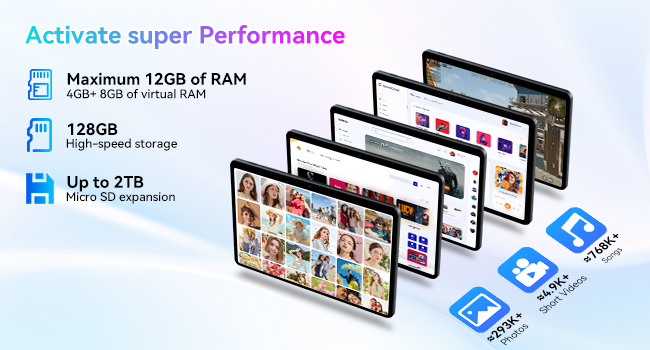
Image: Illustration detailing the tablet's memory and storage capabilities, including RAM expansion and Micro SD card support.
Connectivity
The TABWEE T80 supports ultra-fast 5G WiFi (802.11ac) and stable Bluetooth 5.0 for reliable wireless connections. This allows for seamless online meetings, video calls, and pairing with various accessories.
Cameras and Smart Lens
The tablet features a 5MP rear camera and a 2MP front camera, suitable for video calls and capturing moments. It also integrates Google Smart Lens functionality, enabling you to translate text, identify objects, solve homework queries, and explore places by simply pointing the camera.

Image: Depiction of the tablet's dual camera system, highlighting the 5MP rear camera with LED flash and the 2MP front camera.

Image: Overview of Google Smart Lens capabilities, demonstrating its use for translation, object identification, and information retrieval.
Maintenance
Battery Care
To maximize battery lifespan, avoid extreme temperatures. Charge the tablet using the provided USB cable and a compatible charger. The 6000mAh battery provides approximately 5 hours of website browsing, 4 hours of video playback, 4 hours of gaming, 21 hours of music, and 648 hours of standby time.
Storage Management
Regularly review and delete unnecessary files and applications to maintain optimal performance. Utilize the 2TB Micro SD card expansion slot for large media files to free up internal storage.
Cleaning
Use a soft, lint-free cloth to clean the tablet screen and body. Avoid using abrasive cleaners or solvents, which may damage the device.
Troubleshooting
This section addresses common issues you might encounter with your tablet. For problems not listed here, please contact customer support.
- Tablet not turning on: Ensure the battery is charged. Connect the tablet to a charger for at least 30 minutes, then attempt to power on again.
- Screen unresponsive: Try restarting the tablet by holding the power button for approximately 10-15 seconds until it reboots.
- Wi-Fi connection issues: Verify that Wi-Fi is enabled on the tablet and that you are within range of a known network. Restart your Wi-Fi router if necessary.
- Applications crashing: Ensure your applications are updated to their latest versions. Clear the app's cache or reinstall the application if the issue persists.
- Slow performance: Close unused applications running in the background. Clear cache and temporary files. Consider performing a factory reset as a last resort (back up your data first).
Specifications
| Feature | Detail |
|---|---|
| Model Name | T80(12+128) |
| Item Model Number | T80(6+128) |
| Brand | TABWEE |
| Operating System | Android 15 |
| Screen Size | 10 Inches |
| Screen Resolution | 1280 x 800 Pixels |
| Processor | 3 GHz (Unisoc T310) |
| RAM | 12GB (4GB base + 8GB expansion) |
| Internal Storage | 128 GB |
| Expandable Storage | Up to 2TB (Micro SD) |
| Wireless Type | 802.11ac (5G WiFi) |
| Bluetooth | Bluetooth 5.0 |
| Rear Camera Resolution | 5 MP |
| Front Camera Resolution | 2 MP |
| Battery Capacity | 6000mAh |
| Average Battery Life | 5 hours (general use) |
| Item Weight | 2.05 pounds |
| Product Dimensions (LxWxH) | 7.8 x 20 x 0.5 inches |
| Color | Gray |
Warranty and Support
Warranty Information
Your TABWEE T80 tablet comes with a 2-year warranty from the date of purchase. This warranty covers manufacturing defects and malfunctions under normal use. Please retain your proof of purchase for warranty claims.
Customer Support
For technical assistance, troubleshooting, or warranty inquiries, please contact TABWEE Official Store customer support. They guarantee a reply within 24 hours.
You can visit the TABWEE Store on Amazon for more information and support resources.