Introduction
This manual provides detailed instructions for the setup, operation, and maintenance of your Redragon S107KS Wireless Gaming Keyboard and Mouse combo. Please read thoroughly to ensure optimal performance and longevity of your device.
Package Contents
- Redragon S107KS Wireless Gaming Keyboard
- Redragon Wireless Gaming Mouse
- 2.4G USB Receiver (integrated, two-in-one for keyboard and mouse)
- USB-C Charging Cable
- User Manual (this document)
Setup
1. Connection Modes
The S107KS combo supports three connection modes: Wired, 2.4G Wireless, and Bluetooth (BT). The keyboard can connect to up to five devices simultaneously.
2.4G Wireless Connection
Locate the 2.4G USB receiver. This receiver is a two-in-one version, controlling both the keyboard and mouse. Plug the receiver into an available USB port on your computer. The keyboard and mouse should connect automatically.
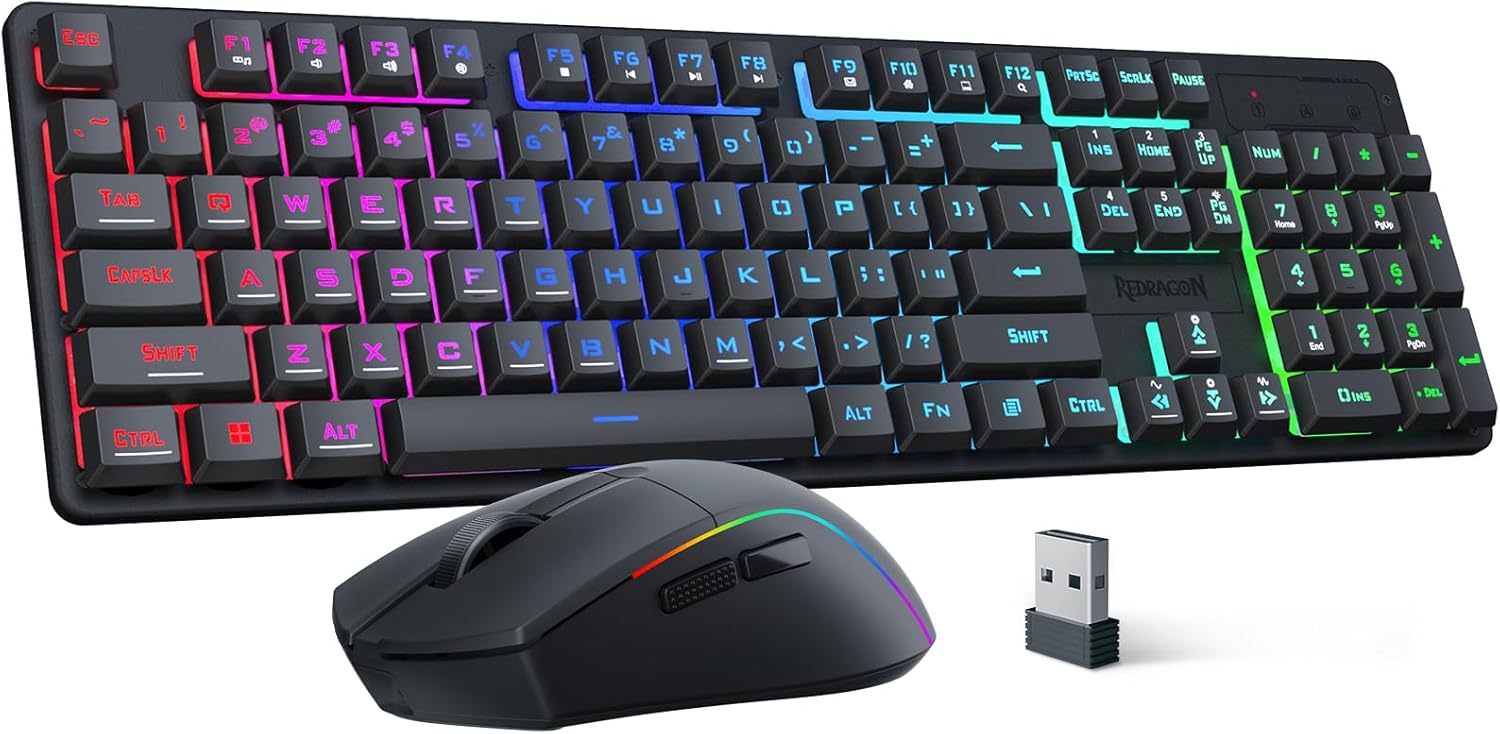
Image: Redragon S107KS keyboard, mouse, and 2.4G USB receiver.
Bluetooth (BT) Connection
Ensure the keyboard and mouse are powered on and in Bluetooth pairing mode. On your device, search for and select the Redragon S107KS to establish a connection. The keyboard can support up to five devices simultaneously via Bluetooth.
Wired Connection
Connect the keyboard to your computer using the provided USB-C charging cable. This will also charge the keyboard while in use.

Image: Diagram illustrating Type-C, 2.4GHz, and Bluetooth connection methods for the keyboard and mouse.
2. Charging
Use the provided USB-C cable to charge both the keyboard and mouse. The mouse features a long-lasting battery, offering up to 200 hours of use depending on the scenario.
Operating the Keyboard
1. RGB Backlighting
The keyboard features 6 RGB lighting modes. Adjust speed and brightness to your preference. The lighting can be a single color, changing effects, or turned off entirely.
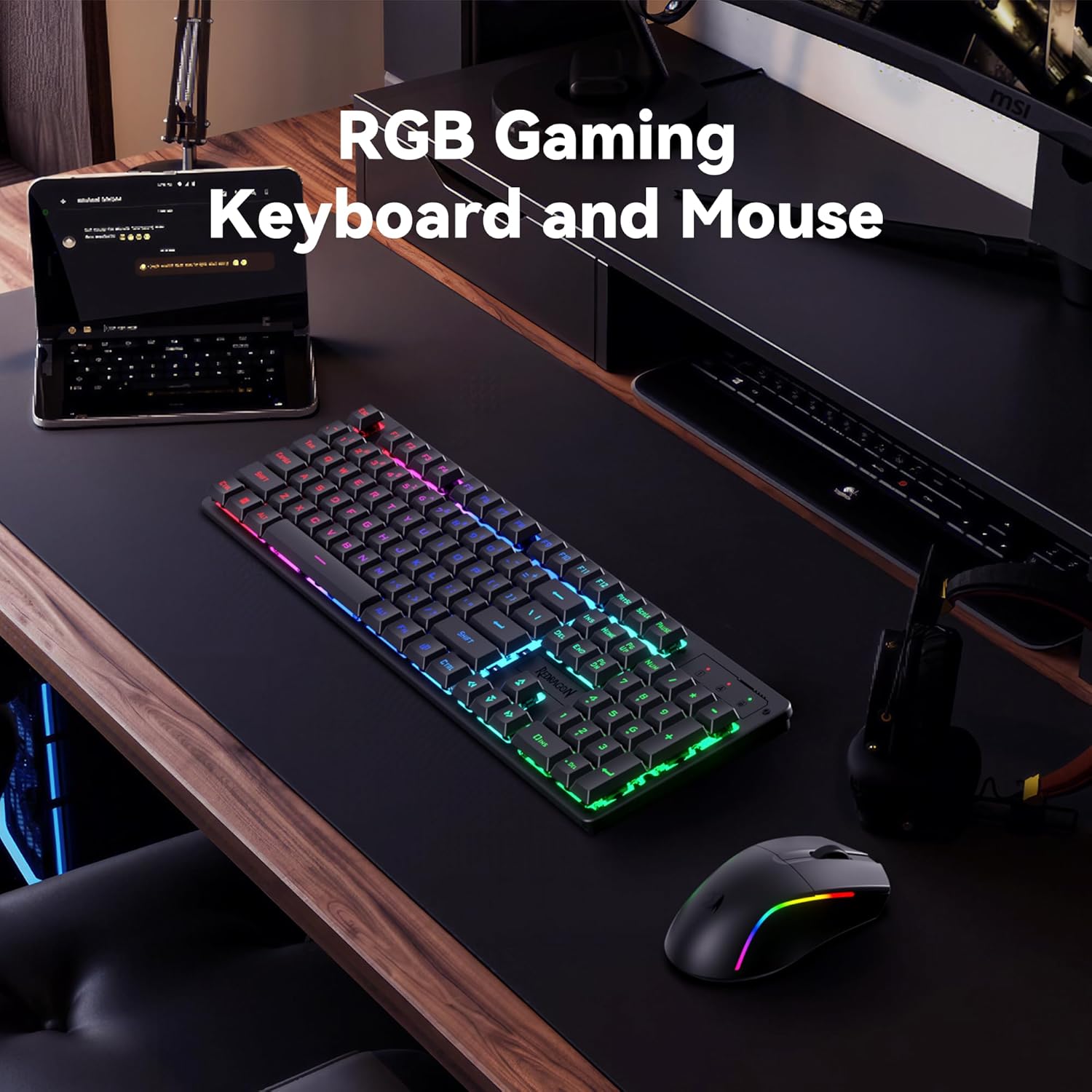
Image: Redragon S107KS RGB keyboard and mouse illuminated on a desk.
2. Multimedia Function Keys
The keyboard is equipped with 12 multimedia function keys for efficient and convenient operation. These keys allow for quick access to media controls and other functions.
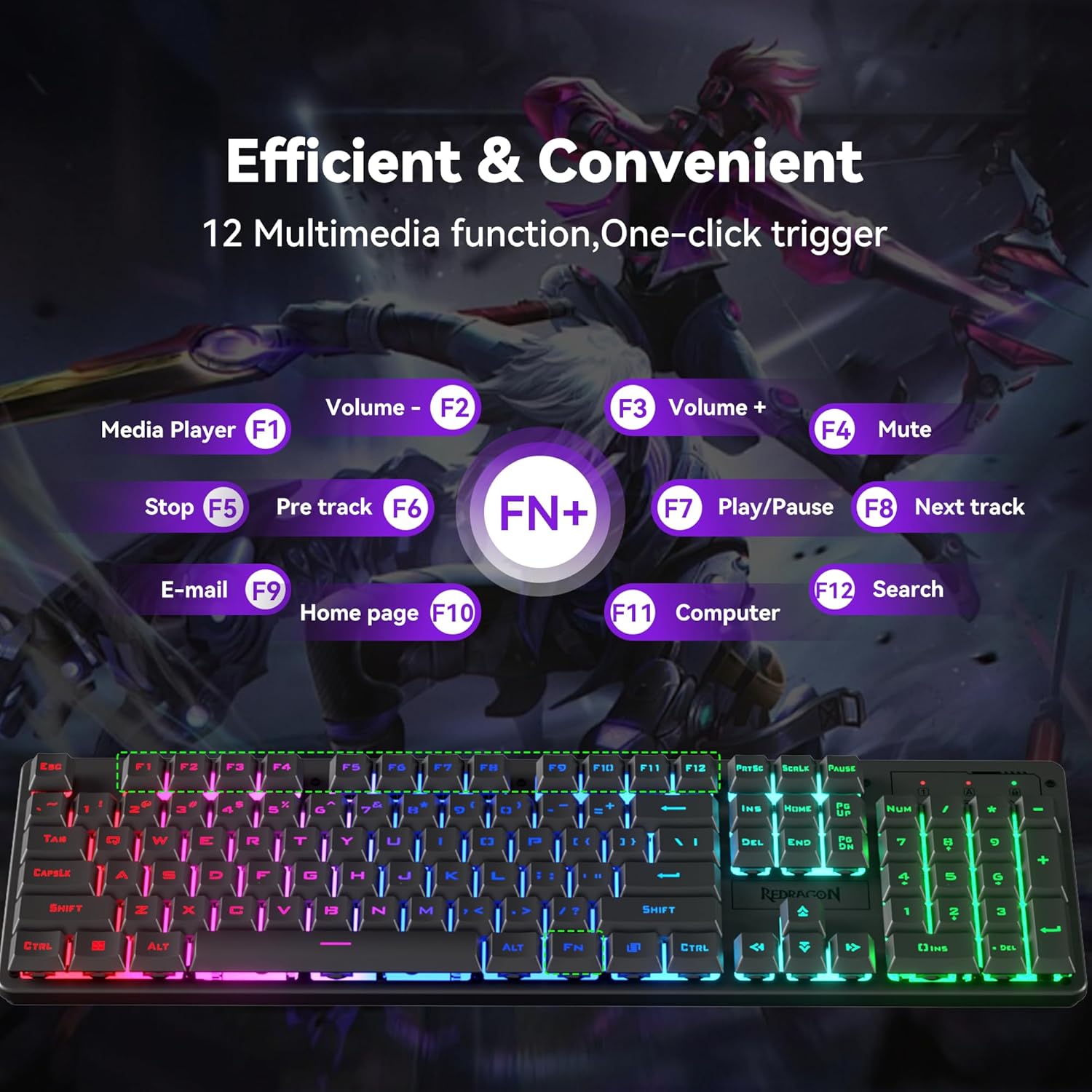
Image: Close-up of the keyboard showing the FN key combinations for multimedia functions (F1-F12).
3. Anti-Ghosting
The keyboard features 25-key anti-ghosting, ensuring that every button press is registered accurately, even when multiple keys are pressed simultaneously.
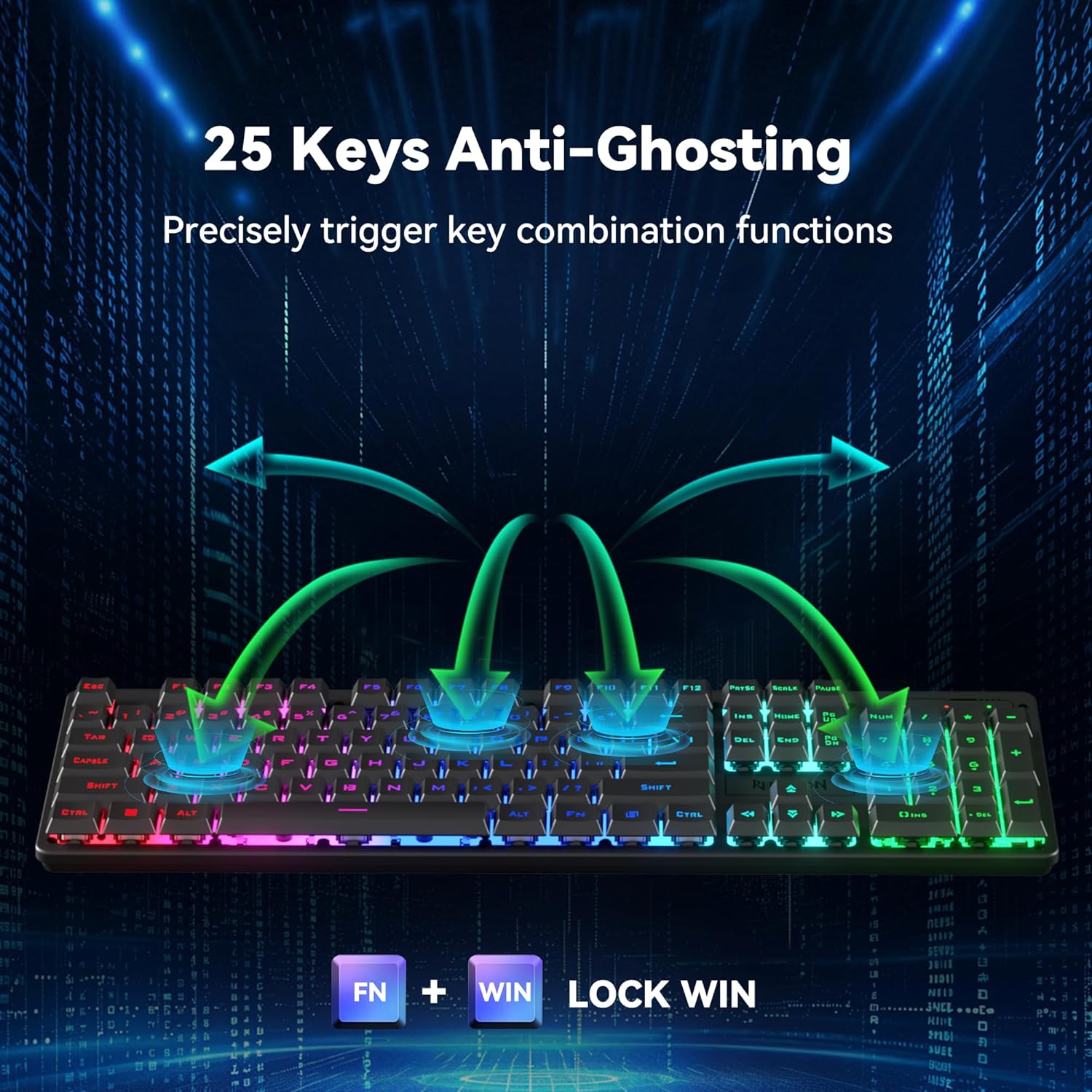
Image: Graphic representation of anti-ghosting on the keyboard, showing multiple simultaneous key presses being registered.
4. Adjustable Height
The keyboard includes adjustable feet on the underside, allowing you to set the typing angle for improved ergonomics and comfort.
Operating the Mouse
1. DPI Adjustment
The wireless gaming mouse supports up to 10,000 DPI and a maximum polling rate of 1,000 Hz. Both DPI and polling rate can be adjusted via the dedicated software.

Image: The gaming mouse with an overlay indicating custom adjustable DPI up to 10,000 and 1K Hz polling rate.
2. RGB Backlighting
The gaming mouse allows customization of over a million RGB backlight colors. Adjustments for speed and brightness can be made to suit your preference.
3. Lightweight Design
Weighing only 65g, the gaming mouse features an ultralight design for enhanced ease of use and reduced effort during extended sessions.

Image: The lightweight gaming mouse, emphasizing its 65g symmetrical design.
4. On/Off Switch and Receiver Storage
The mouse has an on/off switch located on its underside to conserve battery. It also features a dedicated storage compartment for the 2.4G USB receiver, making it convenient for travel.
Software Support
The S107KS Gaming Mouse is equipped with professional Redragon customization software support. This software allows you to freely adjust DPI, report rate, RGB lighting effects, and customize buttons to meet your specific needs. The software driver is available for the mouse only and can be downloaded from redragon.com.

Image: Screenshot of the Redragon customization software for the mouse, showing options for button assignment, DPI, and RGB lighting.
Maintenance
To maintain the performance and appearance of your Redragon S107KS combo, regularly clean the surfaces with a soft, dry cloth. Avoid using harsh chemicals or abrasive materials. Keep the devices away from excessive moisture and extreme temperatures.
Troubleshooting
1. Connection Issues
- 2.4G Wireless: Ensure the USB receiver is securely plugged in and the devices are powered on. Try plugging the receiver into a different USB port.
- Bluetooth: Verify that Bluetooth is enabled on your device and the keyboard/mouse are in pairing mode. Remove previous pairings and attempt to reconnect.
- Wired: Check the USB-C cable connection at both ends. Try a different USB port or cable.
2. Unresponsive Keys/Buttons
- Ensure the devices are fully charged.
- For wireless modes, check the connection.
- Clean around the unresponsive key/button to remove any debris.
3. Lighting Issues
- Refer to the keyboard's function key combinations for lighting control (brightness, mode, on/off).
- For mouse lighting customization, use the Redragon software.
Specifications
- Model: S107KS
- Brand: Redragon
- Connectivity: 2.4G Wireless, Bluetooth, USB Wired
- Keyboard Features: RGB Backlit, 25-Key Anti-Ghosting, 12 Multimedia Function Keys, Adjustable Height
- Mouse Features: Up to 10,000 DPI (adjustable via software), 1,000 Hz Polling Rate, RGB Backlit, 65g Ultralight Design, Long-lasting Battery (up to 200 hours)
- Battery: 1 Nonstandard Battery (included)
- Item Weight: 2.12 pounds
- Package Dimensions: 18 x 8.5 x 2 inches
Warranty and Support
For warranty information, technical support, or service inquiries, please refer to the official Redragon website or contact their customer service directly. Keep your proof of purchase for any warranty claims.


