
Metz 40MQF7000Z
Metz 40-inch QLED Smart TV User Manual
Model: 40MQF7000Z
1. Important Safety Instructions
Please read all safety instructions carefully before using your television. Keep this manual for future reference.
- Do not block ventilation openings. Ensure adequate space around the TV for proper airflow.
- Do not place the TV near heat sources or in direct sunlight.
- Protect the power cord from being walked on or pinched.
- Only use attachments/accessories specified by the manufacturer.
- Unplug the TV during lightning storms or when unused for long periods.
- Refer all servicing to qualified service personnel.
2. Product Overview
The Metz 40MQF7000Z QLED Smart TV offers an exceptional viewing experience with its advanced QLED+ technology, vibrant colors, and smart features powered by Google TV. Enjoy immersive audio with Dolby Audio and protect your eyes with Eye-Care technology.
2.1 Package Contents
Verify that all items are included in your package:
- Metz 40-inch QLED Smart TV
- Remote Control
- Power Cable
- User Manual
- TV Bases (Stand)
2.2 TV Components and Ports
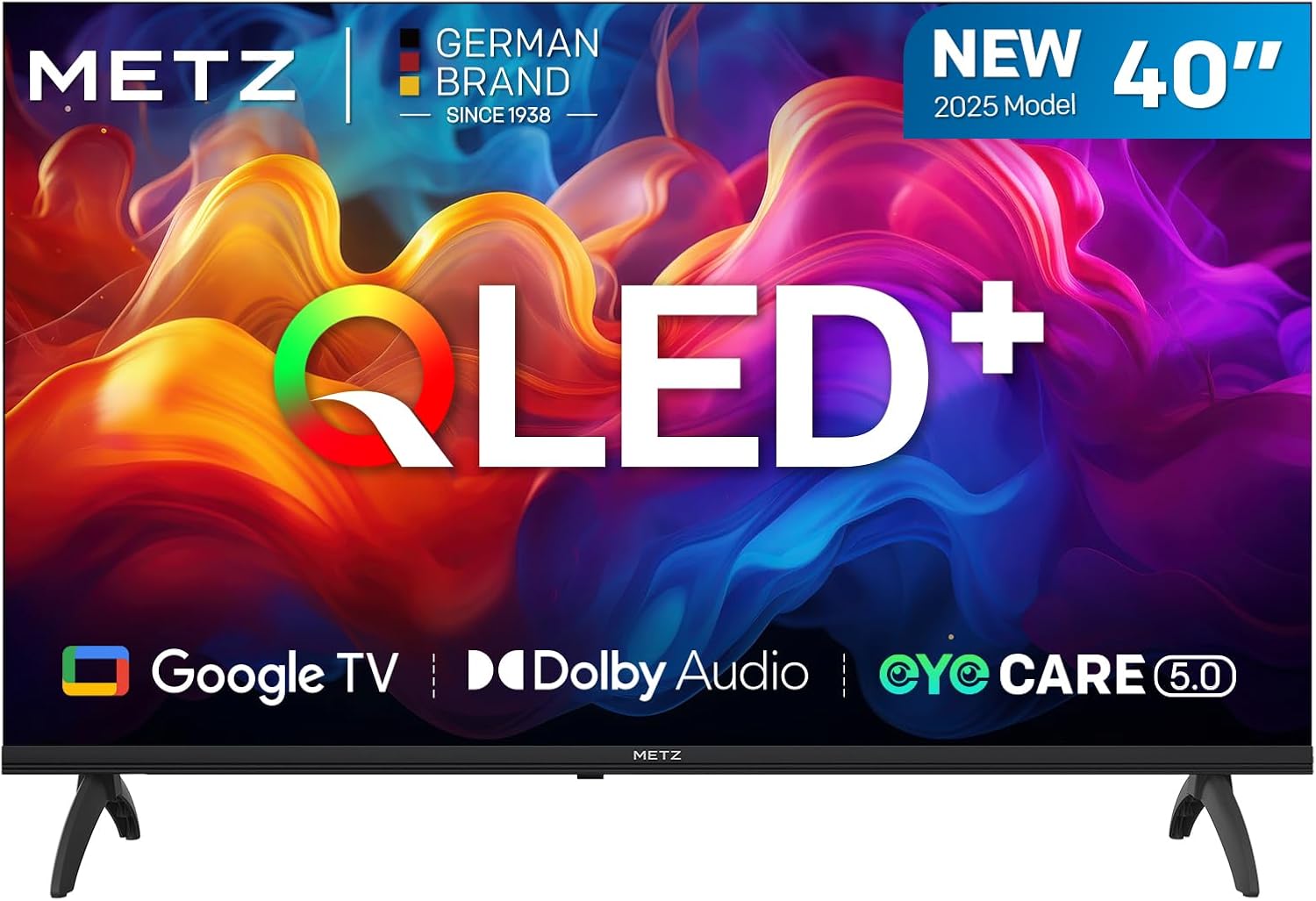
Figure 2.2.1: Front view of the Metz 40-inch QLED Smart TV, showcasing its slim bezel design and central Metz logo.
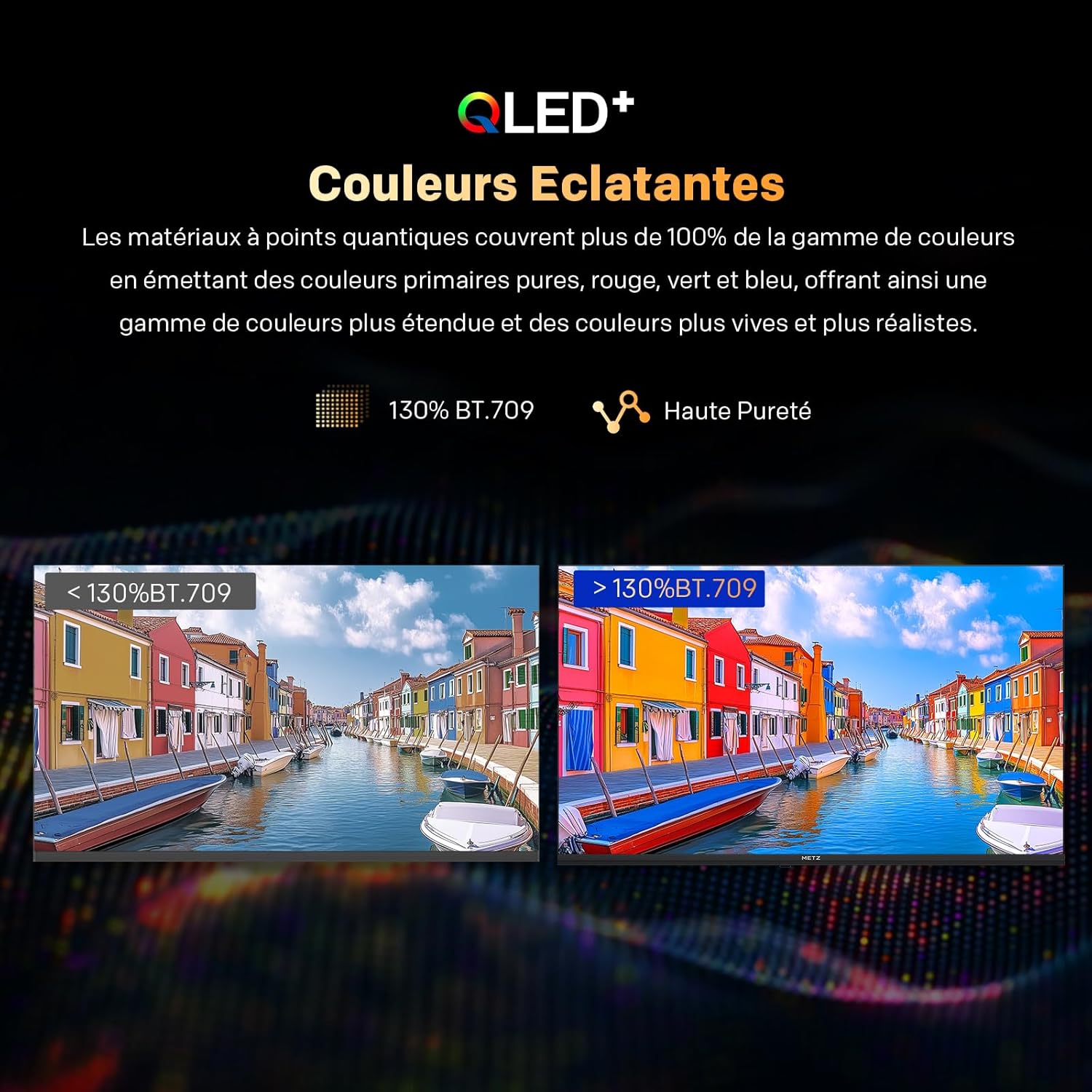
Figure 2.2.2: The Metz 40-inch QLED Smart TV with its remote control and detailed dimensions (892.0 mm width, 564.6 mm height with stand, 214.4 mm depth with stand).
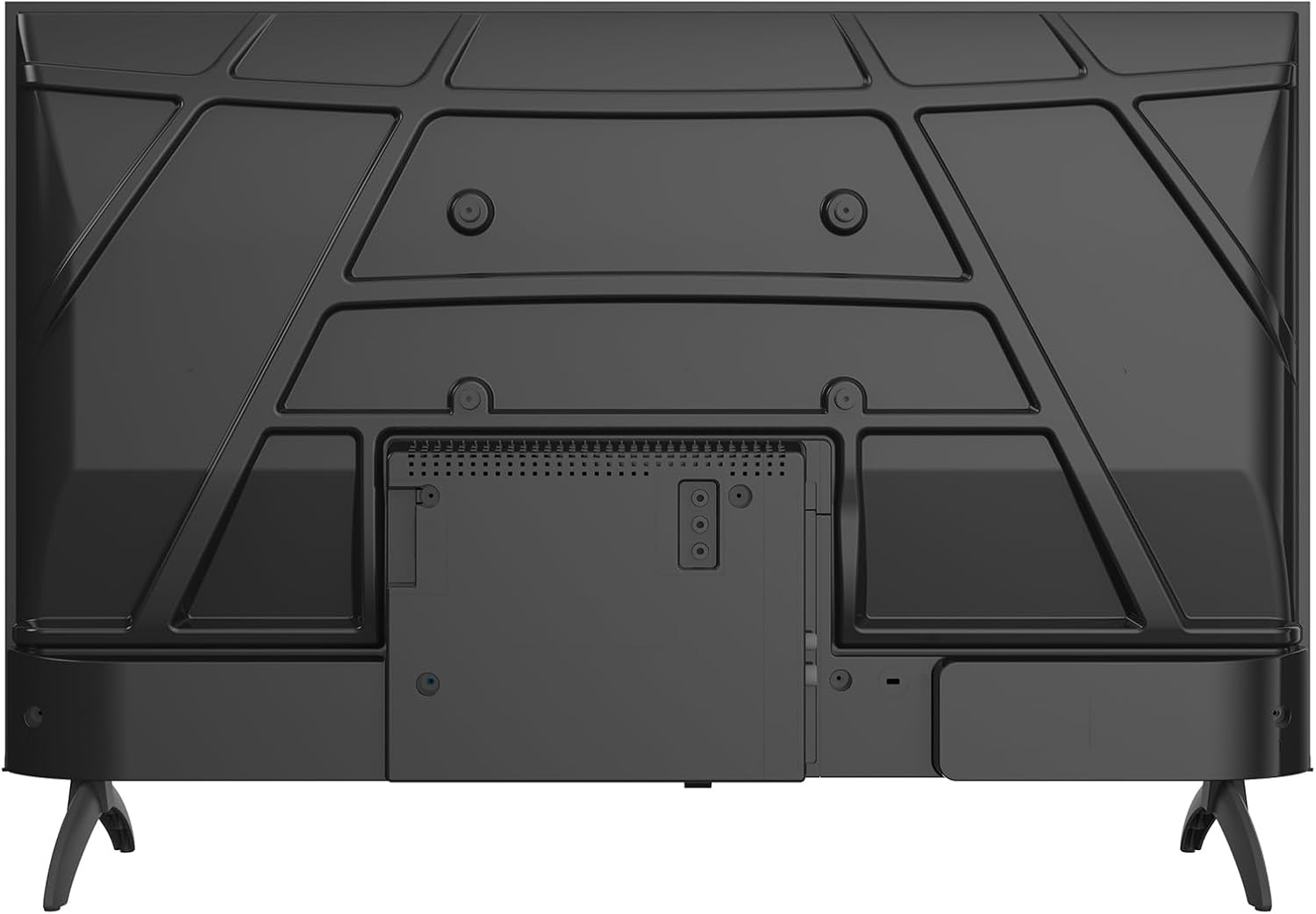
Figure 2.2.3: Rear view of the Metz 40-inch QLED Smart TV, illustrating the arrangement of various input/output ports and VESA mounting points.
3. Setup
3.1 Unpacking
Carefully remove the TV from its packaging. It is recommended to keep the original packaging for future transport or servicing.
3.2 Attaching the Stand
- Place the TV face down on a soft, flat surface to prevent screen damage.
- Align the stand bases with the corresponding slots on the bottom of the TV.
- Secure the stands using the provided screws. Ensure they are firmly attached.
3.3 Wall Mounting
This TV supports VESA wall mounting. For wall mounting, remove the stand bases. Use a compatible VESA mount (not included) and follow the instructions provided with the wall mount kit. The VESA pattern for this model is typically 200x200mm (check your specific mount for compatibility).
3.4 Connecting Peripherals
Connect your external devices to the TV's ports:
- HDMI: Connect Blu-ray players, game consoles, or set-top boxes to the HDMI ports (2 available).
- USB: Connect USB drives for media playback (2 available).
- Antenna/Cable: Connect your antenna or cable TV signal to the DVB-T/-T2/-C/-S/-S2 tuner input.
- LAN: Connect an Ethernet cable for wired internet access.
- CI+: Insert a CI+ module for encrypted channels.
4. Operating Instructions
4.1 Initial Setup (Google TV)
Upon first power-on, the TV will guide you through the initial setup process for Google TV. This includes language selection, network connection (Wi-Fi or LAN), Google account sign-in, and channel scanning.
4.2 Remote Control Functions
The included remote control allows full navigation and control of your TV. Familiarize yourself with the button layout for easy operation.
4.3 Navigating Google TV
Google TV provides a personalized home screen with recommendations, access to streaming apps, and integrated search. Use the remote's directional pad and OK button to navigate menus and select options.

Figure 4.3.1: The Google TV interface, showing personalized content recommendations and access to various applications.
4.4 Picture Settings
Adjust picture settings to optimize your viewing experience:
- QLED+ Technology: Experience vibrant and long-lasting image quality with the latest generation QLED+ technology, offering 33% higher brightness and a 130% BT.709 wide color gamut.
- HDR10 & HLG: These advanced technologies enhance contrast with deeper blacks and brighter highlights for a more immersive and realistic image.
- Eye-Care: Reduce eye strain with low blue light and flicker-free screen features, ideal for extended viewing.
- Sapphire Crystal Optics: This feature enhances brightness by 33.3% and light uniformity by 60% for a more luminous visual effect.
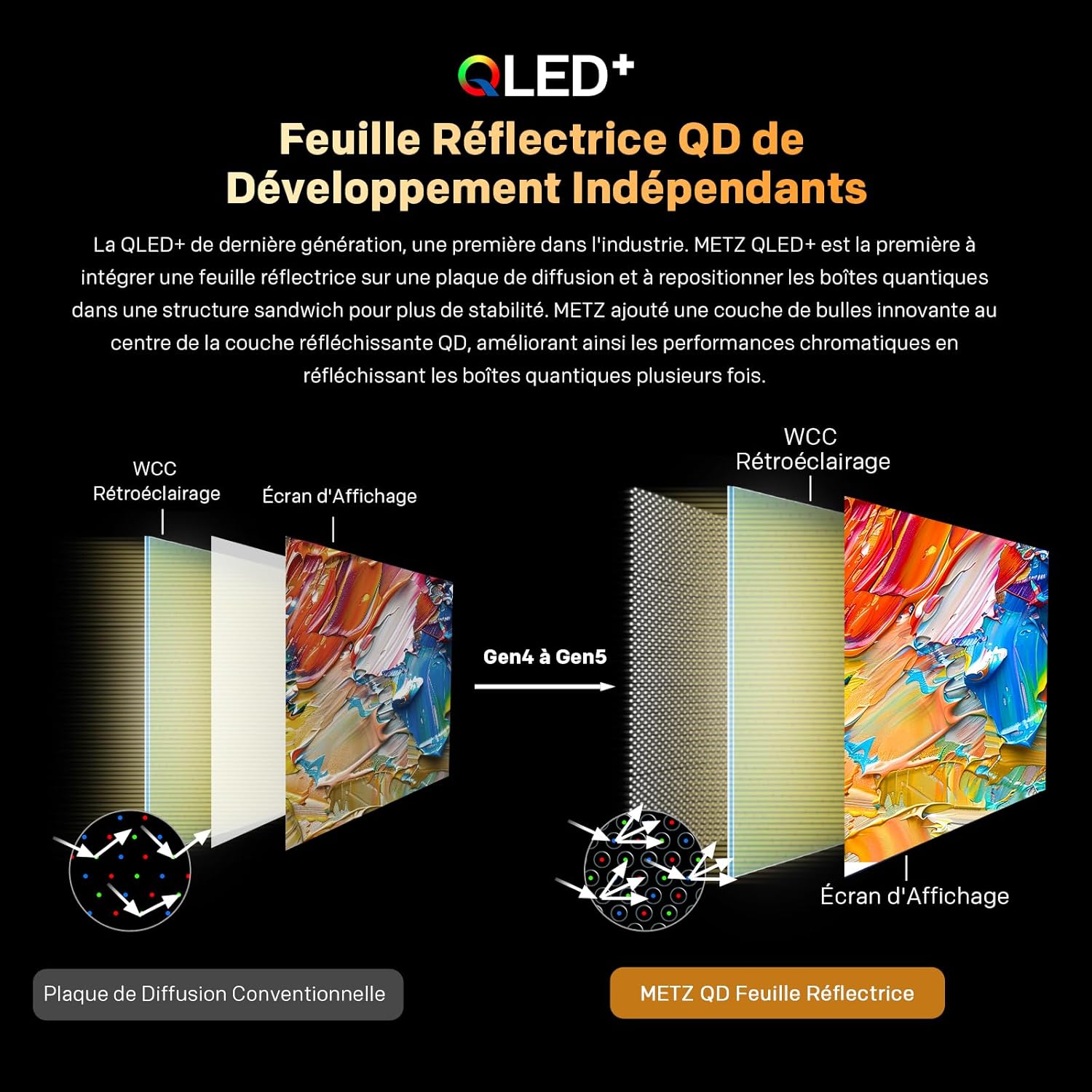
Figure 4.4.1: Illustration of the QLED+ Independent Development QD Reflective Sheet, showing its advanced structure for enhanced color performance.
Figure 4.4.2: Visual comparison demonstrating the vibrant and extended color range achieved with QLED+ technology (130% BT.709).

Figure 4.4.3: Side-by-side comparison illustrating the enhanced contrast and vivid colors provided by HDR10 and HLG technologies versus standard display.
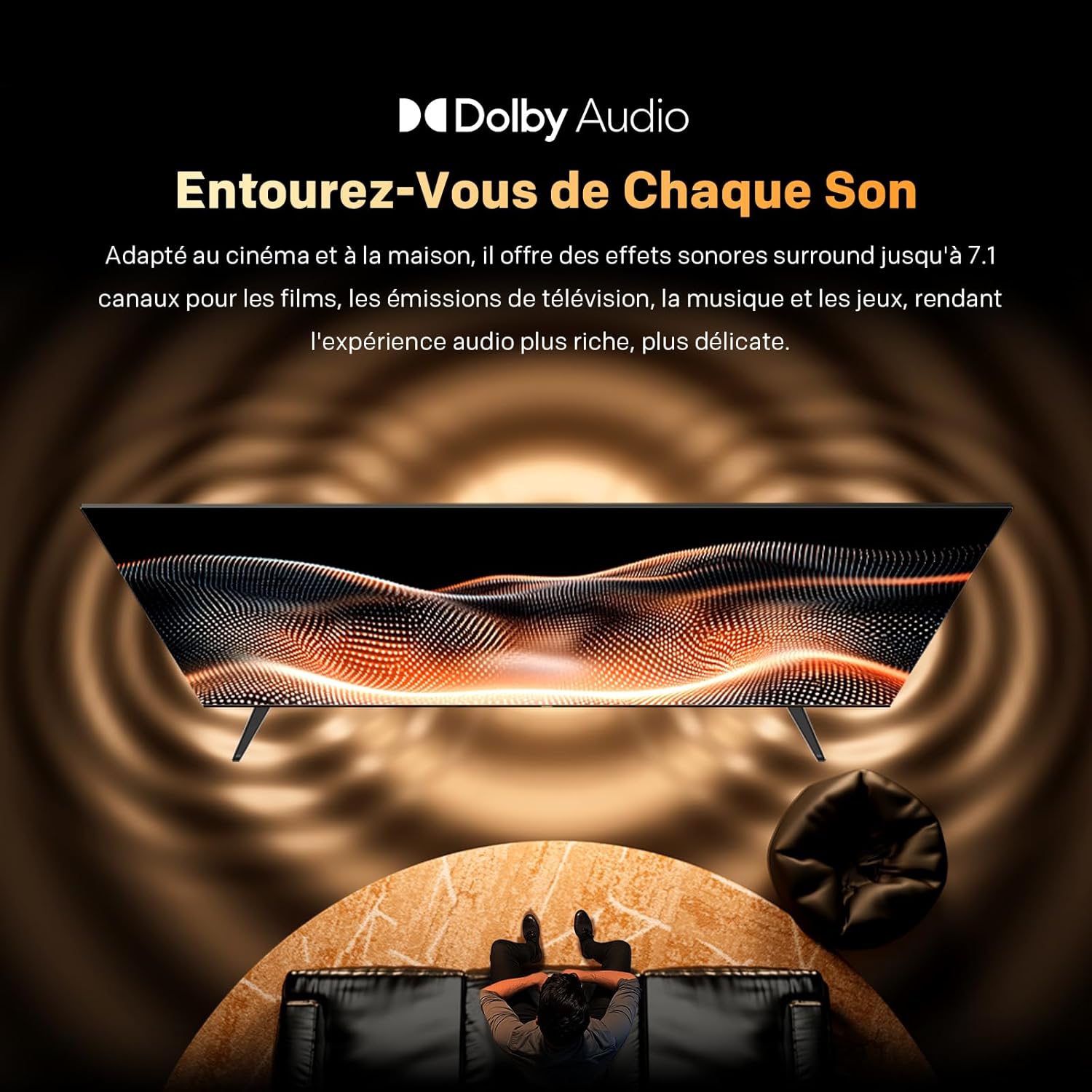
Figure 4.4.4: The Eye-Care feature, promoting comfortable viewing through flicker-free and low blue light technologies.

Figure 4.4.5: Diagram illustrating the Sapphire Crystal Optics technology, which uses pure, translucent precious stones for enhanced brightness and light uniformity.
4.5 Audio Settings
Optimize your audio experience:
- Dolby Audio: Enjoy rich and clear surround sound, adapted for movies, music, and games.
- Wonder Audio by METZ: Benefit from adaptive audio modes and noise reduction for optimized sound.

Figure 4.5.1: Visual representation of the immersive sound experience provided by Dolby Audio, adapting to various content types.
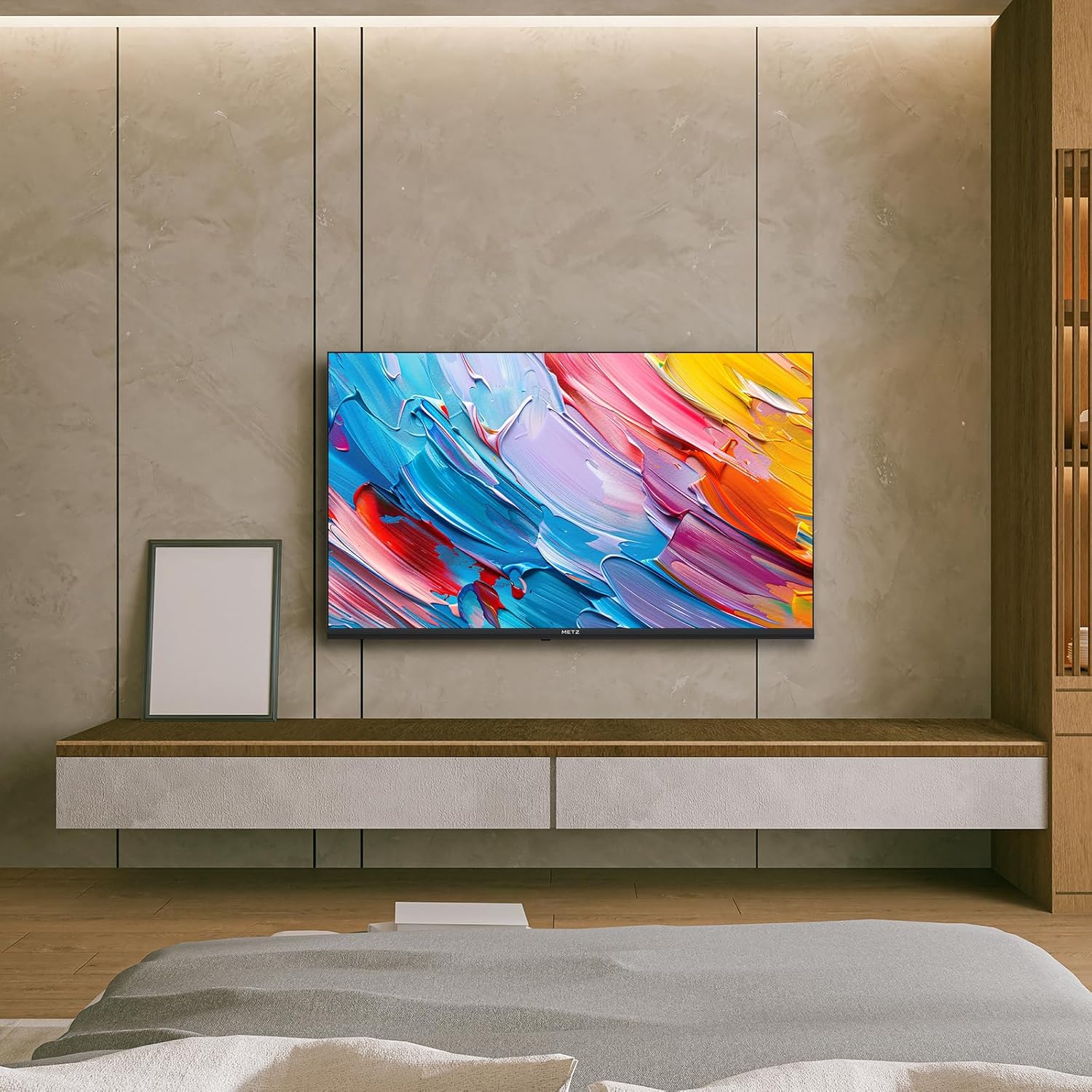
Figure 4.5.2: A studio setting illustrating the personalized and adaptive audio modes offered by Metz Wonder Audio, including dialogue clarity enhancement.
4.6 Connectivity
The TV offers various connectivity options:
- Bluetooth 5.1: Connect wireless headphones, soundbars, or other Bluetooth devices.
- Wi-Fi: Connect to your home network for internet access and streaming.
- Chromecast Built-in: Easily cast content from your smartphone or tablet to the TV.
5. Maintenance
5.1 Cleaning
- Always unplug the TV before cleaning.
- Use a soft, dry cloth to wipe the screen and cabinet.
- For stubborn marks, lightly dampen the cloth with water or a mild, non-abrasive cleaner specifically designed for electronics.
- Never spray cleaner directly onto the screen or cabinet.
5.2 Storage
If storing the TV for an extended period, ensure it is kept in a cool, dry place, away from direct sunlight and extreme temperatures. It is recommended to use the original packaging for protection.
6. Troubleshooting
This section addresses common issues you might encounter. If the problem persists, contact customer support.
| Problem | Possible Cause | Solution |
|---|---|---|
| No power | Power cord disconnected; no power from outlet. | Check power cord connection; test outlet with another device. |
| No picture, but sound is present | Incorrect input source; loose HDMI/AV cable. | Press the 'Source' button on the remote to select correct input; check cable connections. |
| No sound, but picture is present | Volume too low or muted; external audio device issue. | Increase volume or unmute; check external audio connections. |
| Remote control not working | Batteries depleted; obstruction between remote and TV. | Replace batteries; remove obstructions; ensure remote is pointed at TV sensor. |
| Wi-Fi connection issues | Incorrect password; router issues; TV too far from router. | Re-enter password; restart router; move TV closer or use wired connection. |
7. Technical Specifications
| Feature | Specification |
|---|---|
| Brand | Metz |
| Model | 40MQF7000Z |
| Screen Size | 40 Inches (100 cm) |
| Display Technology | QLED |
| Resolution | 1080p Full HD (1920 x 1080 Pixels) |
| Refresh Rate | 60 Hz |
| HDR Support | HDR10, HLG |
| Audio Technology | Dolby Audio, Wonder Audio |
| Smart TV Platform | Google TV |
| Connectivity | Bluetooth 5.1, Wi-Fi, 2 x HDMI, 2 x USB, LAN, DVB-T/-T2/-C/-S/-S2, CI+ |
| Special Features | Auto Volume Leveller, Bezel-Less Design, Chromecast, Eye Comfort Mode, Game Mode |
| Dimensions (L x W x H) | 89.2 x 21.4 x 56.5 cm (with stand) |
| Weight | 4.76 kg |
| Energy Efficiency Class | E |

Figure 7.1: Detailed Product Information Sheet for the Metz 40MQF7000Z TV.

Figure 7.2: Energy Label for the Metz 40MQF7000Z, indicating an 'E' energy efficiency rating. For more details, visit the official EPREL database: https://eprel.ec.europa.eu/qr/2307110
8. Warranty and Support
The Metz 40MQF7000Z QLED Smart TV comes with a manufacturer's warranty of 2 years from the date of purchase. This warranty covers defects in materials and workmanship under normal use.
For technical support, warranty claims, or service inquiries, please contact Metz customer service through their official website or the contact information provided in your purchase documentation. Please have your model number (40MQF7000Z) and proof of purchase ready when contacting support.
Related Documents - 40MQF7000Z
 |
Metz TV Bedienungsanleitung: DVB-C Sendersuche für TW, TX, TZ, TY Modelle Umfassende Anleitung zur Durchführung einer DVB-C Sendersuche auf Metz Fernsehgeräten der Serien TW, TX, TZ und TY. Erfahren Sie, wie Sie Ihr Gerät auf die werkseitigen Auslieferungseinstellungen zurücksetzen, um eine optimale Sendererkennung zu gewährleisten. |
 |
Metz DVB-T2 HD Receiver Bedienungsanleitung Umfassende Bedienungsanleitung für den Metz DVB-T2 HD Receiver, die Installation, Bedienung, Einstellungen, Fehlerbehebung und technische Daten abdeckt. Erfahren Sie, wie Sie Ihren freenet TV Receiver einrichten und nutzen. |
 |
Metz Mqf7500Z QLED Pro Google TV User Manual Comprehensive user manual for the Metz Mqf7500Z QLED Pro Google TV, detailing setup, features such as 120Hz HSR, MEMC, HDR10+, Dolby Vision, Dolby Atmos, Voice Control, and Eyecare 5.0. |
 |
METZ Mini LED TV Serie MNE80* - Manual de Inicio Rápido y Especificaciones Guía de inicio rápido y manual de usuario para el televisor METZ Mini LED Serie MNE80*, incluyendo configuración, características, especificaciones técnicas, seguridad y solución de problemas. |
 |
Manual de Inicio Rápido: Televisión QLED Serie MQE76* Metz Guía de inicio rápido para el Televisor QLED Serie MQE76* de Metz, cubriendo configuración, instalación, precauciones de seguridad, control remoto, solución de problemas y especificaciones. |
 |
METZ 32MQE7100Z QLED TV Quick Start Guide This document provides a quick start guide for the METZ 32MQE7100Z QLED TV. It covers unpacking, installation, safety precautions, remote control usage, connections, basic operations, troubleshooting, and technical specifications. The guide is designed to be concise, accessible, and SEO-optimized. |