
Introduction
This manual provides essential information for the proper setup, operation, and maintenance of your Barefoot Footprint03 Studio Monitor Speaker Stereo Pair. Designed for professional audio environments, these monitors deliver precise audio reproduction for mixing, mastering, and critical listening applications.
The Footprint03 features a sophisticated three-driver design, including a 6.5-inch aluminum cone subwoofer, a 3.5-inch aluminum-cone midrange driver, and a 1-inch dual radiator tweeter. It incorporates advanced DSP with patented SPOC technology and MEME technology for speaker emulation.
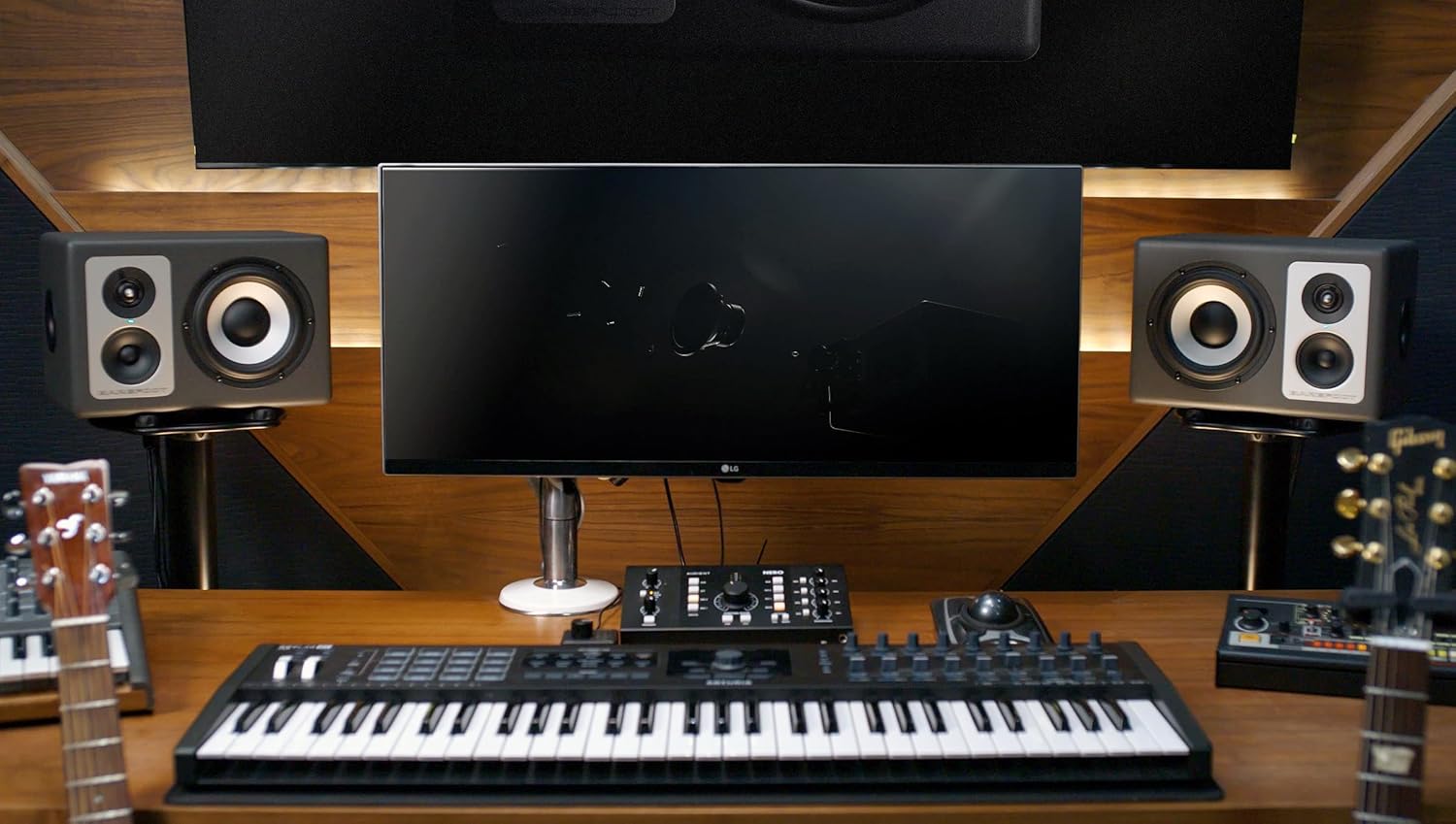
Figure 1: Barefoot Footprint03 Studio Monitors integrated into a professional studio environment.
Setup
1. Unpacking
Carefully remove the Footprint03 monitors from their packaging. Retain all packaging materials for future transport or storage.
2. Placement
Position the monitors on a stable, flat surface, such as a tabletop, ensuring they are at an optimal listening height and distance for your studio environment. The monitors are designed for tabletop mounting.
3. Connections
Refer to the rear panel diagram for connection points:
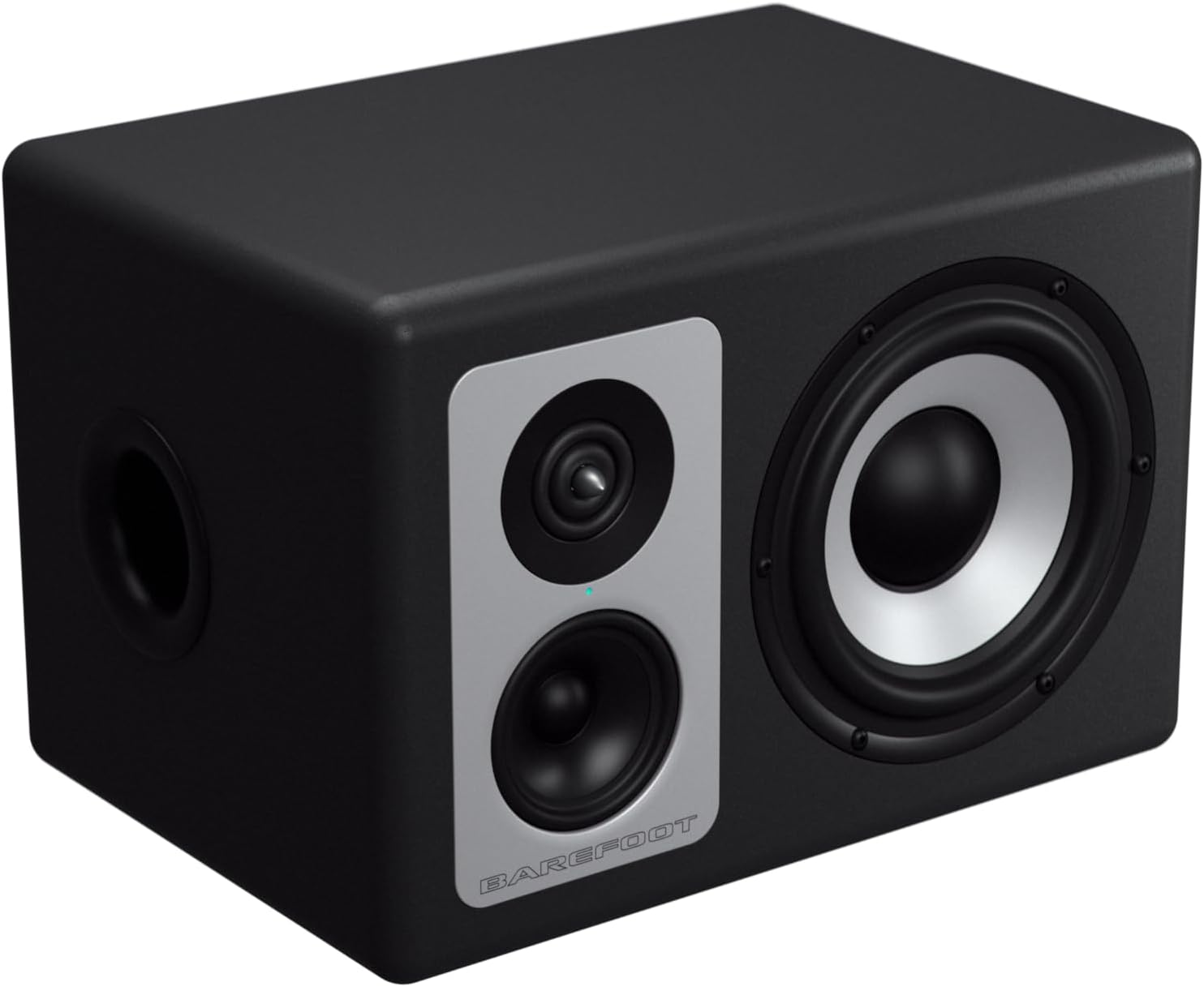
Figure 2: Rear panel connections and controls of the Footprint03 Studio Monitor.
- Audio Input: Connect your audio source (e.g., audio interface, mixing console) to the XLR/1/4" Combo Input using a balanced XLR or TRS cable.
- MEME Input: Connect the MEME controller to this USB port using the provided cable.
- Power: Connect the included power cable to the AC inlet and then to a suitable power outlet (100-230 VAC, 50-60 Hz).
- USB Connectivity: The USB port is used for MEME controller connection and potential firmware updates.
4. Initial Power-On
After all connections are secure, switch the power button to the 'ON' position. The monitors will initialize.
Operating Instructions
1. Power On/Off
Use the power switch located on the rear panel to turn the monitors on or off. It is recommended to power on your monitors after your audio source and power them off before your audio source to prevent transient noises.
2. Level Control
Adjust the input sensitivity using the Level Control knob on the rear panel. This allows you to match the output level of your audio source to the monitors for optimal gain staging. Settings range from -10 dB to +7 dB.
3. SPOC Technology
The Footprint03 incorporates patented SPOC (Speaker Phase Optimization Circuitry) technology, which maximizes resolution and accuracy by optimizing phase response across the frequency spectrum. This technology operates automatically to ensure precise audio reproduction.
4. MEME Technology
MEME (Multi-Emphasis Monitor Emulation) technology provides four distinct speaker emulation models, allowing you to audition your mixes through different sonic profiles. Connect the MEME controller via the dedicated USB input.

Figure 3: The MEME controller allows selection of different speaker emulation modes.
The available emulation modes are:
- Hi-Fi: A more consumer-oriented sound profile, often with enhanced bass and treble.
- Flat: The neutral, uncolored sound of the Footprint03 monitors, ideal for critical mixing decisions.
- OldScl (Old School): Emulates the sound of classic studio monitors, often with a more mid-focused response.
- Cube: Simulates small, single-driver reference monitors, useful for checking vocal and midrange clarity.
Rotate the knob on the MEME controller to select your desired emulation mode.
Maintenance
1. Cleaning
To clean the exterior of your Footprint03 monitors, use a soft, dry, lint-free cloth. For stubborn marks, a slightly damp cloth with a mild, non-abrasive cleaner can be used, but ensure no liquid enters the speaker grilles or ports. Avoid harsh chemicals or solvents.
2. General Care
- Avoid exposing the monitors to extreme temperatures, humidity, or direct sunlight.
- Ensure adequate ventilation around the monitors to prevent overheating.
- Do not block the rear panel or any vents.
- The enclosure is constructed from medium-density fibreboard and metal. Handle with care to prevent damage.
Troubleshooting
If you encounter issues with your Footprint03 monitors, please review the following common problems and solutions:
- No Sound:
- Ensure the power cable is securely connected and the power switch is ON.
- Verify that the audio input cables (XLR/TRS) are correctly connected to both the monitor and your audio source.
- Check the volume level on your audio source and the Level Control on the monitor's rear panel.
- Confirm that your audio source is outputting sound.
- Distorted Sound:
- Reduce the input level from your audio source or the Level Control on the monitor to prevent clipping.
- Check for damaged audio cables.
- Ensure the audio source is not overdriving the input.
- Hum or Buzz:
- Ensure all equipment is properly grounded.
- Try connecting the monitors to a different power outlet.
- Use balanced audio cables (XLR or TRS) to minimize interference.
- Separate audio cables from power cables to reduce electromagnetic interference.
- MEME Controller Not Responding:
- Ensure the USB cable connecting the MEME controller to the monitor is securely attached.
- Try a different USB cable.
Caution: Risk of Electric Shock. Do not open the monitor enclosure. Refer all servicing to qualified service personnel.
Specifications
| Brand | Barefoot |
| Model Number | Footprint03 |
| Speaker Type | 3-way Studio Monitor |
| Woofer Diameter | 6.5 Inches (Aluminum Cone) |
| Midrange Driver | 3.5 Inches (Aluminum Cone) |
| Tweeter Diameter | 1 Inch (Dual Radiator) |
| Speaker Maximum Output Power | 260 Watts per monitor |
| Frequency Response | 20 Hz (Lower limit, full range not specified) |
| Connectivity Technology | XLR, USB |
| Audio Output Mode | Stereo |
| Mounting Type | Tabletop Mount |
| Enclosure Material | Medium-density Fibreboard, Metal |
| Additional Features | Active Monitors, Level Control, SPOC Technology, USB Connectivity, MEME Technology |
| Color | Black |
| Control Method | Push Button (for power), Rotary Knob (for level, MEME) |
| Item Dimensions (D x W x H) | 9"D x 13.25"W x 9.25"H |
| Item Weight | 50.5 Pounds (per pair, assuming) |
| Input Voltage | 100-230 VAC |
| Impedance | 8 Ohms |
| Signal-to-Noise Ratio | 110 dB |
| Compatible Devices | Audio Interfaces, Computers, Mixing Consoles |
| Power Source | AC |
| What's in the Box | Power Cable, MEME controller and cable connection kit |
Warranty Information
The Barefoot Footprint03 Studio Monitor Speaker is covered by a 1-Year Manufacturer Warranty. This warranty covers defects in materials and workmanship under normal use. Please retain your proof of purchase for warranty claims. For specific terms and conditions, refer to the warranty documentation provided with your product or contact Barefoot customer support.
Support
For further assistance, technical support, or service inquiries regarding your Barefoot Footprint03 Studio Monitor Speakers, please visit the official Barefoot Sound website or contact their customer service department. Contact information can typically be found on the manufacturer's website or in your product packaging.


