
1. Important Safety Instructions
Read and understand all safety warnings and instructions before operating this snow shovel. Failure to follow the warnings and instructions may result in electric shock, fire, and/or serious injury.
General Safety
- Keep Work Area Clear: Ensure the area where the snow shovel is used is free from debris, rocks, or other objects that could be thrown by the auger.
- Avoid Bystanders: Keep children, pets, and other people away from the operating area.
- Dress Appropriately: Wear appropriate winter clothing, non-slip footwear, and eye protection. Avoid loose clothing that could get caught in moving parts.
- Inspect Before Use: Before each use, check the snow shovel for any damaged parts, loose fasteners, or signs of wear. Do not operate if damaged.
- Do Not Overreach: Maintain proper footing and balance at all times. Do not overreach while operating the unit.
- Clear Obstructions: If the snow shovel becomes clogged, turn off the unit, remove the battery, and wait for all moving parts to stop before attempting to clear the obstruction.
Electrical Safety
- Battery Use: Use only the specified battery pack and charger for this product. Using other batteries or chargers may create a risk of injury and fire.
- Charge Indoors: Charge the battery indoors in a dry, well-ventilated area.
- Do Not Expose to Moisture: Do not expose the battery or charger to rain or wet conditions.
- Remove Battery When Not in Use: Always remove the battery pack from the snow shovel when not in use, before cleaning, or when making adjustments.
2. Product Components
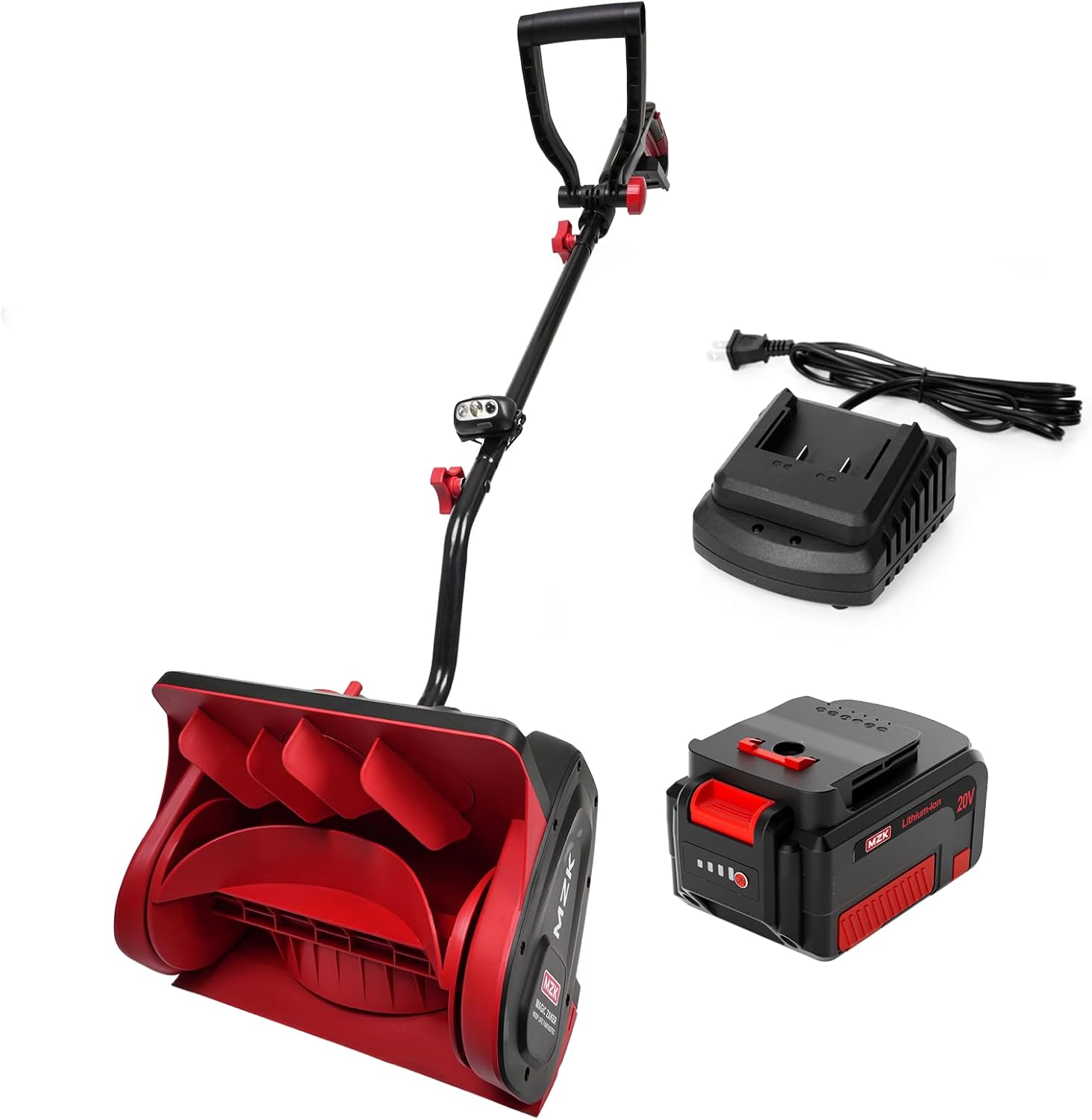
The MZK 20V 13-Inch Cordless Snow Shovel comes with the following components:
- Main Snow Shovel Unit (with auger and motor housing)
- Upper Handle Assembly (with control switches)
- Adjustable Front Handle
- 20V 4.0Ah Li-ion Battery
- Fast Charger
- Directional Plate

3. Assembly and Setup
Follow these steps to assemble your MZK Cordless Snow Shovel:
- Attach the Upper Handle: Connect the upper handle assembly to the main unit. Ensure all locking mechanisms or screws are securely fastened.
- Install the Adjustable Front Handle: Position the adjustable front handle to a comfortable height and secure it using the provided knobs or levers.
- Insert the Battery: Align the 20V 4.0Ah Li-ion battery with the battery compartment on the snow shovel and slide it in until it clicks into place. Ensure it is fully seated.
- Adjust Directional Plate: The directional plate can be adjusted to control the snow discharge direction. Loosen the adjustment knob, set the desired angle (up to ±30 degrees), and tighten the knob.


4. Operation
Operating the MZK Cordless Snow Shovel is straightforward. Always ensure the battery is fully charged before use.
Starting the Snow Shovel
- Ensure the battery is securely inserted.
- Press and hold the safety lock button (usually located on the main handle).
- While holding the safety lock button, squeeze the ON/OFF switch lever. The auger will begin to rotate.
- Release the safety lock button once the unit is running.

Clearing Snow
- Push the snow shovel forward into the snow at a steady pace. Do not force the unit.
- Overlap each pass slightly to ensure complete snow removal.
- Adjust the directional plate as needed to throw snow away from cleared areas or desired locations. The shovel can throw snow up to 20 feet.
- For deeper snow, it may be necessary to make multiple passes, clearing a portion of the snow depth with each pass.

Using LED Headlights
The snow shovel is equipped with bright LED headlights to improve visibility during low-light conditions or nighttime operation. These lights activate automatically when the unit is powered on.

5. Battery Charging and Care
Proper battery care ensures optimal performance and longevity.
Charging the Battery
- Remove the battery from the snow shovel.
- Connect the fast charger to a standard electrical outlet.
- Slide the battery pack onto the charger. The indicator light on the charger will show the charging status.
- Once fully charged (indicator light changes, refer to charger manual for specifics), disconnect the battery from the charger and unplug the charger from the outlet.
Battery Care
- Do not store the battery in direct sunlight or in areas with extreme temperatures.
- Avoid fully discharging the battery before recharging.
- If storing for extended periods, charge the battery to approximately 50% capacity.
6. Maintenance
Regular maintenance helps ensure the snow shovel operates efficiently and safely.
Cleaning
- Always remove the battery before cleaning.
- After each use, clear any snow, ice, or debris from the auger housing and directional plate.
- Wipe down the exterior surfaces with a damp cloth. Do not use harsh chemicals or abrasive cleaners.
Storage
- Store the snow shovel in a dry, protected area, away from moisture and extreme temperatures.
- Ensure the battery is removed and stored separately in a cool, dry place.
- Store the unit in a position where it is stable and will not fall.
7. Troubleshooting
This section addresses common issues you might encounter with your snow shovel.
| Problem | Possible Cause | Solution |
|---|---|---|
| Snow shovel does not start. | Battery not inserted correctly. Battery is discharged. Safety lock not engaged. | Ensure battery is fully seated. Charge the battery. Press safety lock button before squeezing trigger. |
| Reduced snow throwing distance. | Auger housing clogged. Wet, heavy snow. Battery low. | Turn off, remove battery, clear obstruction. Reduce forward speed. Recharge battery. |
| Unit vibrates excessively. | Loose components. Damaged auger. | Check all fasteners and tighten. Inspect auger for damage; contact customer support if damaged. |
8. Specifications
Technical details for the MZK 20V 13-Inch Cordless Snow Shovel (Model ET2212):
- Model: ET2212
- Brand: MZK
- Power Source: Battery Powered
- Battery Type: 20V 4.0Ah Li-ion
- Clearing Width: 13 inches
- Clearing Depth: 6 inches
- Throwing Distance: Up to 20 feet
- Item Weight: 9.31 pounds
- Product Dimensions: 23.23 x 23.23 x 14.57 inches
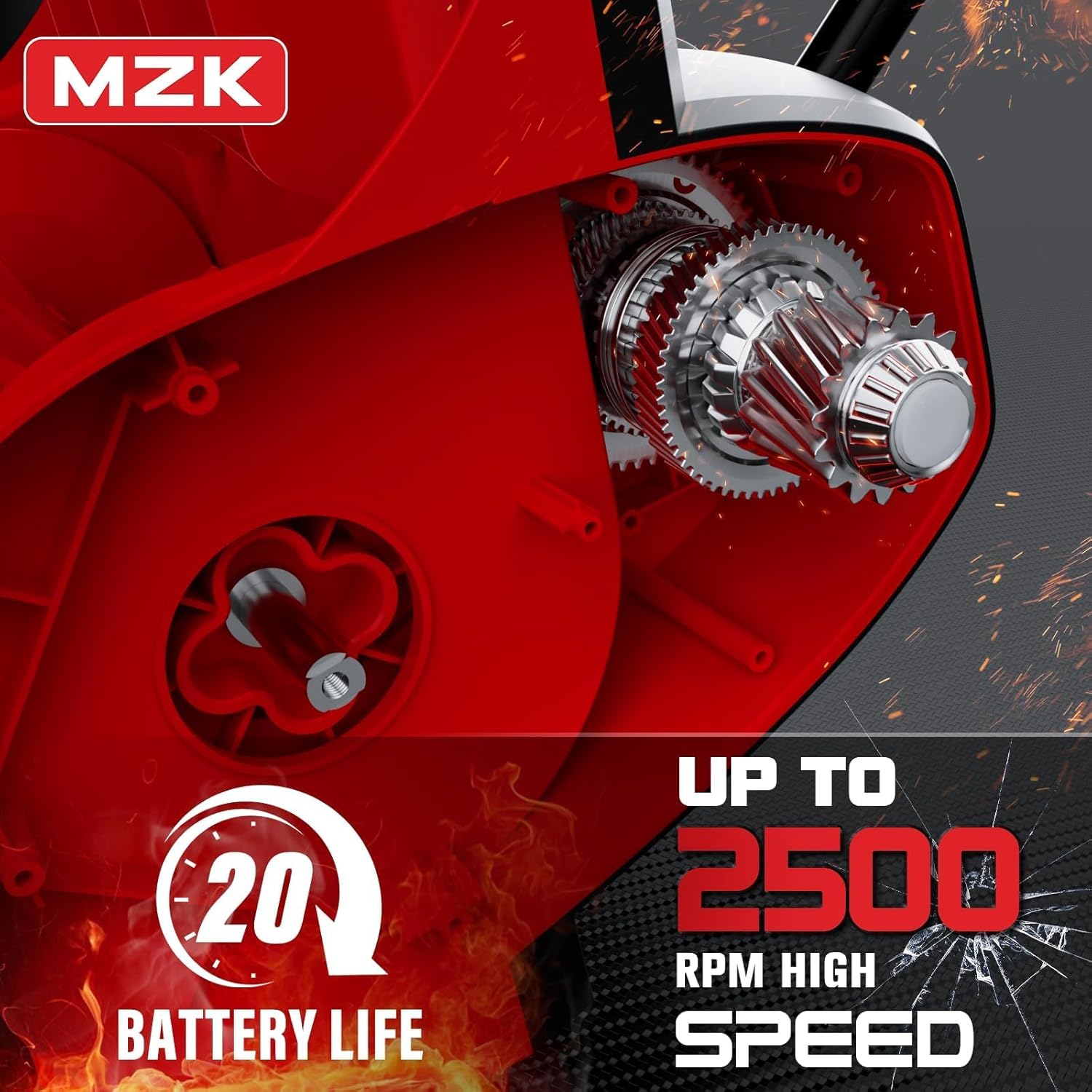
- Auger Speed: Up to 2500 RPM
- Features: Directional Plate, Adjustable Front Handle, LED Headlights, Dual Safety Switches
9. Warranty Information
MZK is committed to providing quality products. For specific warranty details regarding your MZK Cordless Snow Shovel, please refer to the warranty card included with your purchase or visit the official MZK website. Keep your proof of purchase for warranty claims.
10. Customer Support
If you have any questions, require assistance with assembly, operation, or troubleshooting, or need to report a problem with your MZK Cordless Snow Shovel, please contact MZK customer service. Contact information can typically be found on the product packaging, the MZK website, or through your retailer.
MZK is dedicated to providing excellent customer service and will assist you in resolving any issues you may encounter.