
FOHERE RKY20(R)-N4-3
FOHERE 8000 BTU Portable Air Conditioner and Heater User Manual
Model: RKY20(R)-N4-3
1. Introduction
This manual provides essential information for the safe and efficient operation of your FOHERE 8000 BTU Portable Air Conditioner and Heater. Please read it thoroughly before installation and use, and retain it for future reference.

Image 1.1: FOHERE Portable Air Conditioner and Heater with its remote control.
The FOHERE portable unit offers 5-in-1 functionality, including cooling, heating, dehumidifying, fan, and auto modes, suitable for spaces up to 365 sq.ft. It features an 8000 BTU cooling and heating capacity, ensuring comfort across various seasons.

Image 1.2: Overview of cooling and heating capacities and recommended coverage area.
2. Safety Information
Always adhere to basic safety precautions when using electrical appliances to reduce the risk of fire, electric shock, or injury.
General Safety Precautions:
- Read all instructions before using the appliance.
- Ensure the power supply matches the voltage specified on the rating label.
- Do not operate the unit with a damaged cord or plug.
- Keep the appliance away from heat sources and direct sunlight.
- Do not block air inlets or outlets.
- Always unplug the unit before cleaning or servicing.
- This appliance is not intended for use by persons (including children) with reduced physical, sensory, or mental capabilities, or lack of experience and knowledge, unless they have been given supervision or instruction concerning use of the appliance by a person responsible for their safety.
Child Lock Feature:
The unit is equipped with a child lock function to prevent accidental changes to settings. When activated, all other buttons are disabled until the child lock is deactivated.
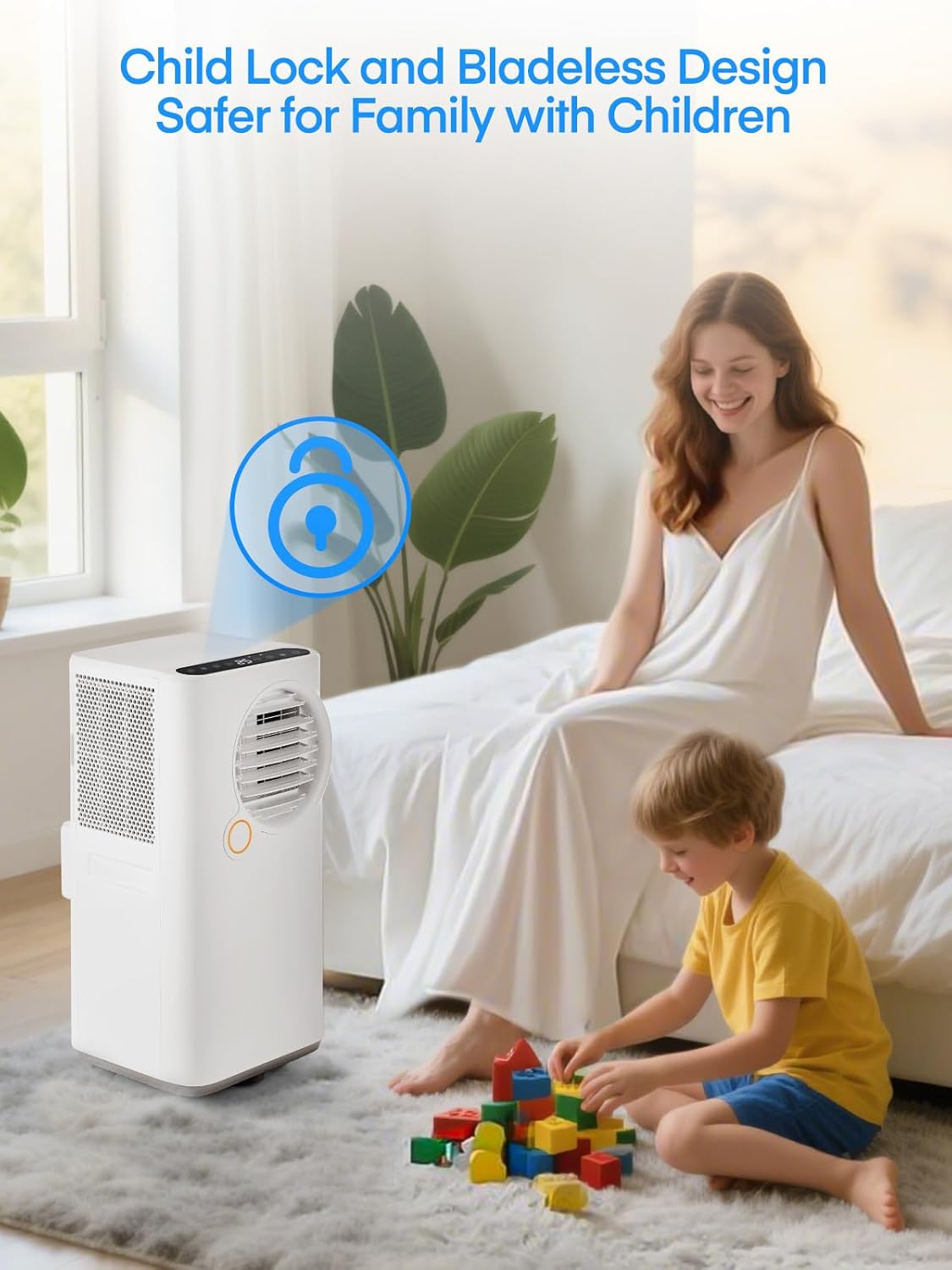
Image 2.1: The child lock feature enhances safety in households with children.
3. Package Contents
Verify that all components are present and undamaged upon unpacking. If any items are missing or damaged, contact customer support.
- Portable Air Conditioner Unit
- Remote Control
- Exhaust Hose
- Hose Inlet
- Hose Outlet
- Window Kit (Adjustable Sealing Board)
- User Manual
- Water Pipe (for continuous drainage)
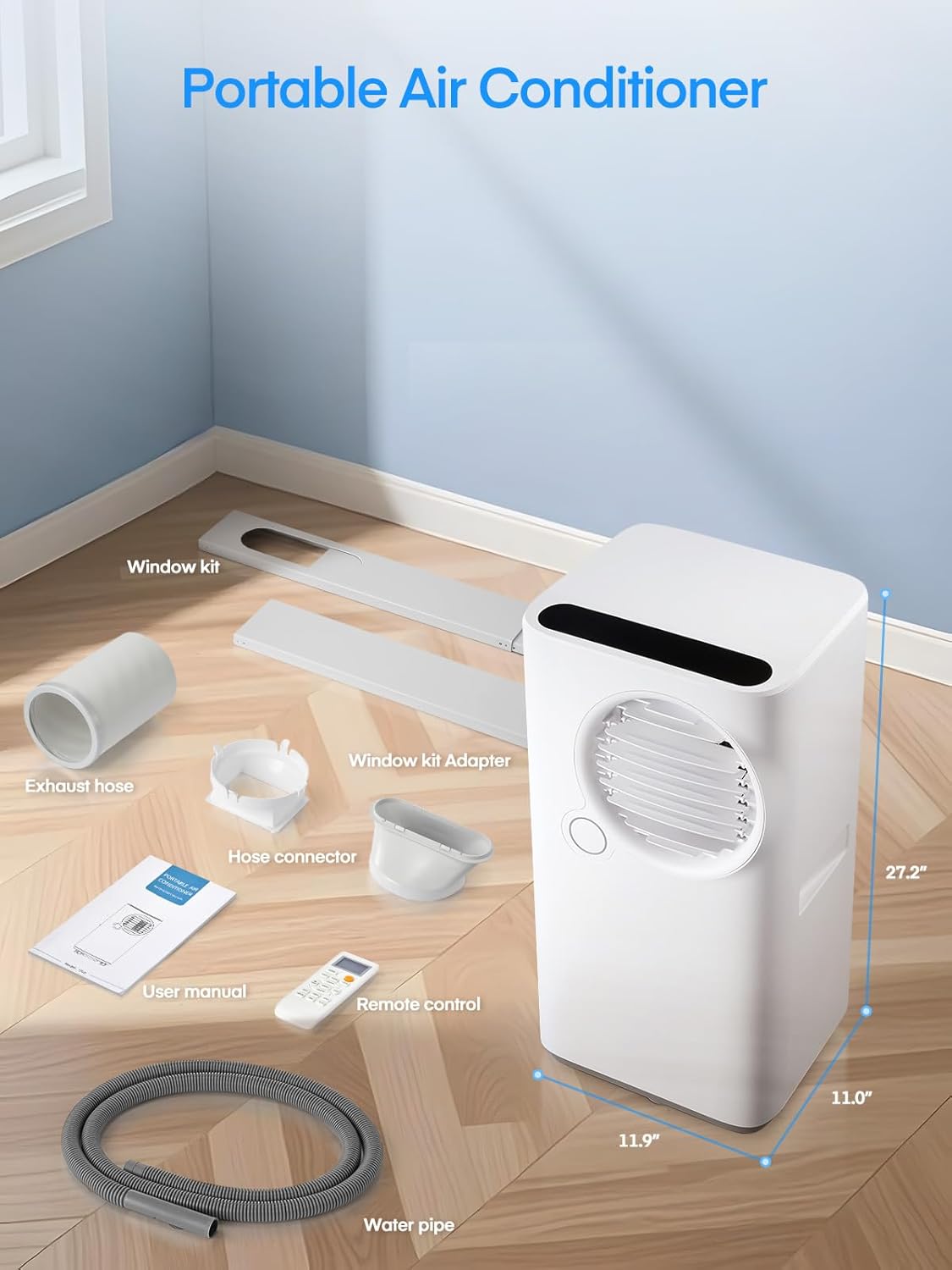
Image 3.1: All components included in the package.
4. Product Overview
Familiarize yourself with the main parts of your portable air conditioner.
Unit Features:
- Control Panel: Located on the top of the unit for direct operation.
- Air Outlet: Front-facing, with adjustable louvers for airflow direction.
- Air Inlet: Rear-facing, with a removable and washable air filter.
- Exhaust Air Outlet: Rear connection point for the exhaust hose.
- Casters and Side Handles: For easy mobility between rooms.

Image 4.1: Key features of the portable air conditioner, including the washable filter and mobility options.
5. Setup and Installation
Follow these steps for proper installation of your portable air conditioner.
Window Kit Installation:
- Adjust the sealing board to the length of your window opening (suitable for single or double hung/sliding windows). The window kit is adjustable up to 59 inches.
- Secure the adjusted window kit in place within the window frame.
Exhaust Hose Connection:
- Connect the hose inlet to one end of the exhaust hose.
- Connect the hose outlet to the other end of the exhaust hose.
- Attach the hose inlet to the exhaust port on the back of the air conditioner unit.
- Insert the hose outlet into the opening of the installed window kit, ensuring a snug fit to prevent air leakage.

Image 5.1: Step-by-step guide for window kit and exhaust hose installation.

Image 5.2: Examples of two common window installation methods.
6. Operating Instructions
Your FOHERE portable air conditioner can be operated using either the control panel on the unit or the remote control.

Image 6.1: Operating the unit via remote control or the integrated control panel.
Control Panel and Remote Control Functions:
- Power Button: Turns the unit ON/OFF.
- Mode Button: Cycles through Cooling, Heating, Fan, Dehumidify, and Auto modes.
- Temperature Adjustment Buttons (Up/Down): Adjusts the desired temperature.
- Fan Speed Button: Selects fan speed (Low, Medium, High).
- Timer Button: Sets the 24-hour ON/OFF timer.
- Sleep Mode Button: Activates/deactivates sleep mode for quiet, energy-efficient operation.
- Swing Button: Controls the wide-angle air supply (automatic left/right adjustment).
- Child Lock Button: Activates/deactivates the child lock.
Operating Modes:

Image 6.2: The 5-in-1 multifunctional modes available.
- Cooling Mode: Provides rapid cooling. Blue light indicator.
- Heating Mode: Provides warmth. Orange light indicator.
- Fan Mode: Circulates air without cooling or heating. Green light indicator.
- Dehumidifying Mode: Reduces humidity. White light indicator.
- Auto Mode: Automatically selects operation mode based on ambient temperature.
Sleep Mode and Timer:
The sleep mode adjusts temperature and fan speed for quiet operation and energy efficiency during sleep. The 24-hour timer allows for scheduled ON/OFF times.
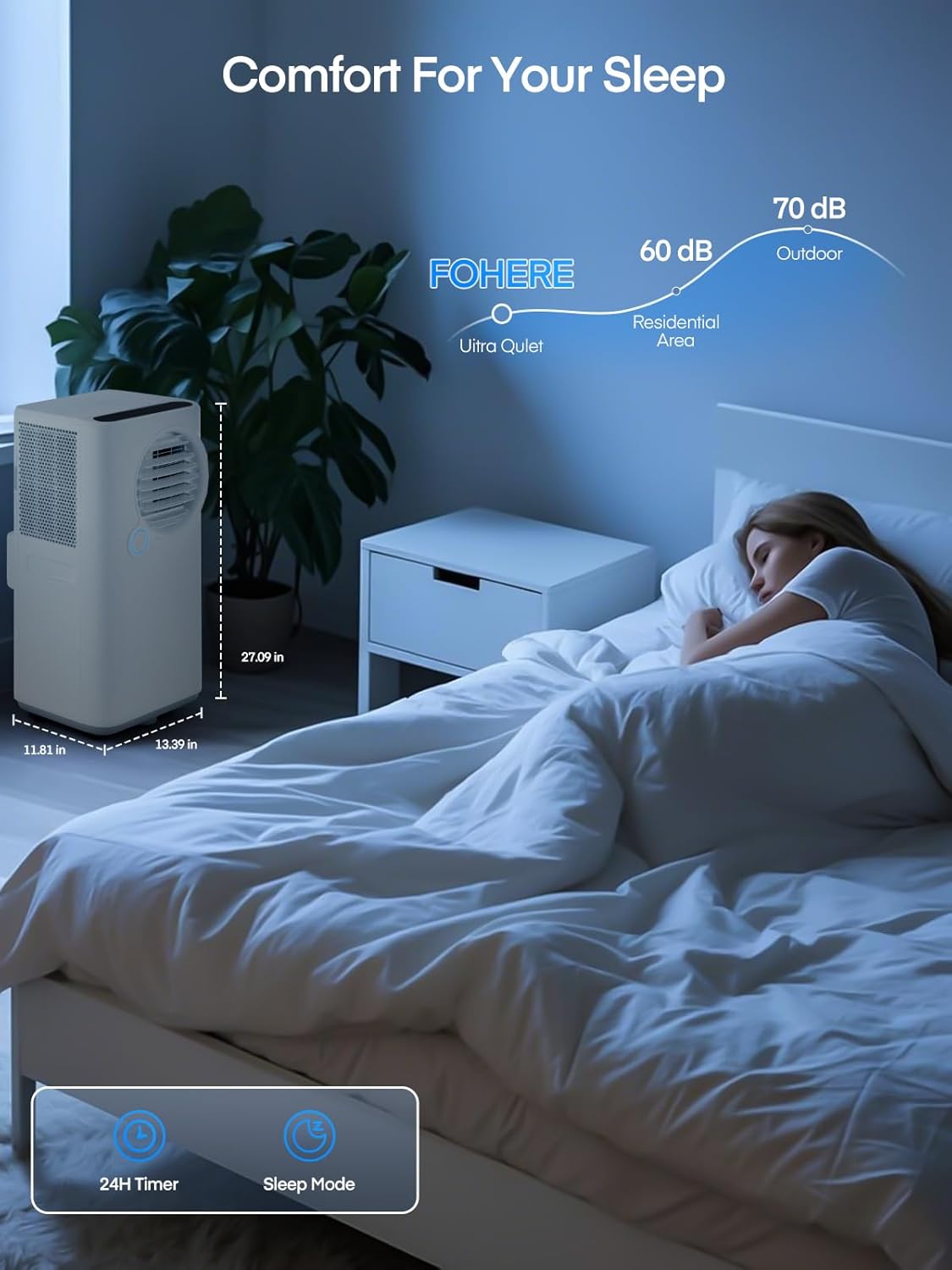
Image 6.3: Sleep mode provides a comfortable and quiet environment.
Water Full Indicator:
A red light will illuminate when the internal water tank is full, indicating that it needs to be drained.
7. Maintenance
Regular maintenance ensures optimal performance and longevity of your unit.
Cleaning the Air Filter:
The unit features a removable and washable air filter. It is recommended to clean the filter every two weeks to maintain air quality and unit efficiency.
- Unplug the air conditioner from the power outlet.
- Remove the air filter from the back of the unit.
- Wash the filter with warm, soapy water. Rinse thoroughly.
- Allow the filter to air dry completely before reinserting it into the unit.
Draining Water:
When the water full indicator light is red, the internal water tank needs to be drained. For continuous drainage, connect the included water pipe to the drainage port.
Storage:
Before long-term storage, ensure the unit is completely drained of water and the filter is clean and dry. Store the unit in a cool, dry place, covered to protect it from dust.
8. Troubleshooting
Refer to this section for common issues and their solutions.
| Problem | Possible Cause | Solution |
|---|---|---|
| Unit does not turn on | No power supply; Child lock activated | Check power cord connection and outlet; Deactivate child lock. |
| Insufficient cooling/heating | Air filter dirty; Air inlets/outlets blocked; Room size too large; Window kit not properly sealed | Clean air filter; Clear obstructions; Ensure unit is appropriate for room size; Re-seal window kit. |
| Water full indicator is on | Internal water tank is full | Drain the water tank. |
| Unit is noisy | Unit not on a flat surface; Fan speed too high | Place unit on a level surface; Reduce fan speed. |
If the problem persists after attempting these solutions, please contact FOHERE customer support.
9. Specifications
| Specification | Detail |
|---|---|
| Model Info | RKY20(R)-N4-3 |
| Item Weight | 53.5 pounds |
| Product Dimensions | 13.3 x 14.2 x 26.9 inches |
| Cooling Power | 8000 British Thermal Units (BTU) |
| Heating Capacity | 8000 British Thermal Units (BTU) |
| Cooling Area | Up to 365 sq.ft |
| Noise Level | 51 Decibels |
| Voltage | 120 Volts |
| Wattage | 1080 watts |
| Refrigerant | R-32 |
| Material Type | Plastic |
| Special Features | Child Lock, Dust Filter, Fast Cooling, Heating And Cooling Function, Remote Controlled |
10. Warranty and Support
For warranty information or technical support, please refer to the warranty card included with your product or contact FOHERE customer service directly. Keep your purchase receipt as proof of purchase.
Ask a question about this manual
Ask about setup, troubleshooting, compatibility, parts, safety, or missing instructions. Manuals+ will review the question and use this page’s manual context to help answer it.