
ZHHGMS 1005007021916050
ZHHGMS Wireless Pool Thermometer User Manual
Model: 1005007021916050
1. Introduction
Thank you for choosing the ZHHGMS Wireless Pool Thermometer. This device is designed to provide accurate and convenient water temperature readings for your swimming pool, hot tub, or pond. Its wireless design allows for effortless monitoring, ensuring you can always check the water temperature with ease.
This manual provides essential information for the proper setup, operation, and maintenance of your new thermometer. Please read it thoroughly before use and retain it for future reference.
2. Product Features
- Clear Digital Display: Easily check the temperature of your pool, hot tub, or pond with a clear digital readout.
- Wireless Monitoring: Monitor water temperature effortlessly, providing accurate readings whenever and wherever needed.
- Versatile Application: Flexible and reliable for use in swimming pools, hot tubs, and ponds.
- Durable Design: Built to withstand outdoor environments, ensuring long-term stable performance.
- Easy Installation: Simple setup allows for quick monitoring of water temperature.
3. Package Contents
Please verify that all components are present in the package:
- 1 x ZHHGMS Wireless Pool Thermometer (Floating Unit)
- 1 x Indoor Receiver Unit
- 1 x User Manual (this document)
- (Batteries may or may not be included, please check packaging)
4. Setup
4.1. Battery Installation
Both the floating thermometer unit and the indoor receiver unit require batteries. Locate the battery compartments on each device. Insert the correct type and number of batteries, observing the polarity (+/-) markings. Close the battery compartments securely.
4.2. Pairing the Units
The floating unit and the indoor receiver are typically pre-paired at the factory. If they do not connect automatically upon battery installation, refer to the following steps:
- Ensure both units have fresh batteries installed.
- Place the indoor receiver unit within close proximity to the floating unit.
- Look for a "Pair" or "Sync" button on one or both units (refer to specific markings on your device). Press and hold the button(s) as instructed until the display on the receiver shows a temperature reading.
- If pairing fails, remove and reinsert batteries in both units and try again.
4.3. Placement
Floating Unit: Gently place the floating thermometer unit into the water of your pool, hot tub, or pond. Ensure it floats freely and is not obstructed by debris or other objects.

Image: The ZHHGMS wireless pool thermometer floating in a clear blue swimming pool, with the indoor receiver unit visible on the pool deck. This illustrates the typical placement of both components.
Indoor Receiver Unit: Place the indoor receiver unit in a dry, accessible location within range of the floating unit. Avoid placing it near large metal objects, strong electromagnetic fields, or direct sunlight, which can interfere with the wireless signal.

Image: A close-up of the indoor receiver unit displaying temperature and humidity readings. In the background, a hand holds a smartphone showing a graph of temperature data, suggesting app connectivity or data logging capabilities.
5. Operation
5.1. Reading the Display
The indoor receiver unit features a digital display that shows the current water temperature. Depending on the model, it may also display indoor temperature, humidity, or historical maximum/minimum readings.

Image: The ZHHGMS wireless pool thermometer's floating unit and its corresponding indoor receiver unit are displayed side-by-side. The indoor unit shows a clear digital display with temperature and humidity readings.
5.2. Temperature Units
Most units allow switching between Celsius (°C) and Fahrenheit (°F). Look for a dedicated button (often labeled "°C/°F" or similar) on the indoor receiver unit. Press it to toggle between the two temperature scales.
5.3. Max/Min Readings
Some models track the maximum and minimum temperatures recorded over a period (e.g., 24 hours). A button labeled "MAX/MIN" or similar will allow you to view these historical readings. Pressing it again may clear the readings or cycle through them.
6. Maintenance
6.1. Cleaning
Wipe both units with a soft, damp cloth. Do not use abrasive cleaners or solvents, as these can damage the plastic and electronic components. Ensure the floating unit's sensor area is free from algae or debris for accurate readings.
6.2. Battery Replacement
Replace batteries in both units when the display becomes dim or erratic, or if the units lose connection frequently. Always replace all batteries in a unit at the same time with new ones of the same type.
6.3. Storage
During off-season or extended periods of non-use, remove batteries from both units to prevent leakage. Store the thermometer in a cool, dry place away from direct sunlight and extreme temperatures.
7. Troubleshooting
| Problem | Possible Cause | Solution |
|---|---|---|
| No temperature reading on receiver. |
|
|
| Inaccurate temperature readings. |
|
|
| Intermittent signal loss. |
|
|
8. Specifications
| Brand | ZHHGMS |
| Model Name | 1005007021916050 |
| Display Type | Digital |
| Colour | B0565t White |
| Item Weight | 10 Grams |
| Outer Material | Plastic (inferred, "paper" is likely incorrect for a thermometer) |
| Power Source | Battery Powered (not explicitly stated but implied by "wireless") |
| Application | Swimming Pools, Hot Tubs, Ponds, Aquariums (from image) |
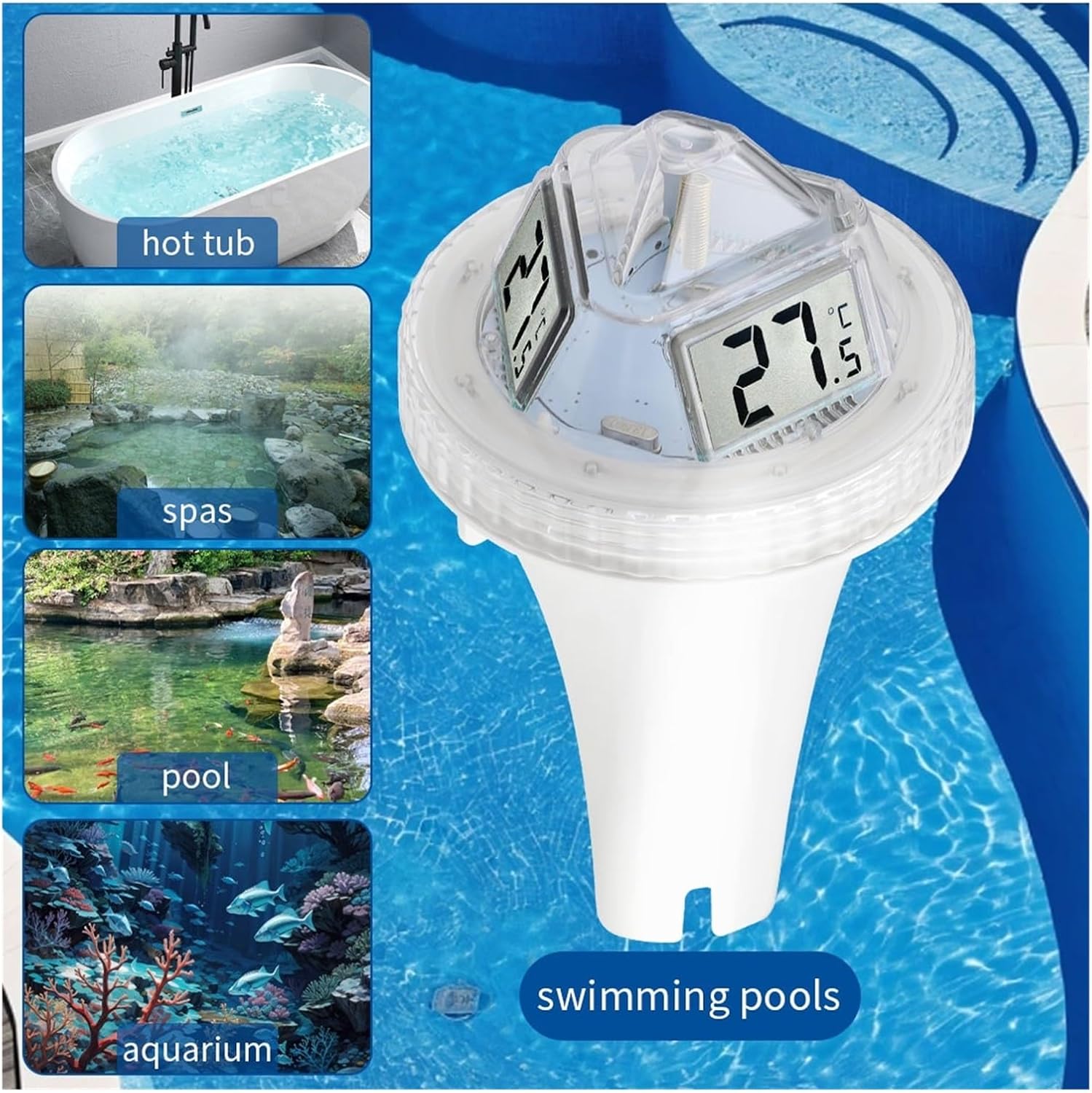
Image: A visual representation of the ZHHGMS wireless pool thermometer's versatility, showing its application in a hot tub, spas, a swimming pool, and an aquarium, highlighting its broad utility.
9. Warranty and Support
ZHHGMS products are manufactured to high quality standards. For information regarding warranty coverage, technical support, or replacement parts, please contact the retailer or manufacturer directly. Keep your purchase receipt as proof of purchase.
For further assistance, you may visit the ZHHGMS official website or contact their customer service department. Contact details are typically found on the product packaging or the manufacturer's website.
Ask a question about this manual
Ask about setup, troubleshooting, compatibility, parts, safety, or missing instructions. Manuals+ will review the question and use this page’s manual context to help answer it.