
1. Introduction
Thank you for choosing the GTRACING Mechanical Gaming Keyboard. This manual provides detailed instructions for setting up, operating, and maintaining your new keyboard. Designed for gamers and typists, this keyboard features tactile blue switches, customizable RGB lighting, and an ergonomic design for extended comfort.
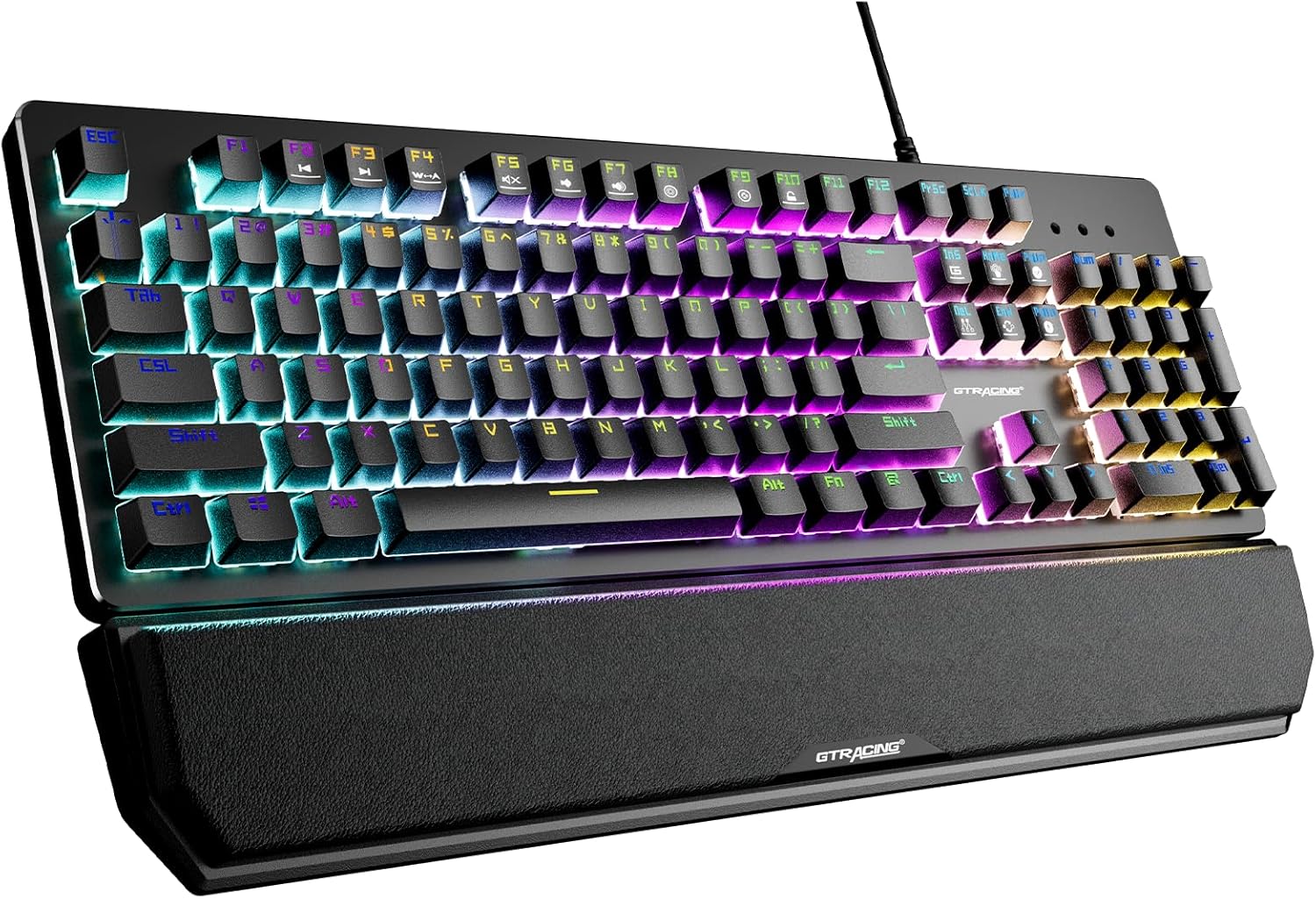
This image displays the GTRACING Mechanical Gaming Keyboard, showcasing its full layout, vibrant RGB backlighting, and the detachable wrist rest. The keyboard features a sleek black design with illuminated keys.
2. Safety Information
- Keep the keyboard away from liquids and excessive moisture to prevent damage.
- Avoid extreme temperatures. Operate and store the keyboard in a moderate environment.
- Do not attempt to disassemble or modify the keyboard. This may void the warranty and cause damage.
- Use only the provided USB cable for connection.
3. Package Contents
Please verify that all items are present in your package:
- GTRACING Mechanical Gaming Keyboard
- Detachable Wrist Rest
- USB Connection Cable
- User Manual (this document)

This image shows the GTRACING Mechanical Gaming Keyboard alongside its retail packaging box, indicating the product and its primary container.
4. Product Features
4.1. Blue Mechanical Switches
The keyboard is equipped with professional blue mechanical switches, providing a distinct tactile bump and an audible click sound. These switches are designed for accurate and responsive key commands, ideal for both typing and gaming. They offer a two-stage paragraph feeling with a light force and strong mechanical feedback.
- Trigger Stroke: 2.4mm
- Pressure Grams: 60g
- Click Lifespan: 20 Million

This close-up image highlights the tactile blue mechanical switches of the GTRACING keyboard, with some keycaps removed to reveal the switch mechanism. It also provides key specifications for the blue switch.
4.2. RGB Backlighting
Experience immersive lighting with 12 different RGB lighting modes and effects. The backlight brightness can be adjusted across 7 levels, and the breathing speed is also customizable. Additionally, you can create and save up to 5 personalized DIY lighting modes.

This image illustrates the vibrant RGB LED backlighting of the GTRACING keyboard, emphasizing the 12 different lighting modes, 7 brightness levels, and the option for 5 DIY lighting modes.
4.3. Ergonomic Design & Detachable Wrist Rest
The keyboard features a high and low stepped button arrangement for a comfortable typing experience. Adjustable double kickstand feet help reduce hand fatigue during prolonged use. The magnetic detachable wrist rest provides natural 6-degree angle support, relieving wrist discomfort for long working or gaming sessions.

This side view image demonstrates the ergonomic angle of the GTRACING keyboard when its kickstands are extended, illustrating how it helps reduce wrist strain compared to a flat keyboard.

This image shows the GTRACING keyboard with its magnetic detachable wrist rest, highlighting the ease of attachment and removal for user comfort and preference.
4.4. Durability and Build Quality
Constructed with an aluminum metal panel, the keyboard offers a matte texture, ensuring sturdiness and resistance to scratches. The keycaps feature bold font with double-colored laser carving, designed not to fade even after extensive use. The keyboard is also spill-resistant, built to withstand accidental liquid exposure.
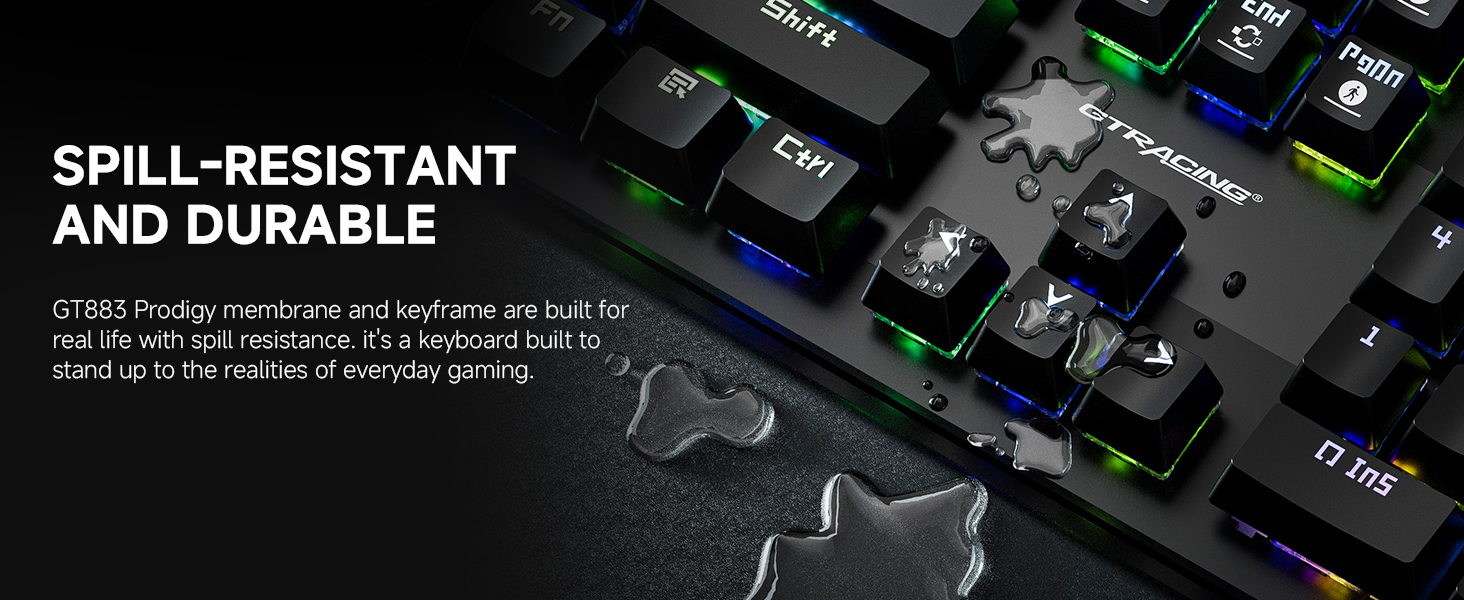
This image visually represents the spill-resistant feature of the GT883 keyboard, showing water droplets on the keycaps, demonstrating its durability against accidental spills.
4.5. Anti-Ghosting
The keyboard features anti-ghosting technology, which ensures that multiple key presses are registered accurately and simultaneously. This is crucial for gaming, preventing missed commands during intense gameplay.
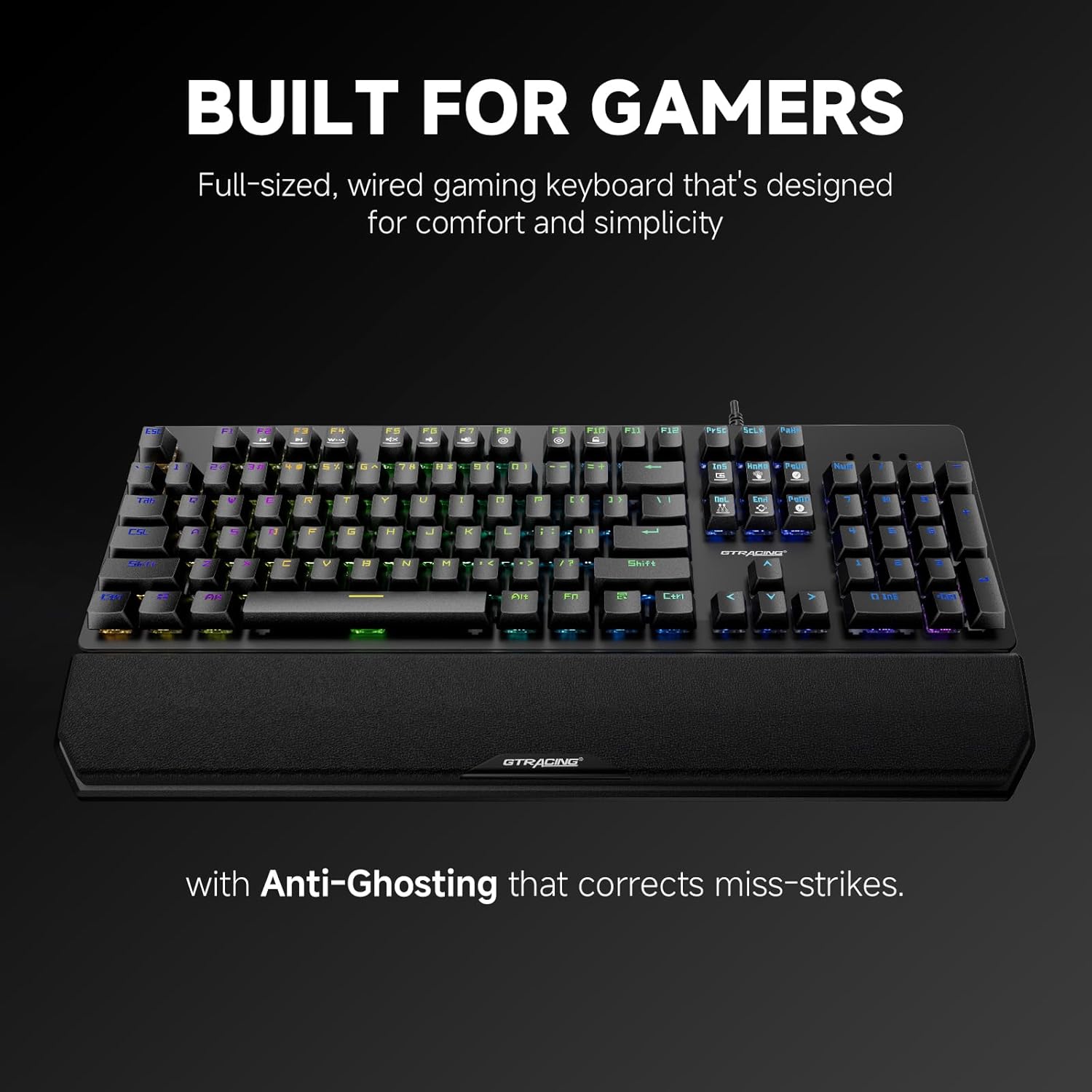
This image highlights the keyboard's design for gamers, specifically mentioning its full-sized layout and the inclusion of anti-ghosting technology to correct miss-strikes.
5. Setup Guide
Follow these steps to set up your GTRACING Mechanical Gaming Keyboard:
- Unpack: Carefully remove the keyboard and all accessories from the packaging.
- Attach Wrist Rest (Optional): Align the magnetic wrist rest with the front edge of the keyboard. It will snap into place.
- Connect USB Cable: Plug the USB-A connector of the keyboard cable into an available USB port on your computer (PC, Mac, Laptop).
- Plug and Play: The keyboard is plug-and-play, meaning no additional drivers are required for basic functionality. Your operating system (Windows 7/8/10/XP/VISTA, Mac OS) will automatically detect and install the necessary drivers.
- Adjust Kickstands: Flip out the adjustable kickstands on the underside of the keyboard to achieve your preferred typing angle.
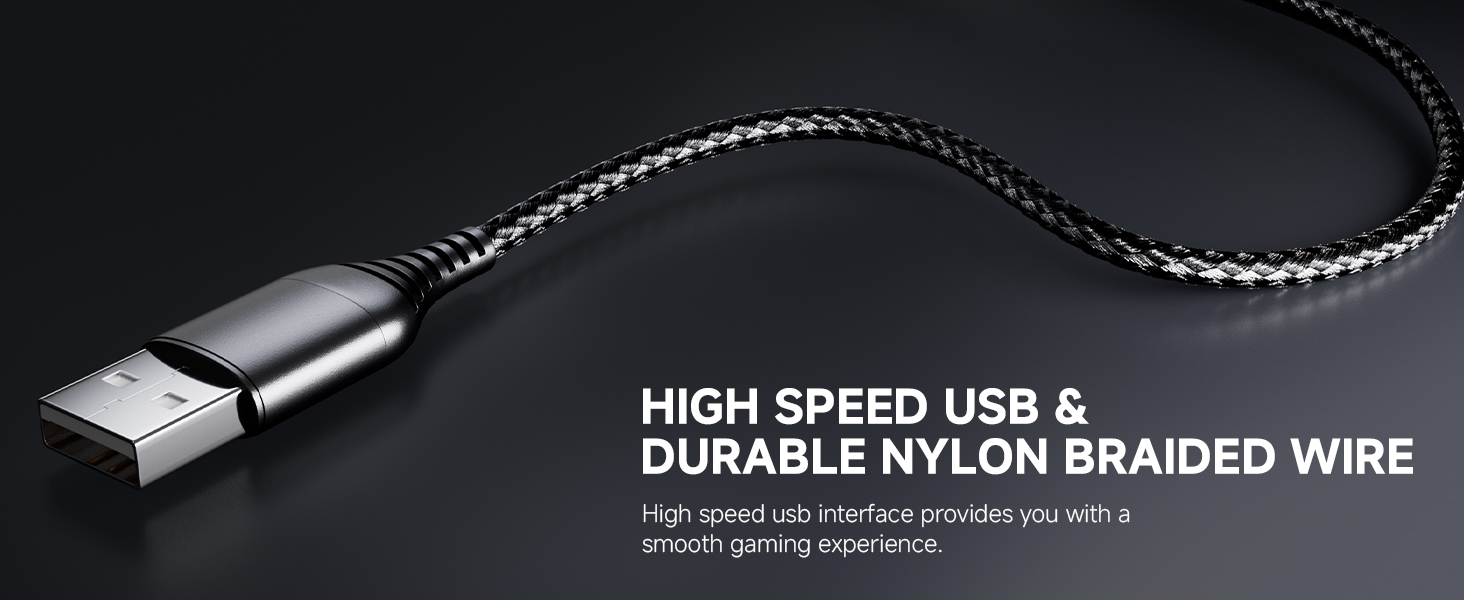
This image focuses on the high-speed USB connector and the durable nylon braided wire, emphasizing the quality of the connection cable for a smooth gaming experience.
6. Operating Instructions
6.1. RGB Lighting Control
The keyboard offers various lighting effects and customization options:
- Change Lighting Mode: Use the dedicated lighting control keys or Fn + specific keys (refer to keyboard legends) to cycle through the 12 preset RGB lighting modes.
- Adjust Brightness: Press Fn + Up/Down arrow keys to increase or decrease the backlight brightness (7 levels available).
- Adjust Breathing Speed: Use Fn + Left/Right arrow keys to change the speed of breathing effects.
- DIY Lighting Modes: The keyboard supports 5 customizable DIY lighting modes. Consult the keyboard's specific key combinations (often Fn + 1-5) to enter DIY mode, select keys to illuminate, and save your preferences.
6.2. Function Keys (Fn Combinations)
The keyboard features multimedia and shortcut functions accessible via the Fn key. Press and hold the Fn key, then press the corresponding F-key or other designated key to activate the function.
| Key Combination | Function |
|---|---|
| Fn + F1-F12 | Multimedia controls (e.g., Play/Pause, Volume Up/Down, Mute, Previous/Next Track) |
| Fn + Win | Lock/Unlock Windows Key |
| Fn + PrtSc | Cycle through lighting modes |
| Fn + Scroll Lock | Adjust lighting brightness |
| Fn + Pause Break | Adjust lighting speed |
6.3. Programmable Macro Keys
The keyboard supports programmable macro keys. Specific instructions for macro programming may require dedicated software or advanced key combinations not detailed in this general manual. Please refer to the manufacturer's website or additional software documentation for advanced macro setup.
7. Maintenance and Care
To ensure the longevity and optimal performance of your keyboard, follow these maintenance guidelines:
- Cleaning: Disconnect the keyboard from your computer before cleaning. Use a soft, dry cloth to wipe down the surface. For dust and debris between keys, use compressed air. For stubborn dirt, a slightly damp cloth with mild soap can be used, ensuring no liquid enters the keyboard.
- Keycap Removal: The floating keycap design allows for easy removal and cleaning. Gently pull keycaps straight up to remove them. Realign and press down firmly to reattach.
- Wrist Rest Care: Wipe the wrist rest with a damp cloth as needed. Avoid harsh chemicals.
- Storage: When not in use for extended periods, store the keyboard in a clean, dry place away from direct sunlight.

This image illustrates the floating keycap design and UV process, highlighting how these features contribute to accurate tactile feedback and facilitate easy disassembly for cleaning.
8. Troubleshooting
If you encounter issues with your GTRACING keyboard, please refer to the following common solutions:
- Keyboard Not Responding:
- Ensure the USB cable is securely plugged into both the keyboard and the computer.
- Try plugging the keyboard into a different USB port on your computer.
- Restart your computer.
- Test the keyboard on another computer to determine if the issue is with the keyboard or the computer.
- RGB Lighting Not Working/Incorrect:
- Check if the lighting is turned off or set to the lowest brightness level (Fn + Scroll Lock).
- Cycle through different lighting modes (Fn + PrtSc) to see if other modes function.
- Ensure no software conflicts are present if you are using third-party lighting control software.
- Keys Not Registering/Double Typing:
- Clean under the affected keycap using compressed air to remove any debris.
- If the issue persists, it may indicate a switch malfunction. Contact customer support.
- Wrist Rest Not Attaching Securely:
- Ensure there is no debris or obstruction on the magnetic contact points of either the keyboard or the wrist rest.
- Verify that the wrist rest is aligned correctly before attempting to attach it.
9. Technical Specifications
| Feature | Specification |
|---|---|
| Model Number | GT883 |
| Connectivity Technology | USB-A (Wired) |
| Switch Type | Blue Mechanical Switches |
| Backlighting | RGB (12 modes, 7 brightness levels, 5 DIY modes) |
| Compatible Devices | PC (Mac OS, Windows 7/8/10/XP/VISTA) |
| Material | Aluminum Metal Panel, Plastic |
| Item Weight | 1 pounds |
| Package Dimensions | 18 x 9.49 x 2 inches |
| Special Features | Detachable Magnetic Wrist Rest, Anti-Ghosting, Spill-Resistant |

This image provides a visual summary of key specifications for the GTRACING keyboard, including its 20 million click lifespan, 2.4mm trigger stroke, and 60g action force.
10. Warranty and Support
GTRACING stands behind the quality of its products. This keyboard is backed by a 2-year warranty.
- Warranty Coverage: The 2-year warranty covers manufacturing defects and malfunctions under normal use. It does not cover damage caused by misuse, accidents, unauthorized modifications, or normal wear and tear.
- Customer Support: For any product-related inquiries, technical assistance, or warranty claims, please reach out to the GTRACING support team. Contact information can typically be found on the official GTRACING website or through your purchase platform. Our team is committed to providing prompt solutions to ensure your satisfaction.