
BLKE Max XS18 Pro
BLKE Max Mini Phone XS18 Pro User Manual
Model: XS18 Pro
1. Introduction
This manual provides essential information for the proper setup, operation, and maintenance of your BLKE Max Mini Phone XS18 Pro. Please read this manual thoroughly before using your device to ensure optimal performance and longevity.

Image: The BLKE Max Mini Phone XS18 Pro, showcasing its compact size and user interface.
2. What's in the Box
Verify that all items are present in your product packaging:
- Mini Smartphone (1 unit)
- Phone Case (1 unit)
- Screen Protector (1 unit)
- Type C Cable (1 unit)
- Ejection Pin (1 unit)
- User Manual (1 unit)
3. Product Overview
Compact Design and Portability
The BLKE Max Mini Phone XS18 Pro features a highly compact design, measuring approximately 3.54 inches long and 1.97 inches wide. Its lightweight construction, weighing 3.35 ounces, makes it easy to carry in pockets or small bags.
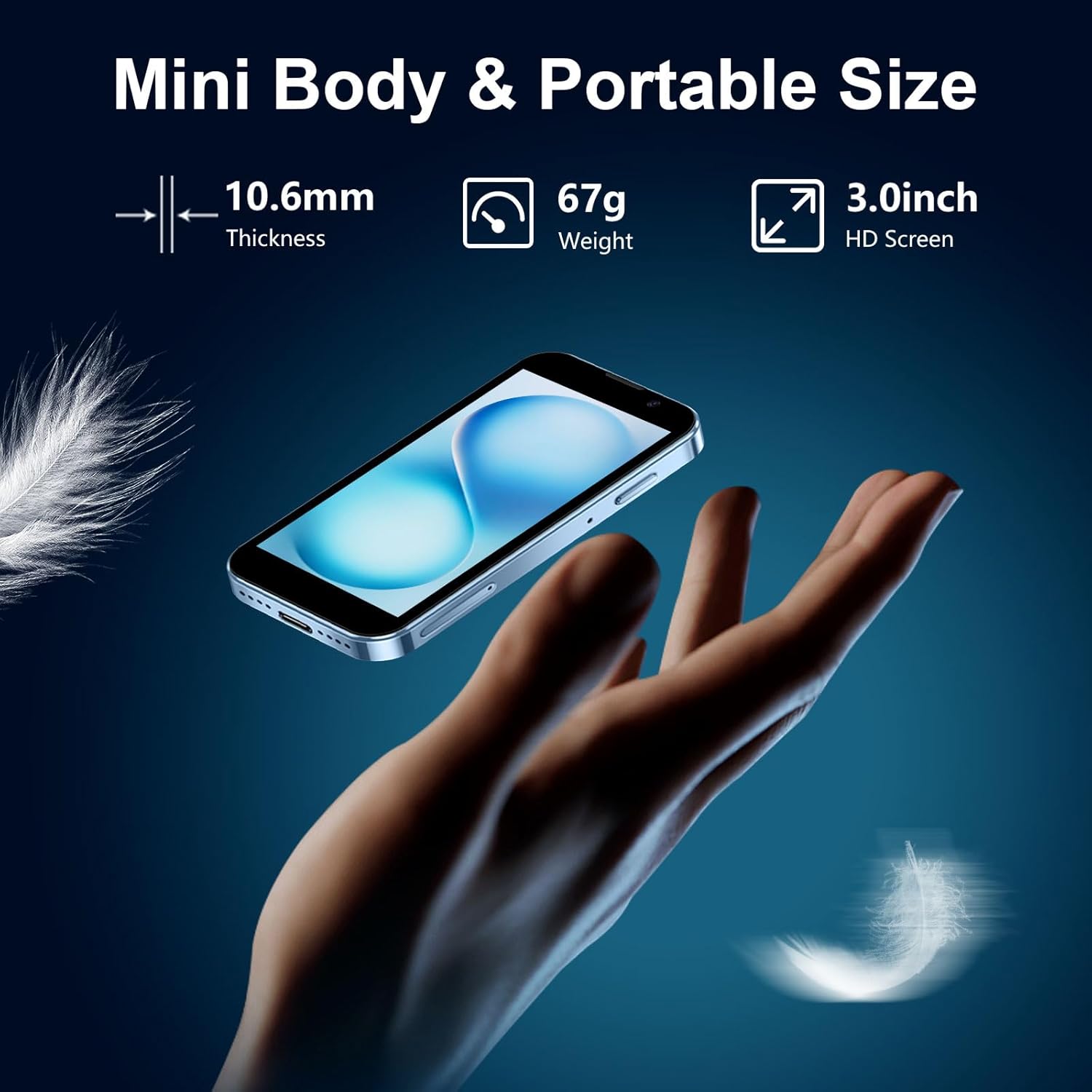
Image: Visual representation of the phone's compact dimensions and light weight.
Operating System and Performance
The device runs on Android 9.0 and is powered by a quad-core processor, ensuring smooth operation for various applications. It supports popular apps such as Facebook, YouTube, WhatsApp, and TikTok.
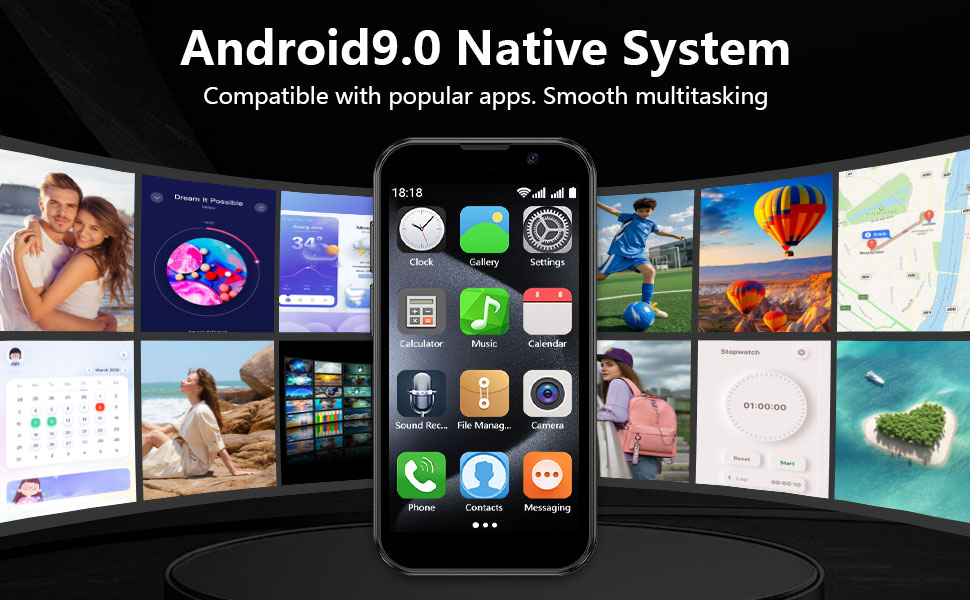
Image: The phone's Android 9.0 interface with various applications.
Camera Capabilities
Equipped with a 3MP front camera for selfies and a 5MP rear lens, the phone allows for capturing photos and videos. The camera system is designed for basic photography needs.

Image: Illustration of the phone's dual camera setup and example image quality.
Storage and Connectivity
The device includes 16GB of internal memory and supports expandable storage via a memory card slot (card not included). It features dual SIM card support, Bluetooth, USB, and Wi-Fi connectivity.

Image: Display of the phone's storage capacity and expansion options.
Security Features
For user privacy and security, the phone includes a facial recognition feature in addition to standard password unlocking options.

Image: Visual representation of the phone's privacy protection features.
4. Setup
4.1. SIM Card Installation
- Locate the SIM card tray on the side of the device.
- Insert the provided ejection pin into the small hole on the SIM tray to open it.
- Place your 2G GSM (850/900/1800/1900) or 3G WCDMA (B1/B2/B5/B8) compatible SIM card(s) into the tray. The phone supports dual SIM cards.
- Gently push the tray back into the device until it clicks into place.
- Important: Verify your SIM card's frequency compatibility with the phone's supported networks for proper functionality.
4.2. Initial Power On
- Press and hold the power button (typically on the side) until the screen illuminates.
- Follow the on-screen prompts to select your language, region, and connect to a Wi-Fi network.
4.3. Google Account and App Setup
- Sign in with your Google account to access the Google Play Store.
- Use the Google Play Store to download and install your preferred applications.
- Note: For app downloads, using a Wi-Fi connection is recommended as 2G/3G networks may have limitations.
5. Operating Instructions
5.1. Basic Navigation
- The phone features a 3.0-inch HD touch screen for navigation.
- Swipe left or right to access different home screens and app drawers.
- Tap icons to open applications.
- Use the on-screen navigation buttons (Back, Home, Recent Apps) at the bottom of the display.
5.2. Making Calls and Messaging
- Open the 'Phone' app to dial numbers or select contacts.
- Use the 'Messaging' app for sending and receiving text messages.
5.3. Using the Camera
- Open the 'Camera' app.
- Tap the screen to focus.
- Press the shutter button to take a photo or start/stop video recording.
- Switch between the 3MP front camera and 5MP rear camera as needed.
5.4. Charging the Device
Connect the provided Type-C cable to the phone's charging port and to a compatible USB power adapter. The phone supports fast charging.
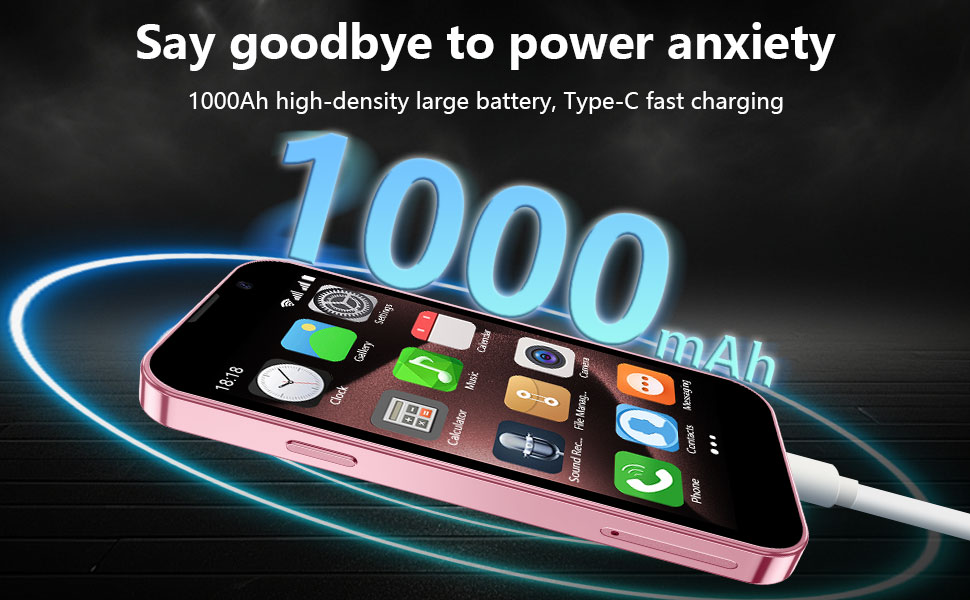
Image: The phone being charged via its Type-C port.
6. Maintenance
- Cleaning: Use a soft, lint-free cloth to clean the screen and body of the phone. Avoid abrasive materials or harsh chemicals.
- Storage: Store the phone in a cool, dry place away from direct sunlight and extreme temperatures.
- Battery Care: To prolong battery life, avoid fully discharging the battery frequently. Charge the device regularly.
- Software Updates: Periodically check for and install software updates to ensure optimal performance and security.
7. Troubleshooting
Common Issues and Solutions:
- Device not turning on: Ensure the battery is charged. Connect the phone to a charger and try again.
- Apps not downloading: Check your Wi-Fi or mobile data connection. Ensure you are signed into your Google Play Store account.
- Poor network signal: Verify your SIM card is correctly inserted and compatible with the network. Move to an area with better network coverage.
- Touch screen unresponsive: Restart the device. If the issue persists, ensure the screen protector is properly applied and not interfering.
- Battery draining quickly: Close unused applications running in the background. Reduce screen brightness.
For more complex issues, please refer to the support section or contact customer service.
8. Specifications
| Feature | Detail |
|---|---|
| Model Name | XS18 Pro |
| Operating System | Android 9.0 |
| CPU Model | A-Series Quad-Core A6 |
| Screen Size | 3 Inches |
| Resolution | 480 x 854 |
| RAM Memory Installed Size | 16 GB |
| Memory Storage Capacity | 16 GB (Expandable) |
| Connectivity Technologies | Bluetooth, USB, Wi-Fi |
| Special Features | Basic Phone, Dual SIM, Expandable Memory, Internationally Sourced |
| Battery Power Rating | 2000.0 mAh |
| Product Dimensions | 3.7 x 1.8 x 0.5 inches |
| Item Weight | 3.35 ounces (95 Grams) |
| Manufacturer | BLKE Max |
9. Warranty and Support
For warranty information and customer support, please refer to the documentation included with your product packaging. You may also visit the official BLKE Max website for further assistance and contact details.
The product may be eligible for optional protection plans. Please check your purchase details for more information.
Ask a question about this manual
Ask about setup, troubleshooting, compatibility, parts, safety, or missing instructions. Manuals+ will review the question and use this page’s manual context to help answer it.