
Product Overview
The eufy Security SoloCam E42 4-Cam Kit with HomeBase S380 provides a comprehensive wireless outdoor security solution. This system features 4K UHD resolution cameras with AI motion detection, smart tracking, 360° pan and tilt capabilities, and integrated strobe lights for enhanced security. Powered by SolarPlus 2.0 Technology, the cameras maintain continuous operation with minimal direct sunlight. Footage is stored locally on the included HomeBase S380, which offers 16 GB of built-in storage expandable up to 16 TB, eliminating the need for monthly subscription fees for basic functionality.
What's in the Box
- 4 × eufy SoloCam E42 Cameras
- 1 × HomeBase 3 (S380)
- 4 × Removable Solar Panels
- 1 × USB-C Cable 2ft (0.6m)
- 1 × Power Adapter
- Mounting Screws and Anchors
- Ethernet Cable
Setup
1. Initial Charging
Before installation, fully charge each SoloCam E42 camera. Use the provided USB-C cable and power adapter, or connect the USB-C cable to a USB-A port on the HomeBase S380. A full charge from 0% to 100% typically takes about 8 hours. The front blue light on the camera indicates charging, and it turns off when fully charged. You can monitor the battery level via the eufy Security app.
2. HomeBase S380 Setup
- Connect the HomeBase S380 to your router using the provided Ethernet cable.
- Plug the HomeBase S380 into a power outlet using the provided power adapter.
- Download the eufy Security app from the App Store or Google Play.
- Follow the on-screen instructions in the app to add the HomeBase S380 to your account.
3. Camera Pairing
- In the eufy Security app, select 'Add Device' and choose 'Battery Camera'.
- Select 'SoloCam E42' from the list of devices.
- Press the SYNC button on the SoloCam E42 for 2 seconds until you hear a beep and the LED flashes blue.
- Scan the QR code generated by the app using the SoloCam E42 camera. You will hear two beeps upon successful scanning.
- Follow the remaining in-app instructions to complete the pairing process, including naming the camera and setting its working mode.
Video: Official eufy guide on how to set up and install your SoloCam E42 camera.
Installation
1. Choose the Perfect Location
Select a location where you want your camera to monitor. Install the camera 7-10 ft (2-3 m) above the ground for optimal coverage. Ensure the chosen location has a strong Wi-Fi signal. If not, move the HomeBase S380 or your camera closer to the Wi-Fi router. Avoid pointing the camera directly at swaying trees, cars, or pedestrians on the road to minimize false alerts. Also, avoid choosing a location with a light within 1.5 ft (0.5 m) to prevent light reflection into the IR LED.
2. Install the Camera Wall Mount
- Apply the positioning sticker to the wall as a template to mark the screw positions.
- Drill holes in the marked locations.
- Insert the screw anchors into the drilled holes. (Skip this step if mounting onto a wooden surface).
- Attach the screw mounting base to the wall using the provided screws.
- Secure the camera to the mounting bracket.
3. Solar Panel Installation
The built-in solar panel provides 365 days of power with optimal sunlight. Position the camera to receive maximum direct sunlight, avoiding shelter or obstructions. Adjust the solar panel between 20° to 30° for optimal sunlight.
- Option 1: Install Separately
Attach the solar panel bracket to the wall. Attach the solar panel to the bracket. Use the USB-C cable to connect the solar panel and camera. - Option 2: Install Together
Secure the solar panel bracket to the top of the camera. Screw the camera onto the screw mounting base. Secure the solar panel on the mounting bracket. Plug the USB-C connector into the solar panel port.
Operating the eufy Security SoloCam E42
eufy Security App Features
- Live View: Access real-time video feed from your cameras.
- Pan & Tilt: Remotely adjust the camera's viewing angle for 360° coverage.
- Two-Way Audio: Communicate with visitors or deter intruders using the built-in speaker and microphone.
- AI Motion Detection & Smart Tracking: The camera's AI detects and tracks people, vehicles, and pets, minimizing false alarms.
- Motion-Activated Siren & Strobe Light: Trigger a powerful siren and flashing lights to deter suspicious activity.
- Recording & Local Storage: Footage is recorded and stored on the HomeBase S380's 16 GB built-in storage, expandable up to 16 TB. Supports continuous recording even during network outages.
- Smart Home Integration: Compatible with Apple Home, Google Assistant, and Amazon Alexa for voice control and seamless integration.
- Custom Protection Zones: Define specific activity zones to receive notifications only for relevant motion.
- Wired Mode: Connect the camera to power for 24/7 continuous recording and a 4-second pre-roll to capture events earlier.
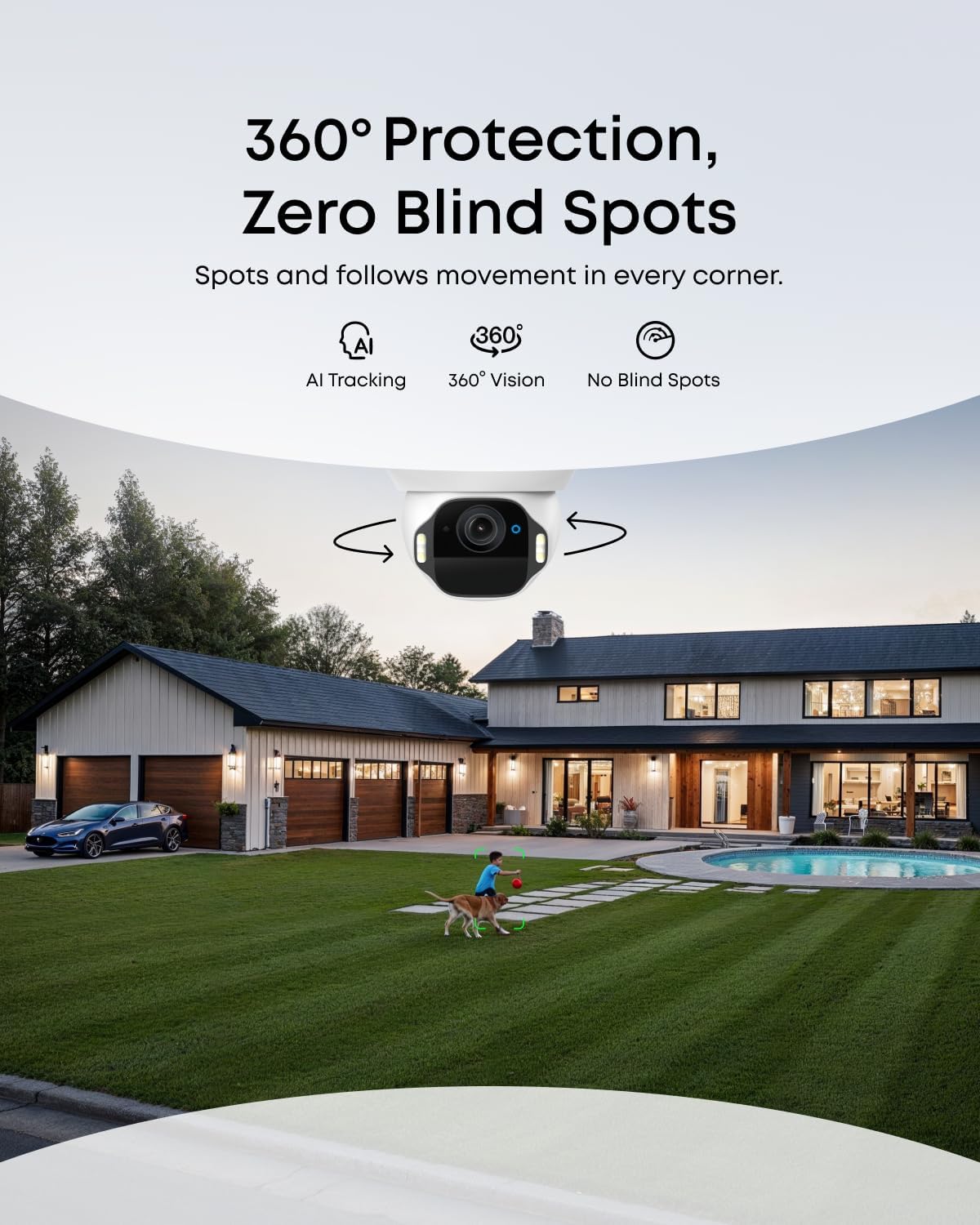
Image: The eufy SoloCam E42 camera highlights its Ultra HD 4K clarity, featuring 8 million pixels, 8x digital zoom, and an f/1.6 lens aperture for detailed video capture.
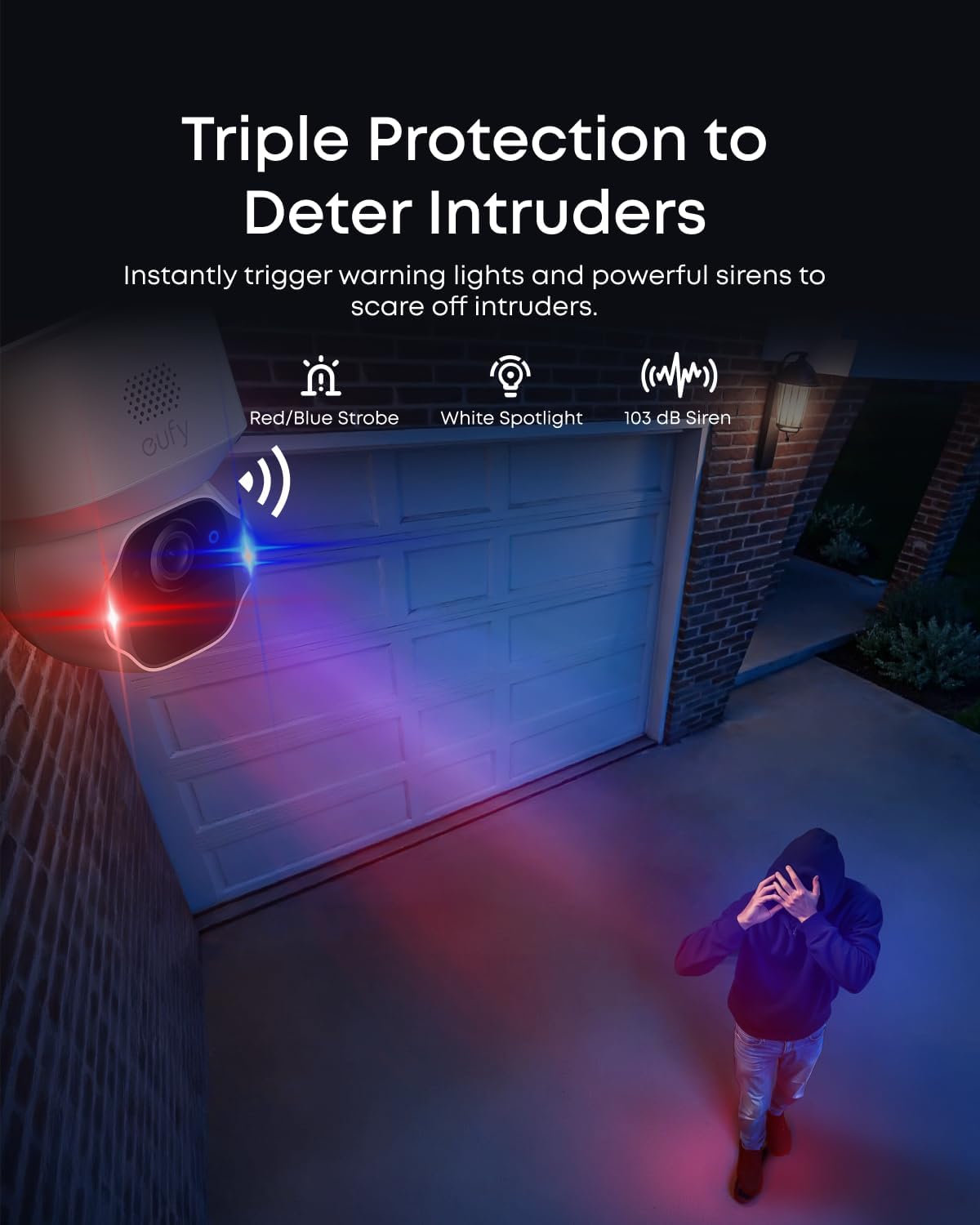
Image: The eufy SoloCam E42 offers 360° protection with AI tracking and 360° vision, ensuring no blind spots around a property, as illustrated by a camera icon overseeing a house and yard.
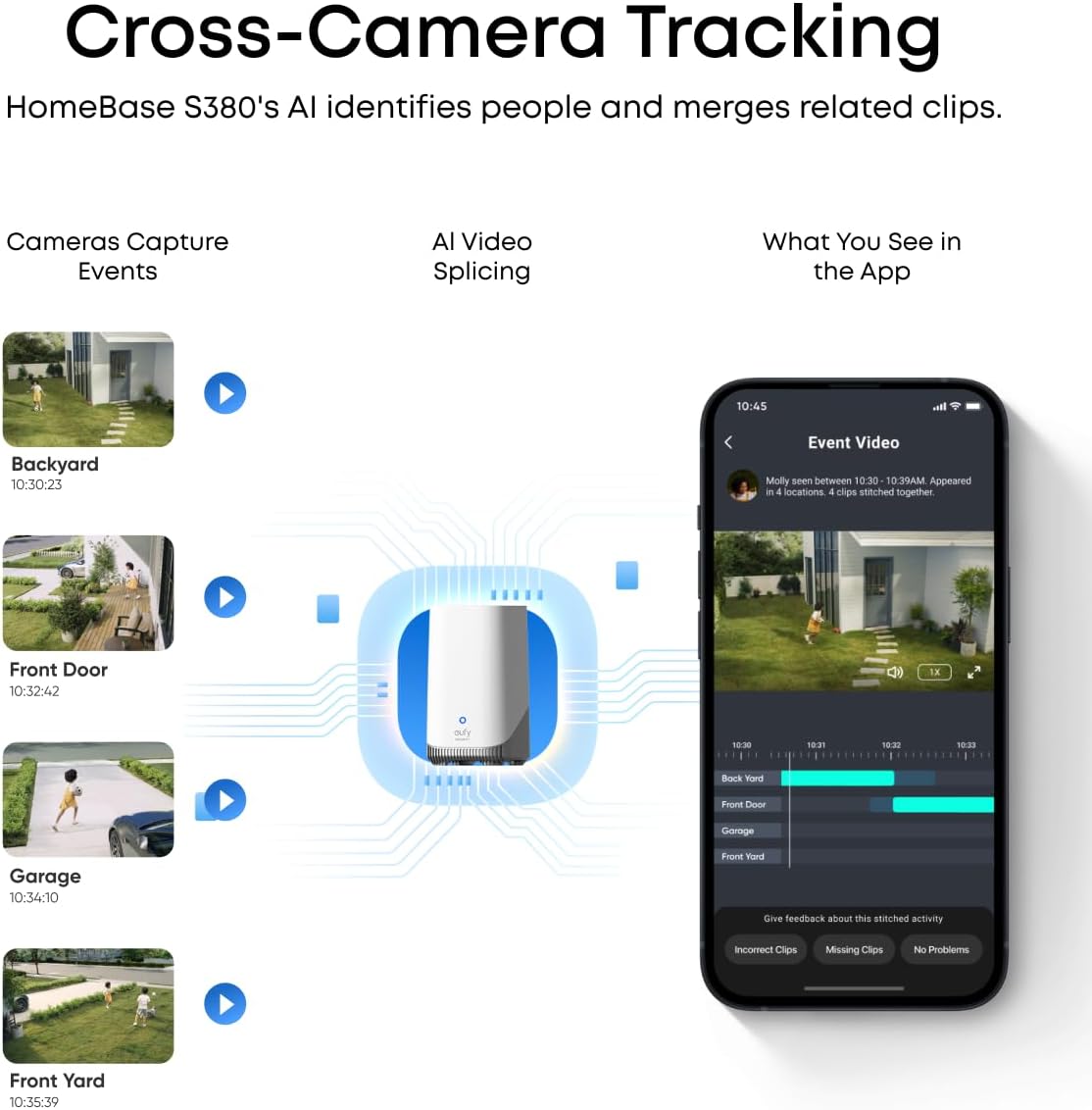
Image: The eufy SoloCam E42 features triple protection to deter intruders, activating red/blue strobe lights, a white spotlight, and a 103 dB siren when motion is detected.
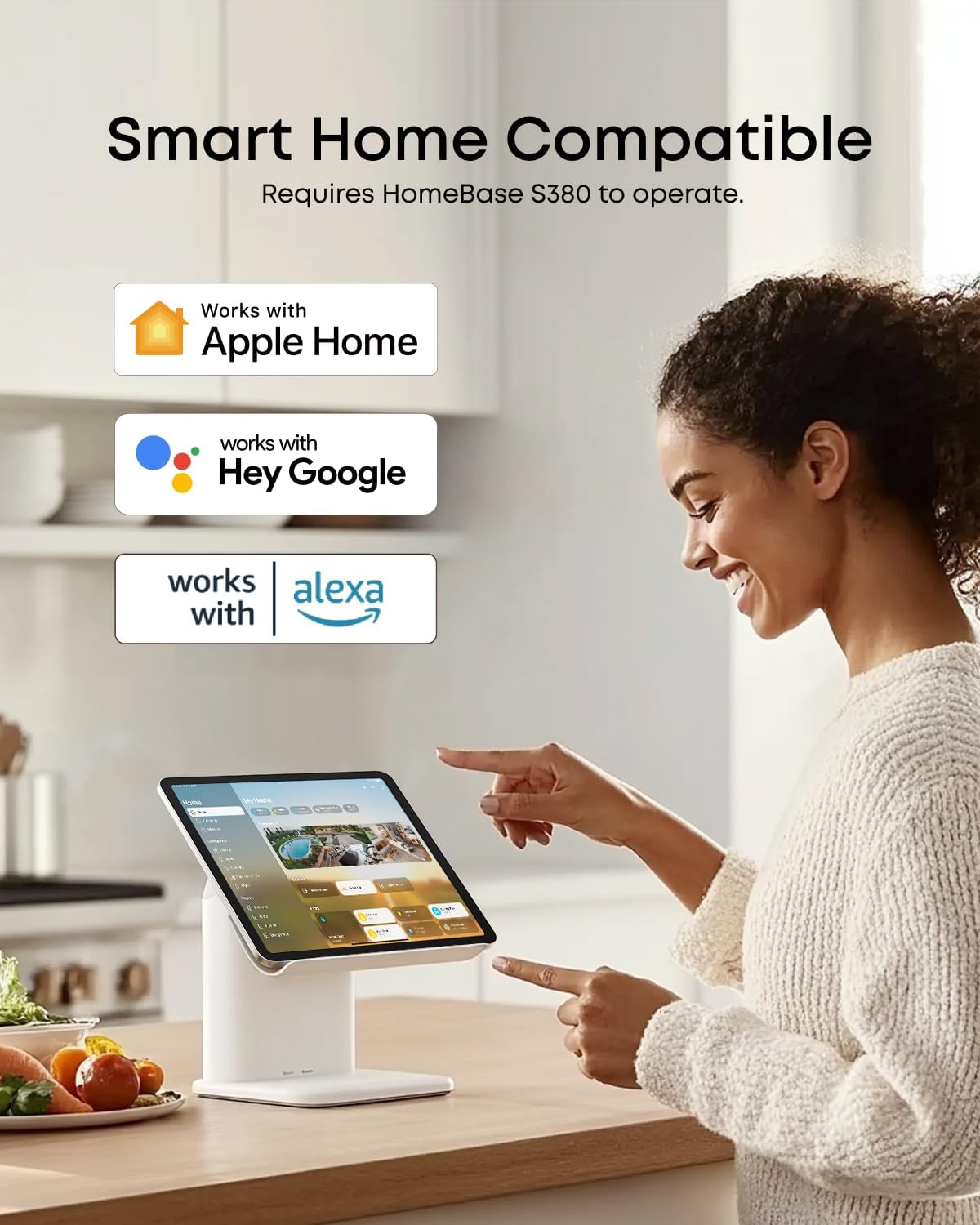
Image: The eufy SoloCam E42 is Smart Home Compatible, integrating with Apple Home, Hey Google, and Amazon Alexa, shown being controlled via a tablet in a modern kitchen setting.
Maintenance
1. Solar Charging
The SoloCam E42 features SolarPlus 2.0 Technology. Just 2 hours of direct sunlight daily keeps your camera fully charged for continuous, maintenance-free operation. Ensure the solar panel is positioned to receive maximum direct sunlight and is not blocked by shelter or obstructions.
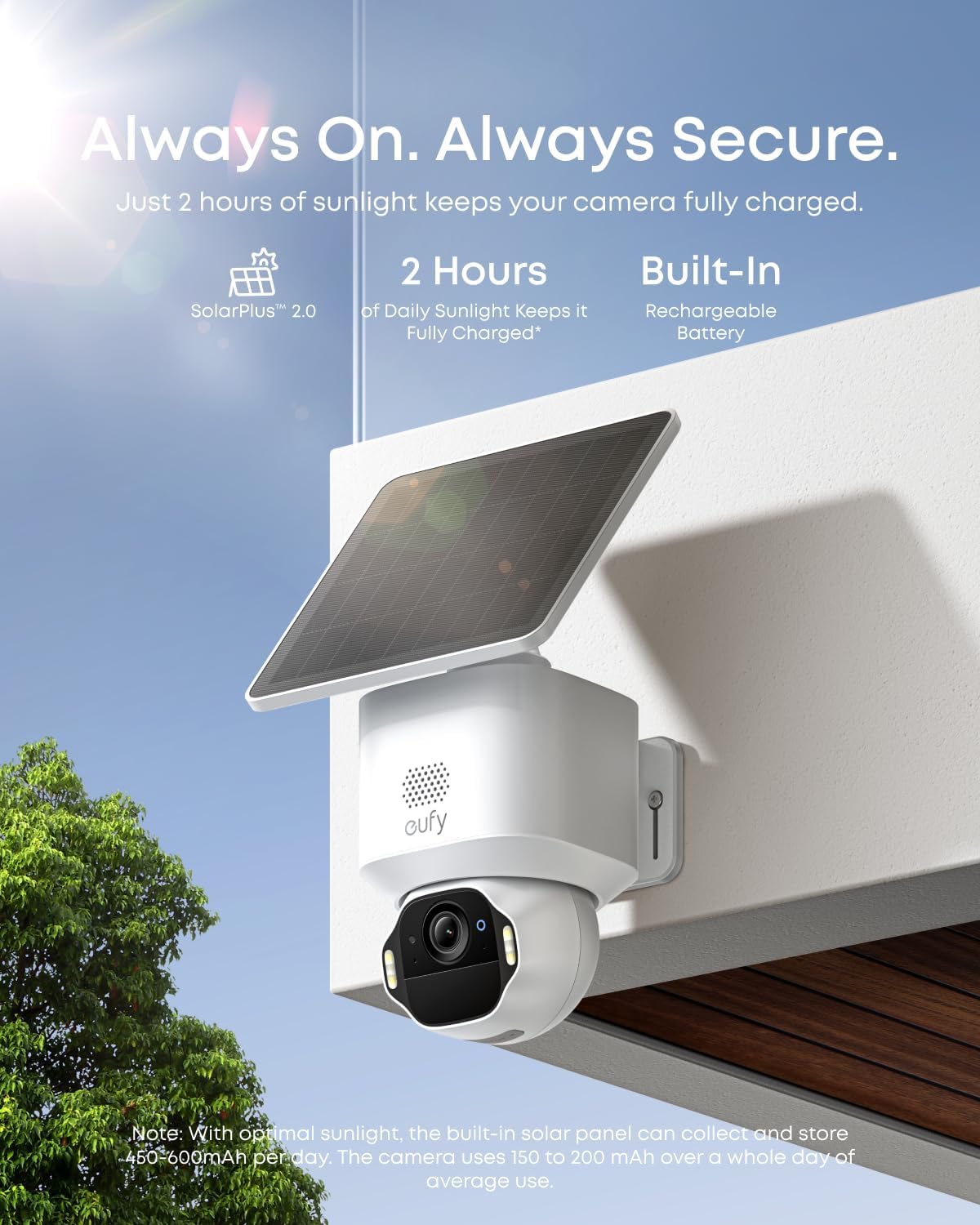
Image: The eufy SoloCam E42 camera, equipped with SolarPlus 2.0 Technology, is shown mounted outdoors, emphasizing its continuous operation with just 2 hours of daily sunlight for full charge.
2. Battery Life
The camera has a built-in rechargeable battery. While the solar panel keeps it charged, you can check the battery level in the eufy Security app. If the camera is not receiving enough sunlight, you may need to manually charge it using the USB-C cable.
3. Weatherproofing
The SoloCam E42 is IP65 weatherproof, designed to withstand rain, snow, or scorching sun, providing reliable, uninterrupted video in any weather condition.
Troubleshooting
- False Alarms: Adjust motion detection sensitivity and set custom activity zones in the app to reduce unwanted notifications.
- Poor Wi-Fi Signal: Ensure the camera is within range of your Wi-Fi router or move the HomeBase S380 closer to the camera.
- Battery Not Charging: Verify the solar panel is receiving adequate direct sunlight and is free from obstructions. Check the USB-C cable connection.
- Connectivity Issues: Ensure HomeBase S380 is connected to your router and powered on. Update HomeBase 3 firmware to V3.6.9.0 or later, and the app to V5.0.80 or later.
Specifications
- Video Resolution: 4K UHD
- Field of View: 360° Pan & Tilt
- Power Source: Solar Powered (SolarPlus 2.0 Technology), Built-in Rechargeable Battery
- Storage: HomeBase 3 with 16 GB built-in, expandable up to 16 TB (supports up to 128 GB microSD card in camera, not included)
- Connectivity: Wi-Fi
- Weatherproof Rating: IP65
- Smart Home Compatibility: Apple Home, Google Assistant, Amazon Alexa
- Special Features: AI Motion Detection, Smart Tracking, Motion-Activated Strobe Light, Siren, Two-Way Audio, Facial Recognition, Vehicle Detection, Pet Detection, Custom Protection Zones, Wired Mode (24/7 recording, 4s pre-roll)
- Model Number: T8173
- Item Dimensions: 14.5 x 10 x 6 inches
- Item Weight: 11.24 pounds

Image: The eufy HomeBase 3 is shown, highlighting its features: up to 16 TB expandable storage, daily security reports, and BionicMind™ AI that differentiates between family and strangers.

Image: The eufy SoloCam E42 emphasizes local storage with no monthly fee, illustrating a microSD card slot and a large '0' made of greenery with a dollar sign, signifying no subscription costs.
Warranty and Support
For warranty information and technical support, please refer to the documentation included in your product packaging or visit the official eufy Security website. You can also find additional support and FAQs through the eufy Security app.


