1. Introduction
Welcome to the exciting world of Hot Wheels Monster Trucks! This manual provides essential information for setting up, operating, maintaining, and troubleshooting your new Hot Wheels Monster Trucks Mega-Wrex Alive RC. This oversized, remote-controlled vehicle brings the Mega-Wrex beast to life with interactive lights and sounds, offering three distinct play modes for dynamic fun. Please read this manual carefully before use to ensure safe and optimal performance.
2. Safety Information
Safety Precautions
- WARNING: Not suitable for children under 36 months. Small parts may pose a choking hazard.
- Adult supervision is recommended during play.
- Keep fingers, hair, and loose clothing away from the wheels and moving parts.
- Do not operate the vehicle near stairs, roads, or water.
- Use only the recommended batteries and charging methods.
- Do not attempt to modify or disassemble the product, as this may cause damage or injury.
3. What's in the Box
Your Hot Wheels Monster Trucks Mega-Wrex Alive RC package should contain the following items:
- 1 Hot Wheels Monster Trucks Mega-Wrex Alive RC (1:15 scale)
- 1 USB Charging Cable
- 1 Remote Control

Image: The Hot Wheels Monster Trucks Mega-Wrex Alive RC in its retail packaging, showing the truck and remote control.
4. Setup Guide
4.1. Battery Installation
The Mega-Wrex Alive RC requires 1 AAA battery for the remote control (included). The truck itself has a rechargeable battery.
- Remote Control: Locate the battery compartment on the back of the remote control. Use a small screwdriver to open the compartment. Insert 1 AAA battery, ensuring correct polarity (+/-). Close the compartment and secure with the screw.
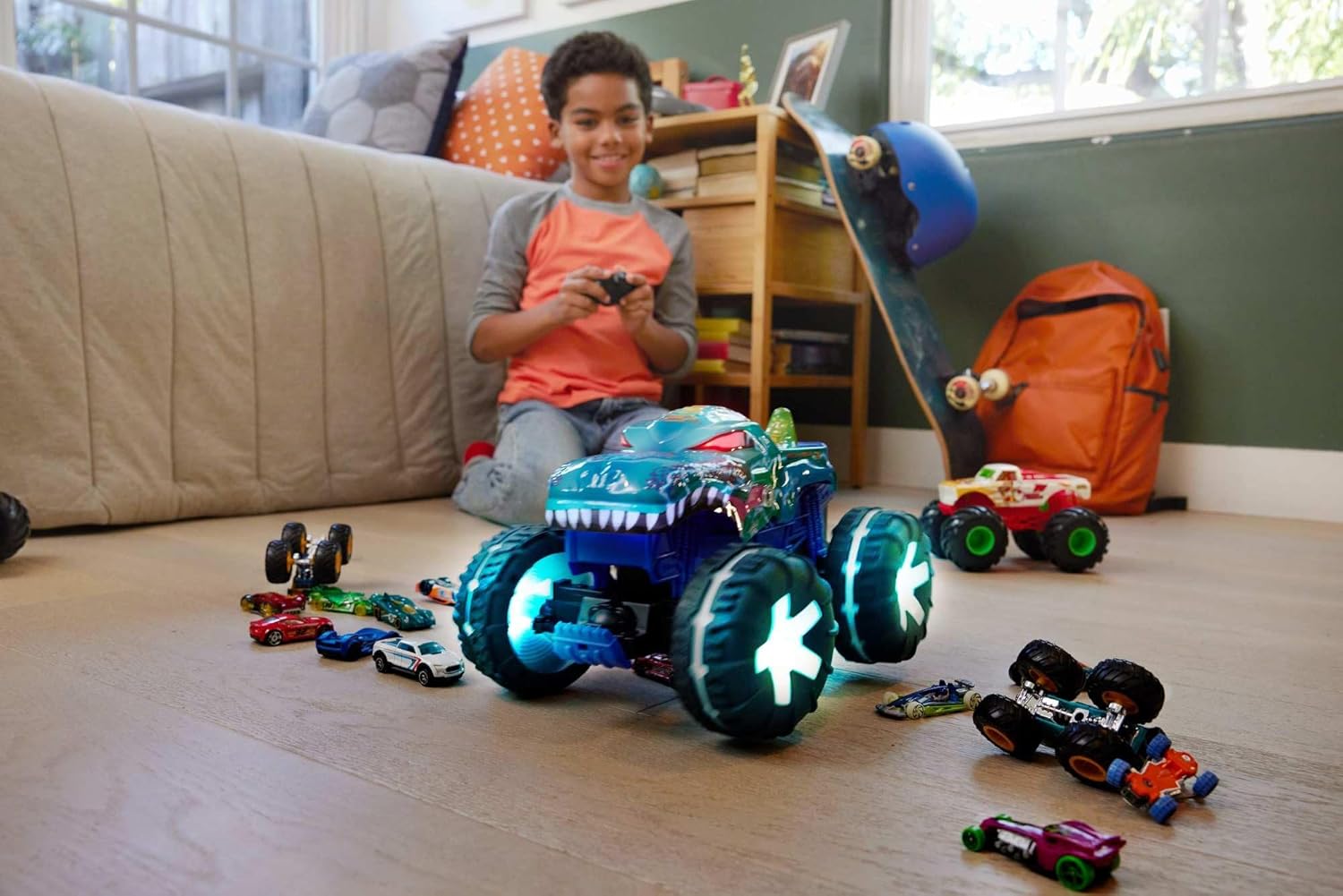
Image: A young boy is shown holding the remote control, ready to operate the Hot Wheels Mega-Wrex Alive RC, illustrating the setup for play.
4.2. Charging the Truck
Before first use, fully charge the Mega-Wrex Alive RC's internal battery using the provided USB charging cable.
- Locate the charging port on the Mega-Wrex Alive RC.
- Connect the USB charging cable to the truck's charging port.
- Plug the other end of the USB cable into a standard USB power adapter (not included) or a computer's USB port.
- The charging indicator light on the truck will illuminate during charging and turn off when fully charged.
- Charging time may vary. Refer to the specifications for estimated charging duration.

Image: The Hot Wheels Mega-Wrex Alive RC is shown with a charging cable connected, indicating the process of recharging its internal battery.
5. Operating Instructions
5.1. Remote Control Functions
The remote control allows you to maneuver the Mega-Wrex Alive RC and activate its interactive features.
- Forward/Backward: Use the joystick or directional buttons to move the truck forward or backward.
- Left/Right: Steer the truck left or right using the corresponding controls.
- Impact Sensor/Activation Button: Tapping the impact sensor (or a designated button on the remote) will activate the truck's interactive lights and sounds, initiating Hunting Mode.
5.2. Play Modes
The Mega-Wrex Alive RC features three distinct play modes:
Hunting Mode
By tapping the impact sensor, the Mega-Wrex comes to life. Immediately its lights turn on and it goes into hunting mode, rumbling louder and louder the more it is provoked. This mode simulates the beast tracking its prey.
Smasher Mode
In Smasher mode, the Mega-Wrex dominates the scene with huge tires and wild sound effects, destroying everything in its path. With the remote control, it can be put on its hind wheels for stunt action, performing impressive wheelies and crashes.
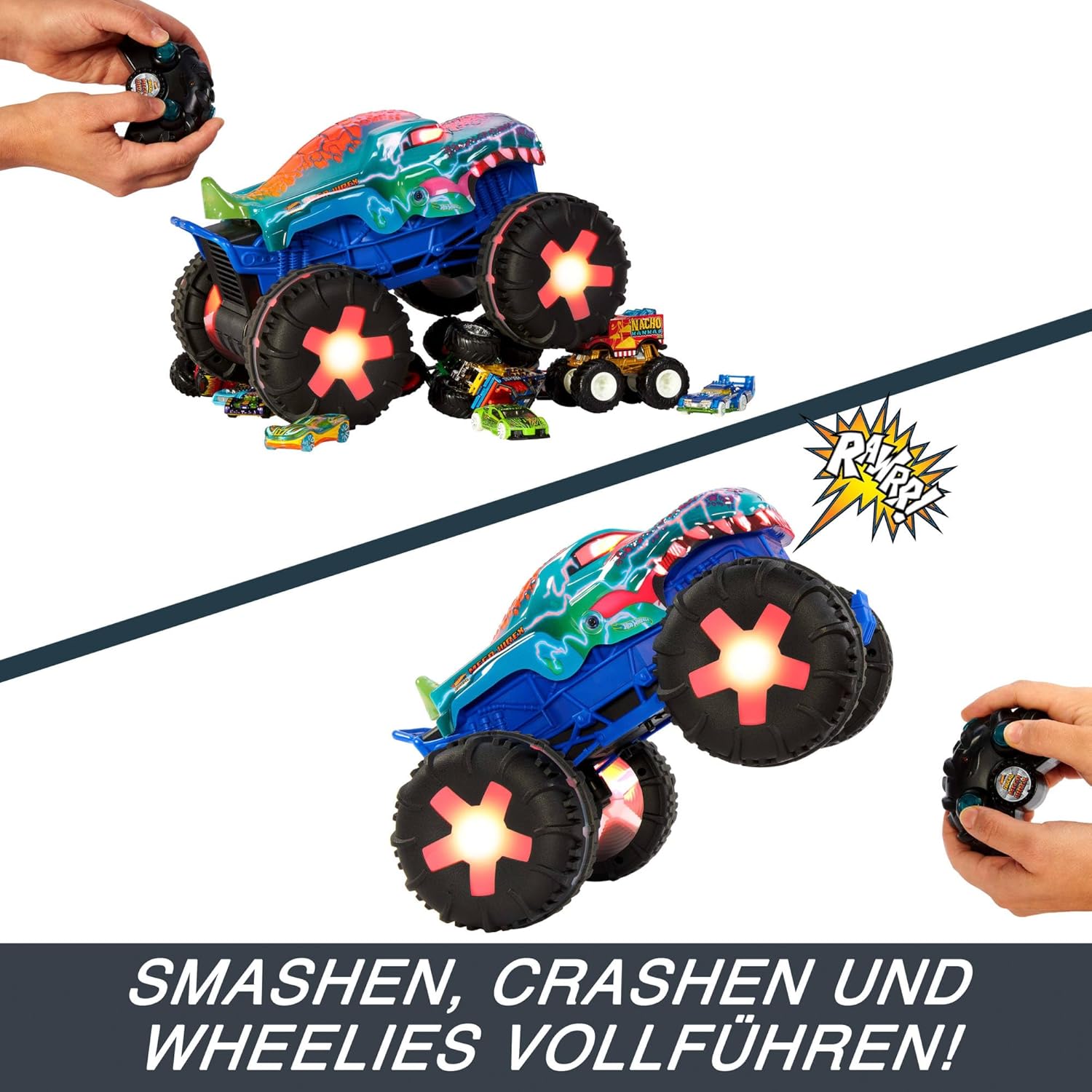
Image: The Hot Wheels Mega-Wrex Alive RC is captured mid-wheelie, demonstrating its Smasher Mode capabilities, with the remote control visible.
Surveillance Mode
In surveillance mode, the Mega-Wrex recharges its energy and emits an ambient light, indicating that it can be reactivated at any time on demand. This mode is ideal for when the truck is not actively being played with but is ready for action.

Image: The Hot Wheels Mega-Wrex Alive RC is shown with its lights glowing, indicating it is in Surveillance Mode, ready for reactivation.
5.3. Interactive Features
The Mega-Wrex Alive RC features dynamic lights and sounds that enhance the play experience. These features are integrated with the different play modes and respond to interaction, such as tapping the impact sensor.
6. Care and Maintenance
- Cleaning: Wipe the truck and remote control with a clean, damp cloth. Do not immerse in water. Avoid using harsh chemicals or abrasive cleaners.
- Storage: Store the product in a cool, dry place away from direct sunlight when not in use.
- Battery Care: Remove batteries from the remote control if the product will not be used for an extended period. Ensure the truck's battery is fully charged before long-term storage.
7. Troubleshooting Guide
If you encounter any issues with your Mega-Wrex Alive RC, please refer to the table below for common problems and solutions.
| Problem | Possible Cause | Solution |
|---|---|---|
| Truck not responding to remote. | Low battery in remote or truck; remote not paired; interference. | Replace remote batteries. Charge truck battery. Re-pair remote (refer to pairing instructions if available). Move away from other electronic devices. |
| Lights/sounds not working. | Low truck battery; feature not activated. | Charge truck battery. Tap the impact sensor or activation button to initiate interactive features. |
| Short battery life. | Battery not fully charged; old batteries in remote. | Ensure truck battery is fully charged before use. Replace remote batteries with new ones. |
| Truck moves slowly or erratically. | Low truck battery; obstruction in wheels. | Charge truck battery. Check wheels for debris or obstructions. |
8. Product Specifications
| Feature | Detail |
|---|---|
| Product Dimensions | 33 x 20 x 23 cm |
| Item Weight | 1.39 Kilograms |
| Scale | 1:15 Scale |
| Model Number | JBD90 |
| Recommended Age | 5 years and up |
| Truck Battery | Rechargeable (via USB cable) |
| Remote Control Battery | 1 AAA battery (included) |
| Material | Plastic |
| Interactive Features | Lights and Sounds |
| Play Modes | Hunting, Smasher, Surveillance |
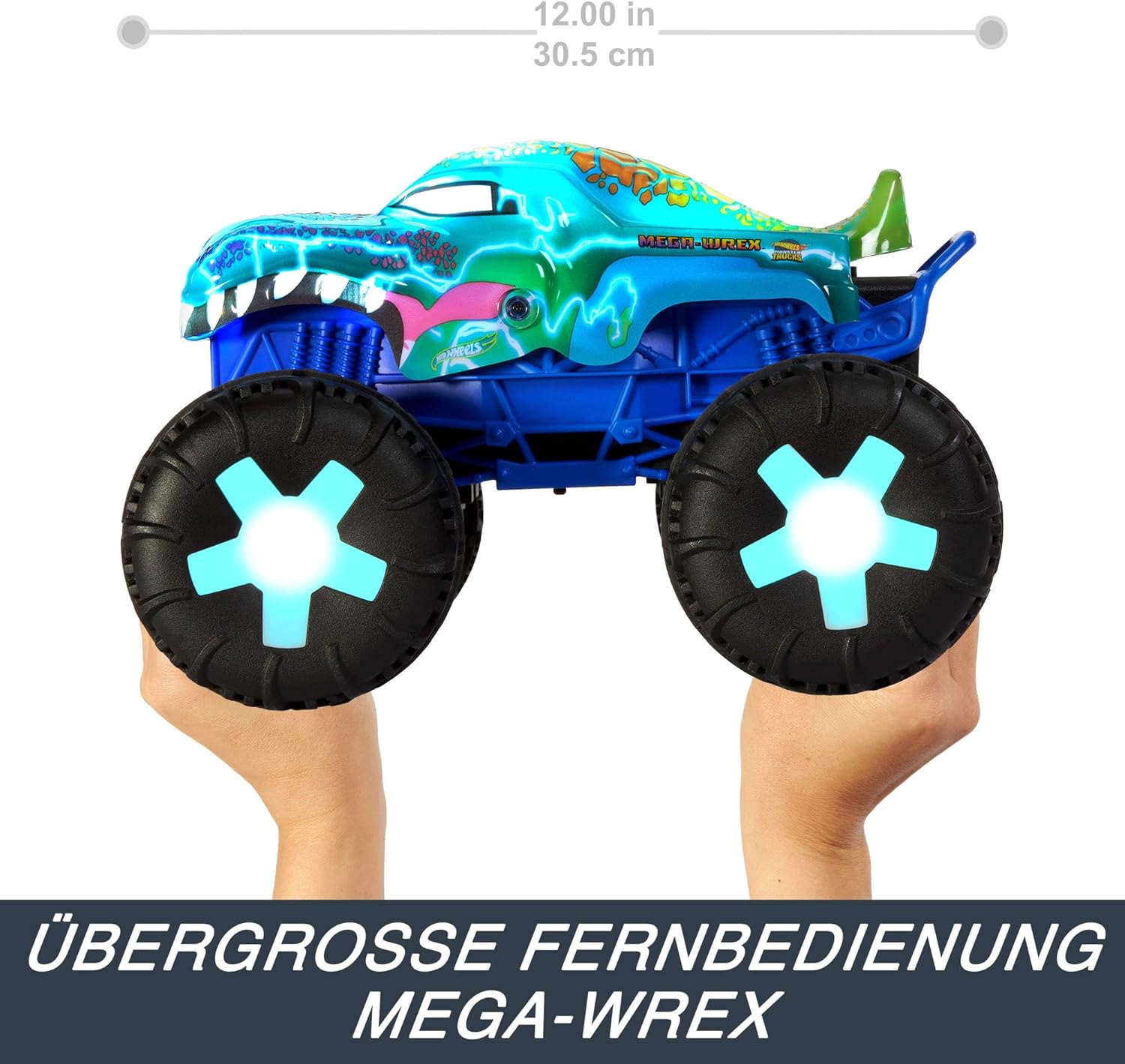
Image: A side profile of the Hot Wheels Mega-Wrex Alive RC, showing its approximate dimensions for reference.
9. Warranty and Support
9.1. Warranty Information
This product is covered by a manufacturer's warranty against defects in materials and workmanship. Please retain your proof of purchase for warranty claims. For specific warranty terms and conditions, refer to the documentation included with your product or visit the official Hot Wheels website.
9.2. Customer Support
If you have any questions, require assistance, or experience issues not covered in this manual, please contact Hot Wheels customer support. Contact information can typically be found on the product packaging or the official Hot Wheels website.


