
1. Introduction
Thank you for choosing the TruGlo Tectro 6-Arrow Quiver. This manual provides essential information for the proper setup, operation, and maintenance of your new archery quiver. Please read this manual thoroughly before using the product to ensure safe and optimal performance. Keep this manual for future reference.
2. Product Overview
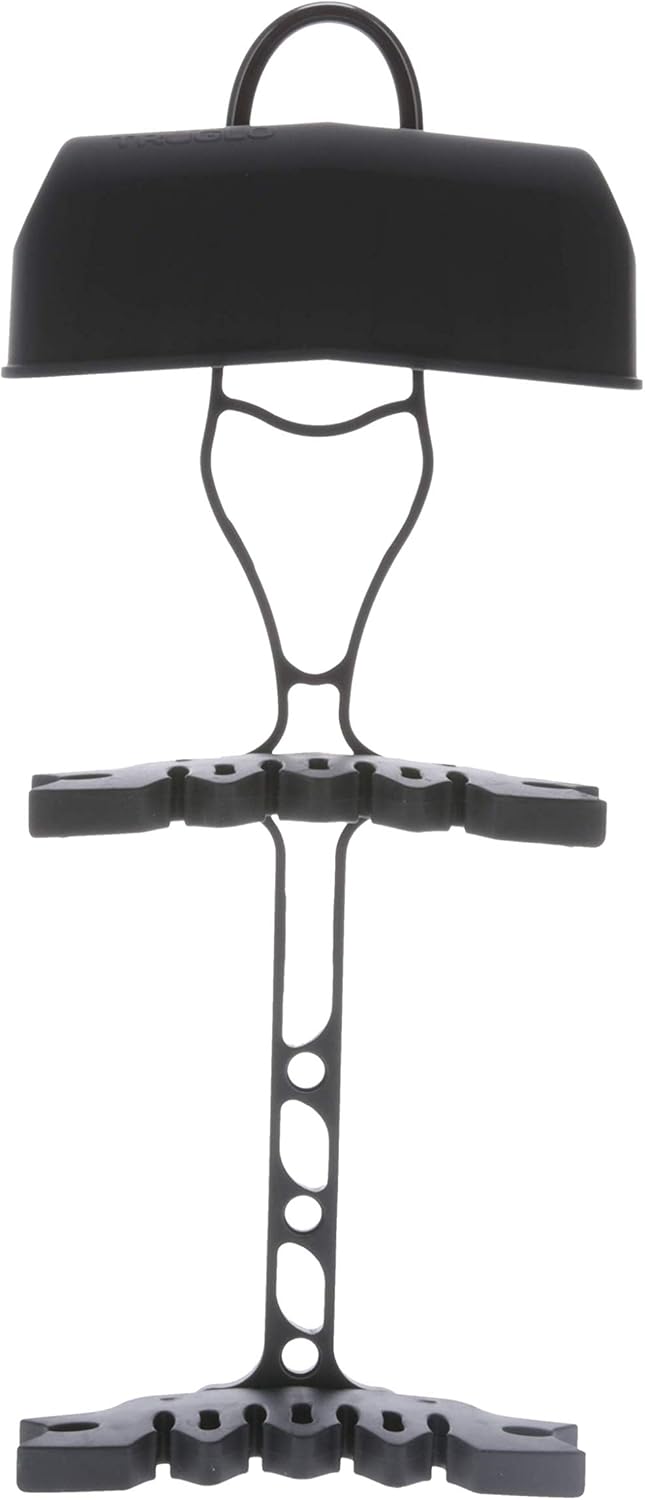
The TruGlo Tectro 6-Arrow Quiver is designed for bow hunting, offering a lightweight, durable, and vibration-absorbing solution for carrying up to six arrows. Its robust aluminum construction ensures longevity, while its innovative design minimizes noise and vibration during movement, crucial for stealth in the field.
3. Key Features
- Ultra-Lightweight & Durable: Constructed from rugged, lightweight aluminum, designed to withstand harsh outdoor conditions and impacts.
- Vibration-Free Design: Features a vibration-absorbing mechanism to keep arrows steady and quiet, minimizing noise during movement.
- Six Arrow Capacity: Securely holds up to 6 arrows, providing ample ammunition for hunting or target practice.
- High Performance Mounting: Equipped with a Positive-Lock mounting system for smooth one-hand removal and ultra-secure attachment.
- Tru-Touch Soft-Feel Coating: Features a rubberized, secure double-gripper system with a Tru-Touch soft-feel technical coating for enhanced grip and feel.
- Versatile Compatibility: Compatible with both carbon and aluminum arrows with shafts .229 inches in diameter and larger, and fits both mechanical and fixed-blade broadheads.
- Left-Hand Convertible: Can be configured for left-handed users.
4. Setup Instructions
4.1 Attaching the Quiver to Your Bow
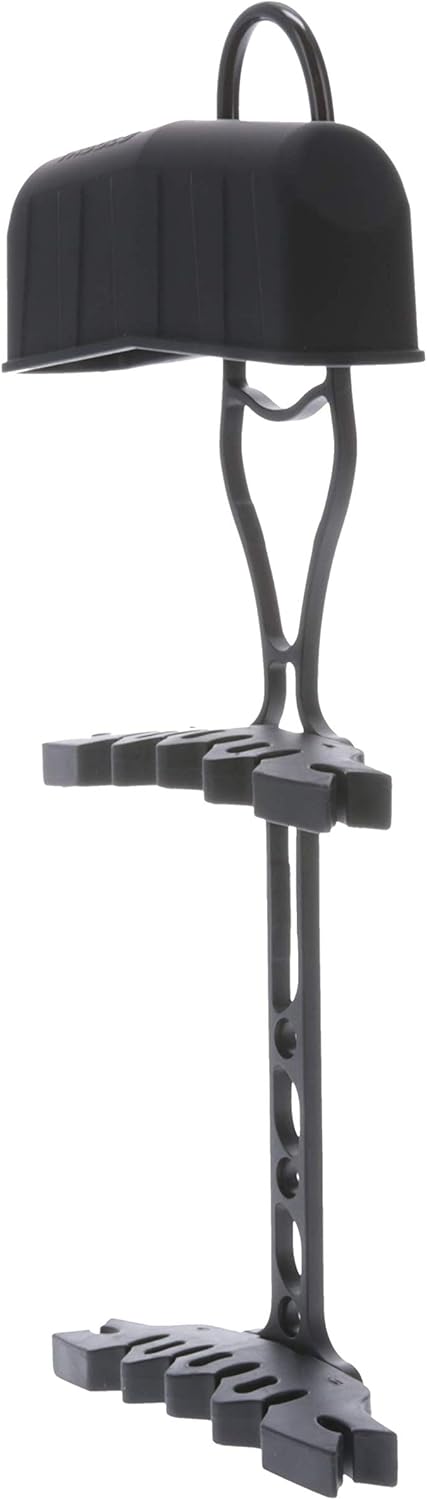
- Identify the mounting holes on your bow riser. The TruGlo Tectro Quiver utilizes a Positive-Lock mounting system.
- Align the quiver's mounting bracket with the corresponding holes on your bow.
- Secure the quiver to the bow using the provided hardware. Ensure all screws are tightened firmly but do not overtighten to avoid damaging the bow or quiver.
- Test the attachment by gently wiggling the quiver to ensure it is securely fastened and does not move or rattle.
4.2 Converting for Left-Hand Use (Optional)
The Tectro quiver is designed to be convertible for left-hand use. Refer to the diagrams or specific instructions included with your quiver's packaging for detailed steps on how to reconfigure the mounting system for left-handed operation.

5. Operating Instructions
5.1 Loading Arrows
- Ensure your arrows are compatible with the quiver (carbon or aluminum shafts .229 inches diameter and larger).
- Gently push the arrow's shaft into the rubberized grippers until it is securely held. The double-grippers are designed to hold arrows firmly.
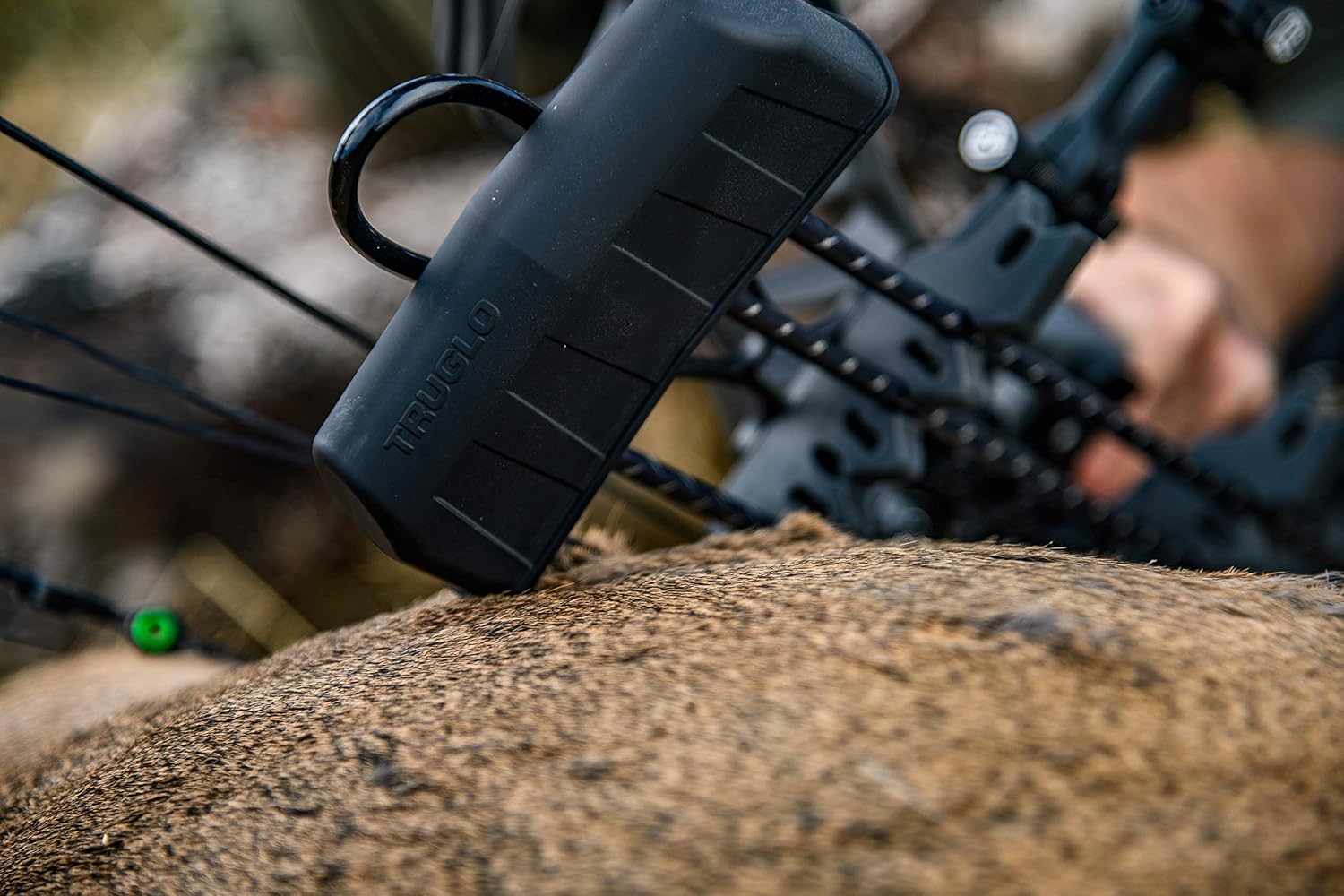
- Place the broadhead (mechanical or fixed-blade) into the broadhead shroud. Ensure it is fully seated and protected.
- Repeat for up to six arrows.
5.2 Removing Arrows
- To remove an arrow, firmly grasp the arrow shaft near the gripper.
- Pull the arrow straight out from the gripper with a smooth, controlled motion. Avoid twisting or bending the arrow excessively.
6. Maintenance
Proper maintenance will extend the life and performance of your TruGlo Tectro Quiver.
- Cleaning: Wipe down the quiver with a damp cloth after each use, especially if exposed to dirt, dust, or moisture. Avoid harsh chemicals that could damage the Tru-Touch coating or aluminum finish.
- Inspection: Regularly inspect the quiver for any signs of wear, damage, or loose components. Pay close attention to the arrow grippers and the mounting system.
- Storage: Store the quiver in a cool, dry place away from direct sunlight and extreme temperatures when not in use.
7. Troubleshooting
| Problem | Possible Cause | Solution |
|---|---|---|
| Quiver rattles or makes noise when loaded. | Loose mounting; arrows not fully seated; lack of dampening in broadhead shroud. | Ensure mounting screws are tight. Push arrows fully into grippers. Consider adding foam or dampening material inside the broadhead shroud if rattling persists (as suggested by some users). |
| Arrows are difficult to remove or insert. | Grippers are new and stiff; incorrect arrow diameter. | Apply consistent, firm pressure. Grippers may loosen slightly with use. Ensure arrows are within the specified diameter range (.229 in. and larger). |
| Quiver feels loose on the bow. | Mounting screws are loose; mounting bracket damage. | Retighten all mounting screws. Inspect the mounting bracket for cracks or damage. If damaged, contact customer support for replacement parts. |
8. Specifications
| Specification | Detail |
|---|---|
| Model Name | Tectro 6-Arrow Ultra-Quiet Lightweight Aluminum Vibration-Absorbing Bow |
| Part Number | TG317B |
| Color | Black |
| Material | Aluminum Blend |
| Arrow Capacity | 6 Arrows |
| Compatible Arrow Shaft Diameter | .229 inches and larger (carbon and aluminum) |
| Compatible Broadheads | Mechanical and Fixed-Blade |
| Item Package Dimensions (L x W x H) | 15.16 x 7.01 x 2.36 inches |
| Package Weight | 0.36 Kilograms |
| Manufacturer | TRUGLO |
9. Warranty & Support
9.1 Warranty Information
The TruGlo Tectro 6-Arrow Quiver comes with a Limited Warranty. For specific details regarding the terms and conditions of this warranty, please refer to the warranty card included with your product packaging or visit the official TRUGLO website.
9.2 Customer Support
If you have any questions, require technical assistance, or need to report an issue with your TruGlo Tectro Quiver, please contact TRUGLO customer support. Contact information can typically be found on the TRUGLO official website or on the product packaging.
