
AMZCHEF JC-12
AMZCHEF Portable Blender User Manual
Model: JC-12
1. Important Safety Instructions
Please read all instructions carefully before using your AMZCHEF Portable Blender. Failure to follow these instructions may result in electric shock, fire, or serious injury.
- Electrical Safety: Do not immerse the motor base in water or any other liquid. Ensure the charging port is dry before connecting the USB-C cable.
- Blade Safety: The blades are sharp. Handle with extreme care. Avoid touching the blades directly.
- Operation Safety: Do not operate the blender without the cup securely attached. Do not overfill the cup beyond the maximum fill line. Keep hands and utensils out of the cup during operation.
- Children: This appliance is not intended for use by children. Keep the blender and its cord out of reach of children.
- Damage: Do not use the blender if the cord, plug, or any part of the appliance is damaged. Contact customer support for assistance.
2. Product Overview
The AMZCHEF Portable Blender is designed for convenient blending on the go, featuring vacuum technology to preserve freshness.
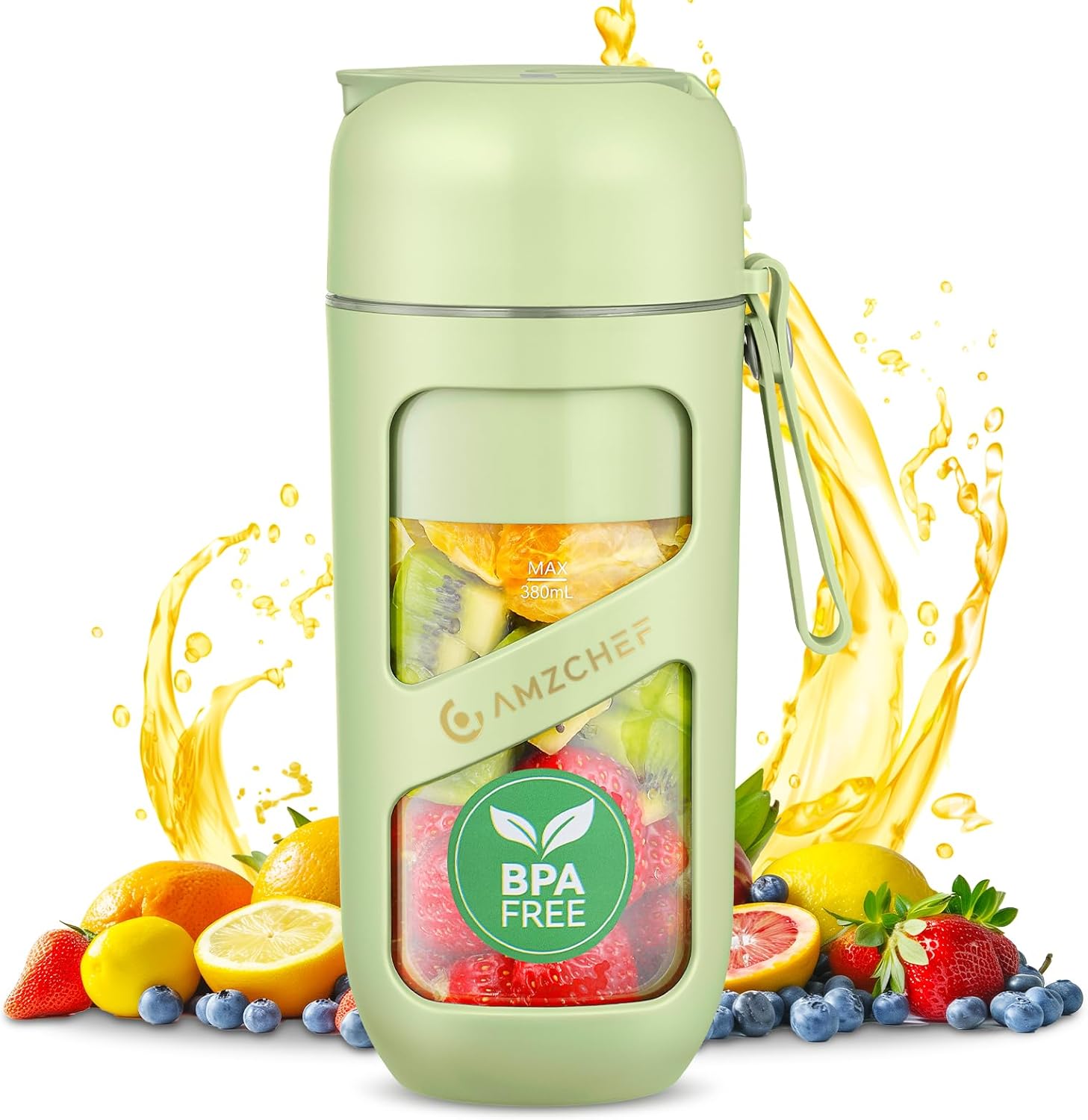
Image: The AMZCHEF Portable Blender, shown with various fruits around it, highlighting its use for fresh beverages.
Components:
- Motor Base: Contains the motor, battery, control buttons, and charging port.
- Blade Assembly: Integrated with the motor base, featuring 10 sharp blades for efficient blending.
- Blender Cup (380ml): Made of Tritan material, designed for blending and drinking.
- Lid: Secures the cup and includes a flip-top for sipping.
- USB-C Charging Cable: For recharging the blender's internal battery.
3. Setup and Initial Use
Before first use, follow these steps:
- Charge Fully: Connect the blender to a USB-C power source using the provided cable. Ensure the battery is fully charged before its first use.
- Clean Components: Wash the blender cup and lid with warm, soapy water. Rinse thoroughly and dry all parts completely. Wipe the motor base with a damp cloth, ensuring no water enters the charging port or motor area.
- Assemble: Ensure the cup is clean and dry. Attach the cup securely to the motor base by twisting until it locks into place.
4. Charging
The AMZCHEF Portable Blender features a convenient USB-C charging port, allowing you to charge it from various sources.

Image: Illustration of the blender's USB-C charging port and compatible power sources like power banks, car chargers, adapters, and laptops.
- Charging Port: The USB-C port is water-resistant. Always ensure it is dry before plugging in the charging cable.
- Power Sources: You can charge the blender using a laptop, power bank, car charger, or a wall adapter with a USB-C output.
- Battery Health: For optimal battery performance, fully charge the blender before its first use. If not used for an extended period (2-3 months), perform a full discharge/charge cycle. If blending power seems low, a full charge is recommended.
5. Operating Instructions
5.1 Preparing Ingredients for Blending
- Ingredient Size: Cut ingredients into small cubes, approximately 1.5 cm (0.6 inches), to ensure smooth blending and prevent jamming.
- Liquid Ratio: Maintain a 2:3 ratio of ingredients to liquid for optimal consistency.
- Ice Cubes: For perfect smoothies, use 2-3 small ice cubes. Avoid overfilling with ice.
- Fill Limit: Do not exceed the maximum fill line indicated on the cup to prevent overflow and ensure proper blending.

Image: Close-up view of the upgraded 10-blade structure, designed for high-speed and thorough blending of various ingredients.
5.2 Blending Process
- Add your prepared ingredients and liquid to the blender cup.
- Securely attach the lid to the cup, ensuring it is tightly sealed.
- Press the power button to start blending. The powerful motor and 10-blade system will effortlessly crush ice, frozen fruit, and vegetables.
- Blend until desired consistency is achieved.
5.3 Vacuum Technology
The AMZCHEF Portable Blender features vacuum extraction technology to minimize oxidation, keeping your smoothies fresher and more nutritious for longer, while preventing separation and foam formation.
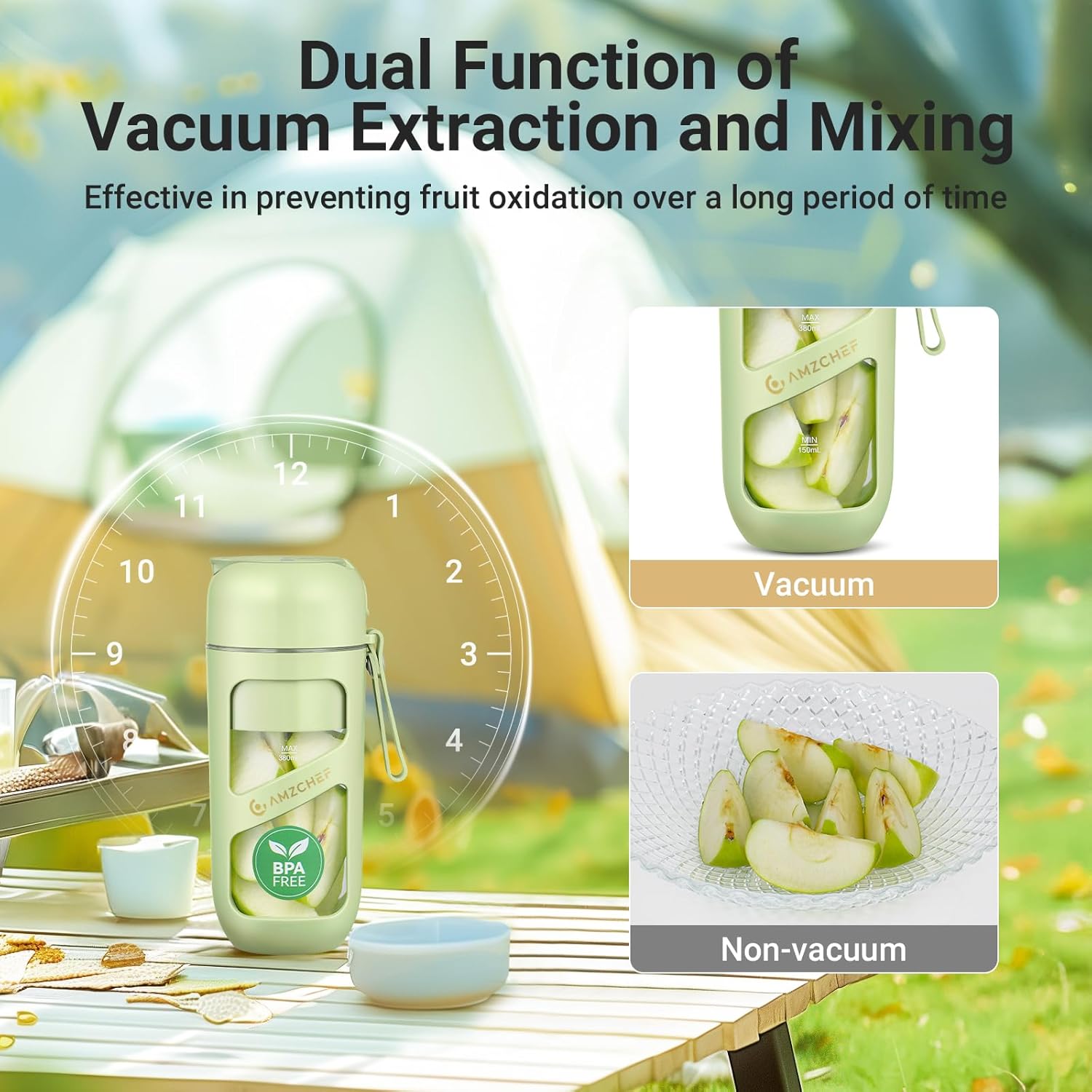
Image: Diagram illustrating the dual function of vacuum extraction and mixing, showing how vacuum prevents fruit oxidation.

Image: Comparison showing juice resisting oxidation and discoloration with vacuum extraction over 8, 16, and 24 hours, versus non-vacuum extraction.
- Activating Vacuum: Refer to the specific button or sequence on your blender for activating the vacuum function. Typically, this is done before blending.
- Optimal Results: For best results, keep the blender in a vertical position during the vacuum process and avoid shaking it.
- Safety Mechanism: Avoid performing multiple rapid vacuum cycles in a row to prevent activating safety mechanisms.
- Process: First, activate the vacuum function, then proceed with blending for a smoother drink.
6. Maintenance and Cleaning
Proper cleaning ensures the longevity and hygiene of your blender.
- Disassembly: Remove the blender cup from the motor base.
- Blender Cup: The Tritan blender cup is dishwasher safe (top rack recommended).
- Blade Assembly: Carefully remove the blade base (if detachable) and rinse it under running water. Do not submerge the motor base.
- Motor Base and Lid: Clean the motor base and lid only with a damp cloth. Avoid getting water into the charging port.
- Important: Never immerse the motor base or the lid in water or place them in a dishwasher.
- Drying: Dry all parts thoroughly before reassembling and storing the blender.
7. Troubleshooting
If you encounter issues with your blender, refer to the following common problems and solutions:
| Problem | Possible Cause | Solution |
|---|---|---|
| Blender does not turn on. | Low battery; Cup not securely attached. | Charge the battery fully; Ensure the cup is twisted and locked into place. |
| Ingredients are not blending smoothly or blender jams. | Ingredients too large; Too little liquid; Overfilled cup. | Cut ingredients into smaller pieces (approx. 1.5 cm); Add more liquid; Do not exceed the MAX fill line. |
| Vacuum function not working. | Lid not sealed properly; Rapid consecutive cycles. | Ensure lid is tightly sealed; Allow a short pause between vacuum cycles. |
| Leaking from the cup. | Lid not properly sealed; Cup not securely attached to base. | Ensure lid is tightly closed; Twist cup firmly onto the motor base until locked. |
If the problem persists after trying these solutions, please contact AMZCHEF customer support.
8. Specifications
| Feature | Detail |
|---|---|
| Brand | AMZCHEF |
| Model Number | JC-12 |
| Dimensions (L x W x H) | 9.5 x 8.5 x 20 cm (3.74 x 3.35 x 7.87 inches) |
| Capacity | 380 Milliliters |
| Weight | 560 g (1.23 lbs) |
| Special Features | Portable, Vacuum Technology, USB-C Rechargeable, 10-Blade System, BPA-Free |
| Rotational Speed | 18,000 RPM |
9. Warranty and Support
Specific warranty information for this product is not provided in the available data. For details regarding warranty coverage, terms, and conditions, please refer to the product packaging or contact AMZCHEF customer support directly.
For technical support, troubleshooting assistance beyond this manual, or to inquire about replacement parts, please visit the official AMZCHEF website or contact their customer service department.
AMZCHEF Customer Support: Please refer to the contact information provided with your product packaging or on the official AMZCHEF website.
Related Documents - JC-12
 |
Amzchef ZM5003 Professional Blender Instruction Manual This manual provides detailed instructions for operating and maintaining the Amzchef ZM5003 Professional Blender. Learn about important safeguards, product components, control panel functions, cleaning, troubleshooting, and warranty information. |
 |
AMZCHEF ZM5003 Smoothie Blender Installation and Disassembly Guide Step-by-step instructions for installing and disassembling the AMZCHEF ZM5003 Smoothie Blender, including visual descriptions and tips. |
 |
AMZCHEF ZM5003 Professional Blender Instruction Manual Comprehensive instruction manual for the AMZCHEF ZM5003 Professional Blender, covering safety guidelines, parts identification, operational functions, step-by-step instructions, cleaning and maintenance procedures, and troubleshooting tips. |
 |
AMZCHEF WX-Y10 Countertop Blender Instruction Manual Comprehensive instruction manual for the AMZCHEF WX-Y10 Countertop Blender, covering safety warnings, specifications, operation, troubleshooting, and recipes. |
 |
AMZCHEF ZM5009 Professional Blender Instruction Manual Comprehensive instruction manual for the AMZCHEF ZM5009 Professional Blender, covering safety precautions, specifications, component introduction, operation, cleaning, maintenance, and troubleshooting. |
 |
AMZCHEF Countertop Blender XL-05 Instruction Manual This instruction manual provides detailed information on the AMZCHEF Countertop Blender, Model XL-05. It covers safety precautions, product features, operating instructions, troubleshooting, and recipes. |