
1. Introduction
Thank you for choosing the Sorandy Smart Scent Air Machine Essential Oil Diffuser. This device utilizes advanced atomization technology to disperse essential oils, creating a pleasant and consistent fragrance in your environment. Designed for versatility, it features both Bluetooth (BT) app control and direct key control, making it suitable for various settings including homes, hotels, spas, and vehicles. Please read this manual thoroughly before use to ensure proper operation and maintenance.
2. Important Safety Information
Please read and follow all safety instructions to prevent injury or damage to the device.
- Do not immerse the device in water or any other liquid.
- Keep out of reach of children and pets.
- Use only essential oils or water-based essential oils as specified. Do not use corrosive liquids.
- Ensure the power adapter is compatible with your local power supply.
- Unplug the device before cleaning or refilling.
- Do not block the air outlet during operation.
- Avoid placing the diffuser near heat sources or in direct sunlight.
3. Package Contents
Verify that all items are present in the package:
- 1 x Scent Diffuser Unit
- 1 x Cover
- 1 x User Manual (this document)
4. Product Overview
Familiarize yourself with the main components of your Sorandy Smart Scent Air Machine.

Figure 4.1: Front view of the Sorandy Smart Scent Air Machine, showing the minimalist design and control panel on the right side.
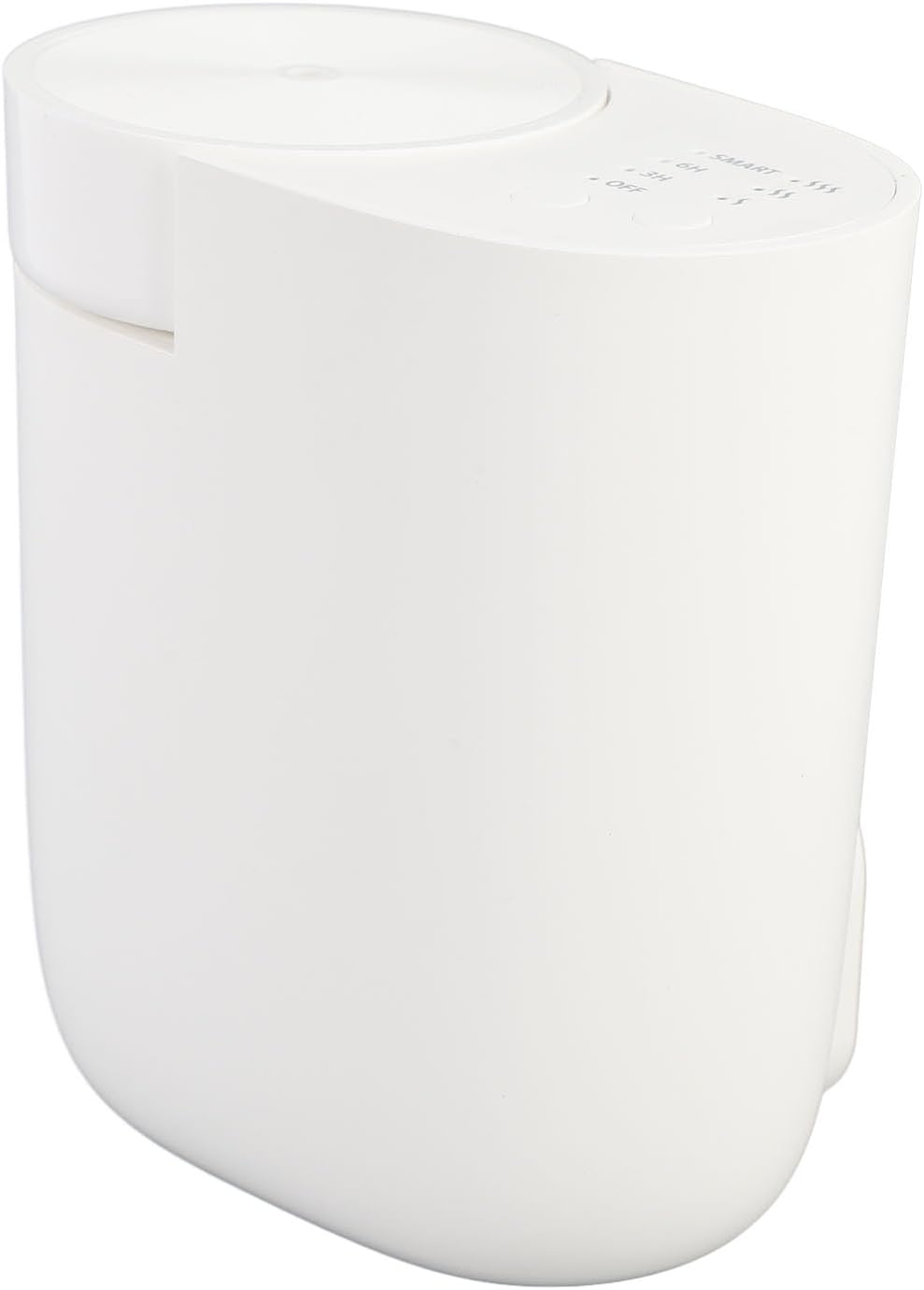
Figure 4.2: Side view highlighting the control buttons and indicator lights for different operating modes (SMART, 6H, 3H, OFF) and intensity levels.
The device features a compact design with an integrated control panel for easy access to settings. The top section houses the atomization core and oil reservoir, accessible for refilling.
5. Setup Instructions
Follow these steps for initial setup:
- Unpack the Device: Carefully remove the scent diffuser and all accessories from the packaging.
- Prepare for Oil Filling: Remove the top cover of the diffuser. The atomization core is detachable for easier access.
- Fill with Essential Oil: Pour your desired essential oil (concentrated or water-based) into the 60ML capacity reservoir. Do not overfill.
- Reassemble: Securely replace the atomization core and the top cover.
- Connect Power: Plug the diffuser into a suitable power outlet.
- Download the App (Optional for BT Control): Scan the QR code provided in the original packaging's instruction manual or search for "Scent Marketing" in your device's application store to download the control app.

Figure 5.1: The diffuser with its top cap removed, revealing the essential oil reservoir and atomization core for refilling.
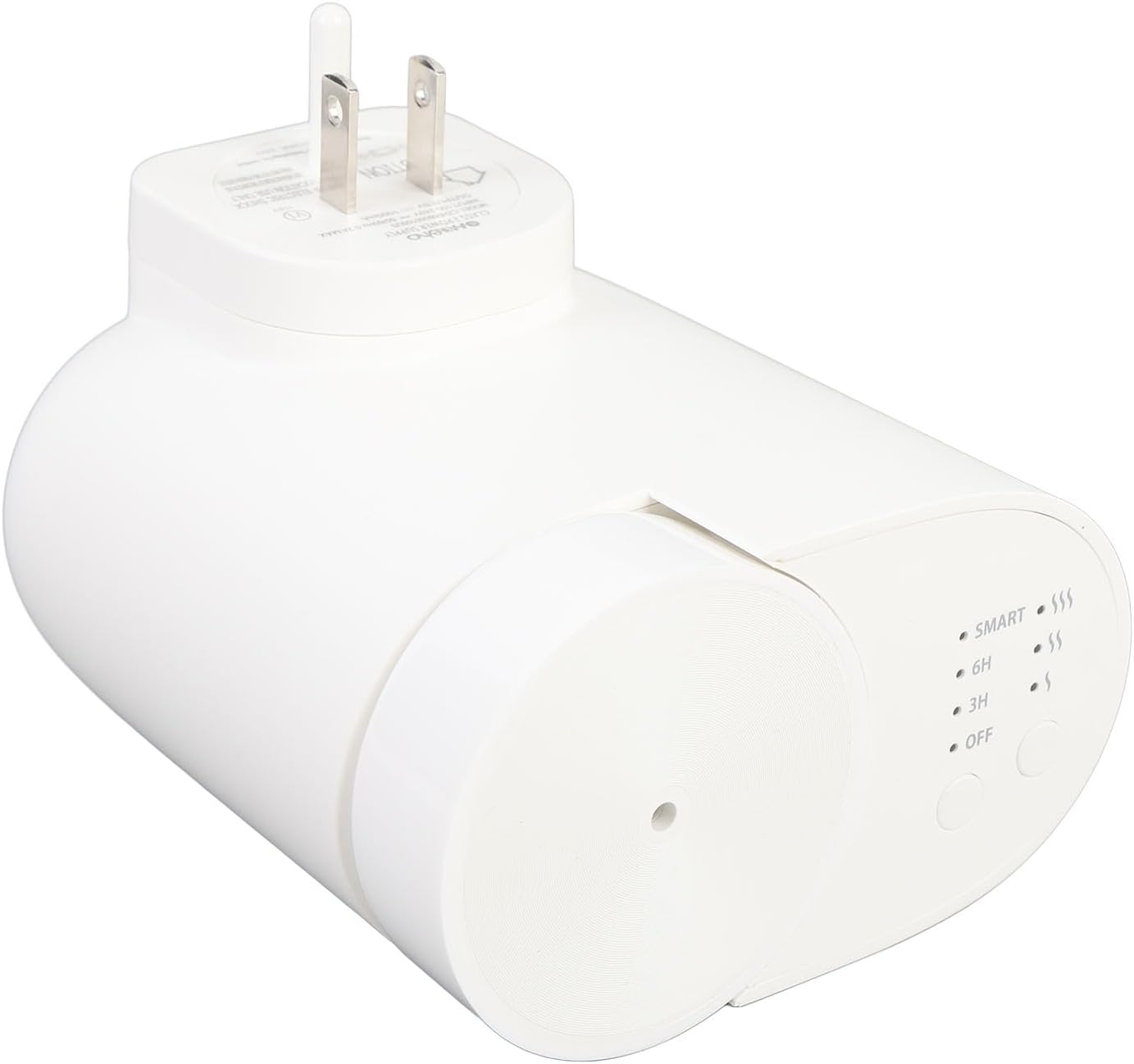
Figure 5.2: The diffuser shown with its integrated plug, ready to be connected to a power source.
6. Operating the Diffuser
The Sorandy Smart Scent Air Machine offers two primary control methods: direct key control and Bluetooth (BT) app control.
6.1 Key Control
Use the physical buttons on the device to select your desired operating mode and intensity:
- Power Button: Press to turn the device ON/OFF.
- Mode Selection: Cycle through available modes: SMART, 6H (6-hour continuous operation), 3H (3-hour continuous operation), and OFF.
- Intensity Adjustment: Adjust the fragrance intensity (indicated by wave symbols, e.g., one wave for low, three for high).
6.2 Bluetooth (BT) App Control
For advanced control and customization, use the dedicated mobile application:
- Enable Bluetooth: Ensure Bluetooth is enabled on your smartphone or tablet.
- Open App: Launch the "Scent Marketing" application.
- Pair Device: Follow the in-app instructions to pair your diffuser.
- Adjust Settings: Within the app, you can typically:
- Set custom operating schedules.
- Fine-tune fragrance intensity levels.
- Monitor oil levels (if supported by the app).
- Select specific operating modes.
7. Maintenance and Care
Regular maintenance ensures optimal performance and longevity of your diffuser.
- Refilling Essential Oil: When the oil level is low, unplug the device, remove the top cover, and carefully add essential oil to the reservoir. Reassemble securely.
- Cleaning the Atomization Core: The detachable atomization core can be cleaned periodically. Gently wipe it with a soft, dry cloth. If there is residue, use a cotton swab lightly dampened with rubbing alcohol, then allow it to air dry completely before reinserting.
- Cleaning the Exterior: Wipe the exterior of the diffuser with a soft, slightly damp cloth. Do not use abrasive cleaners or solvents.
- Storage: If storing the device for an extended period, ensure it is clean, dry, and empty of essential oils. Store in a cool, dry place.
8. Troubleshooting
If you encounter issues with your diffuser, refer to the following common problems and solutions:
| Problem | Possible Cause | Solution |
|---|---|---|
| No mist/fragrance output | No essential oil; Atomization core blocked; Device not powered on. | Refill essential oil; Clean atomization core; Ensure device is plugged in and turned on. |
| Weak fragrance | Low oil level; Low intensity setting; Large room size. | Refill oil; Increase intensity setting via key or app; Consider device placement. |
| Device not responding to controls | Power issue; App not connected (for BT control). | Check power connection; Restart device; Re-pair Bluetooth in app. |
| Unusual noise | Device not on a flat surface; Internal component issue. | Place on a stable, flat surface; If noise persists, contact customer support. |
If the problem persists after trying these solutions, please contact Sorandy customer support.
9. Product Specifications
Technical details for the Sorandy Smart Scent Air Machine:
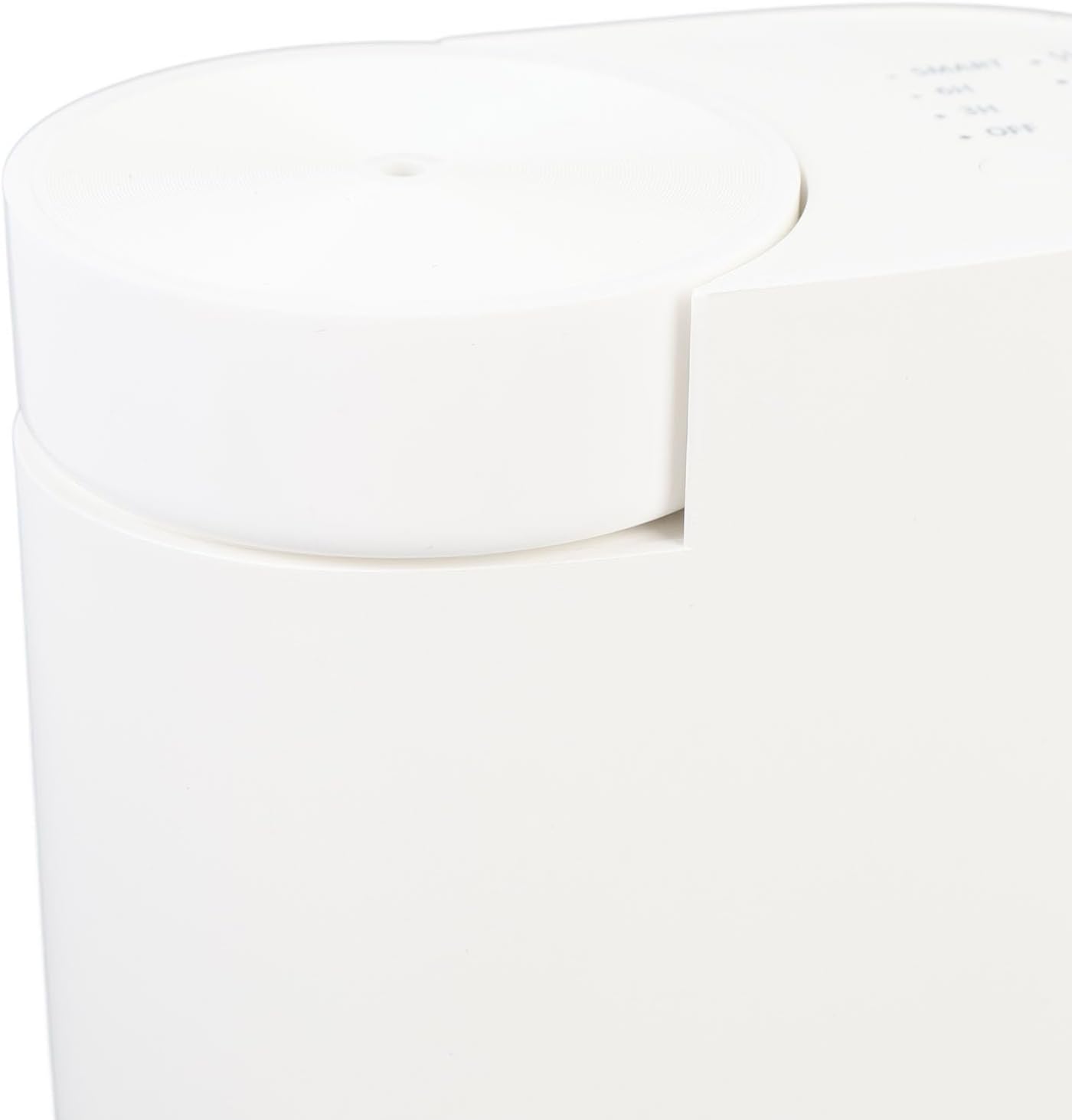
Figure 9.1: Dimensions of the Sorandy Smart Scent Air Machine, showing height, width, and depth measurements.
| Feature | Detail |
|---|---|
| Model Number | Sorandy3b0wqhy1xp |
| Coverage Area | Up to 30 square meters |
| Capacity | 60 ML |
| Dimensions (Approx.) | 110 x 101 x 60 mm (4.3 x 4 x 2.4 inches) |
| Item Weight | 12.9 ounces (Approx. 367g) |
| Operating Mode | BT APP control, Key control |
| Material | Plastic |
| Power Input | AC 100-240V, 50/60Hz (Refer to device label for exact specifications) |
| Assembly Required | No |
| Batteries Required | No |
10. Warranty and Support
Sorandy products are manufactured with quality and reliability in mind. For specific warranty information, please refer to the warranty card included with your purchase or visit the official Sorandy website. If you require technical assistance or have questions not covered in this manual, please contact Sorandy customer support through the contact information provided on the product packaging or the official brand store.
You can visit the Sorandy Store on Amazon for more product information and support resources.