
1. Important Safety Information
Please read all instructions before operating the BEZGAR Remote Control Monster Truck. Failure to follow these instructions may result in injury or damage to the product.
- This product is suitable for users aged 36 months to 10 years. Adult supervision is recommended.
- Keep small parts away from children to prevent choking hazards.
- Do not operate the vehicle near people, pets, or obstacles.
- Avoid operating in wet conditions or near water to prevent electrical damage.
- Always turn off the vehicle and remote control when not in use.
- Use only the specified batteries and charging methods.
2. Package Contents
Verify that all items are present in the package:
- BEZGAR Remote Control Monster Truck (Blue)
- Remote Control
- Rechargeable Batteries (2 included for vehicle)
- USB Charging Cable
- Small Water Bottle (for mist function)
- Screwdriver
- Instruction Manual

Image: The BEZGAR Remote Control Monster Truck, its remote control, and the product packaging.
3. Product Overview
The BEZGAR YL-130 Remote Control Monster Truck is designed for versatile play, featuring multiple stunt capabilities, mist spray, LED lights, and music. Its robust design and large grip tires allow for all-terrain operation.
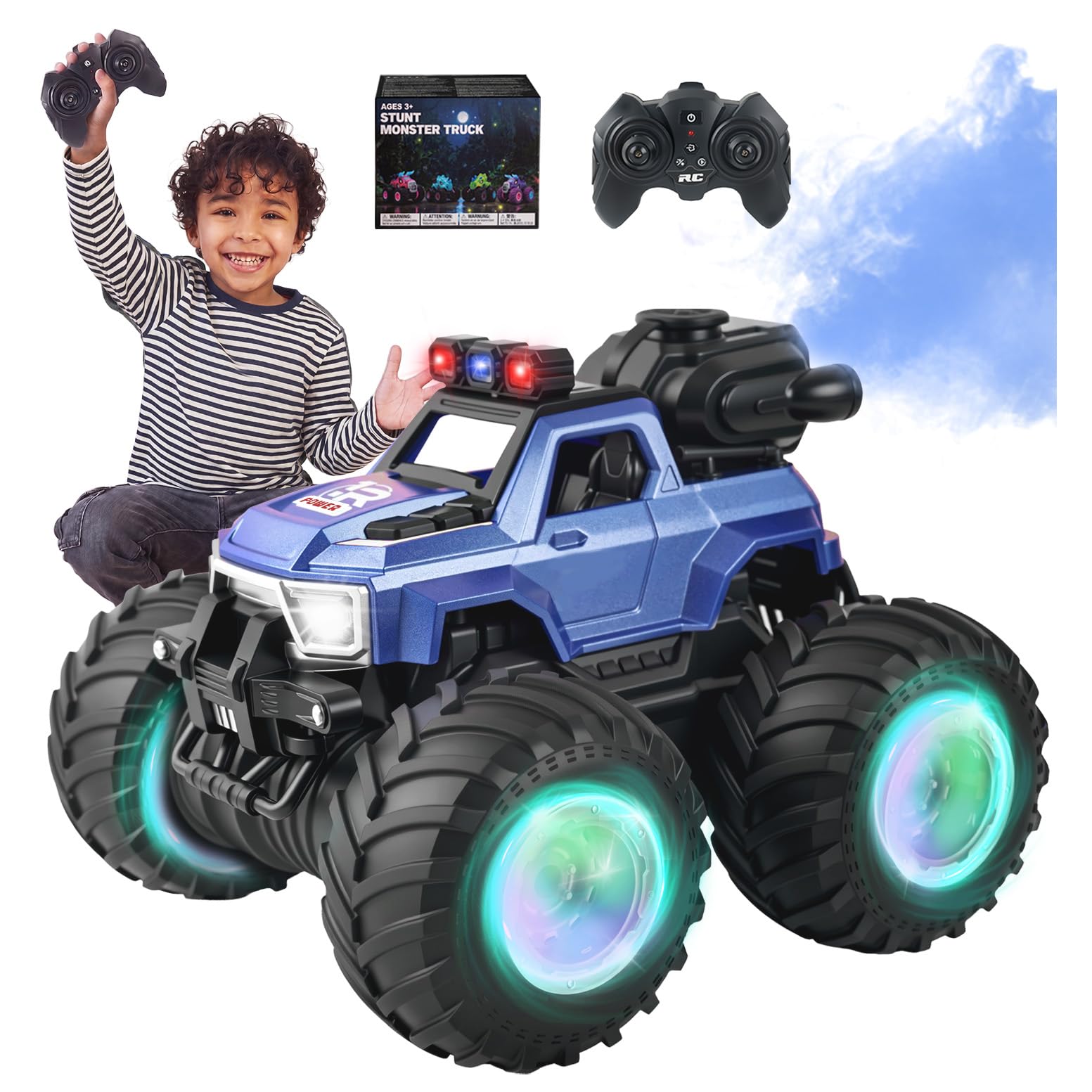
Image: Front-side view of the blue BEZGAR Remote Control Monster Truck.
Key Features:
- Multiple Stunt Driving: Performs stand-up driving, 360° spins, upright forward, and straight up spins.
- Mist Spray Function: Integrated mist spray with LED headlights and colorful wheel lights.
- Music Effects: Switchable music for an enhanced play experience.
- Extended Playtime: Includes two rechargeable batteries for up to 80 minutes of operation.
- 2.4GHz Control System: Ensures responsive handling and stable signal, allowing multiple trucks to operate simultaneously without interference.
- All-Terrain Capability: Large grip tires and durable construction for driving on grass, sand, and pavement.
4. Setup Guide
4.1. Vehicle Battery Installation
- Using the included screwdriver, open the battery compartment cover located on the underside of the truck.
- Connect one of the rechargeable batteries to the vehicle's power connector.
- Place the battery inside the compartment and close the cover securely with the screw.
4.2. Remote Control Battery Installation
- Open the battery compartment on the back of the remote control.
- Insert 2 AAA batteries (not included) into the compartment, ensuring correct polarity (+/-).
- Close the battery compartment cover.
4.3. Charging the Vehicle Battery
- Connect the rechargeable battery to the USB charging cable.
- Plug the USB cable into a standard USB power adapter (e.g., phone charger, computer USB port).
- The indicator light on the USB cable will show charging status (refer to cable instructions for specific light behavior).
- Once fully charged, disconnect the battery from the charger. Charging typically takes 60-90 minutes.
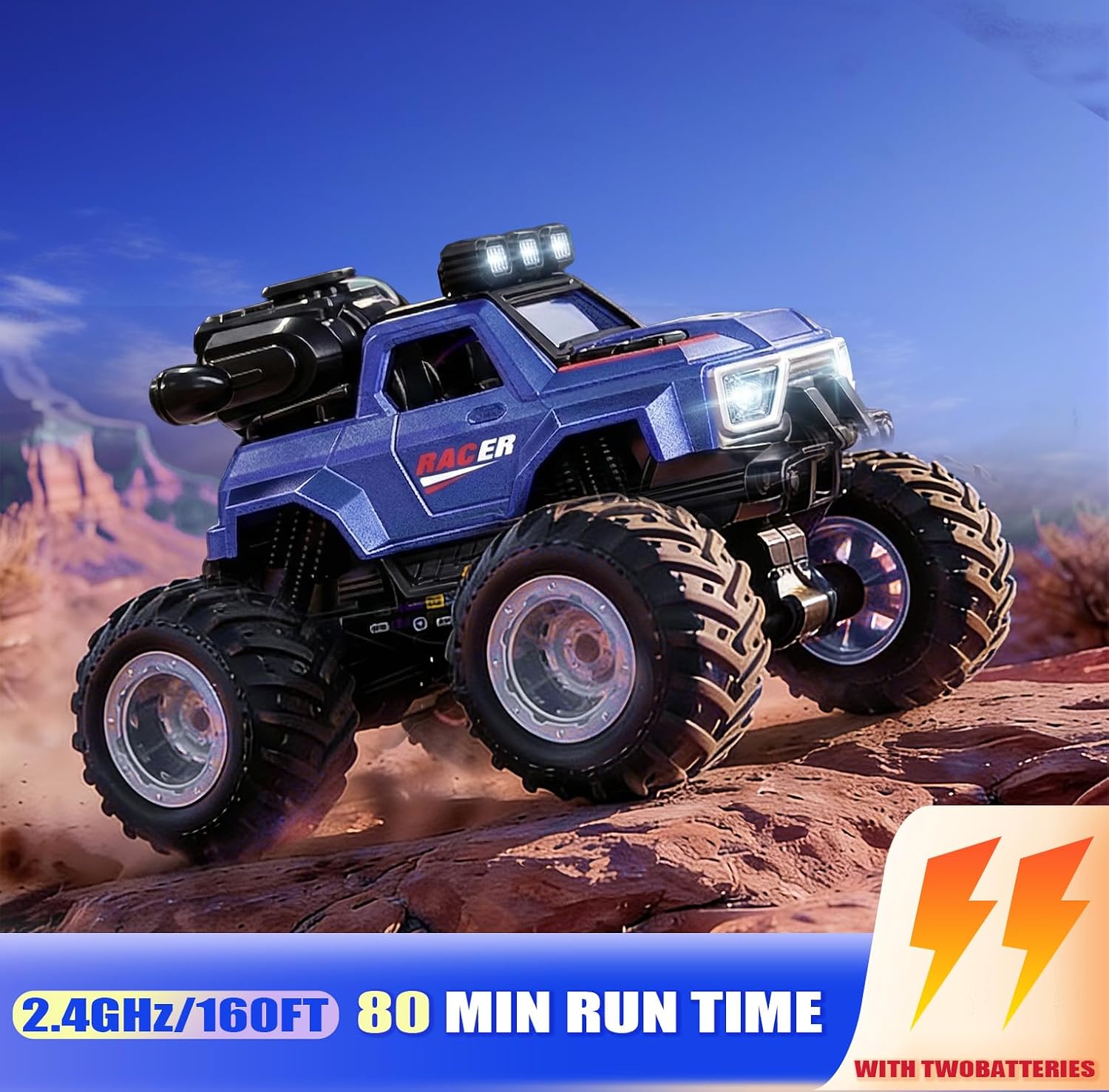
Image: The remote control truck highlighting its 2.4GHz control system and extended battery life with two batteries.
4.4. Adding Water for Mist Function
- Locate the water inlet on the top of the truck, usually covered by a small cap.
- Carefully open the cap.
- Use the provided small water bottle to fill the water tank with clean tap water. Do not overfill.
- Close the cap securely after filling.

Image: A close-up view showing how to add water to the mist spray reservoir on the truck.
5. Operating Instructions
5.1. Power On/Off
- To turn on the truck, slide the power switch on the vehicle to the 'ON' position.
- To turn on the remote control, slide its power switch to the 'ON' position.
- To turn off, slide both switches to the 'OFF' position.
5.2. Pairing the Remote Control
The truck and remote control should automatically pair when both are turned on. If pairing fails:
- Turn off both the truck and the remote control.
- Turn on the truck first, then immediately turn on the remote control.
- The indicator light on the remote should stop flashing and become solid, indicating successful pairing.
5.3. Basic Driving Controls
- Forward/Backward: Push the left joystick forward or backward.
- Turn Left/Right: Push the right joystick left or right.
5.4. Stunt Functions
The truck can perform various stunts:
- Stand-up Driving: Drive forward or backward while the truck is in an upright position.
- 360° Spinning: Use specific joystick combinations (refer to remote control diagram) to make the truck spin in place.
- Upright Forward: Drive on two wheels in an upright position.
- Straight Up Spins: Perform spins while maintaining an upright posture.
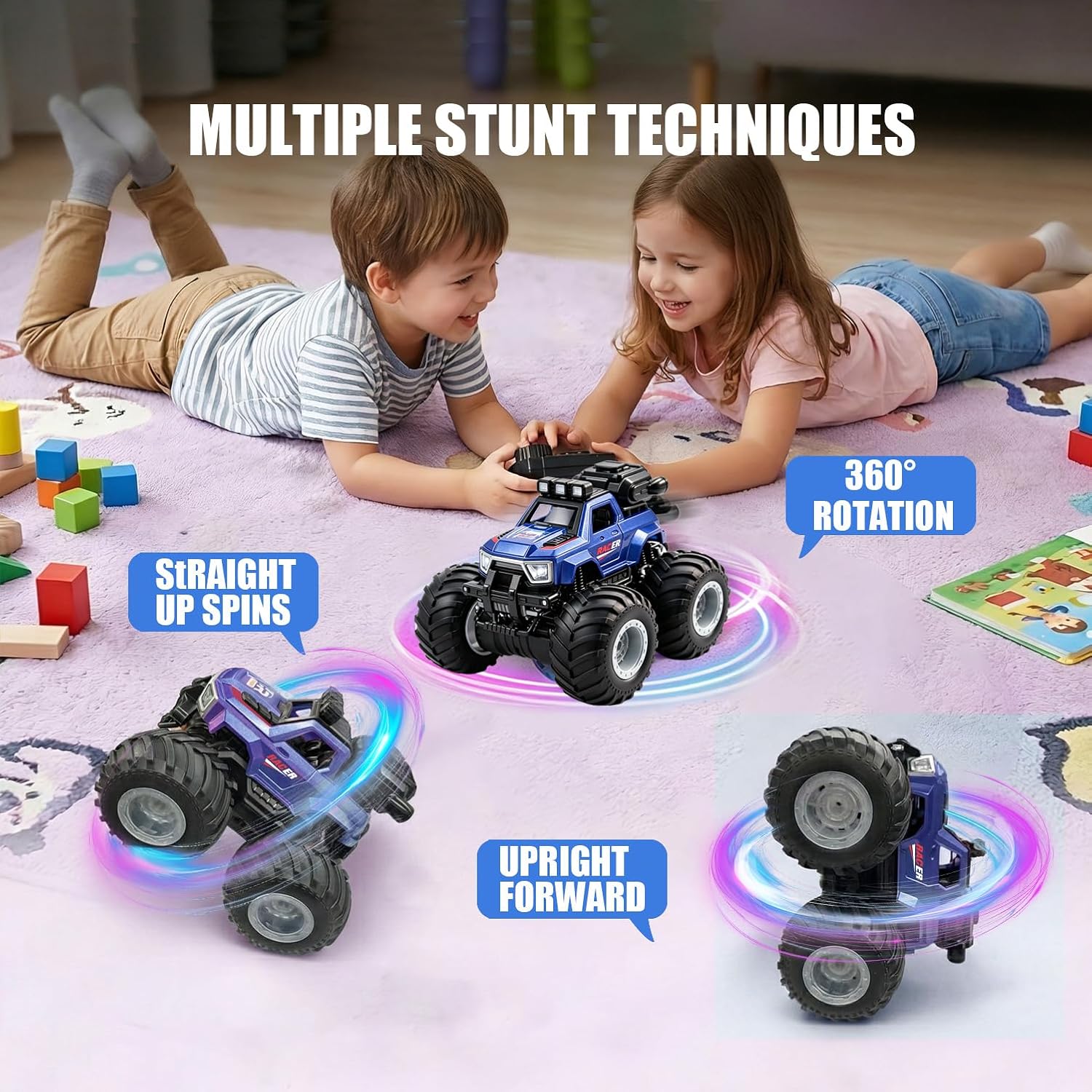
Image: Illustrations of the monster truck performing stunts like straight up spins, 360° rotation, and upright forward driving.
5.5. Mist Spray Function
To activate the mist spray, press the dedicated mist button on the remote control. Press again to turn it off. Ensure the water tank is filled for proper operation.
5.6. Lights and Music
The truck features bright LED headlights, colorful wheel lights, and switchable music. Use the corresponding buttons on the remote control to toggle these features on or off.

Image: The monster truck illuminated with its LED headlights and colorful wheel lights, accompanied by musical notes.
5.7. One-Key Demo Function
Press the one-key demo button on the remote control to initiate an automatic demonstration of the truck's various movements and features.
Video: An official demonstration of the BEZGAR Remote Control Monster Truck's features, including rear spray, stand-up driving, and multiplayer racing capabilities.
6. Maintenance and Care
- Cleaning: Wipe the truck with a soft, dry cloth after each use. Do not use water or chemical cleaners directly on electronic components.
- Battery Care: Remove batteries from both the truck and remote control if not in use for an extended period. Store rechargeable batteries in a cool, dry place.
- Water Tank: Empty the water tank after each use to prevent residue buildup. Use clean water only.
- Storage: Store the truck and remote control in a dry environment, away from direct sunlight and extreme temperatures.
7. Troubleshooting
| Problem | Possible Cause | Solution |
|---|---|---|
| Truck does not move or respond. | Low battery in truck or remote; truck/remote not paired; power switch off. | Charge truck battery; replace remote batteries; ensure both power switches are ON; re-pair truck and remote. |
| Mist spray not working. | Water tank empty; mist nozzle blocked. | Refill water tank; gently clean mist nozzle if visible blockage. |
| Lights or music not working. | Feature turned off; low battery. | Ensure feature is activated via remote; charge truck battery. |
| Short operating range or interference. | Environmental interference; low remote battery. | Operate in an open area away from other electronic devices; replace remote batteries. |
8. Specifications
| Feature | Detail |
|---|---|
| Model Name | YL-130 |
| Scale | 1:18 |
| Color | Blue |
| Material Type | Plastic |
| Item Dimensions (LxWxH) | 7.09 x 5.71 x 7.87 inches |
| Control Frequency | 2.4GHz |
| Recommended Age | 36 months - 10 years |
| Vehicle Batteries | Rechargeable (2 included) |
| Remote Batteries | AAA batteries (not included) |

Image: A diagram illustrating the 1:18 scale and key dimensions of the RC Monster Truck.
9. Warranty and Support
For any questions, concerns, or support needs regarding your BEZGAR Remote Control Monster Truck, please contact BEZGAR customer service. Refer to the product packaging or the official BEZGAR website for contact information.
Please retain your purchase receipt for warranty purposes.


