
WINGBO SYCF5410
WINGBO 54" Ceiling Fan with Light Instruction Manual
Model: SYCF5410 | Brand: WINGBO
1. Safety Instructions
Read all instructions carefully before installation and use. Failure to follow these instructions may result in electric shock, fire, or personal injury.
- Ensure power is disconnected at the circuit breaker before installation or servicing.
- All electrical wiring must be performed by a qualified electrician and comply with local and national electrical codes.
- The mounting bracket must be securely fastened to a ceiling joist or a suitable support structure capable of supporting the fan's weight.
- Do not bend the blade holders during installation or cleaning.
- Keep children away from the fan while it is operating.
- Do not operate the fan if any part is damaged.
2. Package Contents
Verify all components are present before beginning installation:
- Motor Housing
- 5 Solid Wood Blades
- Downrods (4.5" and 12")
- Mounting Bracket
- Canopy
- LED Light Kit
- Remote Control with Wall Holder
- Hardware Pack (screws, washers, wire nuts)
- Instruction Manual

Image: All components included in the WINGBO 54-inch Ceiling Fan package.
3. Specifications
| Feature | Detail |
|---|---|
| Brand | WINGBO |
| Model Name | Ceiling Fan (SYCF5410) |
| Size | 54 inches |
| Number of Blades | 5 |
| Blade Material | Solid Wood |
| Motor Type | 6-Speed Reversible DC Motor |
| Light Source | 18W 3CCT Dimmable LED (3000K, 4000K, 6000K) |
| Control Method | Remote Control |
| Voltage | 120 Volts (AC) |
| Air Flow Capacity | 3663 Cubic Feet Per Minute |
| Installation Type | Downrod Mount (4.5" and 12" included) |
4. Setup and Installation
Important: Ensure power is turned off at the circuit breaker before starting installation.
- Prepare the Blades: Attach each of the 5 solid wood blades to the motor housing using the provided screws and brackets. Ensure screws are tightened securely.
- Install the LED Light Kit: Connect the LED light panel to the motor housing wiring. Secure the LED panel with the provided screws.
- Assemble the Downrod: Thread the electrical wires from the motor through the chosen downrod (4.5" or 12"). Secure the downrod to the motor housing with the provided pin and screws.
- Install the Mounting Bracket: Secure the mounting bracket to the ceiling junction box. Ensure it is firmly attached to a structural support.
- Wire the Fan: Connect the fan's electrical wires to the household wiring according to the wiring diagram in the manual. Ensure all connections are secure with wire nuts.
- Hang the Fan: Carefully lift the fan assembly and hang it from the mounting bracket.
- Secure the Canopy: Slide the canopy up to cover the mounting bracket and wiring connections. Secure it with the provided screws.
- Install the Lampshade: Attach the lampshade to the LED light kit.

Image: Securely attaching the carved solid wood blades to the fan motor housing.

Image: Connecting and securing the LED light panel to the fan assembly.
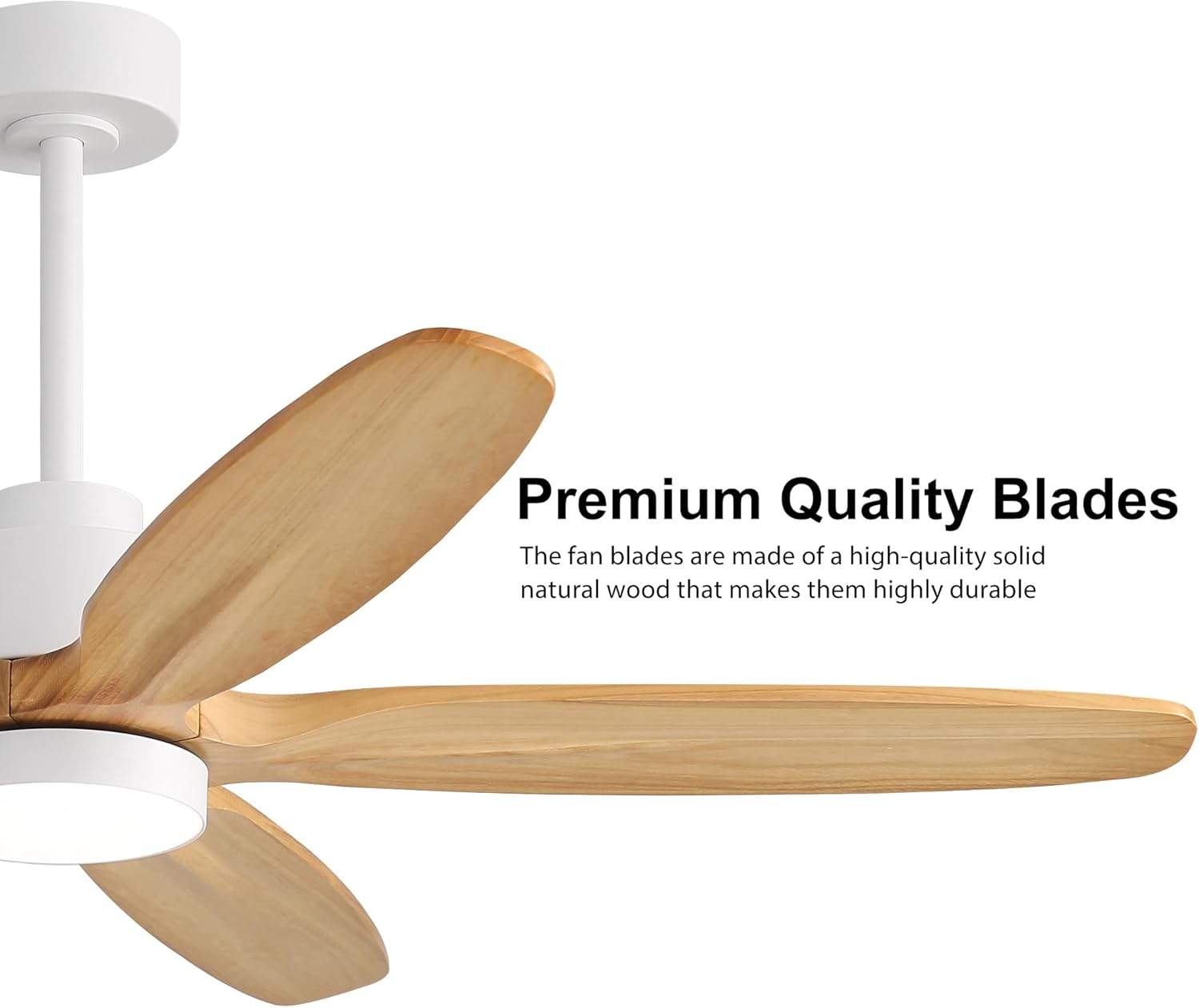
Image: Guiding wires through the downrod and securing it to the fan motor.

Image: Various mounting bracket installation methods for different ceiling types.
Installation Video Guide:
Video: Step-by-step installation guide for the WINGBO 54-inch Ceiling Fan with Light.
Video: Detailed installation guide for a similar wood ceiling fan, demonstrating blade and wiring assembly.
5. Operating Instructions
The WINGBO 54-inch Ceiling Fan is operated using the included remote control.

Image: Remote control layout with buttons for fan speed, light control, and timer settings.
- Fan ON/OFF: Press the power button to turn the fan on or off.
- Fan Speed: Select from 6 fan speeds using the numbered buttons (1-6). Speed 1 is the lowest, 6 is the highest.
- Reversible Motor: Press the "F/R" button to change the direction of the fan blades.
- Summer Mode (Counter-clockwise): Creates a downward airflow for cooling.
- Winter Mode (Clockwise): Circulates warm air trapped near the ceiling.
- Light ON/OFF: Press the light bulb button to turn the LED light on or off.
- Color Temperature (3CCT): Cycle through Warm Light (3000K), Neutral Light (4000K), and Cold Light (6000K) by pressing the dedicated color temperature buttons.
- Dimming: Use the brightness control buttons (sun icons) to adjust the light intensity from 20% to 100%.
- Timer Function: Set the fan to automatically turn off after 1, 4, or 8 hours using the respective timer buttons (1H, 4H, 8H).
- Natural Wind Mode: Activates a variable fan speed setting to simulate natural breezes.
- Memory Function: The fan will recall the last used fan speed and light temperature settings when turned back on.

Image: Visual representation of summer (downward airflow) and winter (upward airflow) modes.
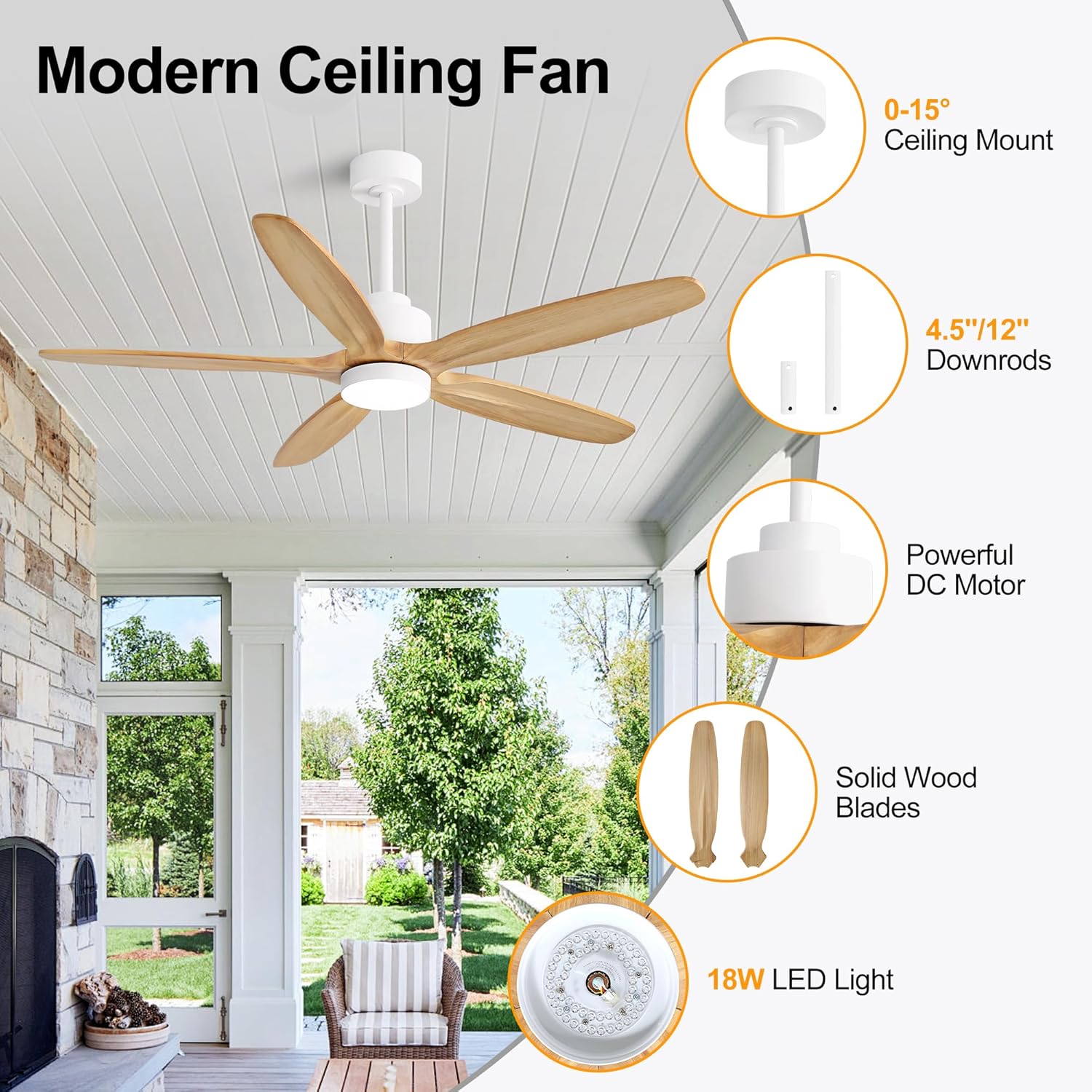
Image: Examples of warm, neutral, and cold light settings.
6. Maintenance
- Cleaning: Use a soft, damp cloth to clean the fan blades and motor housing. Do not use abrasive cleaners or solvents.
- Blade Inspection: Periodically check the blade attachments for tightness. Loose blades can cause wobbling and noise.
- Light Cover: Ensure the lampshade is clean and free of dust to maintain optimal light output.
- No Lubrication Needed: The DC motor is permanently lubricated and does not require additional oiling.
7. Troubleshooting
| Problem | Possible Cause | Solution |
|---|---|---|
| Fan does not start | No power to the fan; Loose wiring; Remote control battery low. | Check circuit breaker; Verify all wire connections; Replace remote control batteries. |
| Fan wobbles | Loose blade screws; Unbalanced blades; Loose mounting bracket. | Tighten all blade screws; Use a balancing kit (not included) to balance blades; Ensure mounting bracket is secure. |
| Light does not work | Loose light kit wiring; Faulty LED panel; Remote control battery low. | Check light kit connections; Contact customer support for replacement LED panel; Replace remote control batteries. |
| Remote control not working | Low battery; Remote not paired with fan. | Replace batteries; Refer to remote pairing instructions in the full manual. |
8. Warranty and Support
The WINGBO 54-inch Ceiling Fan comes with the following:
- Motor Warranty: 10 Years
- Accessories Warranty: 3 Years
- Technical Support: 24/7 availability
For any questions, technical assistance, or warranty claims, please contact WINGBO customer support. Refer to the full product manual for contact details or visit the WINGBO Store on Amazon.