
Donerton P131
Donerton Smart Watch GPS User Manual
Model: P131
1. Introduction
This manual provides detailed instructions for the setup, operation, and maintenance of your Donerton Smart Watch GPS. Please read this manual thoroughly to ensure proper use and to maximize the features of your device. This smartwatch is designed for both men and women, featuring a 2.06-inch AMOLED screen, built-in GPS, compass, barometer, and altimeter, along with comprehensive fitness tracking capabilities.
2. What's in the Box
Upon opening the package, verify that all the following items are included:
- Donerton Smart Watch (P131)
- Charging Cable
- User Manual

Image: Contents of the Donerton Smart Watch package, including the watch, charging cable, and user manual.
3. Setup Guide
3.1 Initial Connection and App Installation
To begin using your Donerton Smart Watch, you must first connect it to your smartphone via the GloryFit app. Follow these steps:
- Ensure Bluetooth is enabled on your smartphone.
- Download and install the "GloryFit" app from your phone's app store (Google Play Store for Android or Apple App Store for iOS).
- Open the GloryFit app and follow the on-screen prompts to search for and bind your P131 smartwatch.
3.2 Enabling Call Function
For the Bluetooth call function to work, additional permissions are required:
- After selecting "P131" in the GloryFit app, accept the mobile phone system's pop-up pairing request.
- On the watch, turn on the call Bluetooth switch. This allows the watch to make calls and play media sound.
- In your phone's Bluetooth settings, grant necessary permissions to the P131 device.
- Once connected, you can use your watch to answer or make calls anytime.
Note: If you do not intend to use the call function, you can disable it to conserve battery life.
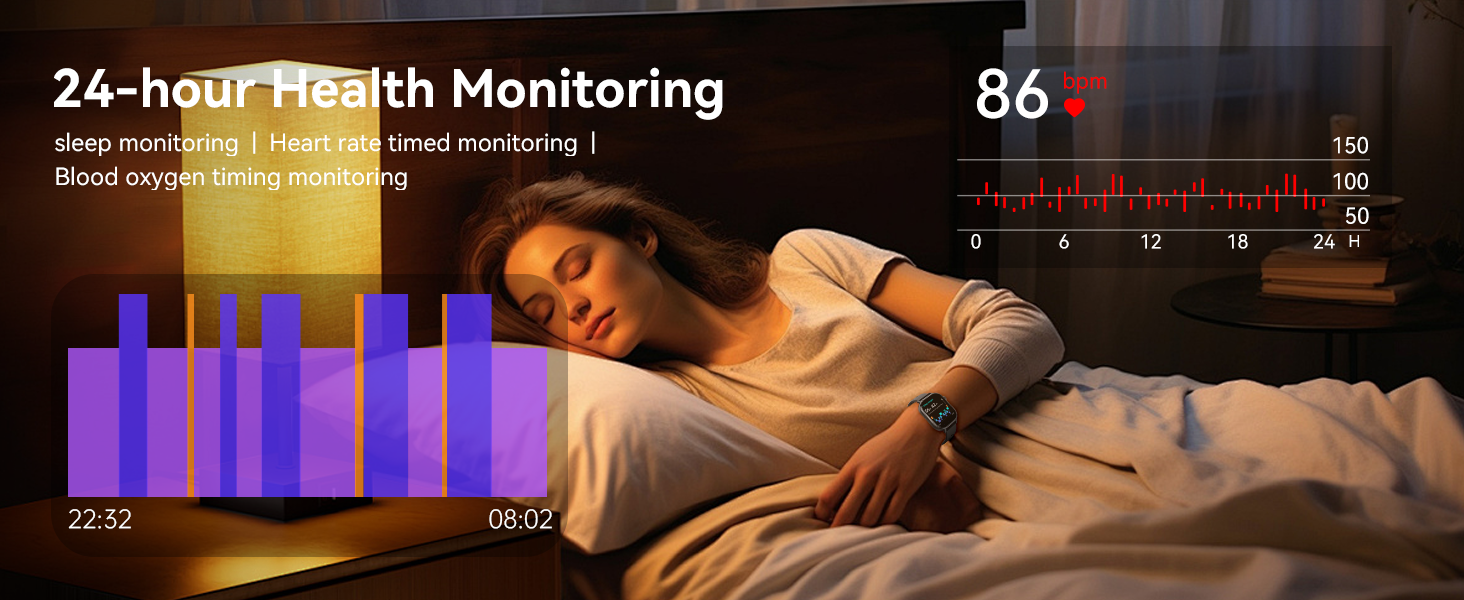
Image: Visual guide demonstrating the steps to connect the Donerton Smart Watch to a smartphone and activate the Bluetooth call feature.
4. Operating the Smart Watch
4.1 Display and Customization
The Donerton Smart Watch features a vibrant 2.06-inch AMOLED touchscreen with 410*502 pixel resolution, offering clear visibility. The "Always-On Display" mode ensures the time is always visible. You can personalize your watch with over 200 watch faces available through the app or by uploading your own images.

Image: The 2.06-inch AMOLED screen of the Donerton Smart Watch, highlighting its display quality.
4.2 GPS and Sports Modes
The watch includes built-in GPS, supporting GLONASS, Beidou, Galileo, NAVIC, and QZSS for accurate route tracking during outdoor activities. It also features a compass, altimeter, and air pressure sensor. With over 178 sports modes, including running, hiking, fitness, and yoga, the watch records real-time data such as steps, calories burned, and distance.
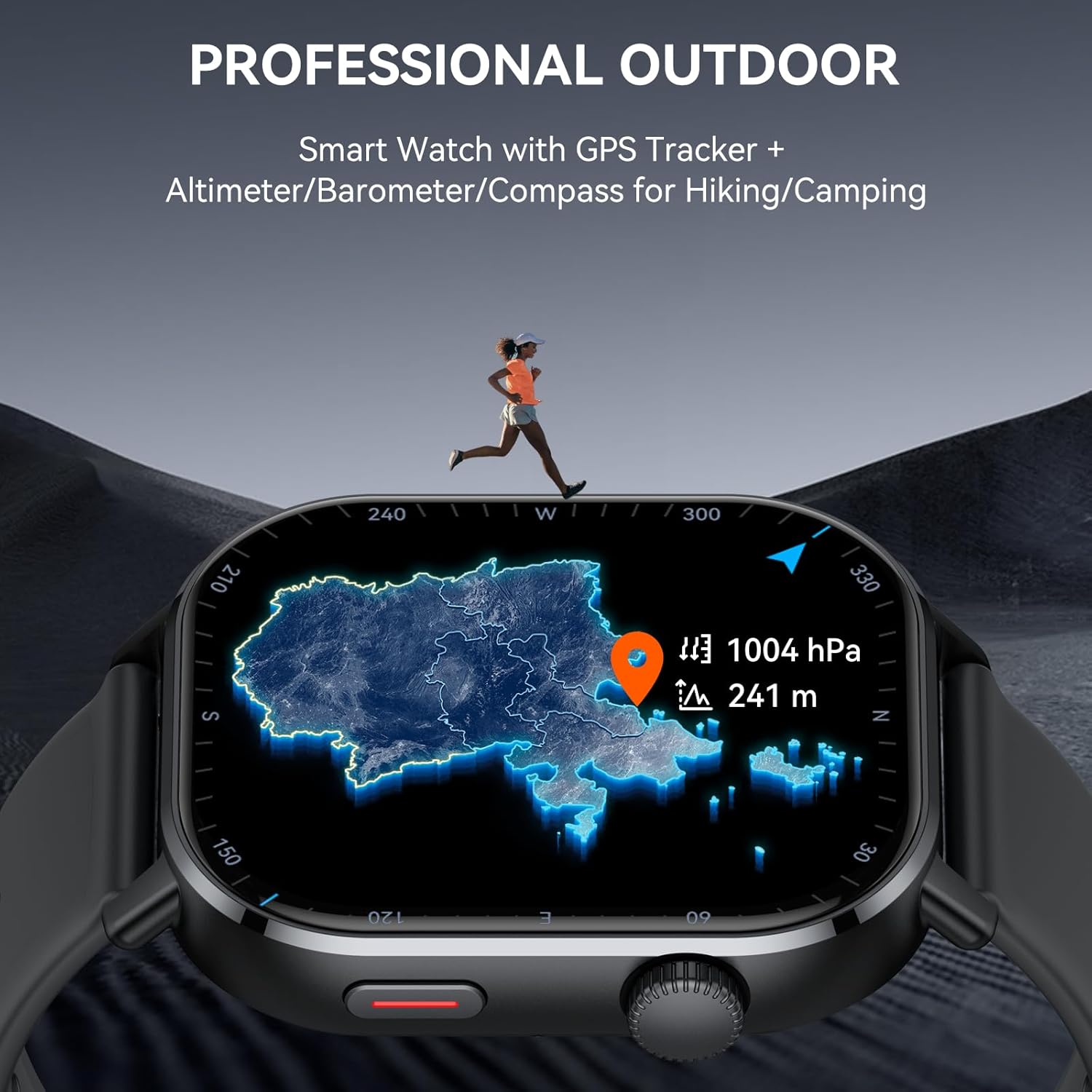
Image: The Donerton Smart Watch showing its professional outdoor tracking capabilities, including GPS, altimeter, barometer, and compass.

Image: The Donerton Smart Watch interface showing a selection of its 178+ sports modes, with a person cycling in the background.
4.3 Bluetooth Calling and Notifications
Equipped with Bluetooth 5.4, the watch allows you to make and receive calls directly from your wrist. It also supports information reminders and social media notifications from platforms like WhatsApp, Facebook, Instagram, and Twitter. A built-in voice assistant enables voice commands for setting alarms, checking weather, and controlling music.
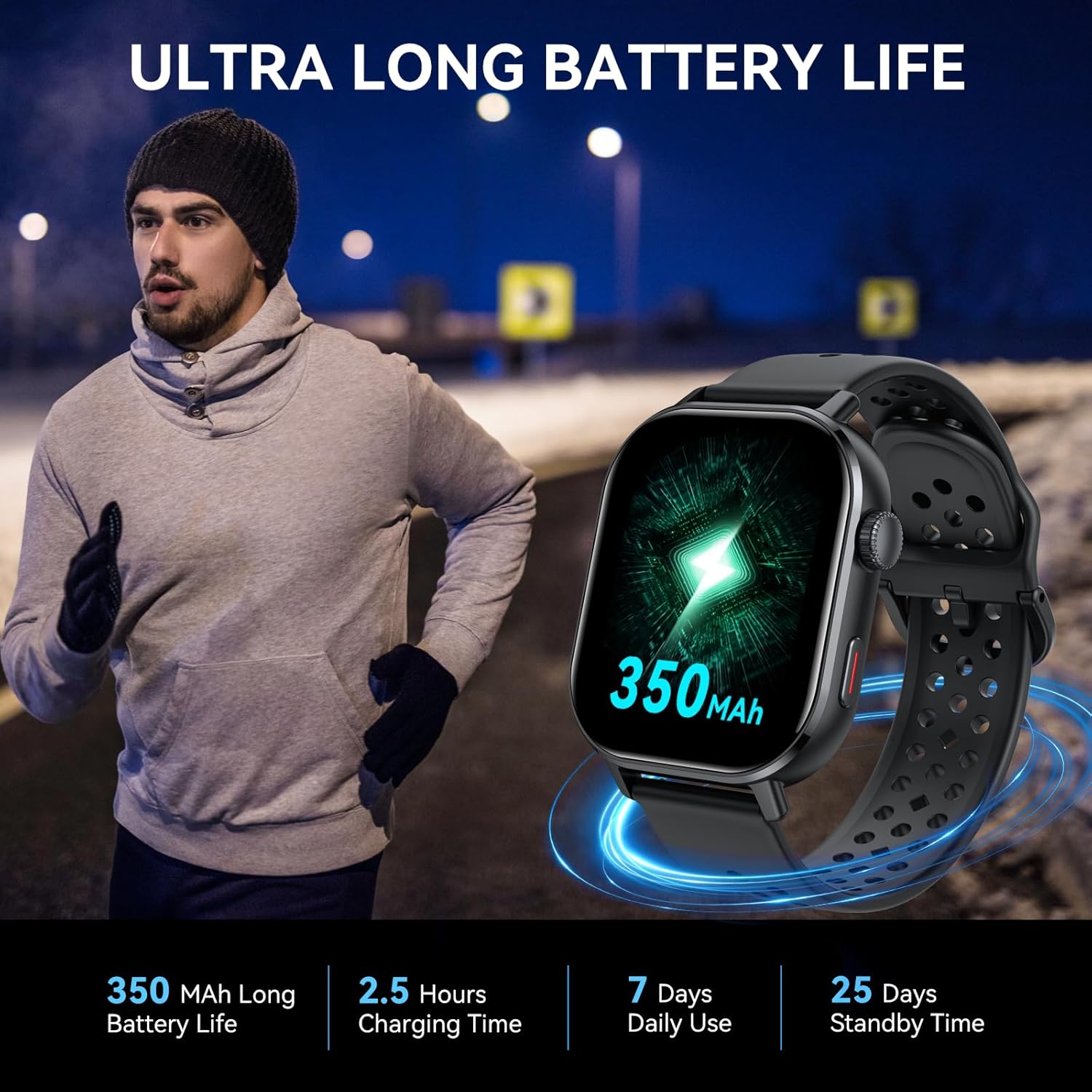
Image: The Donerton Smart Watch displaying an incoming call and icons for various smart notifications, emphasizing its Bluetooth call and notification features.
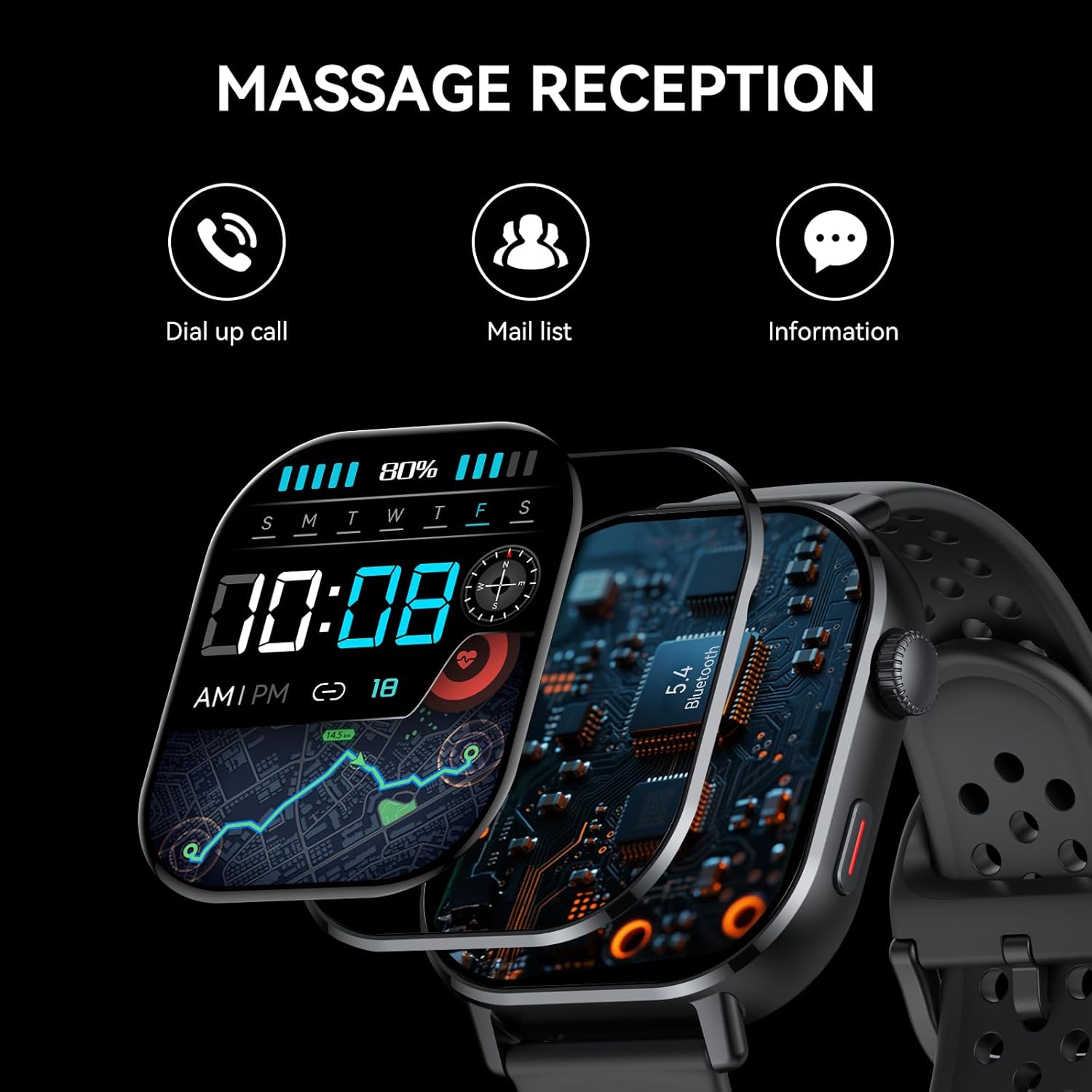
Image: The Donerton Smart Watch illustrating its message reception capabilities, including dial-up calls, mail lists, and general information notifications.
4.4 Health Monitoring
The smartwatch provides comprehensive 24/7 health monitoring, tracking your Heart Rate, SpO2 (blood oxygen), stress levels, and sleep patterns (deep sleep, light sleep, REM). It also includes menstrual cycle tracking and ovulation prediction. This data helps you stay informed about your health metrics.

Image: The Donerton Smart Watch showing its 24/7 accurate health monitoring feature, specifically displaying sleep stage data.

Image: The Donerton Smart Watch demonstrating automatic timed monitoring of heart rate and blood oxygen levels.
4.5 Multifunctional Features
The Donerton Smart Watch offers a wide array of additional functions for daily convenience:
- Alarm: Set multiple alarms for reminders.
- Weather Forecast: Get real-time weather updates.
- Stopwatch & Timer: For precise timekeeping during activities.
- Flashlight: Use the screen as a light source.
- Calculator & Calendar: Basic utility functions.
- Music Control: Manage music playback on your phone.
- Remote Camera: Trigger your phone's camera remotely.
- Breathing Training: Guided breathing exercises for relaxation.
- Sedentary Reminder: Prompts you to move after periods of inactivity.
- Find Watch/Phone: Helps locate your devices.
- Screen Brightness Adjustment: Customize display brightness.

Image: A collage illustrating the diverse multifunctional features of the Donerton Smart Watch, including breathing exercises, alarm, find phone, sedentary reminder, music control, remote photography, weather display, and women's health tracking.
5. Maintenance
5.1 Battery Life and Charging
The Donerton Smart Watch is equipped with a 350mAh battery, providing up to 7 days of typical use and approximately 25 days of standby time. A full charge takes about 2.5 hours. Continuous GPS usage will consume more power.
Image: Information on the Donerton Smart Watch's 350mAh long battery life, 2.5 hours charging time, 7 days daily use, and 25 days standby time.
5.2 Water Resistance
The smartwatch is 3ATM waterproof, making it suitable for use during outdoor activities, in rainy conditions, and while washing hands. It is resistant to splashes and brief immersion. However, it is not recommended for hot water activities, diving, or high-pressure water exposure.
5.3 Care and Cleaning
To maintain your smartwatch, regularly clean the screen and strap with a soft, dry cloth. Avoid using harsh chemicals or abrasive materials. Ensure the charging contacts are clean and dry before charging to prevent corrosion.
6. Troubleshooting
If you encounter issues with your Donerton Smart Watch, refer to the following common solutions:
- Watch not turning on: Ensure the watch is fully charged. Connect it to the charging cable and a power source.
- Cannot connect to phone:
- Ensure Bluetooth is enabled on your phone and the watch.
- Make sure the GloryFit app is updated to the latest version.
- Restart both your phone and the watch.
- Forget the device in your phone's Bluetooth settings and try pairing again through the GloryFit app.
- Inaccurate health data: Ensure the watch is worn snugly on your wrist, not too tight or too loose. Clean the sensor on the back of the watch.
- Short battery life:
- Disable features like Always-On Display or continuous GPS if not needed.
- Reduce screen brightness.
- Limit the number of app notifications.
- Notifications not appearing: Check app permissions in your phone's settings to ensure GloryFit has access to notifications. Verify notification settings within the GloryFit app.
If the problem persists, please contact Donerton customer support for further assistance.
7. Specifications
| Feature | Detail |
|---|---|
| Brand | Donerton |
| Model Number | P131 |
| Screen Size | 2.06 Inches AMOLED |
| Operating System | Android Wear 2.9 |
| Connectivity Technology | Bluetooth 5.4 |
| Battery Capacity | 350 Milliamp Hours |
| Battery Life (Typical Use) | Up to 7 days |
| Standby Time | Approx. 25 days |
| Charging Time | Approx. 2.5 hours |
| Water Resistance | 3ATM |
| GPS | Built-in GPS (supports GLONASS, Beidou, Galileo, NAVIC, QZSS) |
| Special Features | Activity Tracker, Alarm Clock, GPS, Notifications, Touchscreen, Compass, Barometer, Altimeter |
| Item Weight | 5.6 ounces |
| Package Dimensions | 6.65 x 3.23 x 1.14 inches |
8. Warranty and Support
Donerton products come with a standard manufacturer's warranty. For specific warranty terms and conditions, please refer to the warranty card included with your product or visit the official Donerton website. For technical support, troubleshooting assistance, or any inquiries regarding your smartwatch, please contact Donerton customer service through the contact information provided on their official website or within the GloryFit application.
Please retain your proof of purchase for warranty claims.
Ask a question about this manual
Ask about setup, troubleshooting, compatibility, parts, safety, or missing instructions. Manuals+ will review the question and use this page’s manual context to help answer it.