
Introduction
Thank you for choosing the Fisher Pro Active Noise Cancelling Headphones. These headphones are designed to provide a superior audio experience with advanced noise cancellation, comfortable wear, and seamless wireless connectivity. This manual will guide you through the setup, operation, and maintenance of your new headphones.
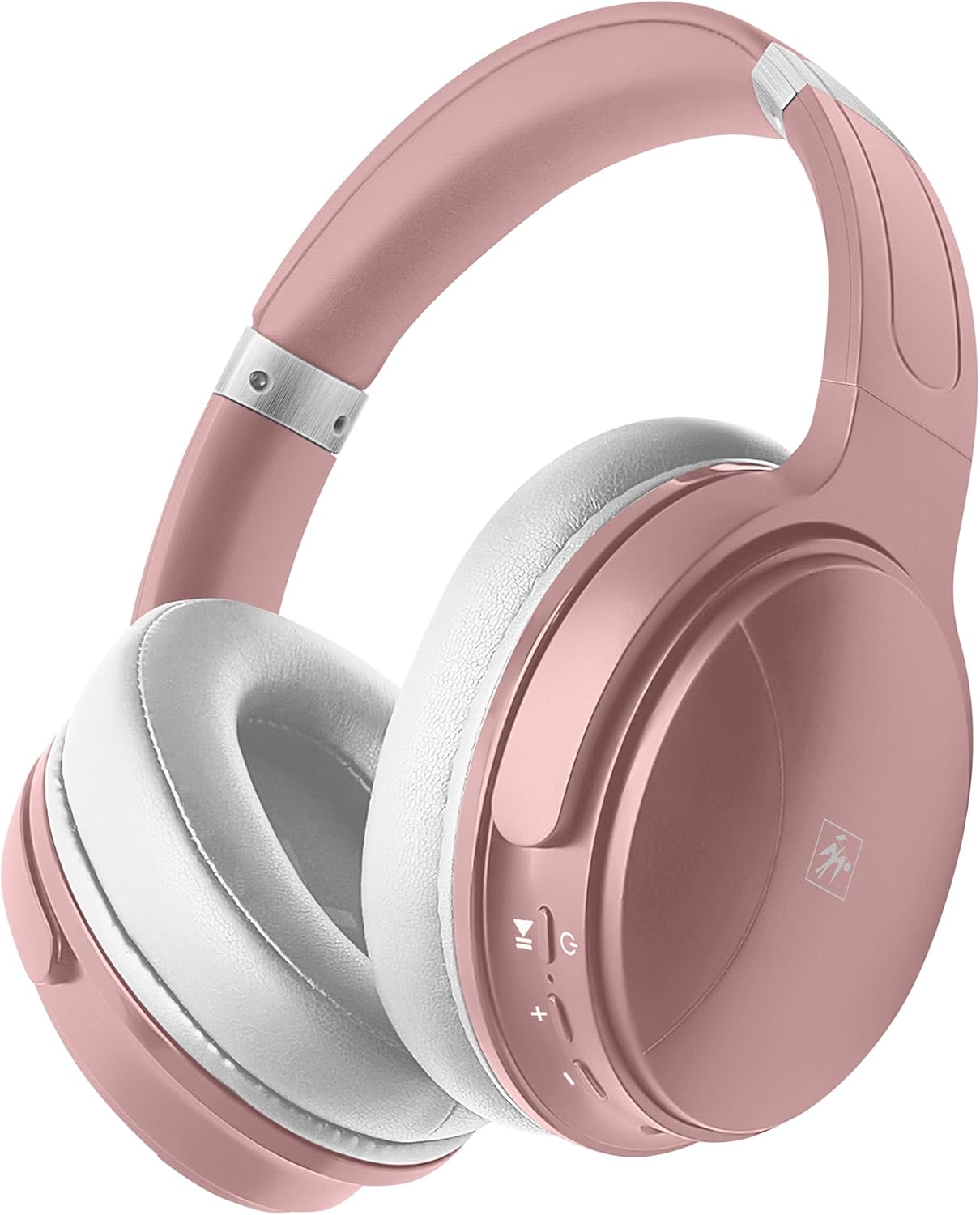
Image: Fisher Pro Active Noise Cancelling Headphones in Rose Gold color, showcasing the sleek design.
Package Contents
Please check the package for the following items:
- Fisher Pro Active Noise Cancelling Headphones
- USB-C Charging Cable
- 3.5mm Stereo AUX Cable
- User Manual (this document)
- Warranty Card
Product Overview
The Fisher Pro headphones are equipped with several features to enhance your listening experience:
- Advanced Active Noise Cancellation (ANC): Reduces ambient sounds by up to 25dB for distraction-free listening.
- Bluetooth 5.3 Connectivity: Ensures fast pairing, stable connections, and low-latency audio.
- Hi-Fidelity Sound: 40mm drivers deliver deep bass, clear mids, and crisp highs.
- Ergonomic Comfort: Plush memory-foam ear cushions, adjustable headband, and swivel design for extended wear.
- Long Battery Life: Up to 16 hours of continuous playback on a single charge.
- Hands-Free Calling: Built-in microphone for clear communication.
- Foldable Design: For easy portability and storage.
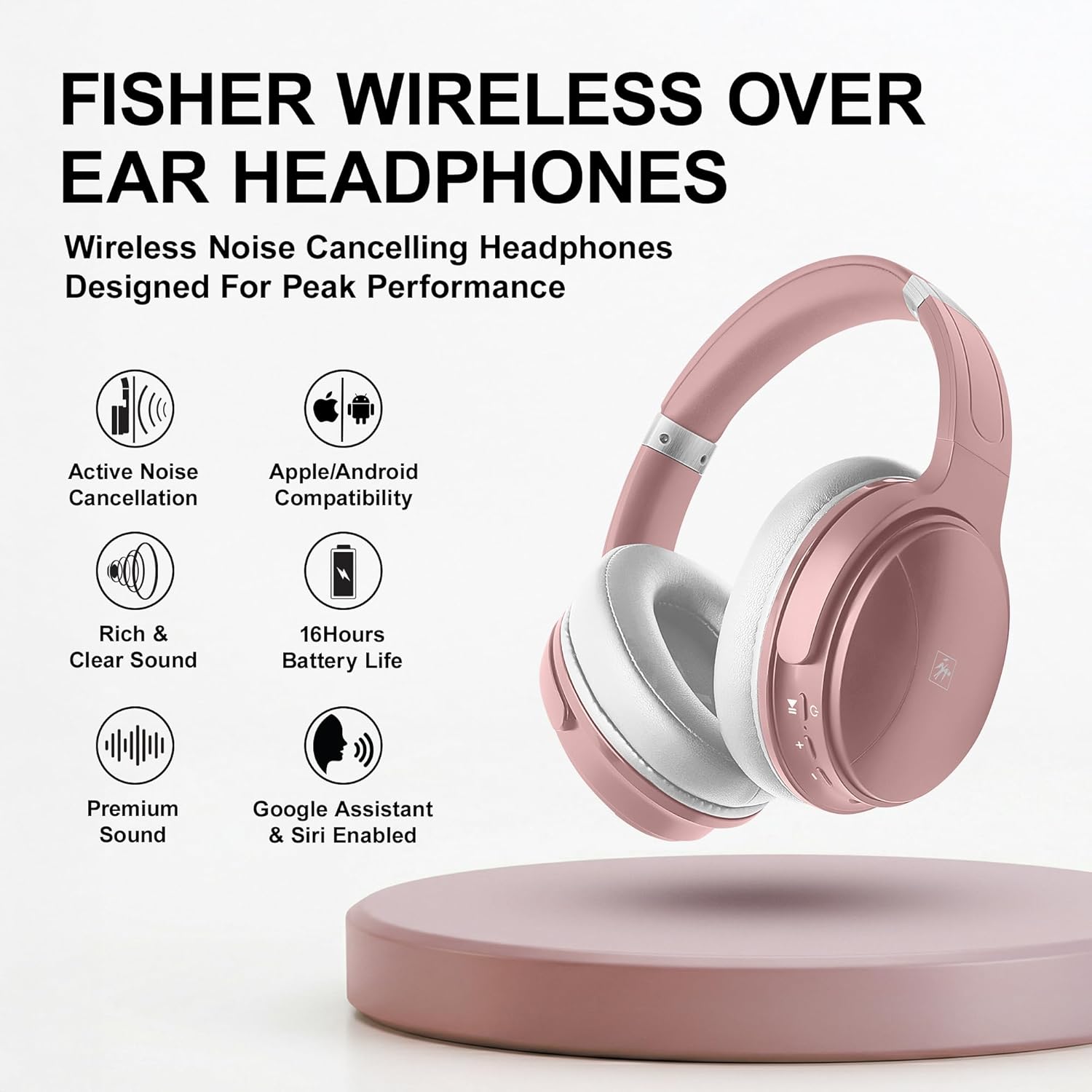
Image: An overview of the headphones highlighting key features such as Active Noise Cancellation, Apple/Android Compatibility, 16-hour Battery Life, Rich & Clear Sound, Premium Sound, and Google Assistant & Siri Enabled.
Setup
1. Charging the Headphones
Before first use, fully charge your headphones. Connect the provided USB-C charging cable to the charging port on the headphones and the other end to a USB power source (e.g., computer, wall adapter). The LED indicator will show charging status and turn off or change color when fully charged.
- Charging time: Approximately 2-3 hours.
- Battery life: Up to 16 hours of playback.
2. Powering On/Off
- To Power On: Press and hold the Power button for 3 seconds until the LED indicator flashes.
- To Power Off: Press and hold the Power button for 3 seconds until the LED indicator turns off.
3. Bluetooth Pairing
To connect your headphones to a device:
- Ensure the headphones are powered off.
- Press and hold the Power button for 5-7 seconds until the LED indicator flashes red and blue alternately, indicating pairing mode.
- On your device (smartphone, laptop, TV), enable Bluetooth and search for new devices.
- Select "Fisher Pro" from the list of available devices.
- Once connected, the LED indicator will flash blue slowly or remain solid blue.
The headphones will automatically attempt to reconnect to the last paired device when powered on.
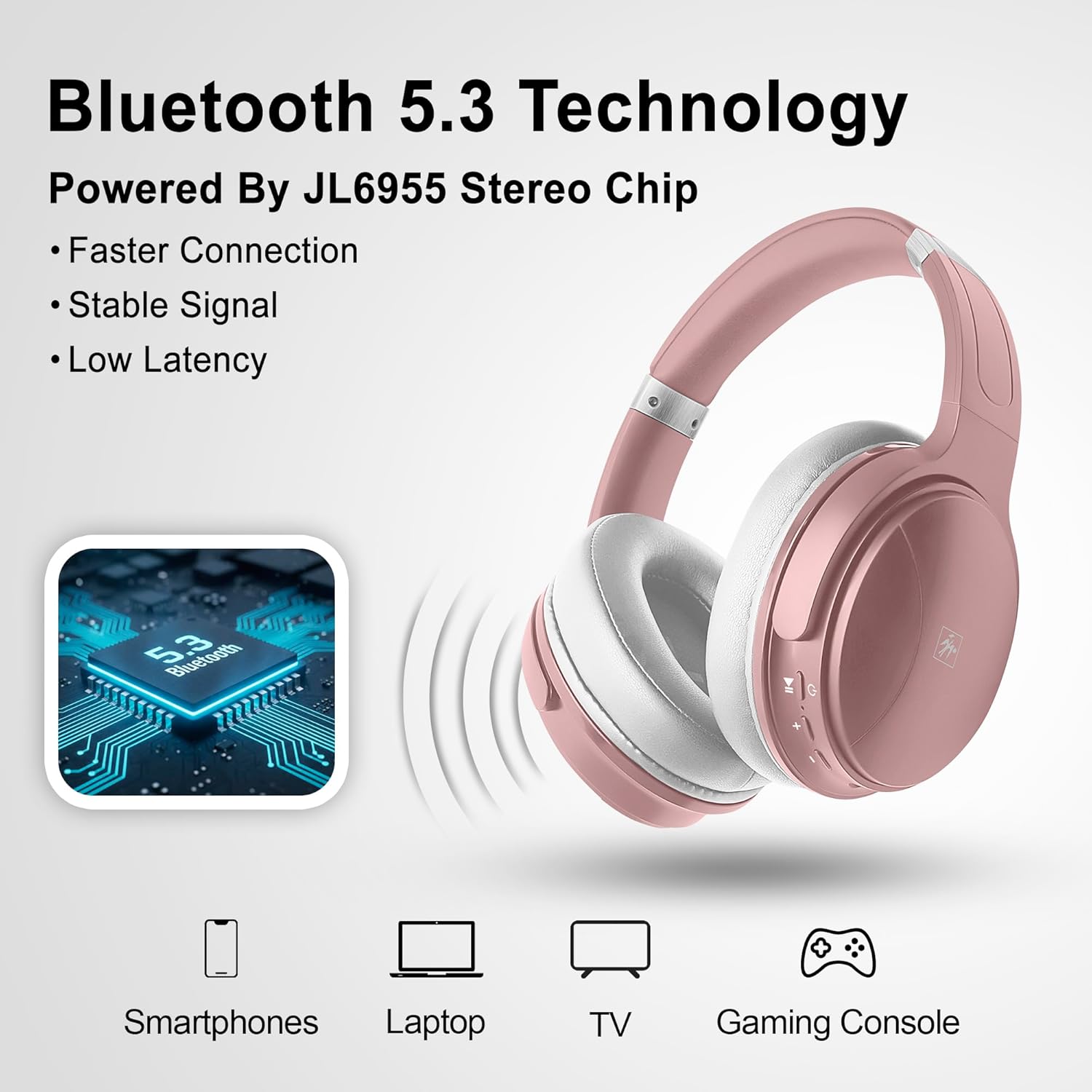
Image: Illustration of Bluetooth 5.3 technology powered by JL6955 Stereo Chip, showing compatibility with smartphones, laptops, TVs, and gaming consoles.
Operating Instructions
1. Basic Controls
The headphones feature easy-access buttons for various functions:
- Power Button: Power on/off, enter pairing mode.
- Volume Up (+): Increase volume. Press and hold for next track.
- Volume Down (-): Decrease volume. Press and hold for previous track.
- Multi-function Button (MFB): Play/Pause music, Answer/End calls.
- ANC Button: Toggle Active Noise Cancellation on/off.
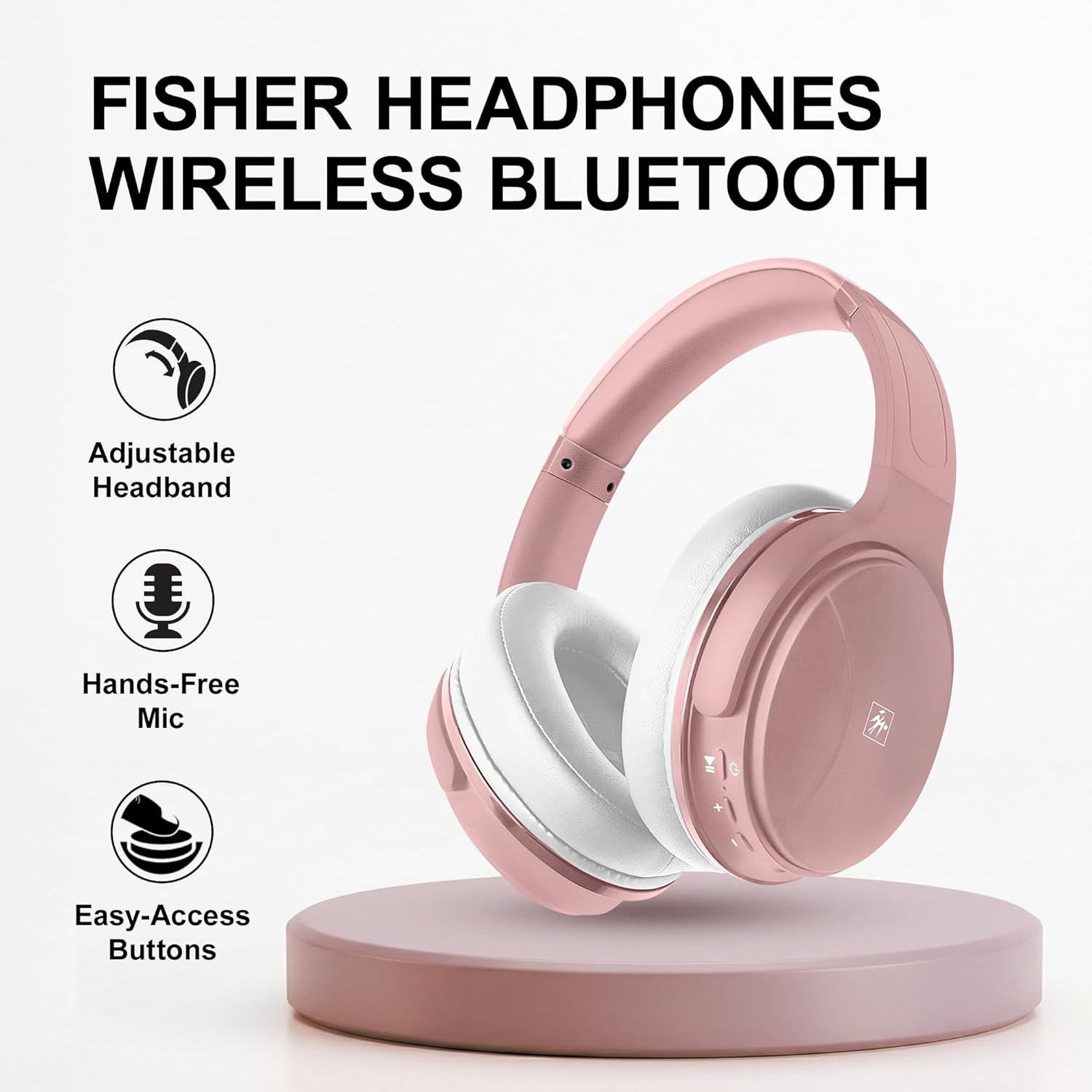
Image: Close-up of the Fisher headphones highlighting the adjustable headband, hands-free microphone, and easy-access control buttons on the earcup.
2. Active Noise Cancellation (ANC)
To activate or deactivate the ANC feature, press the dedicated ANC button. When ANC is active, the headphones will reduce ambient background noise, providing a more immersive listening experience. This feature is particularly useful in noisy environments like airplanes, trains, or busy offices.

Image: Visual representation of Active Noise Cancellation, showing sound waves being blocked by the headphones.
3. Hands-Free Calling
When connected via Bluetooth, you can manage calls directly from your headphones:
- Answer/End Call: Press the MFB once.
- Reject Call: Press and hold the MFB for 2 seconds.
- Redial Last Number: Double-press the MFB.
4. Wired Mode (AUX)
If the battery is depleted or you prefer a wired connection, use the provided 3.5mm stereo AUX cable. Plug one end into the headphone's AUX port and the other into your audio device's 3.5mm jack. In wired mode, Bluetooth and ANC features may not be available or function differently depending on the headphone's power status.
Maintenance
To ensure the longevity and optimal performance of your headphones:
- Clean the ear cushions and headband regularly with a soft, dry cloth.
- Avoid exposing the headphones to extreme temperatures, humidity, or direct sunlight.
- Do not use abrasive cleaners or solvents.
- Store the headphones in a cool, dry place, preferably in a protective case when not in use.
- Avoid dropping or subjecting the headphones to strong impacts.

Image: Close-up view of the headphone's earcups, illustrating the foldable design, breathable mesh, and memory foam cushions for comfort.
Troubleshooting
If you encounter any issues with your headphones, please refer to the following common problems and solutions:
| Problem | Possible Solution |
|---|---|
| Headphones do not power on | Ensure the headphones are fully charged. Connect to a power source and try again. |
| Cannot pair with device | Ensure headphones are in pairing mode (flashing red/blue). Turn off and on your device's Bluetooth. Move headphones closer to the device. |
| No sound or low volume | Check volume levels on both headphones and connected device. Ensure headphones are properly paired. Try another audio source. |
| ANC not working effectively | Ensure ANC is activated. Adjust headphone position for a better seal around your ears. ANC is most effective against low-frequency, constant noise. |
| Microphone not working | Ensure headphones are connected via Bluetooth. Check microphone settings on your device. |
Specifications
| Feature | Detail |
|---|---|
| Model Number | SBHP550ARG/W |
| Bluetooth Version | 5.3 |
| Ear Placement | Over Ear |
| Noise Control | Active Noise Cancellation |
| Audio Driver Type | Dynamic Driver |
| Driver Size | 40mm |
| Frequency Range | 20 Hz - 20,000 Hz |
| Impedance | 32 Ohms |
| Battery Life | Up to 16 Hours |
| Charging Port | USB-C |
| Headphone Jack | 3.5 mm Jack |
| Weight | 0.69 Kilograms |
| Material | Plastic |

Image: An illustration highlighting the Hi-Res Audio capabilities and the 40mm driver within the headphones, indicating clear, detailed, and immersive sound.
Warranty Information
Your Fisher Pro Active Noise Cancelling Headphones are covered by a limited warranty from the date of purchase. Please refer to the included Warranty Card for specific terms and conditions. This warranty covers manufacturing defects and workmanship under normal use. It does not cover damage caused by misuse, accidents, unauthorized modifications, or normal wear and tear.
Customer Support
For further assistance, technical support, or warranty claims, please contact our customer service team:
- Email: support@fisheraudio.com
- Website: www.fisheraudio.com/support
Please have your model number (SBHP550ARG/W) and proof of purchase ready when contacting support.