
Introduction
Thank you for choosing the ANSTEN Bone Conduction Swimming Headphones. This manual provides essential information for the safe and effective use of your device. These headphones are designed for sports enthusiasts, offering bone conduction technology, IP68 waterproofing, Bluetooth 5.4 connectivity, and an integrated 32GB MP3 player for an enhanced audio experience during various activities, including swimming, running, and cycling.
Package Contents
Please check the package for the following items:
- 1 x ANSTEN Bone Conduction Swimming Headphones
- 1 x Telescopic Cable
- 1 x User Manual
- 2 x Sponge Earplugs
- 2 x Charging Cables
Setup
1. Charging the Headphones
Before first use, fully charge the headphones. Connect one of the provided charging cables to the charging port on the headphones and the other end to a USB power adapter (not included). A full charge takes less than 2 hours and provides up to 8 hours of continuous use.
Note: Ensure the charging port is dry before charging to prevent damage.
2. Bluetooth Pairing
- Power on the headphones. They will automatically enter Bluetooth pairing mode.
- On your smartphone or other Bluetooth-enabled device, open the Bluetooth settings.
- Search for "ANSTEN ZXS870" (or similar) in the list of available devices and select it to pair.
- Once paired, you will hear a confirmation tone. The headphones can maintain a stable connection up to 10 meters.

Image: ANSTEN headphones highlighting Bluetooth 5.4 and MP3 mode capabilities. The image shows the internal components with '8Gb' and 'B5.4' labels, indicating 8GB memory and Bluetooth 5.4 technology. Note: The product features 32GB of internal storage as per specifications.
Multi-Device Connection: The headphones support "one-to-two" pairing, allowing quick connection to multiple devices like mobile phones and tablets.
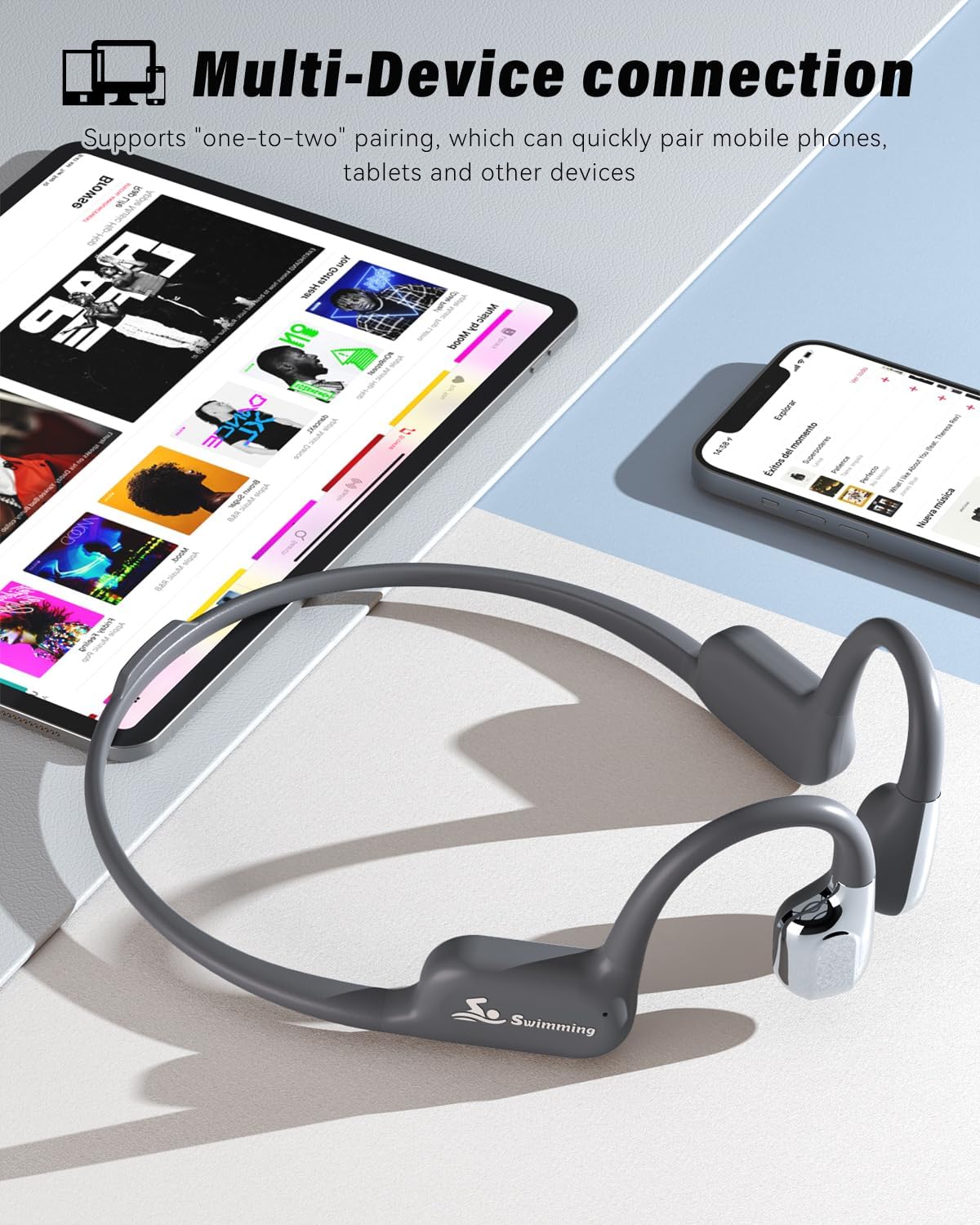
Image: ANSTEN headphones demonstrating multi-device connection, paired with both a smartphone and a tablet displaying music apps.
3. Using MP3 Mode (32GB Internal Storage)
The headphones have 32GB of internal storage, capable of holding up to 8000 songs. This mode is essential for underwater use as Bluetooth signals do not transmit through water.
- Connect the headphones to your computer using the provided charging cable.
- The headphones will appear as a removable drive on your computer.
- Drag and drop your desired MP3 audio files into the headphone's storage folder.
- Safely eject the device from your computer once files are transferred.
- To switch to MP3 mode, press the designated mode button (refer to the operating instructions for button layout).
Operating Instructions
1. Power On/Off
- Power On: Press and hold the Power button for approximately 3 seconds until the indicator light turns on and you hear a power-on prompt.
- Power Off: Press and hold the Power button for approximately 5 seconds until the indicator light turns off and you hear a power-off prompt.
2. Volume Control
- Increase Volume: Press the Volume Up button (+).
- Decrease Volume: Press the Volume Down button (-).
3. Music Playback Control
- Play/Pause: Press the Multifunction button once.
- Next Track: Press and hold the Volume Up button (+) for 2 seconds.
- Previous Track: Press and hold the Volume Down button (-) for 2 seconds.
4. Switching Between Bluetooth and MP3 Mode
Locate the Mode button on the headphones. Press it once to toggle between Bluetooth mode and MP3 player mode. Remember to switch to MP3 mode when swimming.
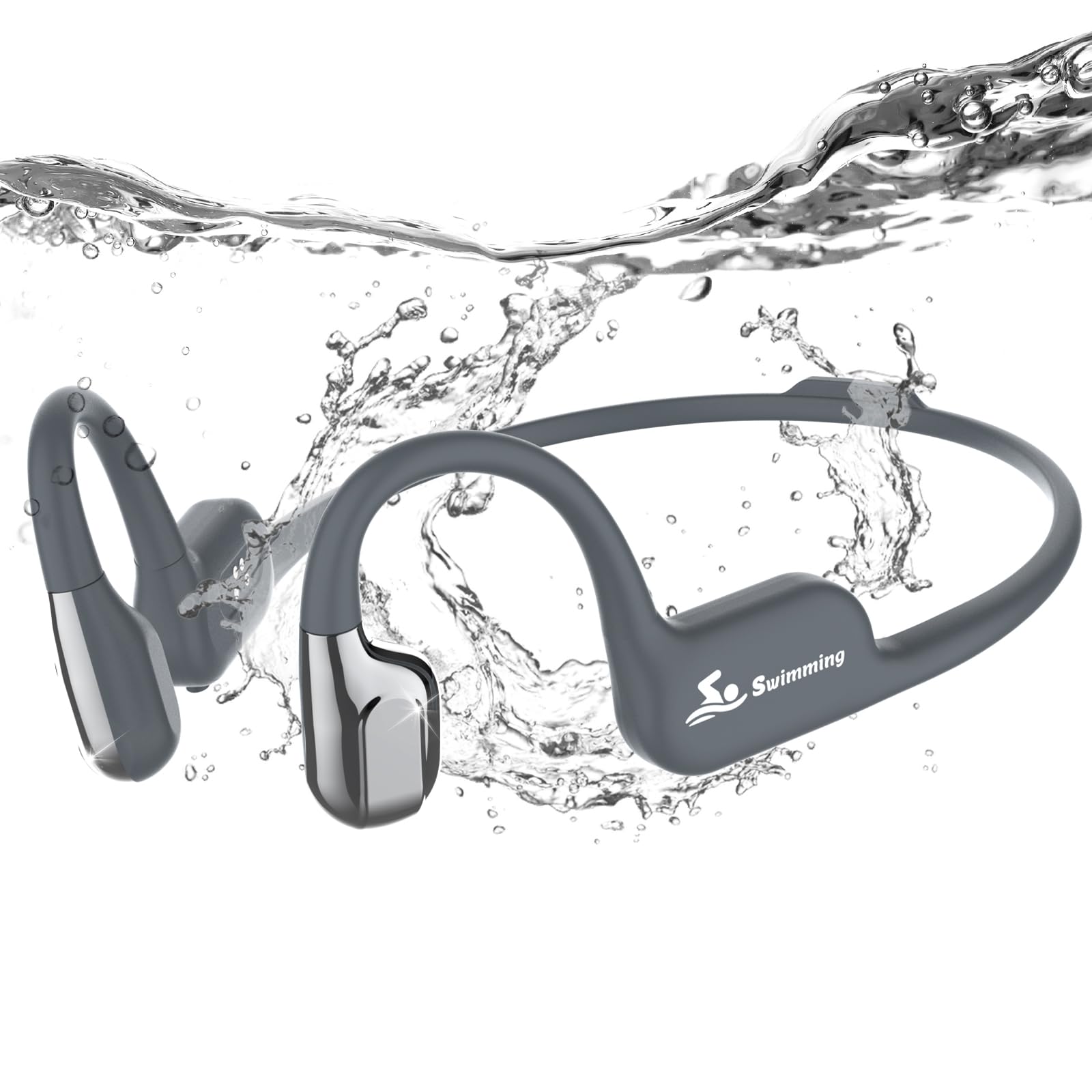
Image: A swimmer wearing ANSTEN bone conduction headphones in a pool, demonstrating the IP68 waterproof feature. Text overlay indicates immersion up to 3 meters and a reminder to switch to MP3 mode when swimming.
5. Call Handling
- Answer Call: Press the Multifunction button once when a call comes in.
- End Call: Press the Multifunction button once during a call.
- Reject Call: Press and hold the Multifunction button for 2 seconds when a call comes in.
6. Voice Assistant
To activate your device's voice assistant (Siri, Google Assistant, etc.), double-press the Multifunction button.
7. Wearing the Headphones
The open-ear design ensures comfort and awareness of your surroundings. Place the bone conduction transducers on your cheekbones, just in front of your ears, with the band resting around the back of your head.

Image: A person running outdoors wearing ANSTEN open-ear headphones, illustrating the comfortable and secure fit for active use. The image also shows icons for 6-8 hours battery, 8GB storage (Note: The product features 32GB of internal storage as per specifications.), and 23.5g weight.

Image: A cyclist wearing ANSTEN bone conduction headphones, emphasizing safety by allowing awareness of surroundings while listening to music.
Maintenance
- Cleaning: After use, especially after swimming, rinse the headphones with fresh water and wipe them dry with a soft cloth. Do not use harsh chemicals or abrasive materials.
- Storage: Store the headphones in a cool, dry place away from direct sunlight and extreme temperatures.
- Charging Port: Always ensure the charging port is completely dry before connecting the charging cable to prevent corrosion or damage.
- Water Resistance: While IP68 rated, avoid prolonged immersion beyond 3 meters and do not expose to high-pressure water jets.
Troubleshooting
| Problem | Solution |
|---|---|
| Headphones do not power on. | Ensure the headphones are fully charged. Press and hold the Power button for 3 seconds. |
| Cannot pair via Bluetooth. | Make sure the headphones are in Bluetooth pairing mode. Turn off and on Bluetooth on your device. Ensure no other devices are connected. Move closer to your device. |
| No sound in MP3 mode. | Ensure MP3 files are correctly transferred to the internal storage. Check volume levels. |
| No Bluetooth signal underwater. | This is normal. Bluetooth signals do not transmit through water. Switch to MP3 mode for underwater listening. |
| Short battery life. | Ensure the headphones are fully charged. Battery life can vary based on volume level and usage. |
Specifications
| Brand | ANSTEN |
| Model Number | ZXS870 |
| Model Name | S870 |
| Color | Dark Grey |
| Ear Placement | Open-Ear |
| Form Factor | True Wireless |
| Connectivity Technology | Wireless (Bluetooth 5.4) |
| Bluetooth Version | 5.4 |
| Bluetooth Range | 10 Meters |
| Water Resistance Level | IP68 (Immersible up to 3 meters) |
| Internal Storage | 32 GB |
| Audio Driver Type | Bone Conduction |
| Internal Material | Titanium Skeleton |
| Battery Capacity | 180 mAh |
| Average Battery Life | 8 hours |
| Charging Time | Less than 2 hours |
| Recommended Uses | Fitness, Swimming, Sports |
| Compatible Devices | Smartphones and Computers |

Image: Detailed diagram of the ANSTEN headphones, highlighting the wraparound titanium skeleton, silicone material, 8GB memory card (Note: The product features 32GB of internal storage as per specifications.), Bluetooth 5.4, and ultra-long battery life.
Warranty and Support
ANSTEN provides a worry-free purchase experience. If you encounter any issues or have questions regarding your headphones, please do not hesitate to contact our customer support team. We are available 24/7 to assist with replacements or refunds as needed.
For support, please refer to the contact information provided on the product packaging or the official ANSTEN website.
