
Introduction
Thank you for choosing the NexFoto Touchscreen Digital Picture Frame. This manual provides essential information for setting up, operating, and maintaining your new digital photo frame. Please read it thoroughly to ensure optimal performance and longevity of your device.
The NexFoto 10.1-inch digital photo frame features a 1280 x 800 HD screen with a 16:10 aspect ratio, offering vivid colors and crisp details. It includes 64GB of internal memory and supports extended storage via Micro SD card (up to 64GB, not included). The frame is Wi-Fi enabled (2.4GHz and 5GHz compatible) and can be controlled via the NexFoto app, allowing for easy sharing of photos and videos from various sources, including Google Photos.
Package Contents
- NexFoto 10.1-inch Digital Picture Frame
- Power Adapter with US plug
- Stand
- User Manual & Quick Start Guide

Image: Package contents of the NexFoto Digital Picture Frame.
Setup
1. Powering On
- Connect the power adapter to the DC IN port on the back of the frame.
- Plug the power adapter into a wall outlet.
- The frame will automatically power on. Follow the on-screen instructions to select your preferred language.
2. Connecting to Wi-Fi
- On the initial setup screen, select your Wi-Fi network.
- Enter the Wi-Fi password and tap 'Connect'. The frame supports both 2.4GHz and 5GHz networks.
3. Installing the NexFoto App
The NexFoto app is essential for managing your frame and uploading content. Scan the QR code displayed on the frame or search for 'NexFoto' in the App Store (iOS) or Google Play Store (Android) to download the app.

Image: Steps for app download and content sharing.
4. Pairing Your Frame with the App
- Open the NexFoto app and register an account.
- Follow the in-app instructions to pair your frame using Bluetooth or Wi-Fi.
- If setting up as a gift, you can pre-load photos and videos before gifting.
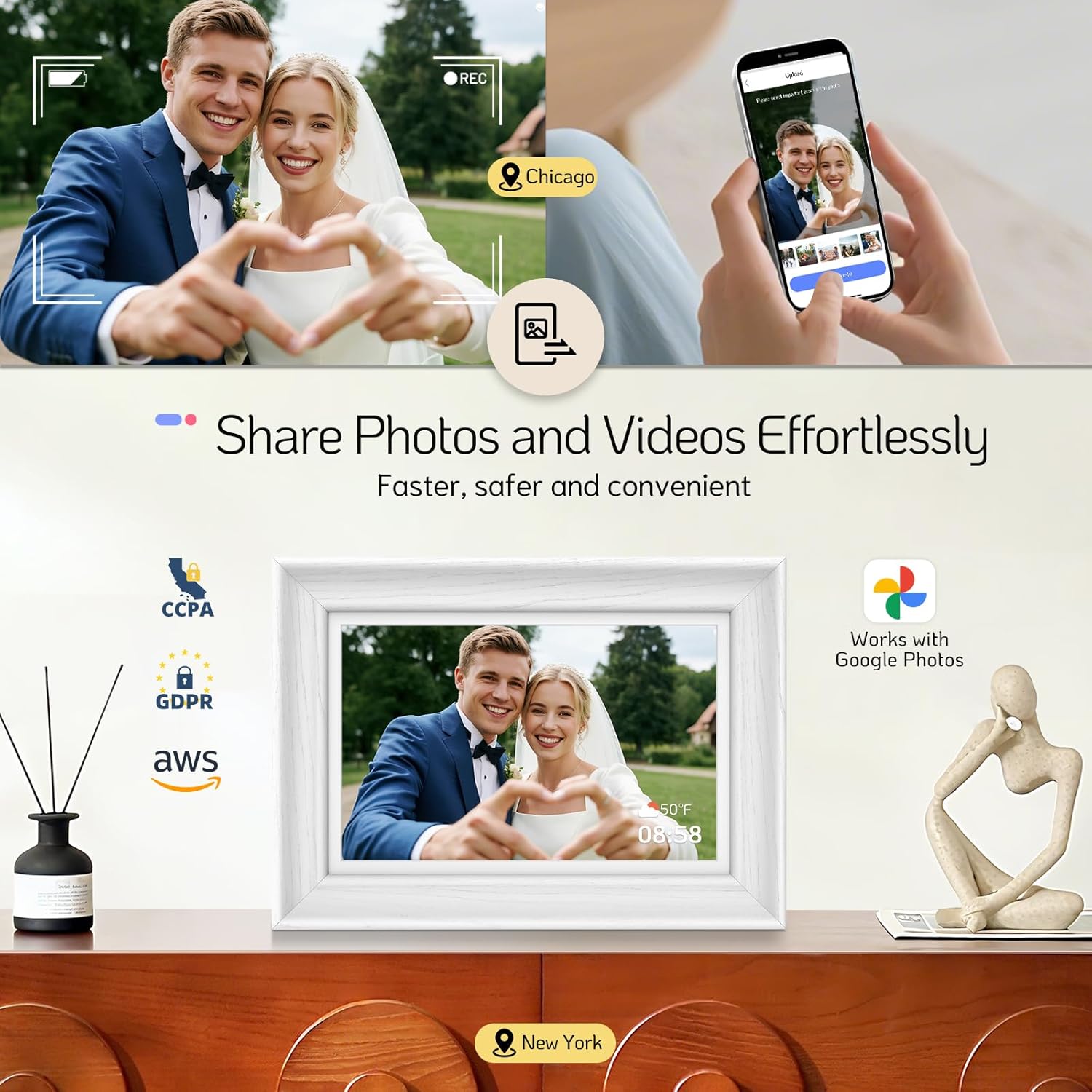
Image: Effortless photo and video sharing via the NexFoto app.
Operating Instructions
1. Uploading Photos and Videos
- Via NexFoto App: Select photos/videos from your phone's gallery, choose the main areas to display, select an album, and add a caption. You can upload up to 50 photos per upload.
- From Google Photos: Manually upload photos from Google Photos via the NexFoto app.
- Via USB/Micro SD: Insert a USB drive or Micro SD card (up to 64GB) into the designated ports on the frame. The frame will automatically detect and allow you to import media.

Image: Detailed steps for uploading photos via the NexFoto app.
2. Touchscreen Navigation
The frame features a multi-touch screen for easy navigation. Swipe left or right to browse photos, tap to access settings, and pinch to zoom (if supported by the image resolution).
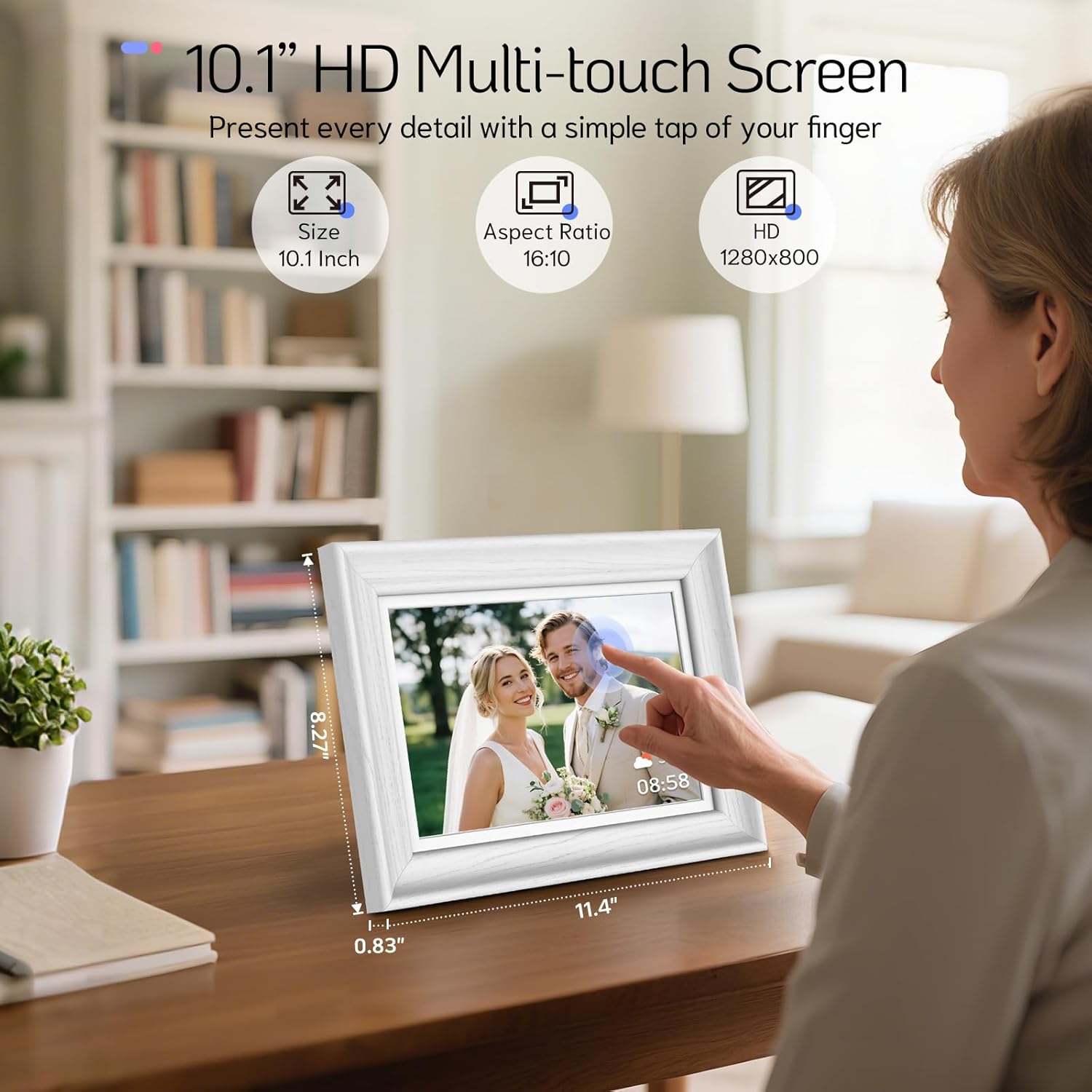
Image: A user interacting with the 10.1-inch HD multi-touch screen.
3. Managing Playlists and Slideshows
Organize your photos and videos into custom playlists. The frame supports various slideshow settings, including animation styles, interval duration, and shuffle mode. You can also enable background music for your slideshows.

Image: Managing playlists and enjoying photos and videos in a slideshow.
4. Additional Features
- Clock & Calendar: Display the current time and date.
- Weather: Show local weather information.
- Sleep Mode: Schedule the frame to turn on/off automatically.
- Photo Editor: Use the built-in photo editor in the NexFoto app to preprocess your photos and videos for optimal display.
- Bluetooth Speakers: The frame includes built-in Bluetooth speakers for audio playback.
- Art Gallery: Explore and display a diverse range of visual art.
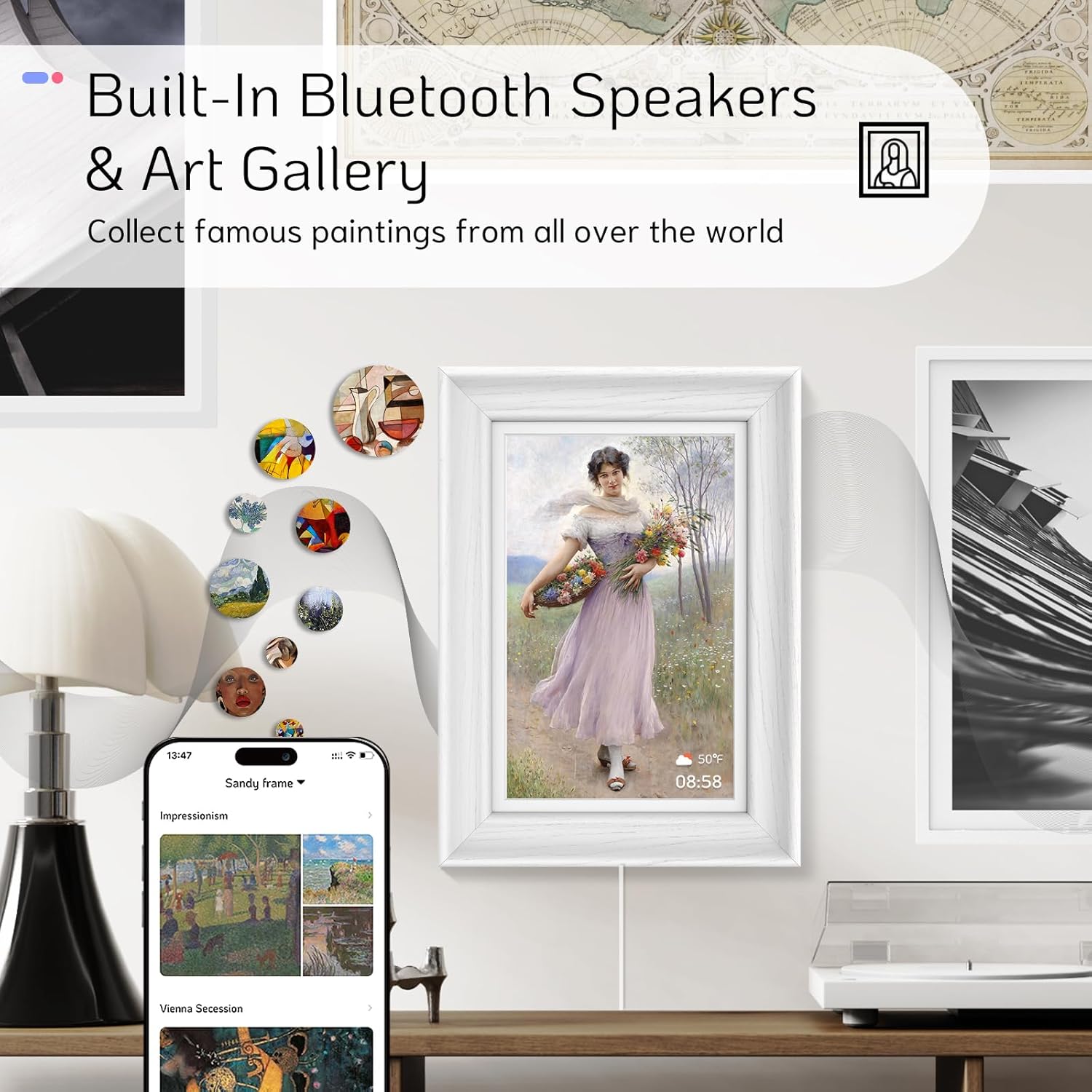
Image: Built-in Bluetooth speakers and art gallery feature.
Maintenance
- Cleaning: Use a soft, dry cloth to clean the screen and frame. Avoid abrasive cleaners or solvents.
- Software Updates: Regularly check for and install software updates via the NexFoto app to ensure optimal performance and access to new features.
- Storage: Keep the frame in a cool, dry place away from direct sunlight and extreme temperatures.
Troubleshooting
| Problem | Solution |
|---|---|
| Frame does not power on. | Ensure the power adapter is securely connected to both the frame and a working power outlet. Try a different outlet. |
| Cannot connect to Wi-Fi. | Verify your Wi-Fi password. Ensure the frame is within range of your router. Restart your router and the frame. The frame supports 2.4GHz and 5GHz networks. |
| Photos/Videos are not displaying. | Check if the media files are in a supported format. Ensure they have been successfully uploaded via the app or transferred from USB/Micro SD. Verify playlist settings. |
| Touchscreen is unresponsive. | Restart the frame by unplugging and re-plugging the power adapter. Ensure the screen is clean and free of debris. |
| App connection issues. | Ensure your phone has a stable internet connection. Restart the app and try pairing again. Check for app updates. |
Specifications
| Feature | Detail |
|---|---|
| Brand | NexFoto |
| Model Number | F101WN |
| Screen Size | 10.1 Inches |
| Resolution | 1280 x 800 (WXGA) |
| Aspect Ratio | 16:10 |
| Memory Storage Capacity | 64 GB (internal) |
| Extended Storage | Micro SD card (up to 64GB, not included) |
| Connectivity Technology | Wi-Fi (2.4GHz & 5GHz) |
| Control Method | App, Touch |
| Compatible Devices | Android, iOS |
| Power Source | Corded Electric |
| Frame Material | Wood |
| Item Weight | 740 Grams |
| Color | White |
Warranty and Support
NexFoto is committed to delivering top-quality digital picture frames. Your NexFoto Digital Picture Frame comes with a one-year warranty from the date of purchase. This warranty covers manufacturing defects and ensures that your product meets our quality standards.
If you encounter any issues or have questions regarding your product, please contact our customer support team. Our team is available to provide satisfactory assistance within 12 hours.
- Technical Support: For technical assistance, refer to the troubleshooting section in this manual or contact NexFoto customer service.
- Online Resources: Visit the official NexFoto website for FAQs, updated manuals, and software downloads.


