
MAGICRAVEN MAGICRAVEN 15.6" FHD Wireless Portable Monitor
MAGICRAVEN 15.6" Wireless Portable Monitor User Manual
Model: 15.6" FHD Wireless Portable Monitor
Brand: MAGICRAVEN
Introduction
Thank you for purchasing the MAGICRAVEN 15.6" Wireless Portable Monitor. This device is designed to enhance your productivity and entertainment experience by providing a versatile second display for various devices, including Windows, macOS, Android, iOS, and gaming consoles. It features both wireless screen mirroring and traditional wired connectivity (HDMI, Type-C), along with an integrated 8000 mAh battery for portable use.
Important Safety Information
- Operate the monitor within a temperature range of approximately 75°F (24°C) to ensure optimal battery performance and longevity.
- Avoid exposing the device to high temperatures, direct sunlight, or extreme humidity.
- Do not disassemble or attempt to repair the monitor yourself. Refer to qualified service personnel.
- Use only the provided or approved power adapters and cables.
- Keep the monitor away from liquids and excessive dust.
- Handle with care to prevent physical damage.
Package Contents
Please check the package contents upon unboxing:
- MAGICRAVEN 15.6" Wireless Portable Monitor
- USB-C to USB-C Cable
- HDMI to Mini HDMI Cable
- USB-A to USB-C Power Cable
- Power Adapter
- User Manual
Product Overview
The MAGICRAVEN portable monitor features a sleek design with essential ports for versatile connectivity.
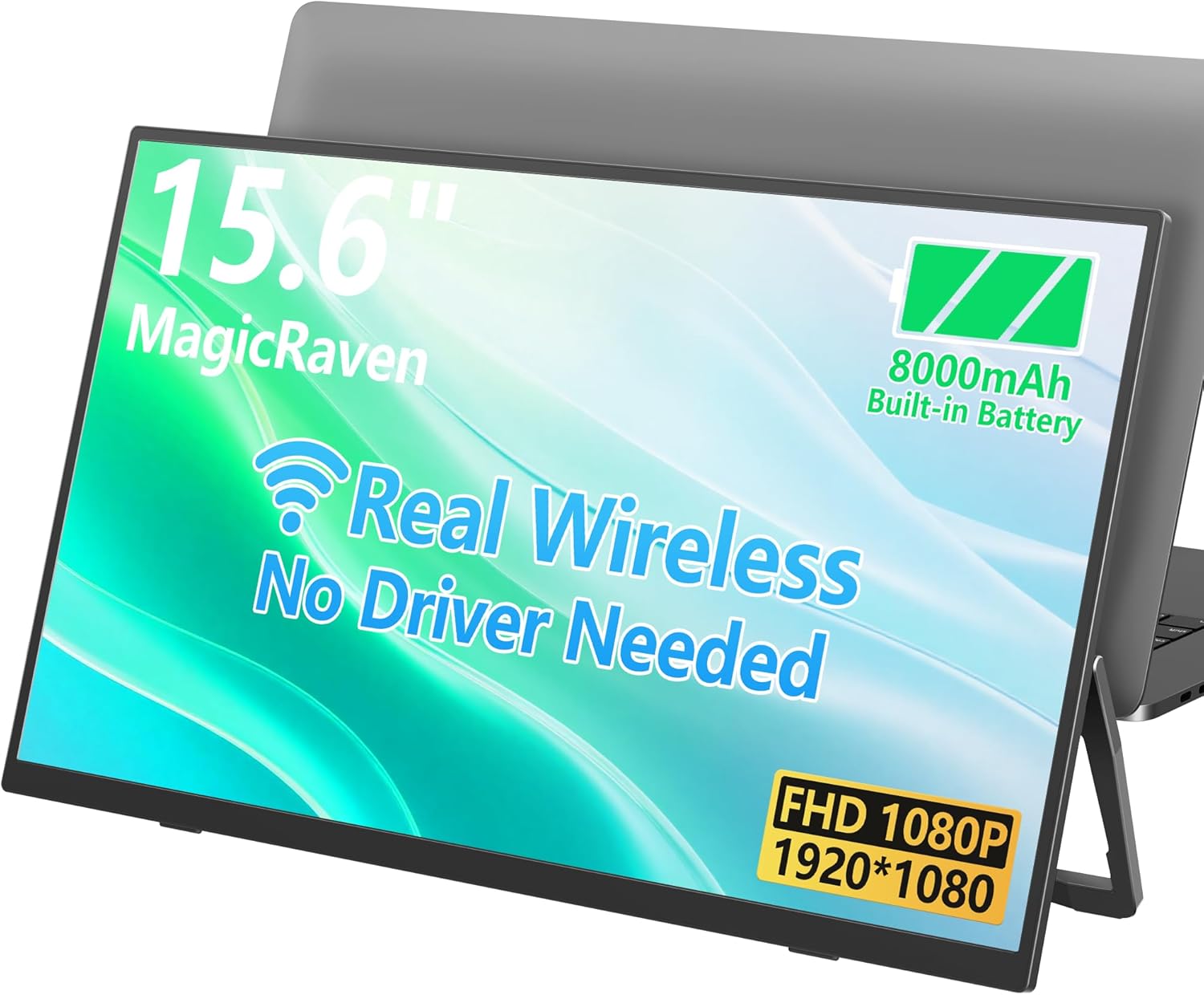
Image: Front view of the MAGICRAVEN 15.6" Wireless Portable Monitor, showcasing its slim profile and display area.
Ports and Buttons
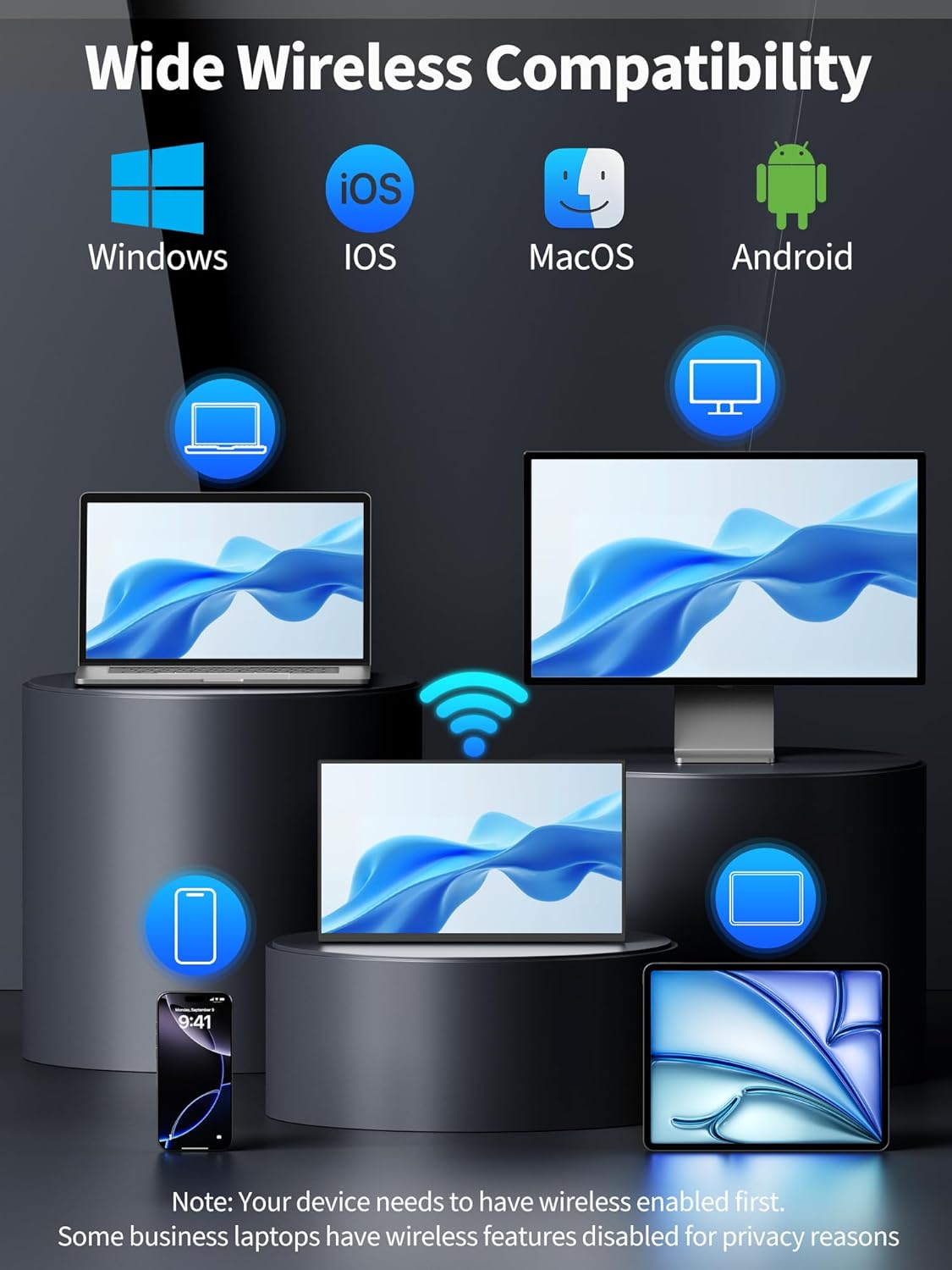
Image: Close-up of the monitor's side, highlighting the various input ports.
- Full-Function Type-C Ports (x2): For power, video, and data transmission with compatible devices.
- Mini HDMI Port: For video input from devices like laptops, gaming consoles, and cameras.
- OTG Port: For connecting peripherals like a mouse or keyboard.
- Power Button: To turn the monitor on/off.
- Menu/Navigation Buttons: To access and navigate the On-Screen Display (OSD) menu.
- Built-in Speakers: For audio output.
Setup Guide
Powering On
- Connect the monitor to a power source using the provided USB-C power cable and adapter, or ensure the internal 8000 mAh battery is charged.
- Press and hold the Power Button for a few seconds until the screen illuminates.
Wired Connection
For wired connectivity, use the appropriate cables to connect your device to the monitor.

Image: Diagram showing wired connections via USB-C and HDMI to various devices.
- USB-C Connection: If your device (laptop, smartphone) has a full-function USB-C port that supports video output (DisplayPort Alternate Mode), connect it directly to one of the monitor's Type-C ports using the provided USB-C to USB-C cable. This single cable can provide power, video, and touch functionality (if applicable).
- HDMI Connection: For devices with an HDMI output (e.g., desktop PC, gaming console, camera), connect the device's HDMI port to the monitor's Mini HDMI port using the provided HDMI to Mini HDMI cable. You may also need to connect a USB-C power cable to the monitor for power.
Wireless Connection (Screen Mirroring)
The monitor supports wireless screen mirroring for Windows, macOS, Android, and iOS devices. Ensure your device has wireless capabilities enabled.

Image: Illustration of the monitor wirelessly connected to a laptop, demonstrating a clean, cable-free setup.

Image: Icons representing Windows, iOS, macOS, and Android, indicating broad wireless compatibility.
- Turn on the MAGICRAVEN monitor.
- On your source device (laptop, phone), enable screen mirroring or casting functionality (e.g., Miracast for Windows/Android, AirPlay for iOS/macOS).
- Select the MAGICRAVEN monitor from the list of available devices.
- Follow any on-screen prompts to complete the connection.
- Note: Some business laptops may have wireless features disabled for privacy reasons.
Operating Instructions
On-Screen Display (OSD) Menu
Use the menu buttons on the side of the monitor to access and navigate the OSD menu. Here you can adjust settings such as brightness, contrast, color temperature, input source, and audio volume.
Display Modes
The monitor supports various display modes to suit your needs:
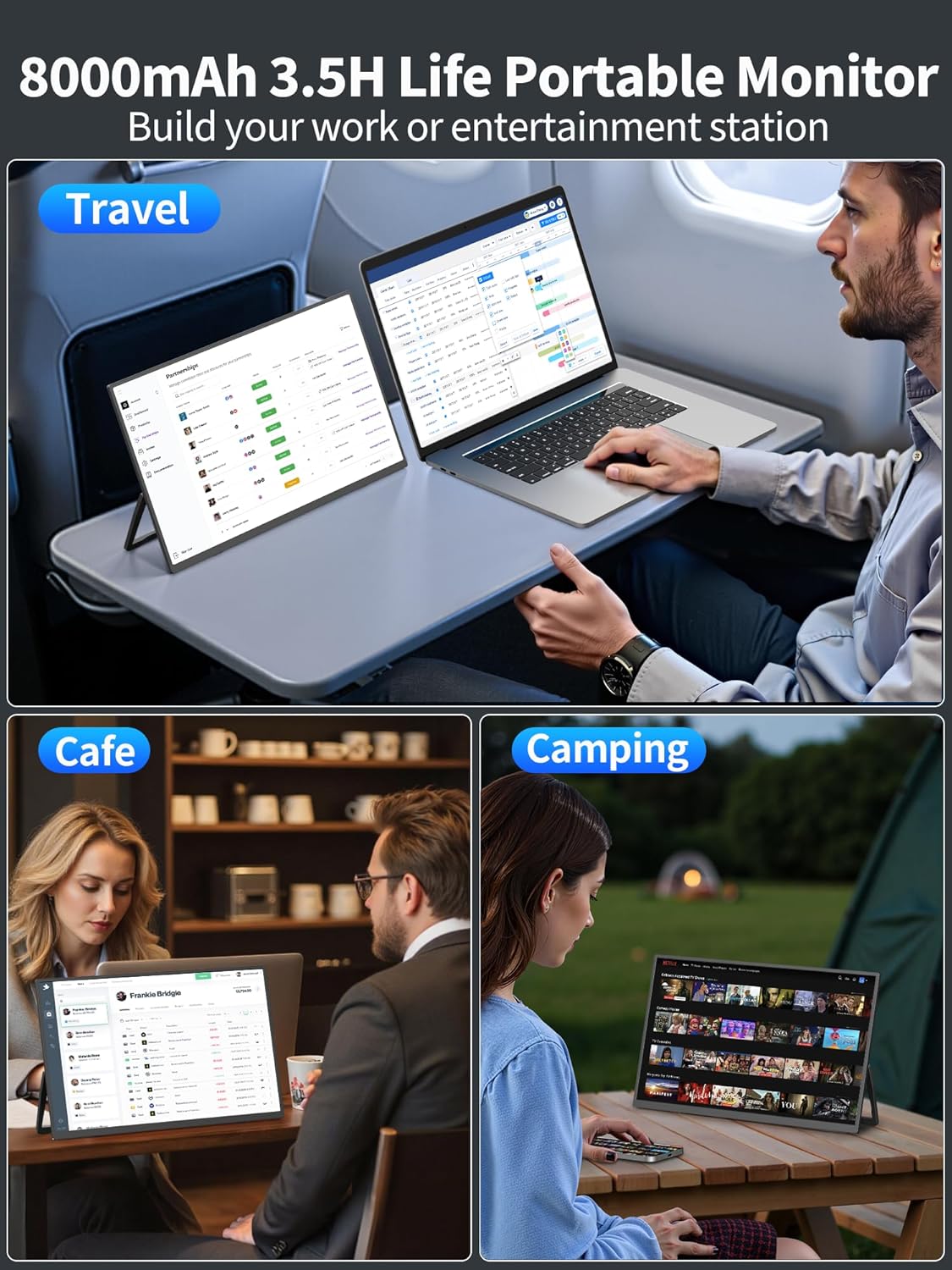
Image: Visual representation of different screen display modes: Mirror, Extended, Portrait, and Landscape.
- Mirror Mode: Duplicates your primary screen's content onto the portable monitor. Ideal for presentations or sharing content.
- Extended Mode: Extends your desktop, allowing you to have more screen real estate for multitasking. Drag windows between your primary display and the portable monitor.
- Portrait Mode: Rotates the display 90 degrees for vertical viewing. Useful for reading documents, coding, or browsing long web pages.
- Landscape Mode: Standard horizontal viewing orientation.
To switch between modes, adjust display settings on your connected device (e.g., Windows Display Settings, macOS System Preferences).
Battery Usage
The integrated 8000 mAh battery provides approximately 3.5 hours of usage on a full charge. The battery indicator on the monitor will show the remaining charge. Recharge the monitor using the provided USB-C power cable and adapter when the battery is low.
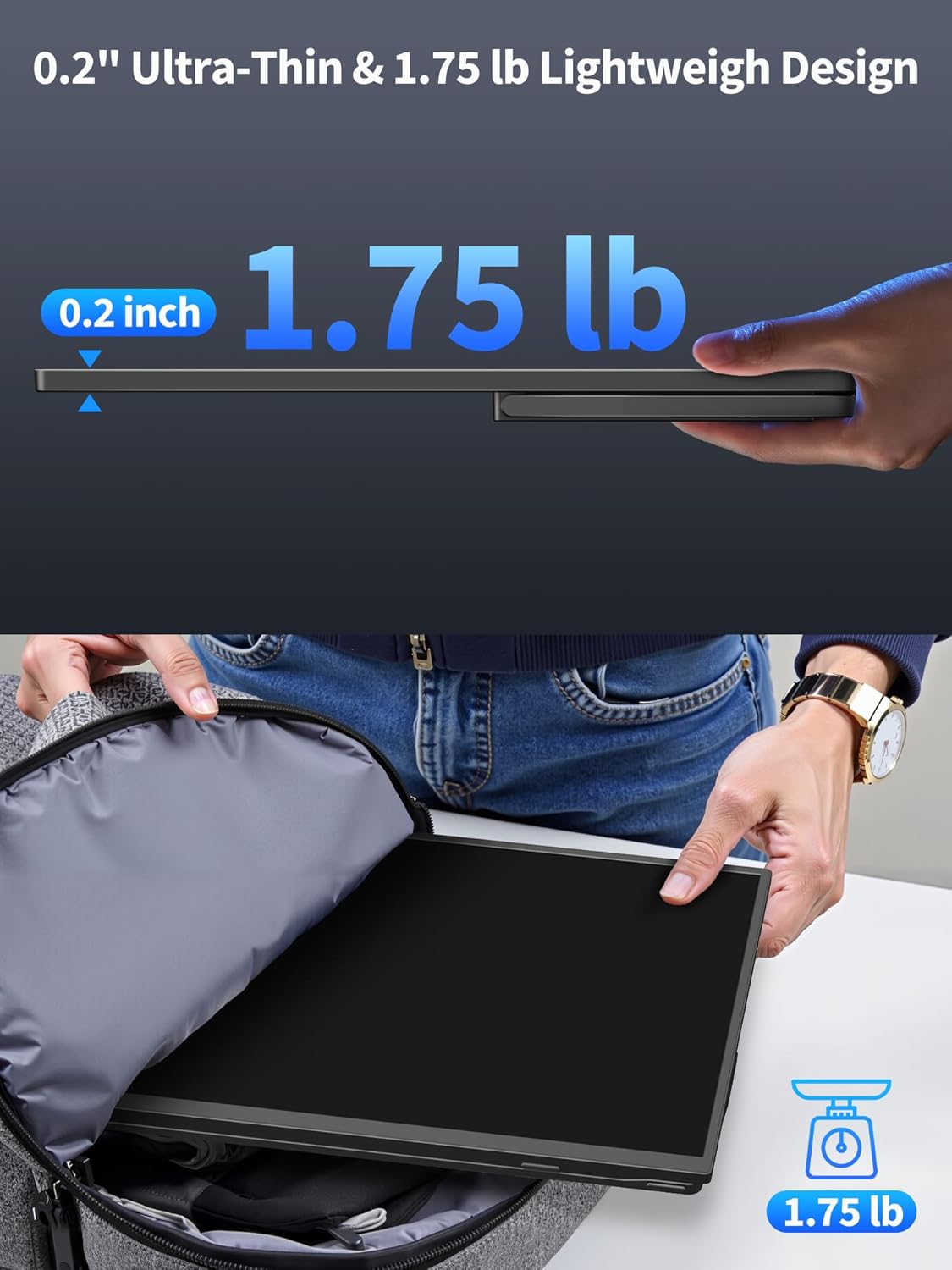
Image: The portable monitor in use on an airplane tray table, at a cafe, and during camping, highlighting its portability and battery life.
Maintenance and Care
- Cleaning the Screen: Gently wipe the screen with a soft, lint-free cloth. For stubborn smudges, dampen the cloth slightly with water or a screen-cleaning solution. Do not spray liquid directly onto the screen.
- Cleaning the Casing: Use a soft, dry cloth to clean the monitor's casing. Avoid abrasive cleaners or solvents.
- Storage: When not in use, store the monitor in a cool, dry place, away from direct sunlight and extreme temperatures.
- Battery Care: To prolong battery life, avoid fully discharging the battery frequently. If storing for a long period, charge the battery to about 50% before storage.
Troubleshooting
| Problem | Possible Cause | Solution |
|---|---|---|
| No display/No signal |
|
|
| Wireless connection issues |
|
|
| Screen flickering or abnormal display |
|
|
| No audio from speakers |
|
|
Specifications
| Feature | Detail |
|---|---|
| Brand | MAGICRAVEN |
| Screen Size | 15.6 Inches |
| Resolution | FHD 1080p (1920x1080) |
| Aspect Ratio | 16:9 |
| Screen Surface Description | Matte |
| Panel Type | IPS |
| Contrast Ratio | 1500:1 |
| Color Gamut | 100% sRGB |
| Battery Capacity | 8000 mAh |
| Weight | 1.75 lb |
| Thickness | 0.2" |
| Connectivity | Wireless (Screen Mirroring), 2x Full-Function Type-C, Mini HDMI, OTG |
| Built-in Features | Speakers, Built-in Stand, VESA Mount (M4*5MM, 2 holes) |
Warranty and Support
MAGICRAVEN is committed to providing reliable service and support for your product.
- Warranty: This product comes with a 2-year warranty from the date of purchase.
- Customer Service: We offer 24/7 customer service to assist you with any questions or issues.
- Lifetime Support: Enjoy lifetime technical support for your MAGICRAVEN portable monitor.
For support, please refer to the contact information provided on the product packaging or the official MAGICRAVEN website.
Ask a question about this manual
Ask about setup, troubleshooting, compatibility, parts, safety, or missing instructions. Manuals+ will review the question and use this page’s manual context to help answer it.