
Introduction
Welcome to the user manual for your new ZTE Blade A35e 4G Smartphone. This guide provides essential information on setting up, operating, maintaining, and troubleshooting your device. Please read it carefully to ensure optimal performance and longevity of your smartphone.
Package Contents
Upon unboxing your ZTE Blade A35e, please verify that all the following items are included:
- ZTE Blade A35e Smartphone
- USB Cable
- SIM Card Pin Ejector Tool
- Warranty Card
- Quick Start Guide
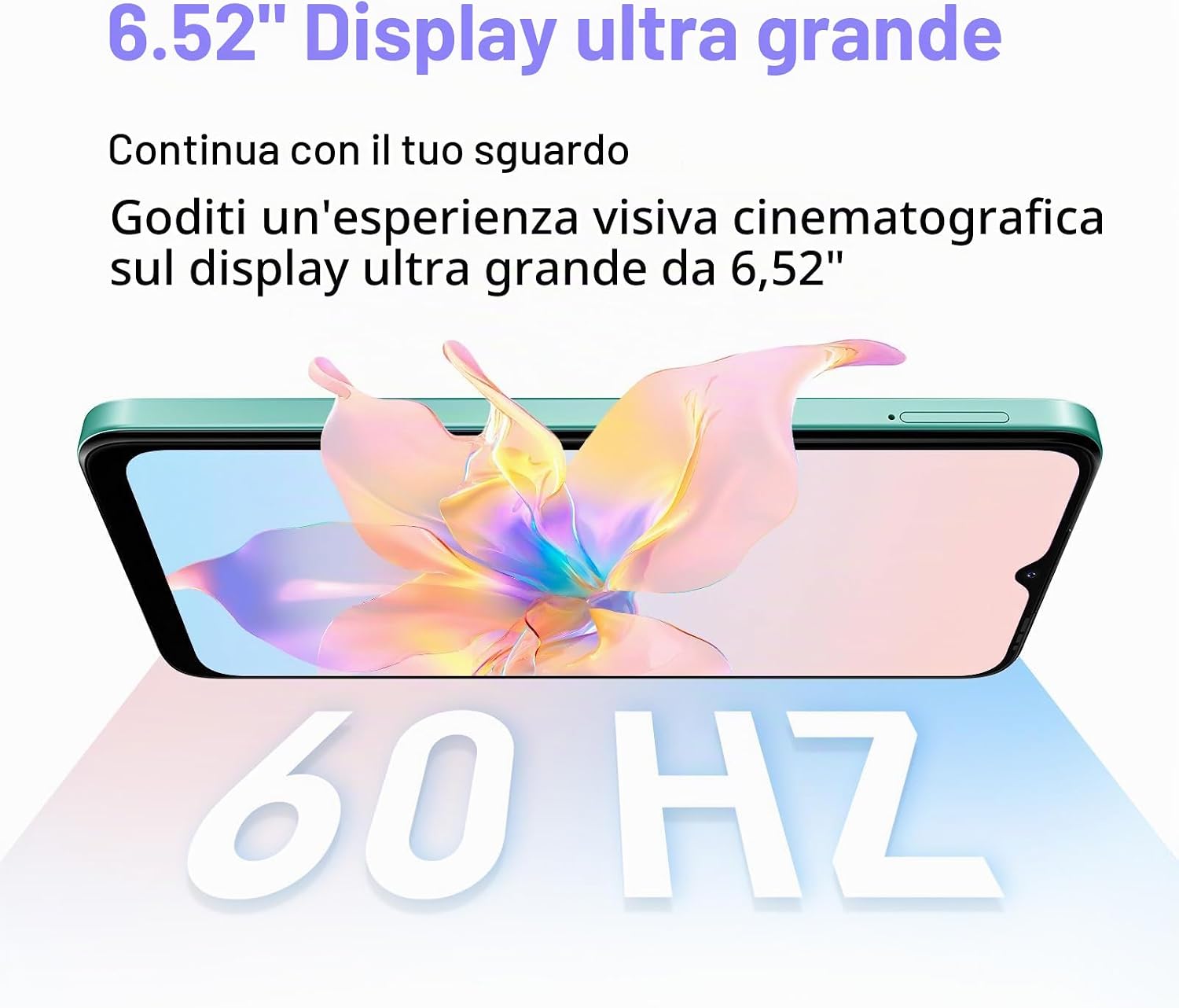
Image: The ZTE Blade A35e smartphone shown with its included accessories, such as the USB cable and SIM ejector tool.
Device Overview
Familiarize yourself with the physical components and key features of your ZTE Blade A35e.
Display

Image: A close-up of the ZTE Blade A35e's 6.52-inch HD+ display, highlighting its vibrant colors and wide viewing area.
The ZTE Blade A35e features a 6.52-inch HD+ display with a resolution of 720 x 1520 pixels, providing clear visuals for media consumption and daily tasks.
Ports and Buttons

Image: Detailed view of the ZTE Blade A35e's USB-C charging port, power button, and the dual SIM card tray with a SIM ejector tool.
- USB-C Port: Located at the bottom for charging and data transfer. This port also serves as the headphone jack.
- Power Button: On the right side of the device, used to power on/off or wake/sleep the screen.
- Volume Buttons: Typically located above the power button, used to adjust media and call volume.
- SIM Card Tray: Located on the side, for inserting Nano SIM cards and a MicroSD card.
Camera System

Image: Close-up of the ZTE Blade A35e's rear camera module (8MP main) and front camera (13MP) for capturing photos and videos.
The device is equipped with an 8MP main camera on the rear and a 13MP front camera for selfies and video calls. Video recording resolution is 720p.
Setup
1. SIM Card and MicroSD Card Installation
- Locate the SIM card tray on the side of your phone.
- Insert the SIM ejector tool into the small hole next to the tray and push gently until the tray pops out.
- Place your Nano SIM card(s) into the designated slots. Ensure the gold contacts face downwards.
- If desired, insert a MicroSD card into its dedicated slot for expanded storage (up to 1 TB).
- Carefully push the tray back into the phone until it clicks into place.

Image: A close-up showing the SIM card tray with two Nano SIM cards and a MicroSD card being inserted into the ZTE Blade A35e.
2. Initial Power On
- Press and hold the Power button on the right side of the device until the ZTE logo appears.
- Follow the on-screen instructions to complete the initial setup, including language selection, Wi-Fi connection, Google account login, and security settings.
3. Charging the Battery
Before first use, it is recommended to fully charge the device. Use the provided USB cable and a compatible power adapter (not always included) to charge your phone via the USB-C port.

Image: An internal view of the ZTE Blade A35e highlighting its 5000mAh high-capacity battery, designed for extended usage.
Operating Instructions
Basic Navigation
- Touch Gestures: Tap to select, swipe to scroll, pinch to zoom.
- Home Screen: Access apps, widgets, and notifications.
- Notification Panel: Swipe down from the top of the screen to view notifications and quick settings.
- App Drawer: Swipe up from the bottom of the screen to access all installed applications.
Making Calls and Sending Messages
- Calls: Open the Phone app, enter the number, and tap the call icon.
- Messages: Open the Messages app, tap the new message icon, enter the recipient and your message.
Camera Usage
To take photos or record videos:
- Open the Camera app.
- Select photo or video mode.
- Tap the shutter button to capture.
- Use the front/rear camera switch icon to change cameras.
Connectivity
- Wi-Fi: Go to Settings > Network & internet > Wi-Fi to connect to available networks.
- Mobile Data (4G): Ensure your SIM card is active and mobile data is enabled in Settings > Network & internet > Mobile network.
- Bluetooth: Pair with other devices via Settings > Connected devices > Bluetooth.
- Hotspot: Share your phone's internet connection via Settings > Network & internet > Hotspot & tethering.
Storage Management

Image: An illustration of the ZTE Blade A35e's internal components, highlighting the Octa-Core processor, 2GB RAM, and 64GB internal storage, with an indication of MicroSD expansion.
Your device comes with 64 GB of internal storage and 2 GB of RAM. You can expand storage using a MicroSD card. Regularly check storage usage in Settings > Storage to manage files and apps.
Maintenance
- Battery Care: To prolong battery life, avoid extreme temperatures. Charge the battery before it completely drains and avoid overcharging.
- Software Updates: Keep your device's software updated to the latest version for improved performance and security. Check for updates in Settings > System > System update.
- Cleaning: Use a soft, lint-free cloth to clean the screen and body of the phone. Avoid harsh chemicals or abrasive materials.
- Data Backup: Regularly back up your important data to a cloud service or computer to prevent loss.
Troubleshooting
If you encounter issues with your ZTE Blade A35e, try the following solutions:
- Device Not Turning On: Ensure the battery is charged. If it still doesn't turn on, try holding the power button for 10-15 seconds for a forced restart.
- Apps Crashing/Freezing: Close and reopen the app. If the issue persists, clear the app's cache (Settings > Apps > [App Name] > Storage & cache > Clear cache).
- Poor Battery Life: Reduce screen brightness, close unused apps, disable unnecessary features like GPS or Bluetooth when not in use.
- No Network Connection: Check if your SIM card is properly inserted. Ensure mobile data is enabled. Try restarting the device.
- Slow Performance: Clear unnecessary files and apps to free up storage. Restart the device regularly.
For more complex issues, refer to the official ZTE support website or contact customer service.
Specifications
| Feature | Specification |
|---|---|
| Brand | ZTE |
| Model Name | BLADE A35e |
| Operating System | Android 14 (MyOS 14) |
| Display Size | 6.52 Inches |
| Display Resolution | 720 x 1520 (HD+) |
| Processor | Octa-core MediaTek Helio, 1.2 GHz |
| RAM | 2 GB |
| Internal Storage | 64 GB |
| Expandable Storage | MicroSD (up to 1 TB) |
| Main Camera | 8 MP |
| Front Camera | 13 MP |
| Video Capture Resolution | 720p |
| Battery Capacity | 5000 mAh |
| SIM Card Slots | Dual SIM (Nano SIM) |
| Connectivity | 4G LTE, Wi-Fi, Bluetooth, GPS |
| Charging Port | USB-C |
| Headphone Jack | USB-C (via charging port) |
| Water Resistance | Not water resistant |
| Color | Green |
Warranty and Support
Your ZTE Blade A35e comes with a warranty as per local regulations. ZTE ensures the availability of spare parts in the EU for up to 10 years from the date of purchase.
For detailed warranty information, technical support, or service requests, please visit the official ZTE support website or contact your local customer service center. Keep your proof of purchase for warranty claims.
Online Support: ZTE Global Support


