
1. Introduction
Thank you for choosing the Elitech EU-LDM-50D Laser Distance Meter. This device is designed for precise and rapid distance measurements, offering various functions for both professional and DIY applications. Please read this manual thoroughly before using the device to ensure safe and optimal operation. Keep this manual for future reference.
Safety Warning: This product uses a Class 2 laser. Do not stare directly into the laser beam or direct it at others. Avoid exposing the device to extreme temperatures or moisture.
2. What's in the Box
- Elitech EU-LDM-50D Laser Distance Meter
- 2x AAA Batteries
- Wrist Strap
- Protective Pouch
- User Manual

Figure 2.1: Package Contents
3. Product Overview
The Elitech EU-LDM-50D is a compact and robust laser distance meter designed for ease of use and durability.
3.1 Device Features
- Precision: Measures distances up to 50m with an accuracy of ±2mm.
- Display: Large backlit LCD for clear readability in various lighting conditions.
- Durability: Constructed from ABS engineering plastic, IP54 dust and water-resistant, and drop-resistant up to 1m.
- Integrated Levels: Features two bubble levels for accurate horizontal and vertical alignment.


Figure 3.1: Front and Side Views of the Device
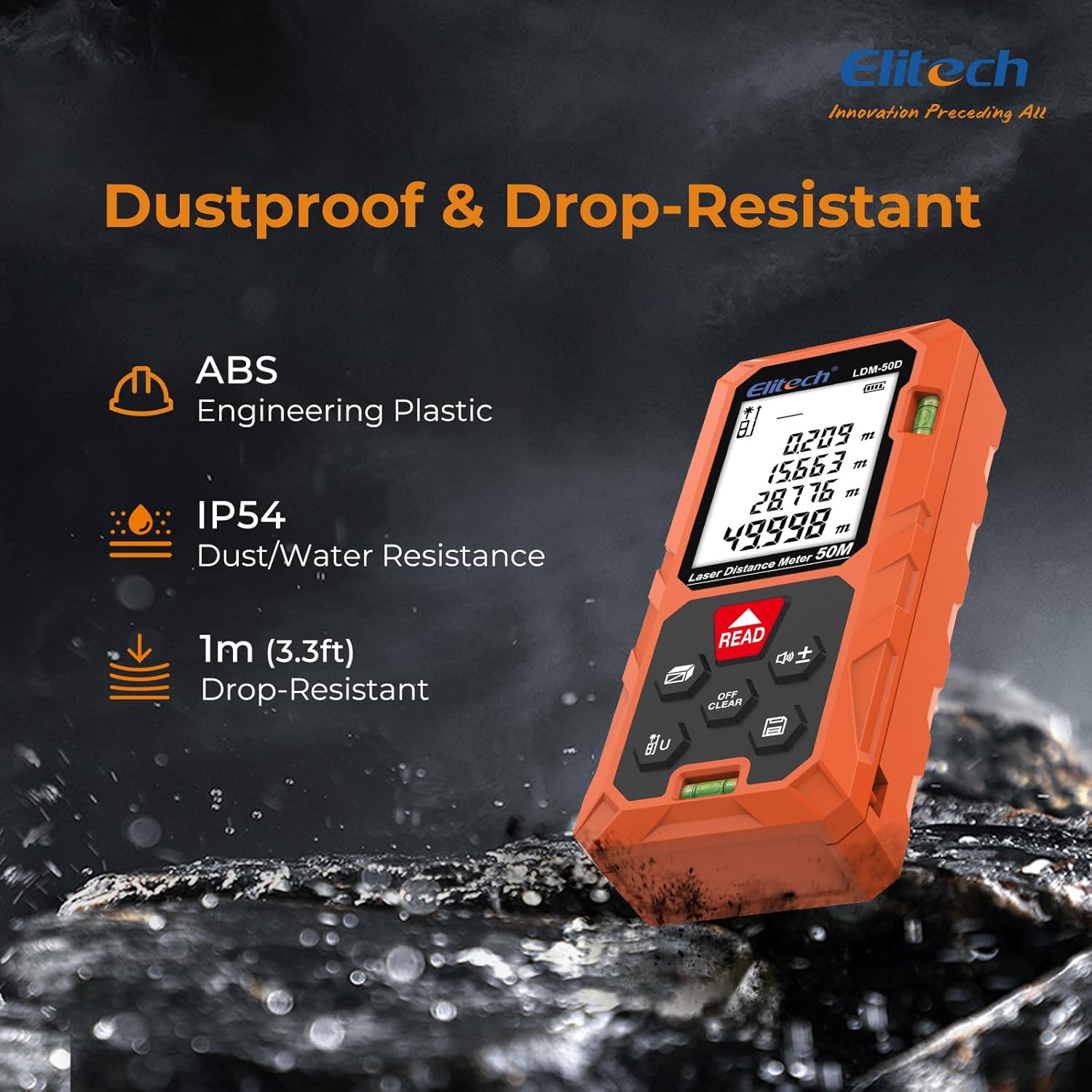
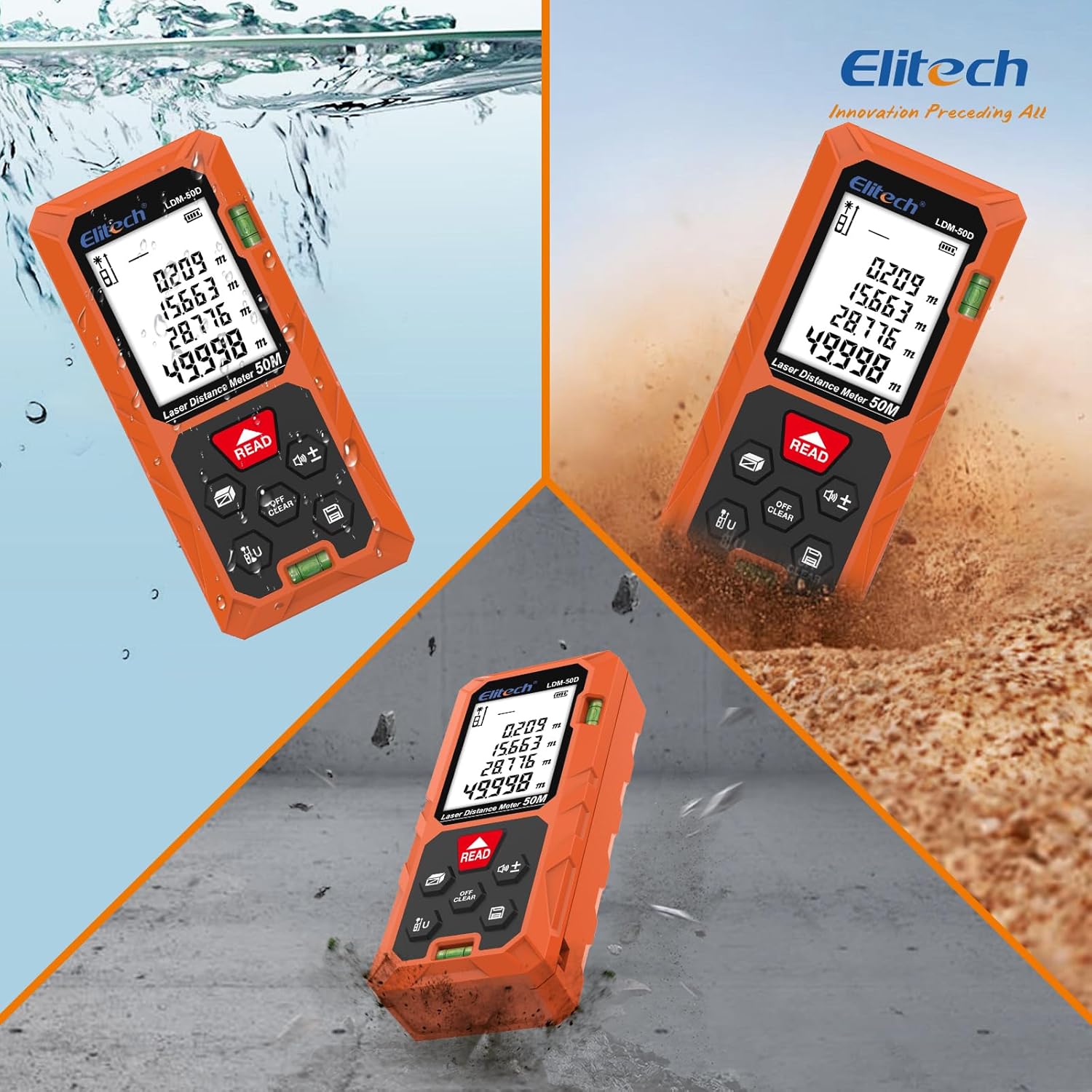
Figure 3.2: Device Durability Features
3.2 Control Buttons
The device features intuitive silicone buttons for easy operation:
- MEAS/READ Button: Powers on the device, initiates single measurements, or enters continuous measurement mode (long press).
- ON/OFF/CLEAR Button: Powers off the device, clears current measurement, or returns to the previous screen.
- UNIT Button: Changes the measurement unit (m/ft/in) and adjusts the measurement reference point.
- Function Button: Selects various measurement modes (Area, Volume, Pythagorean, etc.).
- +/- Button: Adds or subtracts measurements.
- History/Sound Button: Accesses stored measurement data or toggles the beep sound.
4. Setup
4.1 Battery Installation
- Open the battery compartment cover on the back of the device.
- Insert two AAA alkaline batteries, ensuring correct polarity (+/-).
- Close the battery compartment cover securely.
4.2 Powering On/Off
- To Power On: Press the MEAS/READ button. The device will turn on and display the last measurement mode.
- To Power Off: Press and hold the ON/OFF/CLEAR button for a few seconds. The device will automatically power off after 150 seconds of inactivity to save battery. The laser will automatically turn off after 20 seconds of inactivity.
5. Operating Instructions
The Elitech EU-LDM-50D offers multiple measurement modes to suit various needs.
5.1 Basic Distance Measurement
- Point the laser at the target.
- Press the MEAS/READ button once for a single measurement. The result will be displayed instantly.
- For continuous measurement (tracking), long-press the MEAS/READ button. The device will continuously update the distance as you move. Press again to stop.
Video 5.1: Demonstrating various measurement modes and button functions (MiLESEEY D5T Laser Meter).
5.2 Area Measurement
- Press the Function button until the area icon (rectangle) appears on the display.
- Measure the first side (length) by pressing MEAS/READ.
- Measure the second side (width) by pressing MEAS/READ again.
- The device will automatically calculate and display the area.
5.3 Volume Measurement
- Press the Function button until the volume icon (cube) appears on the display.
- Measure the length, width, and height sequentially by pressing MEAS/READ after each measurement.
- The device will automatically calculate and display the volume.
5.4 Pythagorean Measurement (Indirect Measurement)
This mode is used to measure inaccessible heights or distances.
5.4.1 2-Point Pythagorean Mode
- Press the Function button until the 2-point Pythagorean icon appears (triangle with two measured sides and one calculated side).
- Measure the hypotenuse (diagonal distance) by pressing MEAS/READ.
- Measure the horizontal distance (base) by pressing MEAS/READ.
- The device will calculate and display the vertical height.
5.4.2 3-Point Pythagorean Mode
- Press the Function button until the 3-point Pythagorean icon appears.
- Measure the first diagonal distance (hypotenuse 1) by pressing MEAS/READ.
- Measure the second diagonal distance (hypotenuse 2) by pressing MEAS/READ.
- Measure the horizontal distance (base) by pressing MEAS/READ.
- The device will calculate and display the total height.


Figure 5.1: Overview of Measurement Modes and Examples
Video 5.2: Demonstration of Kiprim Laser Meter functions, similar to Elitech EU-LDM-50D.
5.5 Unit Switching
Press the UNIT button repeatedly to cycle through measurement units: meters (m), feet (ft), and inches (in).
5.6 Reference Point Adjustment
The device can measure from its front edge or its rear edge. Press and hold the UNIT button to switch the reference point. An icon on the display will indicate the current reference point.
5.7 Add/Subtract Function
After taking a measurement, press the +/- button to enter addition or subtraction mode. Take another measurement, and the device will add or subtract it from the previous result. Press MEAS/READ to confirm the operation.
5.8 Data Storage (History)
The device can store up to 99 sets of measurement data. Press the History/Sound button to view previous measurements. Use the arrow buttons to navigate through the stored data.
6. Maintenance
- Cleaning: Use a soft, damp cloth to clean the device. Do not use abrasive cleaners or solvents. Clean the laser lens gently with a soft cloth, similar to cleaning camera lenses.
- Storage: Store the device in its protective pouch in a cool, dry place when not in use. Remove batteries if storing for extended periods to prevent leakage.
- Avoid Impact: Although drop-resistant, avoid unnecessary impacts to prolong the device's lifespan and maintain accuracy.
7. Troubleshooting
| Problem | Possible Cause | Solution |
|---|---|---|
| Device does not turn on | Low or dead batteries; incorrect battery installation. | Replace batteries; ensure correct polarity. |
| Inaccurate readings | Laser beam obstructed; unstable measurement surface; device not calibrated. | Ensure clear path for laser; use a stable surface; perform auto-calibration (refer to manual for specific steps if available, or contact support). |
| Display is dim or unreadable | Low battery; extreme temperature. | Replace batteries; move device to a suitable operating temperature. |
| Laser not visible | Bright ambient light; laser turned off. | Use in lower light conditions; ensure device is powered on and laser is active. |
8. Specifications
- Model Number: EU-LDM-50D
- Measurement Range: 50 meters
- Accuracy: ±2 mm
- Laser Class: Class 2
- Material: ABS Plastic
- Color: Orange
- Power Source: 2x AAA Alkaline batteries (included)
- Item Weight: 136 grams
- Dimensions (L x W x H): 16.1L x 8.8l x 3.7H cm
- Data Storage: Up to 99 measurements
- Auto Laser Off: 20 seconds
- Auto Power Off: 150 seconds
- IP Rating: IP54 (Dust and Water Resistant)
9. Warranty and Support
The Elitech EU-LDM-50D Laser Distance Meter comes with a 1-year product warranty from the date of purchase. For warranty claims, technical support, or any inquiries regarding your device, please contact Elitech customer service through your retailer or the official Elitech website. Please have your purchase receipt and product model number ready when contacting support.
