
1. Introduction
This manual provides essential information for setting up, operating, and maintaining your NIMO 17.3" FHD IPS Laptop. Please read this guide thoroughly before using your device to ensure proper function and longevity. This laptop features an Intel Core i3-1215U processor, 16GB RAM, and a 512GB SSD, designed for efficient everyday computing.
2. What's in the Box
- 1 x NIMO N171 Laptop
- 1 x Type-C 65W PD Fast Charger
- 1 x User Manual (this document)
- Windows 11 Home (pre-installed)
3. Setup Guide
3.1 Initial Power On
- Unpack the Laptop: Carefully remove the laptop and all accessories from the packaging.
- Connect Power: Plug the Type-C 65W PD Fast Charger into the laptop's USB-C port and then into a power outlet.
- Power On: Open the laptop lid and press the power button, usually located on the top right of the keyboard or side.
- Windows Setup: Follow the on-screen instructions to complete the Windows 11 Home initial setup, including language, region, network connection, and user account creation.
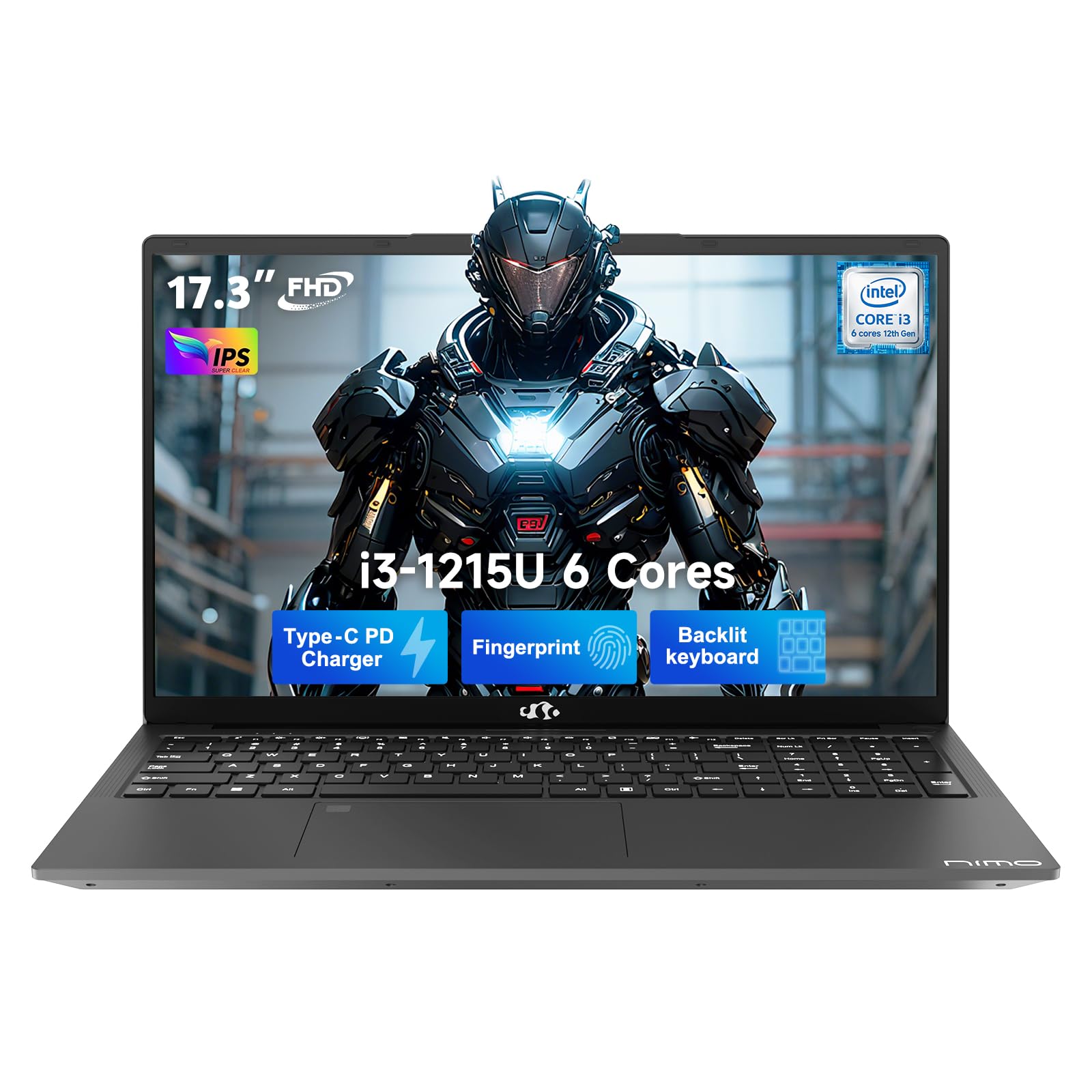
3.2 Fingerprint Sensor Setup
For enhanced security and quick access, set up the integrated fingerprint sensor:
- Navigate to Settings > Accounts > Sign-in options in Windows 11.
- Locate the "Fingerprint recognition (Windows Hello)" option and click Set up.
- Follow the on-screen prompts to register your fingerprint.

4. Operating Instructions
4.1 Keyboard and Touchpad
- Backlit Keyboard: The full-size keyboard includes a numeric keypad and backlighting for use in low-light conditions. The backlight can typically be toggled using a function key combination (e.g., Fn + F5 or similar, refer to keyboard icons).
- Touchpad: The integrated touchpad supports multi-touch gestures for navigation.

4.2 Webcam with Privacy Shutter
The laptop features a 2MP HD camera with a physical privacy shutter. To ensure privacy, slide the shutter to cover the camera lens when not in use. Slide it open to activate the camera for video calls or other applications.

5. Key Features
5.1 Performance
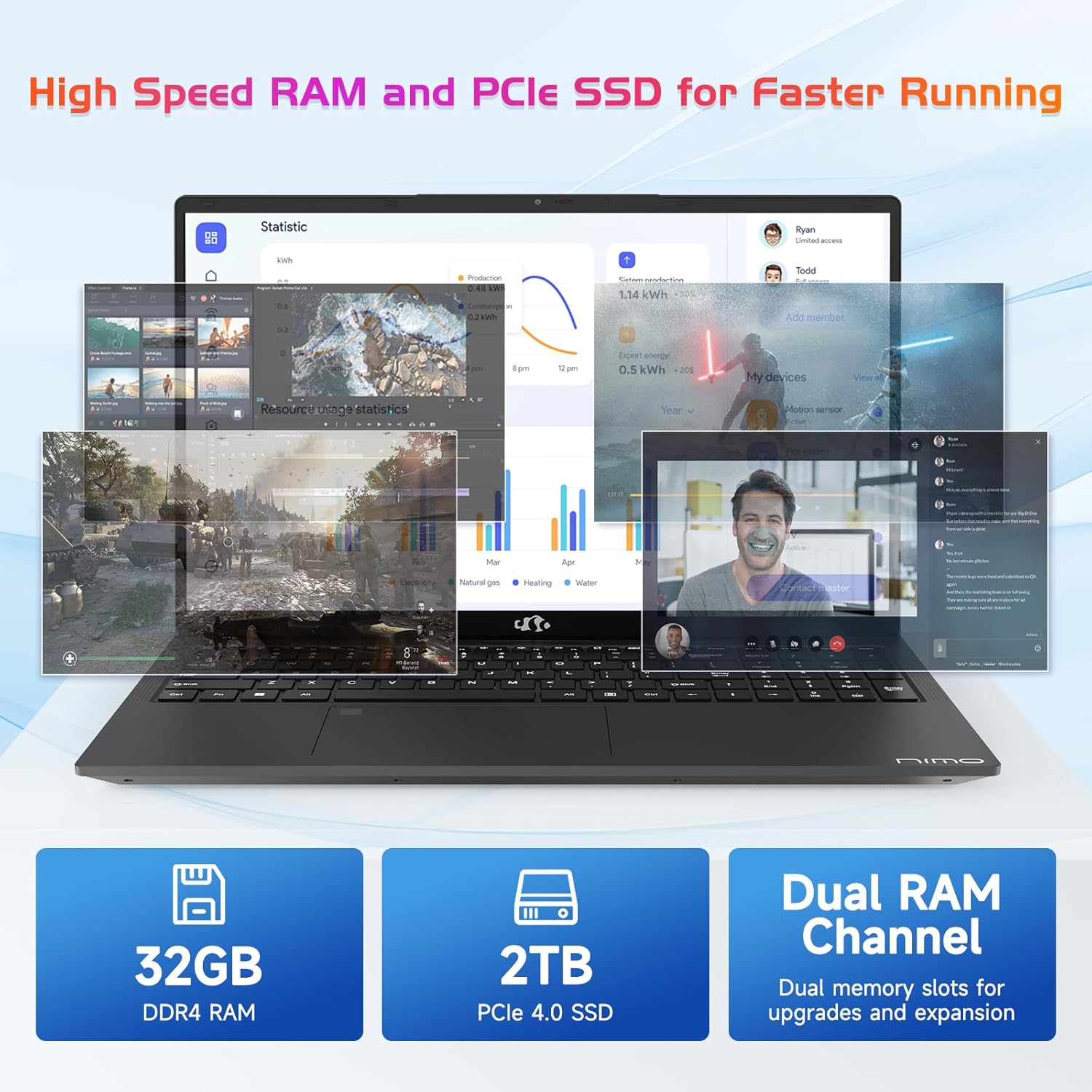
The NIMO N171 laptop is equipped with a 12th Gen Intel Core i3-1215U processor (6 Cores, up to 4.40 GHz), 16GB DDR4 RAM, and a 512GB SSD. This configuration provides responsive performance for multitasking, web browsing, and various applications.

5.2 Display
The laptop features a 17.3-inch Full HD (1920x1080) IPS display, offering a wide viewing experience with clear visuals and reduced eye strain. The screen-to-body ratio is approximately 85%.

5.3 Connectivity
The NIMO N171 supports Wi-Fi 6 for fast and stable wireless internet connectivity and Bluetooth 5.2 for pairing with wireless peripherals.
The laptop includes multiple ports for versatile connectivity:
- USB 3.2 Gen1 ports (x2)
- USB 2.0 port (x1)
- USB Type-C 3.2 Gen1 port (x1)
- USB Type-C Gen1 port (Charge Only) (x1)
- Standard HDMI 1.4 port (x1)
- Audio Jack (x1)
- Micro SD card slot (x1)
- Kensington lock slot (x1)

5.4 Battery and Charging
The laptop is powered by a 53.58Wh battery, providing up to 9 hours of average battery life. It supports 65W PD Fast Charge via USB-C, allowing for quick recharging.


6. Maintenance
- Cleaning: Use a soft, lint-free cloth to clean the screen and exterior. Avoid harsh chemicals.
- Battery Care: To prolong battery life, avoid fully discharging the battery frequently. Store the laptop in a cool, dry place.
- Software Updates: Regularly update your Windows operating system and drivers to ensure optimal performance and security.
- Storage: Keep the SSD from becoming completely full to maintain performance. Utilize the Micro SD card slot for additional storage if needed.
7. Troubleshooting
| Issue | Possible Cause | Solution |
|---|---|---|
| Laptop does not power on | Low battery or power adapter issue | Ensure the charger is properly connected and the power outlet is functional. Allow the laptop to charge for at least 30 minutes before attempting to power on again. |
| Screen is blank or black | Display settings, external monitor connection, or system crash | Press Fn + F7 (or the key with a display icon) to cycle through display modes. Disconnect any external monitors. Perform a hard reset by holding the power button for 10-15 seconds. |
| Wi-Fi connection issues | Wi-Fi adapter disabled, incorrect password, or router problem | Check if Wi-Fi is enabled in Windows settings. Verify the Wi-Fi password. Restart your router and modem. |
| Fingerprint sensor not working | Unregistered fingerprint, dirty sensor, or software glitch | Ensure your fingerprint is registered correctly. Clean the sensor with a soft cloth. Restart the laptop. |
8. Specifications
| Feature | Detail |
|---|---|
| Brand | NIMO |
| Model Name | NIMO N171 |
| Screen Size | 17.3 Inches |
| Screen Resolution | 1920 x 1080 pixels (FHD) |
| Processor | Intel Core i3-1215U (6 Cores, up to 4.4 GHz) |
| RAM | 16 GB DDR4 (3200 MHz) |
| Hard Drive | 512 GB SSD (Solid State) |
| Graphics Coprocessor | Integrated Graphics (Intel) |
| Operating System | Windows 11 Home |
| Wireless Type | Wi-Fi 6 (802.11a/b/g/n/ac) |
| Bluetooth | Bluetooth 5.2 |
| USB 2.0 Ports | 1 |
| USB 3.0 Ports | 3 (includes USB 3.2 Gen1) |
| USB Type-C Ports | 2 (1x 3.2 Gen1, 1x Gen1 Charge Only) |
| HDMI Port | 1 (Standard HDMI 1.4) |
| Audio Jack | 1 (Combo Jack) |
| Micro SD Card Slot | Yes |
| Rear Webcam Resolution | 2 MP |
| Battery Life (Average) | 9 Hours |
| Battery Capacity | 53.58 Wh |
| Power Source | Battery Powered (65W PD Fast Charger) |
| Item Weight | 4.6 pounds |
| Product Dimensions (LxWxH) | 15.61 x 9.84 x 0.76 inches |
| Special Features | Fingerprint Reader, HD Audio, Memory Card Slot, Numeric Keypad, Backlit Keyboard, Privacy Shutter |
9. Warranty and Support
NIMO provides a 2-year warranty for this product. Additionally, a 90-day hassle-free return policy is offered. For technical assistance, warranty claims, or product-related inquiries, please contact NIMO customer support.
- Warranty Period: 2 Years
- Return Policy: 90 Days (hassle-free)
- Contact: Refer to the official NIMO website or product page for current contact information.


10. Product Video Overview
This video provides a visual overview of the NIMO 17.3" FHD Intel i3-1215U Laptop, showcasing its design, features, and various usage scenarios.
