
1. Introduction
This manual provides detailed instructions for the installation, operation, and maintenance of your SEBSON Outdoor Motion Sensor IP65, Model IR_OUT_GA. Please read this manual thoroughly before installation and use to ensure proper function and safety.
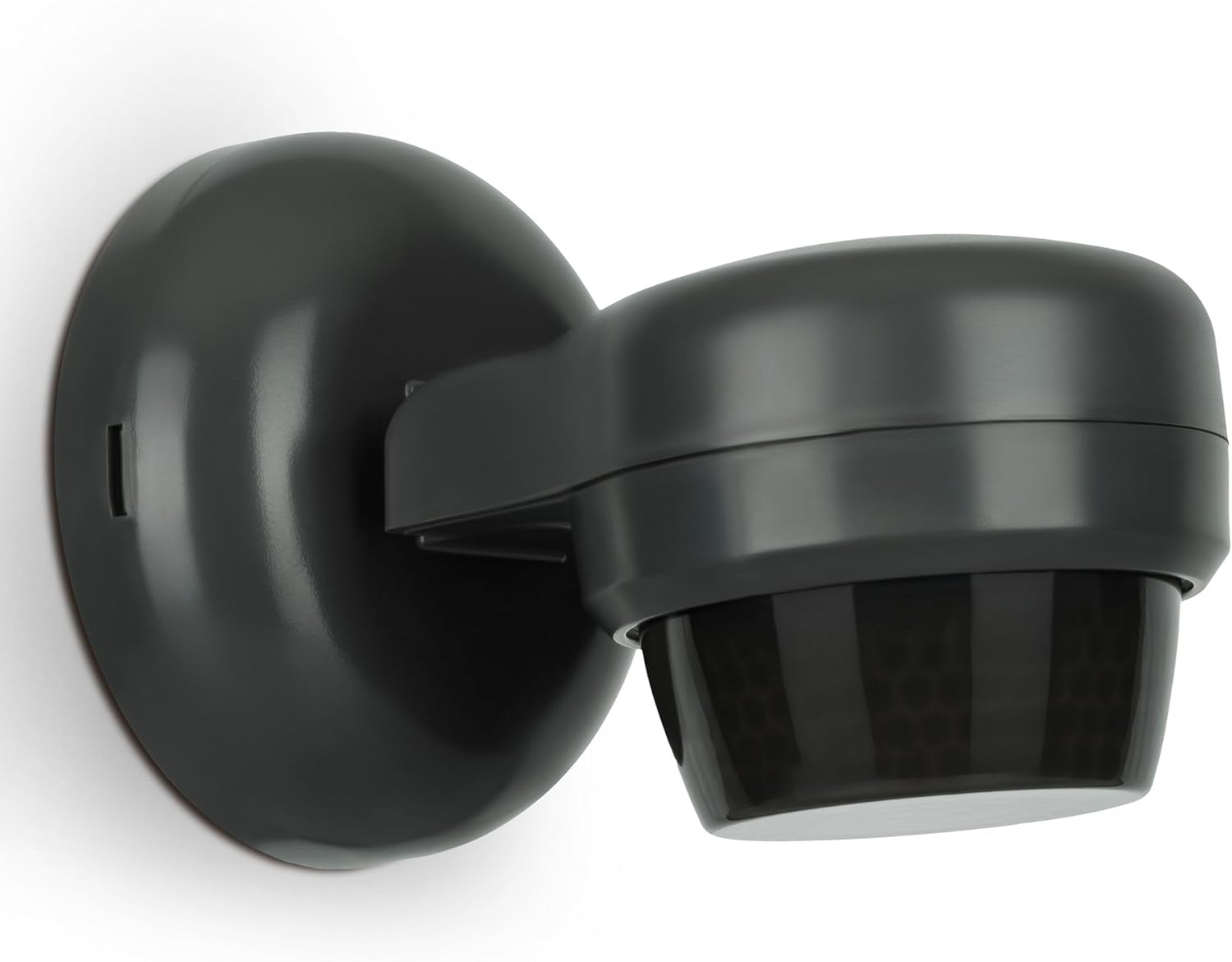
Image 1.1: The SEBSON Outdoor Motion Sensor IP65, a charcoal-colored unit designed for wall or ceiling mounting.
2. Safety Instructions
- Installation must be performed by a qualified electrician in accordance with local wiring regulations.
- Ensure the power supply is disconnected before installation or maintenance.
- Do not exceed the maximum load capacity specified in the technical data.
- This product is designed for outdoor use with IP65 protection; however, avoid direct high-pressure water jets.
- Keep out of reach of children.
3. Package Contents
The package includes:
- 1 x SEBSON IR Motion Sensor IP65
- Mounting accessories (screws, wall plugs)
- Instruction Manual (this document)
4. Product Features
The SEBSON Outdoor Motion Sensor IP65 is an infrared (IR) motion sensor designed for reliable outdoor use. Key features include:
- Versatile Mounting: Suitable for both wall and ceiling surface mounting.
- Wide Detection Range: Up to 24 meters with a 360° angle when ceiling-mounted, or 12 meters with a 180° angle when wall-mounted.
- Programmable Settings: Adjustable duty cycle (light duration), ambient brightness (LUX), and detection sensitivity.
- Swivel Function: The sensor head can be vertically swiveled by 180° for precise detection area adjustment.
- High Protection Class: IP65 rated for outdoor weather resistance.
- LED Compatible: Supports LED lighting up to 600W and incandescent lamps up to 1200W.

Image 4.1: Overview of key features including detection range, power compatibility, IP rating, and adjustable settings.

Image 4.2: The sensor head can be swiveled vertically by 180 degrees to adjust the detection area.
5. Setup and Installation
5.1 Mounting Location
Choose a suitable location for mounting the sensor. Consider the desired detection area and avoid placing it near heat sources, air conditioning units, or areas with frequent, unwanted movement (e.g., swaying branches) that could trigger false detections.
- Ceiling Mounting: Provides a 360° detection angle with a range of 10m to 24m. Ideal for open areas.
- Wall Mounting: Provides a 180° detection angle with a range of 5m to 12m. Suitable for pathways or specific directional coverage.

Image 5.1: Example of the motion sensor installed on an outdoor wall.

Image 5.2: Detection range and angle variations for ceiling and wall installations.
5.2 Wiring (3-Wire Installation)
The sensor requires a 3-wire connection. Ensure the power supply is OFF before proceeding.
- Connect the Live (L) wire from the power supply to the Live input terminal on the sensor.
- Connect the Neutral (N) wire from the power supply to the Neutral input terminal on the sensor.
- Connect the Switched Live (L') output from the sensor to the Live input of your lighting fixture.
- Connect the Neutral (N) wire from the lighting fixture to the Neutral input terminal on the sensor (or directly to the main Neutral).
- Ensure all connections are secure and properly insulated.

Image 5.3: Base of the sensor showing wiring access points.
5.3 Physical Installation
- Mark the drilling points on the wall or ceiling using the sensor's base as a template.
- Drill holes and insert wall plugs if necessary.
- Secure the sensor base to the mounting surface with screws.
- Perform wiring as described in section 5.2.
- Attach the sensor body to the base, ensuring a tight seal for IP65 protection.
- Adjust the sensor head to the desired angle using the swivel mechanism.
6. Operating Instructions and Adjustments
The SEBSON motion sensor features three adjustable settings to customize its operation:

Image 6.1: Adjustment dials for TIME, SENS (Sensitivity), and LUX (Ambient Brightness).
6.1 TIME (Switch-off Delay)
This dial adjusts how long the connected light remains ON after motion is no longer detected. The range is approximately 10 seconds to 15 minutes.
- Turn the dial clockwise to increase the duration.
- Turn the dial counter-clockwise to decrease the duration.
6.2 LUX (Ambient Brightness)
This dial determines the ambient light level at which the sensor will activate. The range is 0.1 LUX (darkness) to 2000 LUX (daylight).
- Set to the 'sun' symbol (max LUX) for activation during both day and night.
- Set to the 'moon' symbol (min LUX) for activation only in low light conditions or darkness.
- Adjust incrementally to find the desired activation threshold.
6.3 SENS (Sensitivity/Detection Range)
This dial adjusts the sensitivity of the motion detection, effectively controlling the detection range.
- Turn clockwise for maximum sensitivity and detection range.
- Turn counter-clockwise for minimum sensitivity and detection range.
- Adjust to prevent false triggers from distant objects or small animals.
7. Maintenance
- Regularly clean the sensor lens with a soft, damp cloth to ensure optimal detection performance. Do not use abrasive cleaners.
- Check wiring connections periodically for any signs of wear or corrosion.
- Ensure the sensor is free from obstructions like spiderwebs, leaves, or snow, which can impair its function.
- No user-serviceable parts inside. Do not attempt to open the main housing.
8. Troubleshooting
| Problem | Possible Cause | Solution |
|---|---|---|
| Light does not turn ON when motion is detected. |
|
|
| Light stays ON continuously. |
|
|
| Light turns ON without apparent motion (false triggers). |
|
|
9. Specifications
| Model Number | IR_OUT_GA |
| Operating Voltage | 220-240V AC 50Hz |
| Installation Type | 3-wire, Surface-mounted (Wall/Ceiling) |
| Max. Power Consumption (Incandescent) | 1200 W |
| Max. Power Consumption (LED/Energy-saving) | 600 W |
| Power Consumption (Standby) | 0.5 W |
| Detection Speed | 0.6 - 1.5 m/s |
| Detection Range (Ceiling Mount) | 10m - 24m (360°) |
| Detection Range (Wall Mount) | 5m - 12m (180°) |
| Ambient Brightness Adjustment | 0.1 - 2000 LUX |
| Protection Class | IP65 |
| Switch-off Delay (Duty Cycle) | Min. 10s (±3s) - Max. 15 min (±2 min) |
| Ambient Temperature | -20 °C to +40 °C |
| Humidity | <93% RH |
| Vertical Swivel Angle | 180° |
| Dimensions (L x W x H) | 121 x 83 x 83 mm |
| Material | Plastic |
| Colour | Anthracite |
| Weight | 175 Grams |

Image 9.1: Product dimensions.
10. Warranty and Support
For warranty information and technical support, please refer to the documentation provided with your purchase or visit the official SEBSON website. Keep your proof of purchase for warranty claims.


