Introduction
Thank you for choosing the NEEWER DM01 Cardioid Dynamic Microphone. This manual provides essential information for the proper setup, operation, and maintenance of your microphone. Please read it thoroughly before use to ensure optimal performance and longevity of the product.

Image: The NEEWER DM01 Cardioid Dynamic Microphone, a robust microphone designed for various audio applications.
Package Contents
Verify that all items listed below are included in your package:
- 1 x Dynamic Microphone
- 1 x XLR Cable
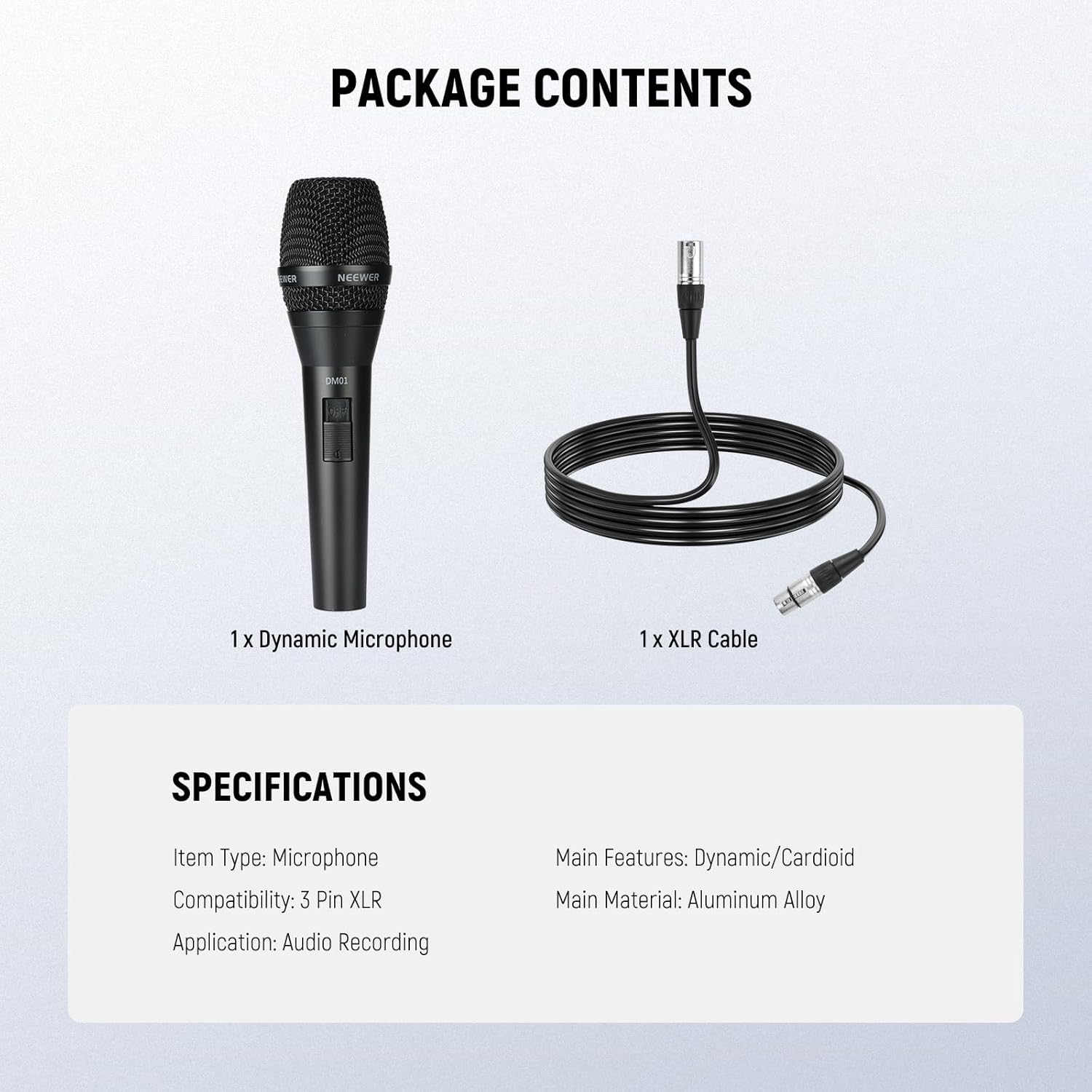
Image: Contents of the NEEWER DM01 package, including the microphone and its accompanying XLR cable.
Features
Metal Dynamic Microphone Construction
The DM01 features a moving coil dynamic capsule housed within a durable aluminum alloy body. This construction ensures resilience against the demands of stage use and frequent transportation, providing a reliable tool for various environments.
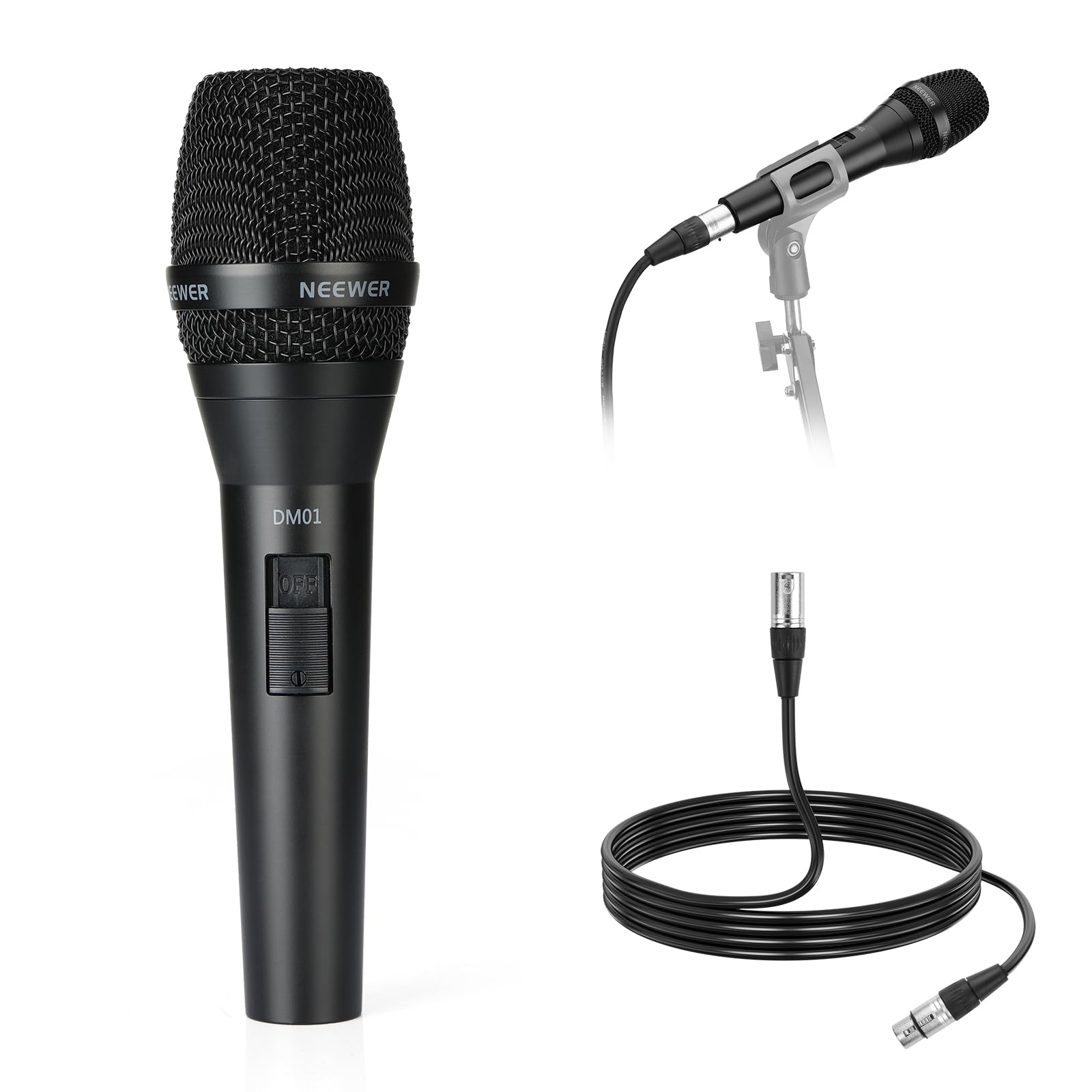
Image: A performer using the NEEWER DM01 microphone, demonstrating its robust design.
Cardioid Pickup Polar Pattern
The microphone utilizes a cardioid polar pattern, which primarily captures sound from the front while effectively minimizing background noise from the sides and rear. This characteristic makes it suitable for noisy environments or live settings where isolation of the sound source is crucial.

Image: A visual representation of the cardioid polar pattern, showing sound pickup directionality.
Professional Audio Recording Capabilities
With an impedance of 600Ω +/- 30%, a frequency response range of 100Hz–10kHz, and a sensitivity rating of -50.4dB +/- 3dB (0dB=1V/Pa at 1KHz), this microphone is engineered to deliver clear, balanced sound. It is suitable for recording vocals, instruments, and spoken word applications.

Image: A person recording vocals with the DM01 microphone, demonstrating its use in a professional audio setup.
Stable 3-Pin XLR Connection
The microphone is equipped with a standard 3-pin XLR connector, ensuring stable signal transmission and minimizing interference. The included XLR cable facilitates direct connection to mixers, audio interfaces, or DMX consoles.

Image: A detailed view of the 3-pin XLR connector, emphasizing its robust design for reliable connections.
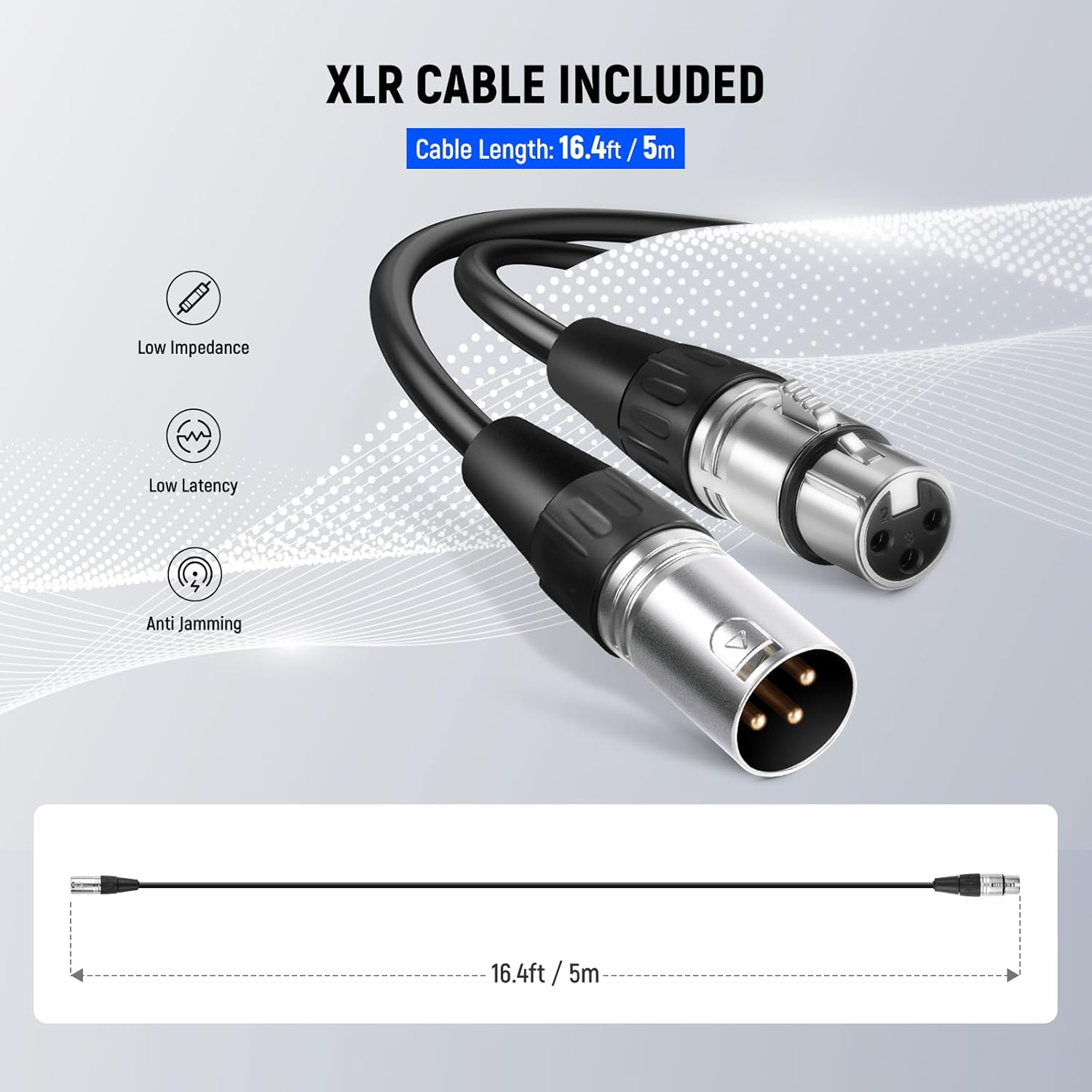
Image: The included 16.4ft (5m) XLR cable, designed for low impedance, low latency, and anti-jamming performance.
Setup
- Unpack: Carefully remove the microphone and XLR cable from the packaging.
- Connect Cable: Insert one end of the provided XLR cable into the 3-pin XLR port at the base of the microphone. Ensure a secure connection.
- Connect to Device: Connect the other end of the XLR cable to an audio mixer, audio interface, or DMX console. Ensure the input device is compatible with dynamic microphones and has an available XLR input.
- Mounting (Optional): If using a microphone stand, attach the microphone to a compatible clip or shock mount (not included unless specified in package contents).
Operation
- Power On: Ensure your connected audio device (mixer, interface) is powered on and configured for the correct input channel.
- Positioning: For optimal sound capture, position the microphone directly in front of the sound source. Due to its cardioid pattern, speaking or singing directly into the top of the microphone will yield the best results while minimizing off-axis noise.
- Gain Adjustment: Adjust the gain level on your audio device to achieve a clear signal without clipping or distortion. Start with a low gain setting and gradually increase it.
- Monitoring: Use headphones or monitors to listen to the audio output and fine-tune your settings for desired sound quality.

Image: Examples of the DM01 microphone in use for live performances, public speaking, and studio recording.
Maintenance
- Cleaning: Use a soft, dry cloth to clean the microphone body. For the grille, a soft brush can be used to remove dust or debris. Avoid using liquid cleaners directly on the microphone.
- Storage: When not in use, store the microphone in a dry, dust-free environment, preferably in its original packaging or a protective case.
- Cable Care: Avoid sharp bends or kinks in the XLR cable. Coil it loosely when storing to prevent damage.
Troubleshooting
| Problem | Possible Cause | Solution |
|---|---|---|
| No Sound Output |
|
|
| Distorted Sound |
|
|
| Excessive Background Noise |
|
|
Specifications
| Feature | Detail |
|---|---|
| Item Type | Microphone |
| Model Number | DM01 |
| Compatibility | 3 Pin XLR |
| Application | Audio Recording |
| Main Features | Dynamic/Cardioid |
| Main Material | Aluminum Alloy |
| Output Impedance | 600Ω +/- 30% |
| Frequency Response | 100Hz–10kHz |
| Sensitivity | -50.4dB +/- 3dB (0dB=1V/Pa at 1KHz) |
| Item Weight | 2.82 ounces |
| Package Dimensions | 8.74 x 5.2 x 2.32 inches |
Warranty and Support
This NEEWER product is covered by a standard manufacturer's warranty. For specific warranty terms, conditions, and duration, please refer to the warranty card included with your purchase or visit the official NEEWER website. For technical support, troubleshooting assistance, or service inquiries, please contact NEEWER customer support through their official channels.
Please retain your proof of purchase for any warranty claims.


