
Introduction
This manual provides detailed instructions for the Mcezdy H6C-2(BLE)-5-Pin Ebike LCD Display. This cycling computer offers a vibrant color gradient screen, app connectivity, and essential riding data. It is designed to enhance your electric biking experience by providing clear control and comprehensive information. Please ensure your e-bike controller uses the UART No. 2 protocol for proper functionality.
Safety Information
Before installation and use, carefully read all instructions. Pay close attention to the compatibility requirements. This display is exclusively compatible with controllers utilizing the UART No. 2 protocol. Using it with other UART protocols may lead to malfunction or damage. Always ensure secure mounting and connections to prevent accidents during your ride.

Image: Important notice regarding UART No. 2 protocol compatibility and connector types (5-Pin and 6-Pin options shown).
Package Contents
- LCD Display
- User's Manual
- Fault Code Description
Setup and Installation
Follow these steps to correctly install your Mcezdy Ebike LCD Display:
- Mounting the Display: Securely attach the display to your e-bike's handlebar using the provided nylon bracket. The adjustable mount fits handlebar diameters of 22.2mm, 25.4mm, 28.6mm, and 31.8mm.
- Connecting Cables: Connect the display's cable to your e-bike's main harness. Ensure the connector type (5-Pin or 6-Pin) matches your e-bike's system.
- Control Panel Installation: Install the separate control panel (keyboard) on the handlebar in an easily accessible position.
Video: A demonstration of the installation process for the Electric Bicycle Display H6C-2, showing how to mount it on the handlebar and connect the cables.
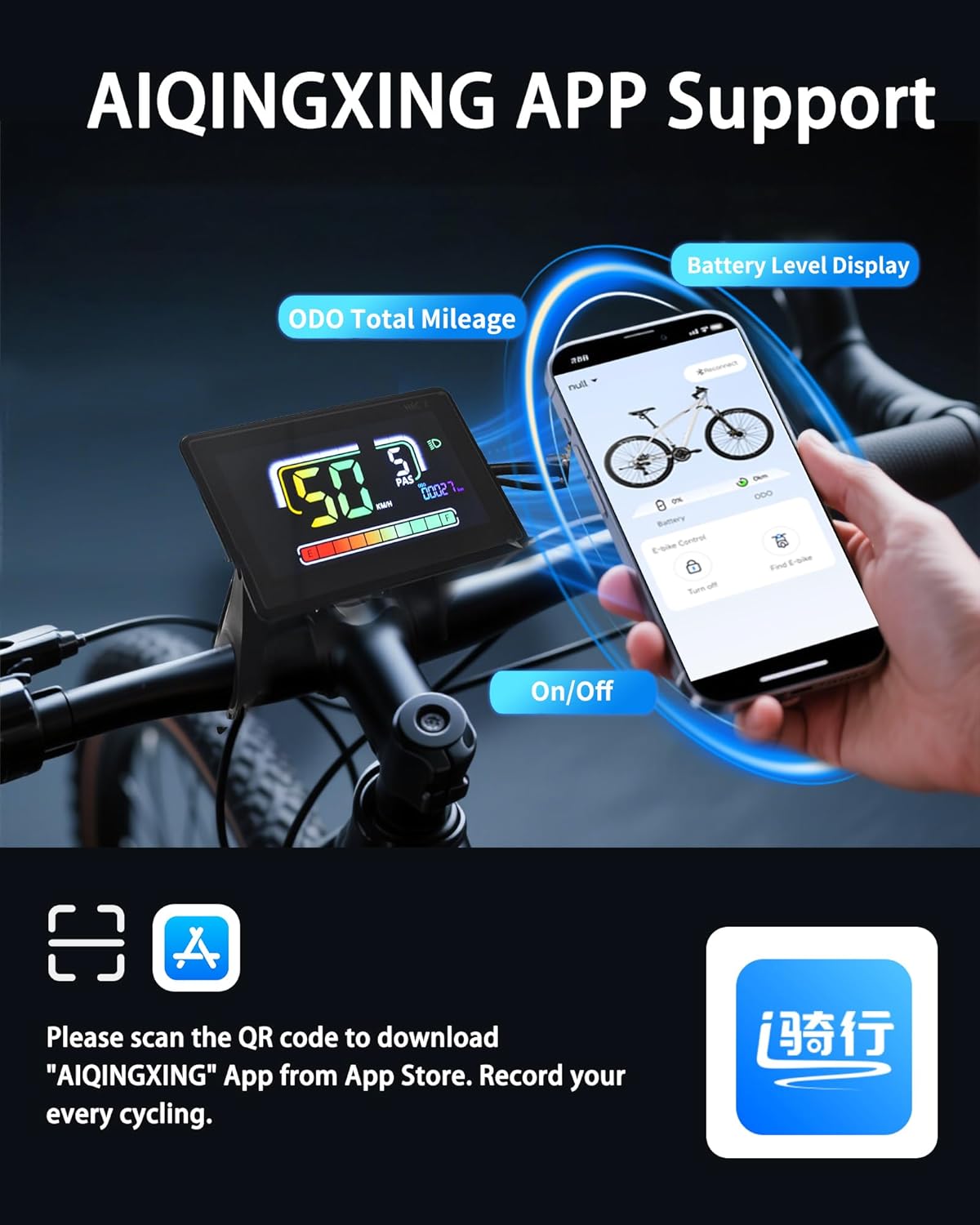
Image: The display mounted on a handlebar, illustrating its compatibility with various handlebar diameters.

Image: Close-up of the 5-Pin and 6-Pin waterproof connectors, highlighting the importance of matching your e-bike's system.
Operating Instructions
The H6C-2 display provides comprehensive data and control for your e-bike. Use the integrated keyboard for easy adjustments.
Key Functions:
- Power On/Off: Press and hold the power button on the control panel to turn the display on or off.
- PAS Level Adjustment: Use the '+' and '-' buttons to adjust the Pedal Assist System (PAS) levels.
- Information Display: Cycle through various data displays such as real-time speed, trip distance, total mileage (ODO), voltage, and wattage.
- Walk-Assist Mode: Activate walk-assist for easy maneuvering when not riding.
- Cruise Control: Engage cruise control for consistent speed on flat terrain.
- Direction Turn Signals: Utilize integrated turn signals for enhanced safety.
- Headlight Control: Press and hold the '+' button to turn on the bike lights.
- Parameter Modification: Access settings to modify key bike parameters like wheel diameter and speed limits.
Video: A demonstration of the display's various functions and how to navigate through settings and modes.
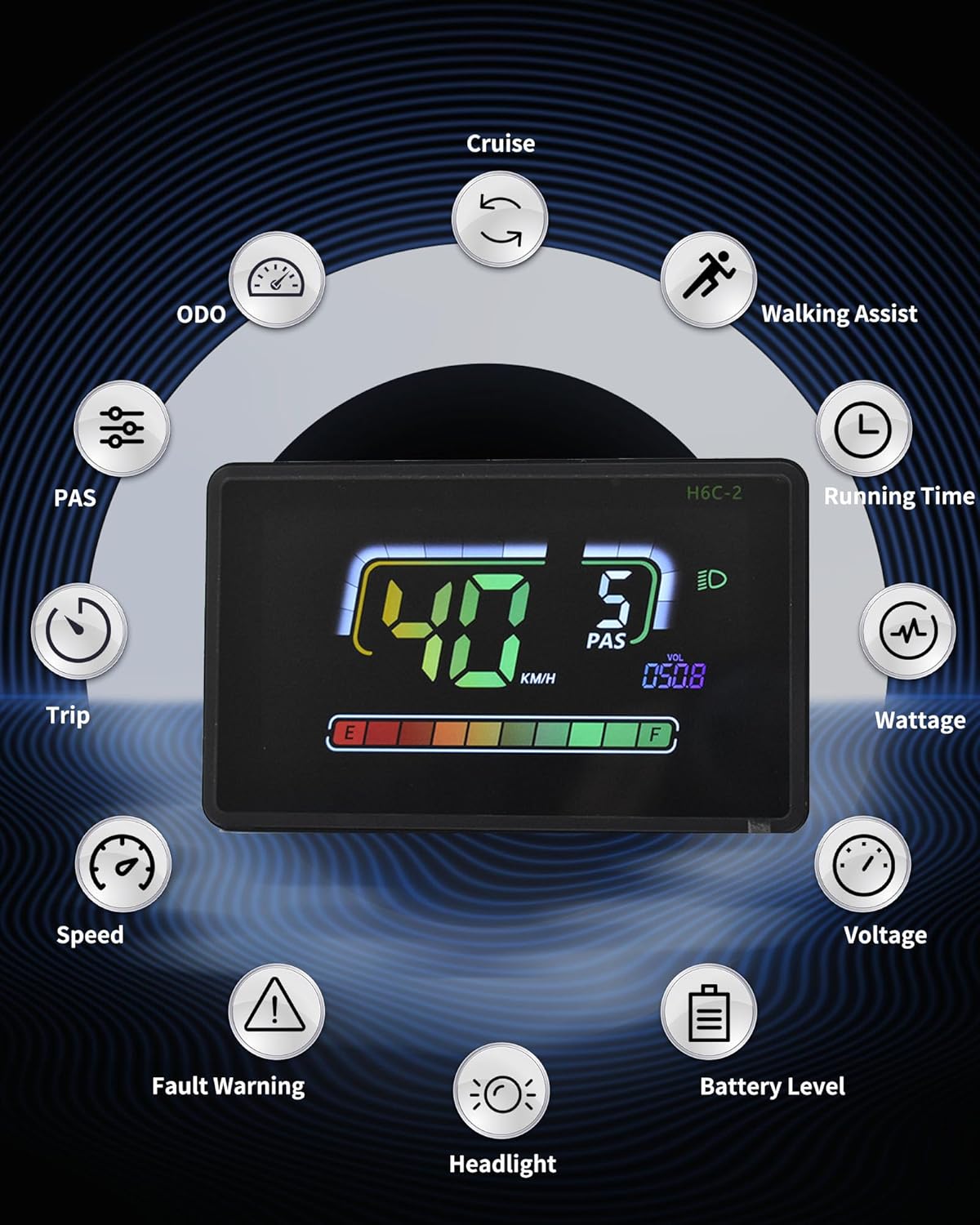
Image: An overview of the display's features, including ODO, Cruise, Walking Assist, Running Time, Wattage, Voltage, Battery Level, Headlight, Speed, Trip, and PAS.
App Connection
The H6C-2 display supports connection with cycling applications via Bluetooth, allowing you to record routes and statistics.
- Download App: Scan the QR code provided in the product packaging or search for the "AIQINGXING" app on your mobile phone's app store.
- Login/Register: Follow the in-app instructions to log in or create an account.
- Connect Display: Enable Bluetooth on your phone and within the app, search for and connect to your H6C-2 display.
- Record Cycling Data: Once connected, the app will record your cycling data, including total mileage and battery level.
Video: A demonstration of connecting the Electric Bicycle Display H6C-2 to a mobile application via Bluetooth.

Image: Visual guide for downloading and connecting to the AIQINGXING app to record cycling data.
Features Overview
- IPX65 Waterproof Rating: Engineered with a rugged ABS and PC housing and tempered glass screen, the display is built to withstand tough terrains and various weather conditions, ensuring durability and performance.
- Built-in USB Charging Port: Features a 5V/500mA Type-C USB port, allowing you to charge your devices on the go during rides.
- Automatic Backlight: The anti-glare LCD screen provides clear visibility in both day and night conditions, automatically adjusting for optimal readability even in indirect sunlight.
- Seamless Compatibility: Integrates with 24V, 36V, 48V, or 60V batteries, offering full control and access to essential information for an optimized riding experience.

Image: The display submerged in water, demonstrating its strong water resistance for use in rainy conditions.

Image: Illustrates the automatic backlight feature, showing clear visibility during both day and night riding.

Image: The display with a Type-C cable connected, demonstrating its built-in charging port for external devices.
Specifications
| Feature | Detail |
|---|---|
| Brand | Mcezdy |
| Model Name | H6C-2(BLE)-5-Pin |
| Color | Black |
| Display Type | LCD |
| Sensor Type | Speed Sensor, Voltage Sensor, Accelerometer, Gyroscope |
| Connectivity Technology | Bluetooth, USB |
| Mounting Type | Handlebar Mount |
| Human Interface Input | Touchscreen |
| Material | Plastic |
| Item Weight | 0.27 Kilograms |
| Work Voltage | DC24V, 36V, 48V, 60V |
| Cable Length Exposed | 150mm |
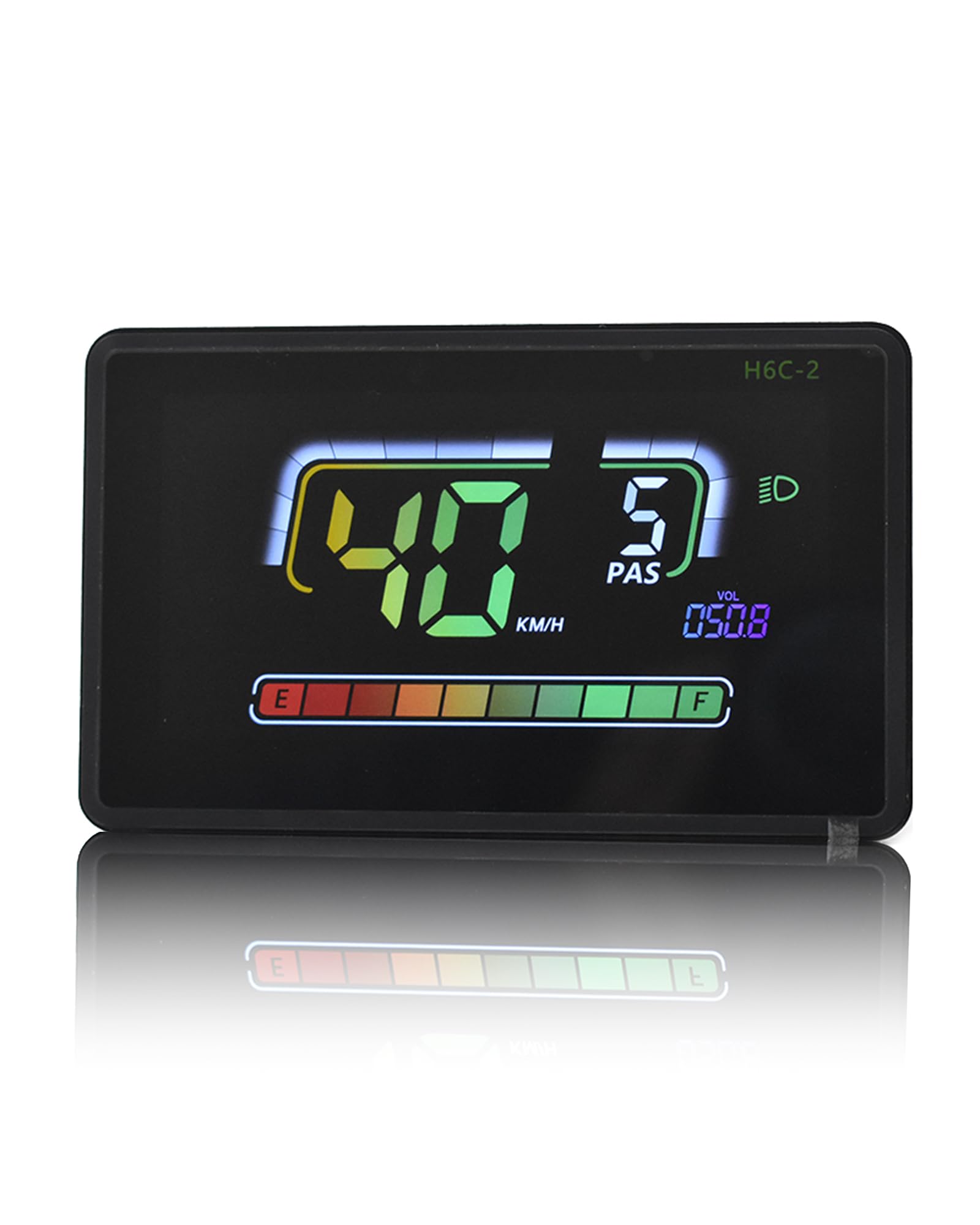
Image: Diagram showing the display dimensions (4.57" x 2.88"), exposed cable length (150mm), product model (5PIN, 6PIN), and compatible work voltages (DC24V, 36V, 48V, 60V).
Maintenance
To ensure the longevity and optimal performance of your Mcezdy Ebike LCD Display, follow these maintenance guidelines:
- Cleaning: Regularly wipe the display screen and housing with a soft, damp cloth. Avoid using abrasive cleaners or solvents that could damage the screen or plastic.
- Storage: When not in use for extended periods, store the e-bike and display in a cool, dry place away from direct sunlight and extreme temperatures.
- Cable Inspection: Periodically check all cables and connectors for any signs of wear, damage, or loose connections. Ensure they are securely fastened.
- Water Exposure: While the display is IPX65 waterproof, avoid prolonged submersion or high-pressure water jets directly on the unit.
Troubleshooting
If you encounter issues with your Mcezdy Ebike LCD Display, refer to the following common troubleshooting steps:
- Display Not Powering On:
- Check if the e-bike battery is charged and properly connected.
- Ensure all display cables are securely plugged into the e-bike's system.
- Verify the power button on the control panel is functioning correctly.
- Incorrect Speed/Mileage Readings:
- Confirm that the wheel diameter setting in the display's parameters matches your e-bike's wheel size.
- Check the speed sensor for any obstructions or damage.
- App Connection Issues:
- Ensure Bluetooth is enabled on both your phone and the display.
- Restart the app and the display.
- Verify that the app is updated to the latest version.
- Display Showing Error Codes:
- Refer to the included "Fault Code Description" document for specific error code meanings and recommended actions.
If problems persist after attempting these steps, please contact customer support.
Warranty Information
The Mcezdy Ebike LCD Display comes with a 1-Year Manufacturer Warranty. This warranty covers defects in materials and workmanship under normal use. Please retain your proof of purchase for warranty claims. The warranty does not cover damage caused by misuse, accidents, unauthorized modifications, or improper installation.
Support
For further assistance, technical support, or warranty inquiries, please contact Mcezdy customer service through the retailer where you purchased the product or visit the official Mcezdy website for contact information.


