
Introduction
The Dubstep Pop 1200 is a portable Bluetooth wireless speaker designed to deliver powerful audio with deep bass and clear sound. Featuring a 12W output and 52mm dynamic drivers, it offers an immersive listening experience. With TWS pairing capability, you can connect two speakers for true wireless stereo sound. Its durable design includes sweat and splash resistance, making it suitable for various environments.
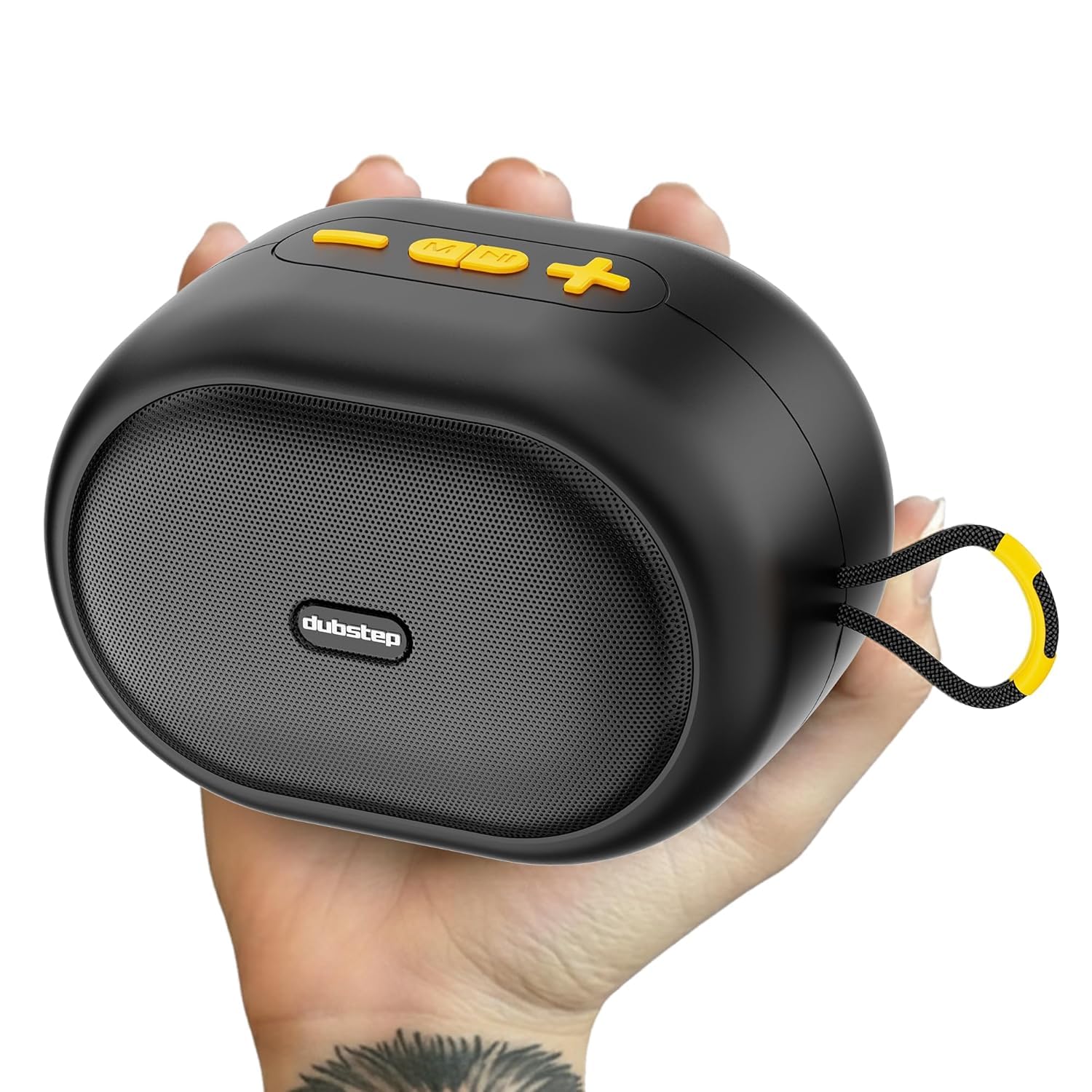
Image: Dubstep Pop 1200 Bluetooth Wireless Speaker in black.
What's in the Box
Please check the package contents to ensure all items are present:
- Dubstep Pop 1200 Speaker
- Charging Cable
- User Manual

Image: Contents of the Dubstep Pop 1200 package, including the speaker, charging cable, and user manual.
Product Overview
Familiarize yourself with the speaker's components and controls.
Controls
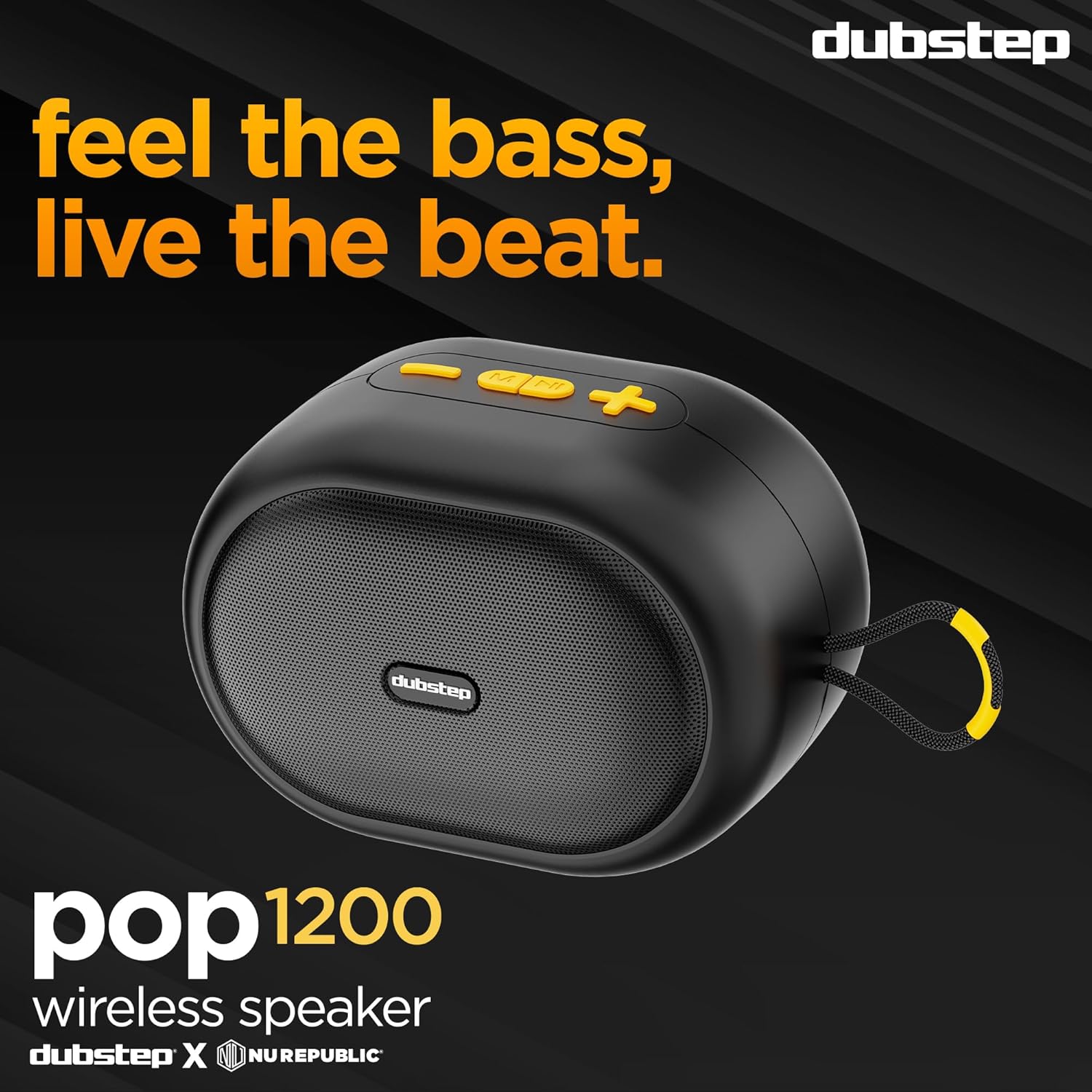
Image: Top view of the Dubstep Pop 1200 speaker, highlighting the control buttons.

Image: Detailed diagram illustrating the functions of each control button on the speaker.
Ports
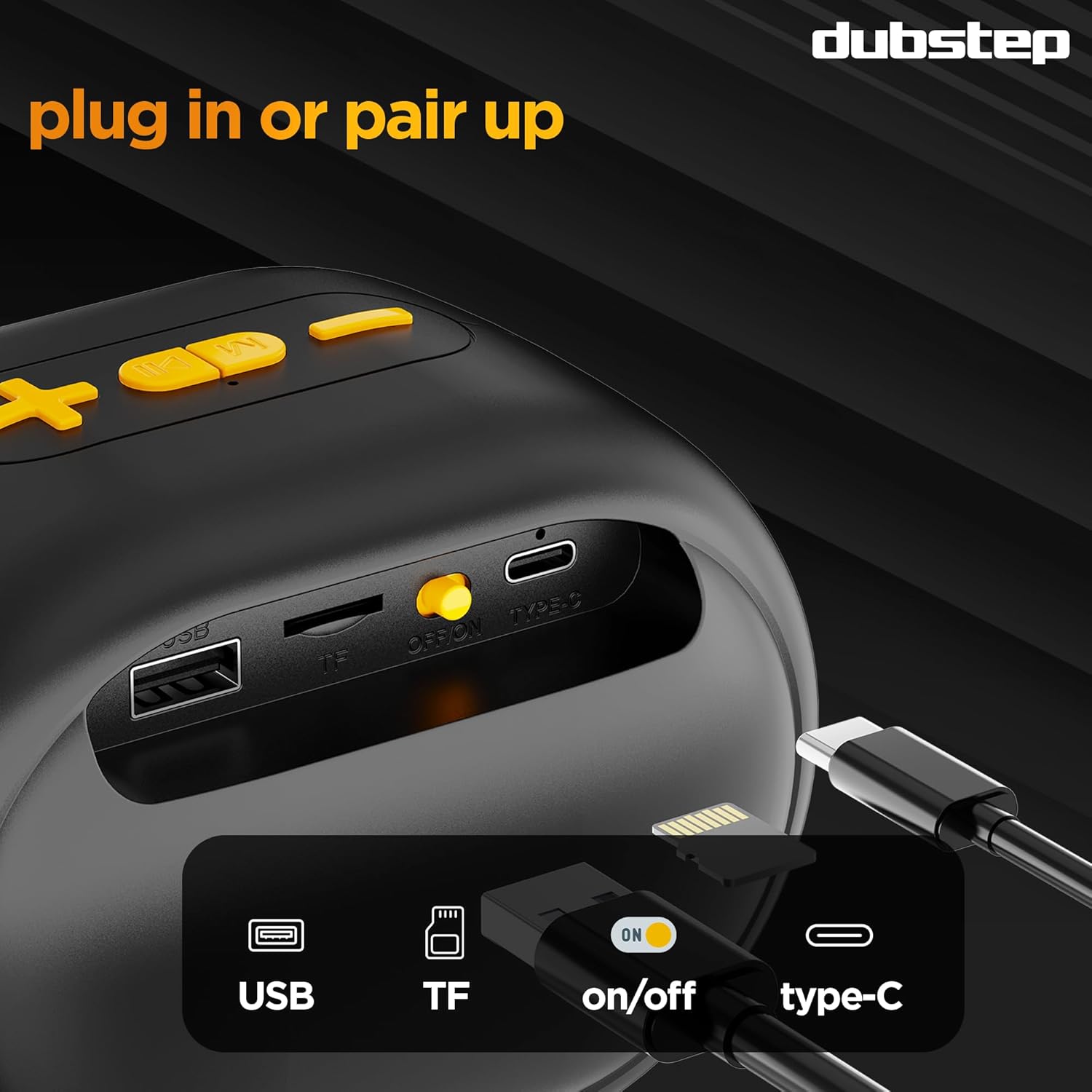
Image: Side view of the Dubstep Pop 1200 speaker, displaying the USB, TF card slot, On/Off switch, and Type-C charging port.
Getting Started
Charging the Speaker
Before first use, fully charge your Dubstep Pop 1200 speaker. Connect the provided Type-C charging cable to the speaker's charging port and the other end to a USB power adapter (not included). The charging indicator will show the charging status. A full charge takes approximately 3 hours.
Power On/Off
To power on the speaker, slide the On/Off switch to the 'On' position. You will hear an audible prompt. To power off, slide the switch to the 'Off' position.
Bluetooth Pairing
Follow these steps to connect your speaker to a Bluetooth-enabled device:
- Ensure the speaker is powered on and in Bluetooth pairing mode (indicated by a flashing LED).
- On your device (smartphone, tablet, etc.), enable Bluetooth and search for available devices.
- Select "Dubstep Pop 1200" from the list of devices.
- Once connected, you will hear a confirmation tone, and the LED indicator will stop flashing.
The speaker has a Bluetooth range of up to 10 meters.
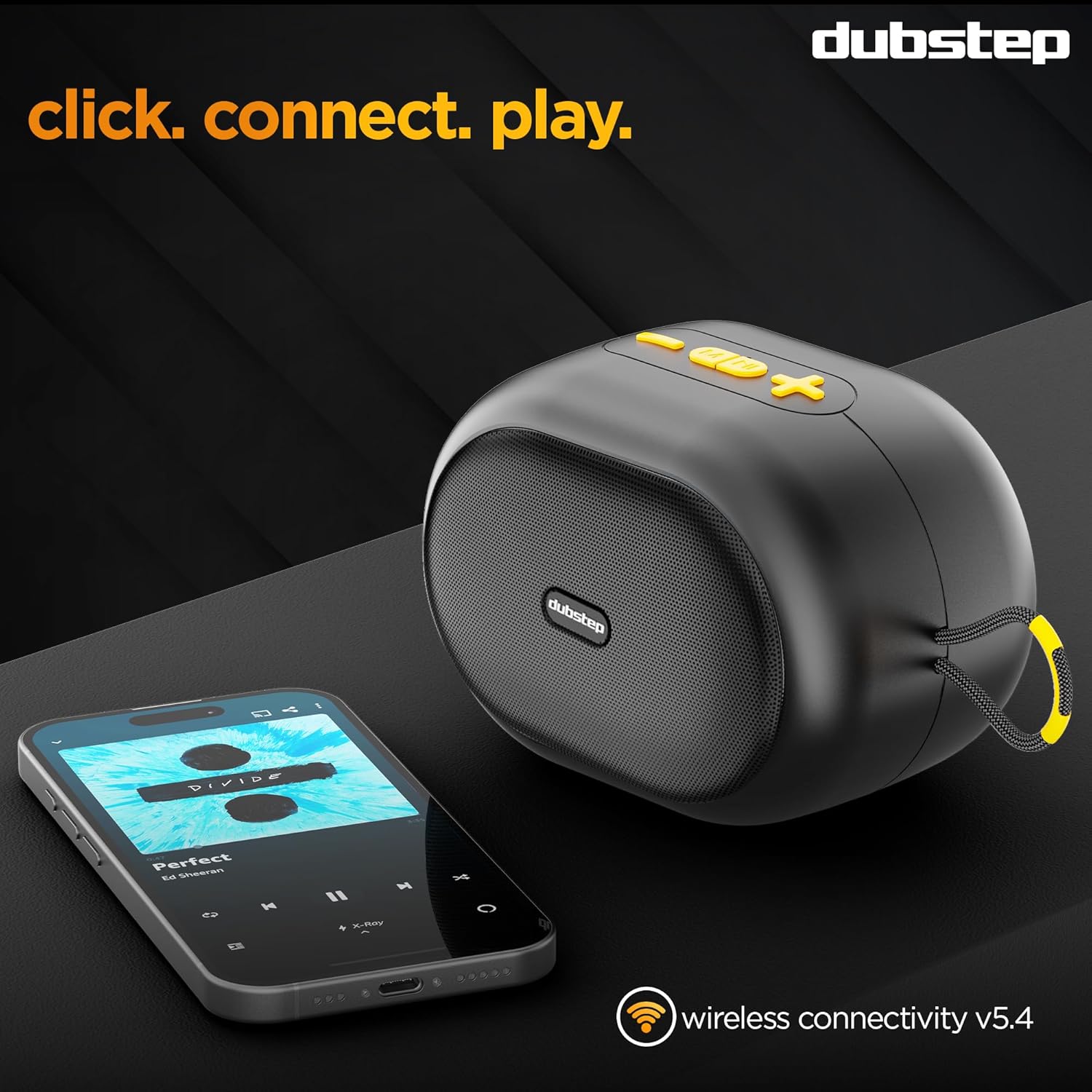
Image: The Dubstep Pop 1200 speaker wirelessly connected to a smartphone, ready for audio playback.
TWS (True Wireless Stereo) Pairing
To achieve a true wireless stereo experience, you can pair two Dubstep Pop 1200 speakers together:
- Ensure both speakers are powered on and not connected to any other Bluetooth device.
- On one speaker, press and hold the TWS pairing button (refer to the controls diagram).
- The speakers will automatically search for and connect to each other. You will hear a confirmation tone once paired.
- Once TWS paired, connect your device to one of the speakers via Bluetooth as described in the 'Bluetooth Pairing' section. Both speakers will now play audio in stereo.

Image: Two Dubstep Pop 1200 speakers shown in a TWS (True Wireless Stereo) configuration, indicating they are paired for enhanced sound.
Operating the Speaker
Use the control buttons on the speaker to manage your audio playback:
- Play/Pause: Press the Play/Pause button to start or pause music playback.
- Volume Up (+): Press the '+' button to increase the volume.
- Volume Down (-): Press the '-' button to decrease the volume.
- Next Track: Long press the '+' button to skip to the next track.
- Previous Track: Long press the '-' button to go to the previous track.
- Mode: Press the 'M' button to switch between available modes (e.g., Bluetooth, TF Card, USB).
Charging and Battery Life
The Dubstep Pop 1200 is equipped with a 2000mAh battery, providing up to 16 hours of continuous playback on a single charge. Charging time is approximately 3 hours.

Image: The Dubstep Pop 1200 speaker with an overlay indicating its 16-hour playtime capability.
Key Features
Audio Performance
- 12W Output: Delivers powerful, room-filling sound.
- 52mm Dynamic Drivers: Provides immersive audio with deep bass and crystal-clear clarity.
- XBASS Technology: Enhances bass response for deeper, richer low frequencies.

Image: The Dubstep Pop 1200 speaker with an overlay indicating its 12W maximum output.
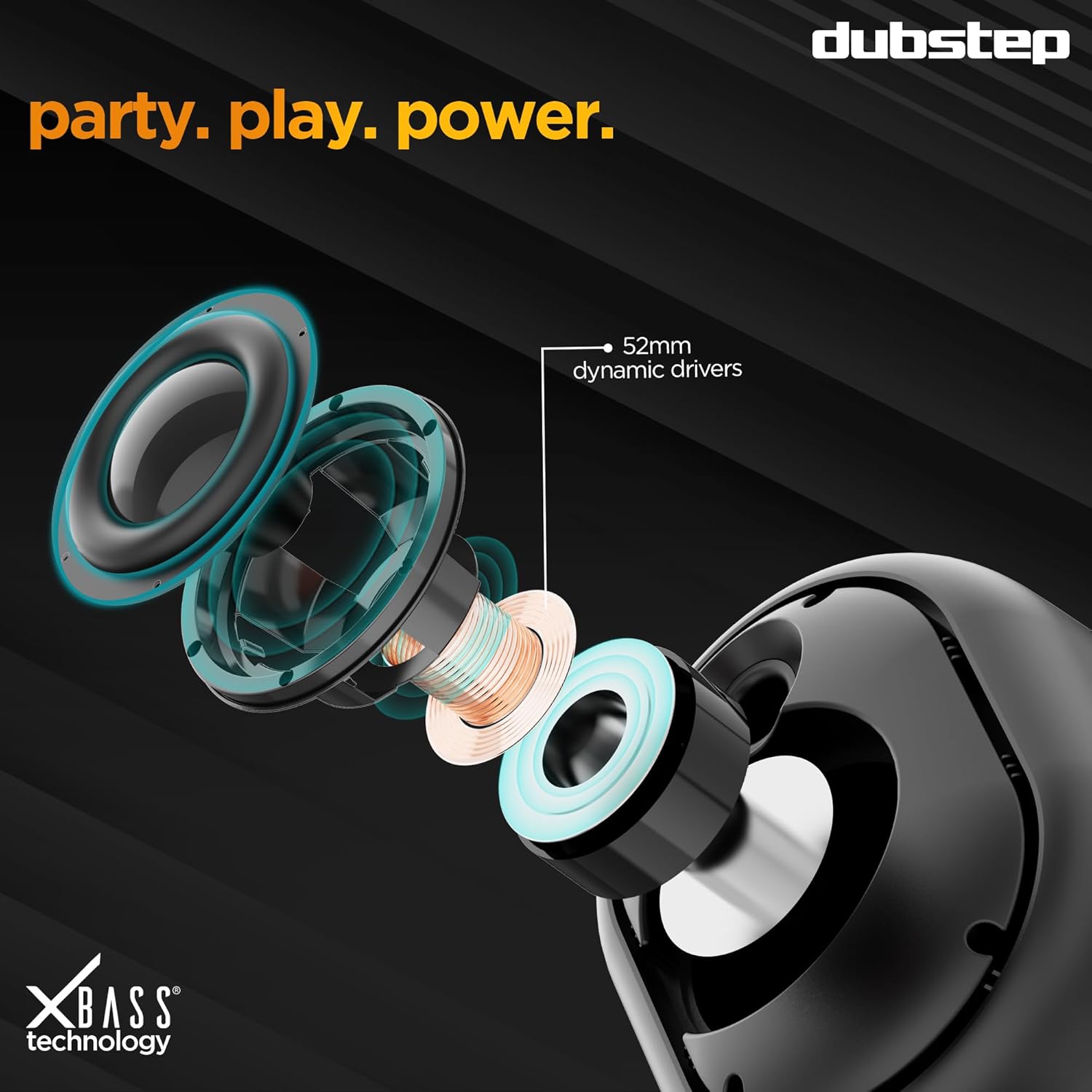
Image: An exploded view diagram illustrating the 52mm dynamic drivers inside the Dubstep Pop 1200 speaker.
Durability
- Sweat and Splash Resistant: Designed to withstand splashes and sweat, making it suitable for outdoor and active use.
- Anti-vibe Grip Base: Ensures stable placement and prevents movement during high-volume playback.

Image: The Dubstep Pop 1200 speaker covered in water droplets, demonstrating its sweat and splash resistance.
Specifications
| Feature | Detail |
|---|---|
| Brand | Dubstep |
| Model Number | Pop 1200 |
| Speaker Maximum Output Power | 12 Watts |
| Audio Driver Size | 52 Millimetres |
| Connectivity Technology | Bluetooth |
| Bluetooth Range | 10 Metres |
| Battery Average Life | 16 Hours |
| Battery Charge Time | 3 Hours |
| Battery Capacity | 2000 Milliampere Hour (mAh) |
| Is Waterproof | Sweat And Splash Resistant |
| Control Method | Touch |
| Item Weight | 285 Grams |
| Item Dimensions (D x W x H) | 8.5D x 12.5W x 9H Centimeters |
Troubleshooting
If you encounter any issues with your Dubstep Pop 1200 speaker, please refer to the following common solutions:
- No Power: Ensure the speaker is fully charged. Connect it to a power source and check the charging indicator.
- Cannot Pair Bluetooth: Make sure the speaker is in pairing mode (flashing LED) and within 10 meters of your device. Turn off and on Bluetooth on your device, or restart both the speaker and your device.
- No Sound: Check the volume levels on both the speaker and your connected device. Ensure the speaker is correctly paired and not connected to another device.
- TWS Pairing Issues: Ensure both speakers are powered on and not connected to any other Bluetooth device before attempting TWS pairing. Try resetting both speakers and repeating the TWS pairing process.
- Poor Sound Quality: Ensure the speaker is not too far from your device and there are no obstructions. Check if the battery is low, as this can affect sound quality.
If the problem persists, please contact customer support.
Warranty and Support
The Dubstep Pop 1200 comes with a 6 Months Manufacturer Warranty. To avail warranty services, please reach out to the brand using the contact information below:
- Phone Number: +918826257630
- Email Id: hello@Dubstepworld.com
Manufacturer: Dubstep, Nuworld Retail Private Limited, Address- plot No.17-18, Pole No.9, PO Dhoolsiras, Dwarka, Sector-28, New Delhi - 110077
Product Videos
Dubstep Pop 1200 Product Overview
Video: A short preview showcasing the key features and design of the Dubstep Pop 1200 speaker.
Dubstep Pop 1200 Full Product Video
Video: A comprehensive video demonstrating the features, usage, and benefits of the Dubstep Pop 1200 Bluetooth Wireless Speaker.

