
1. Introduction
Thank you for choosing the Wentronic Y02 Active Noise Cancelling Headphones. These headphones are designed to provide a superior audio experience with advanced noise cancellation, multiple EQ modes, and comfortable wear. This manual will guide you through the setup, operation, and maintenance of your new headphones.
2. Product Features
- Active Noise Cancelling (ANC): Reduces ambient noise by up to 35 dB for an immersive listening experience.
- 5 EQ Music Modes: Customize your audio with preset equalization modes for various music genres.
- Hi-Res Audio: Delivers high-resolution sound through 40mm dynamic drivers for clear and detailed audio.
- Bluetooth 5.4: Ensures a stable, fast, and low-latency wireless connection.
- Long Battery Life: Up to 60 hours of playtime (ANC off) or 48 hours (ANC on) on a single charge.
- Comfortable Design: Features skin-friendly, breathable ear pads with memory foam and a lightweight, adjustable headband.
- Foldable and Rotatable: 90° rotating earcups and a foldable design for easy storage and portability.
- Multi-functional Knob Control: Intuitive control for ANC and EQ mode switching.
3. Package Contents
Please check the package for the following items:
- Wentronic Y02 ANC Headphones × 1
- Type-C Charging Cable × 1
- 3.5mm Audio Cable × 1
- User Manual × 1
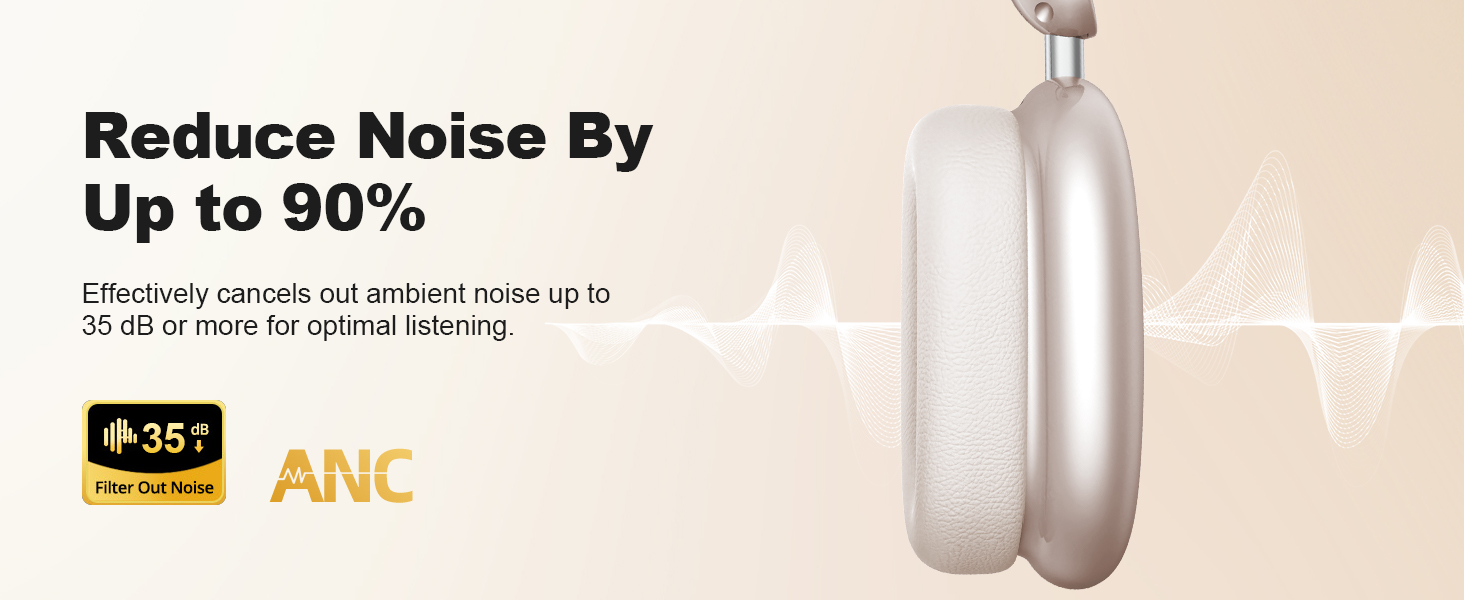
Image: Wentronic Y02 headphones, Type-C cable, 3.5mm audio cable, and user manual.
4. Setup
4.1 Charging the Headphones
- Connect the provided Type-C charging cable to the charging port on the headphones.
- Connect the other end of the cable to a USB power adapter (not included) or a computer's USB port.
- The LED indicator will show charging status. A full charge typically takes approximately 1.5-2 hours.
- A 10-minute quick charge provides up to 4 hours of playtime.
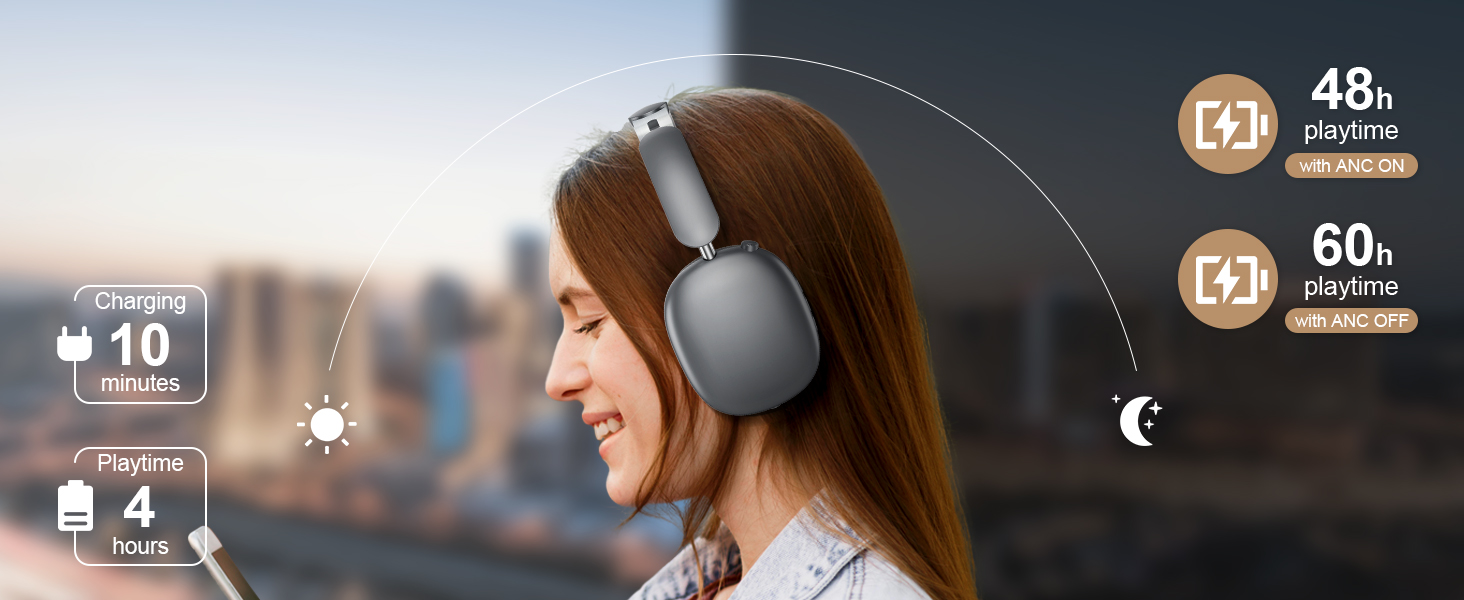
Image: Illustration of charging and battery life (48h with ANC ON, 60h with ANC OFF, 10 min charge for 4h playtime).
4.2 Bluetooth Pairing
- Ensure the headphones are fully charged.
- Press and hold the Power button for 3 seconds until the LED indicator flashes blue and red, indicating pairing mode.
- On your device (smartphone, tablet, computer), enable Bluetooth and search for available devices.
- Select "Wentronic Y02" from the list of devices.
- Once connected, the LED indicator will turn solid blue.
4.3 Wired Connection (3.5mm Audio Cable)
To use the headphones with a wired connection:
- Plug one end of the 3.5mm audio cable into the audio input port on the headphones.
- Plug the other end into the 3.5mm audio jack of your device.
- The headphones will automatically switch to wired mode. Bluetooth functions will be disabled.
5. Operating Instructions
5.1 Power On/Off
- Power On: Press and hold the Power button for 3 seconds.
- Power Off: Press and hold the Power button for 3 seconds.
5.2 Active Noise Cancelling (ANC) Control
The Wentronic Y02 features a multi-functional knob for easy control.
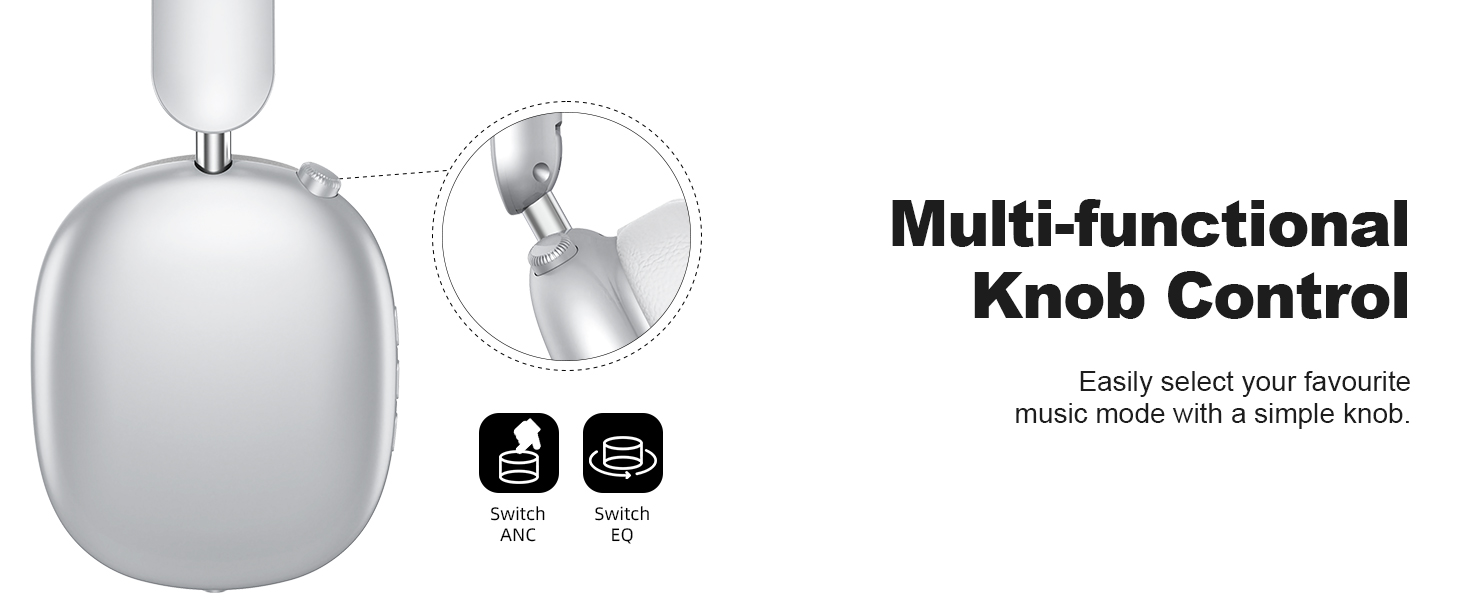
Image: Close-up of the multi-functional knob on the headphones, showing options to switch ANC and EQ.
- Activate/Deactivate ANC: Press the multi-functional knob once.
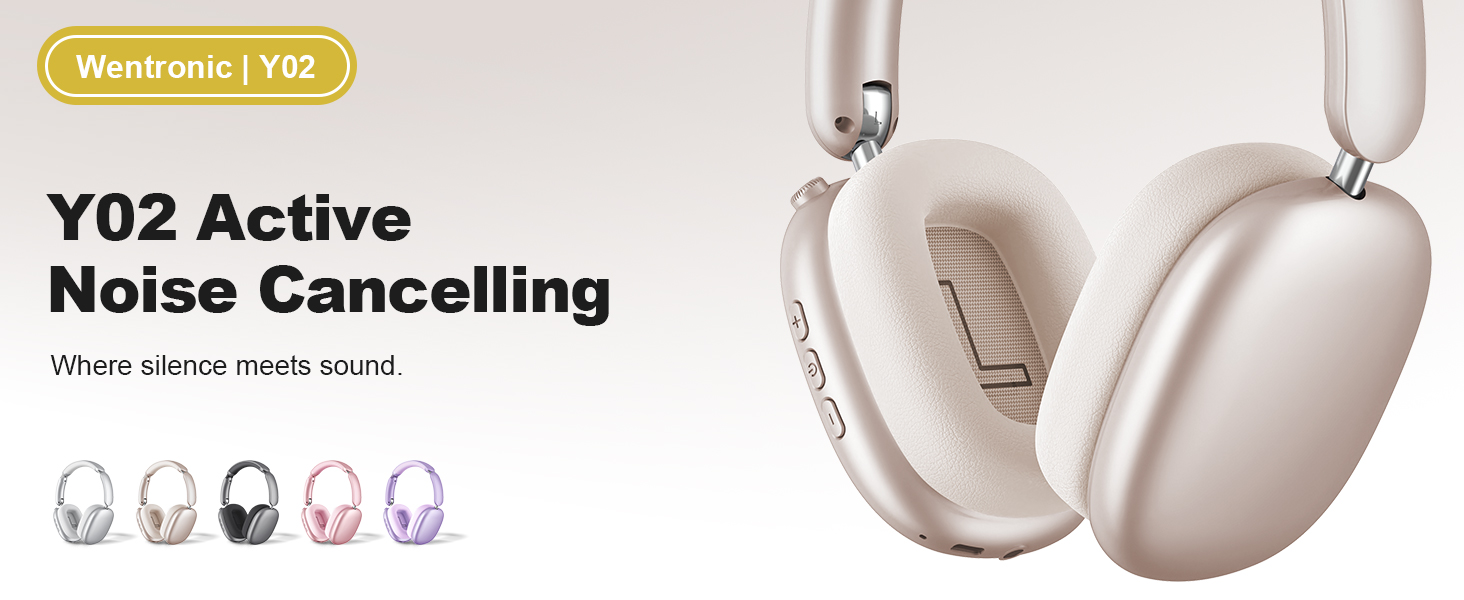
Image: Illustration showing the noise reduction capability of the Wentronic Y02 headphones, indicating up to 35dB noise cancellation.
5.3 EQ Music Mode Selection
- Switch EQ Modes: Rotate the multi-functional knob to cycle through the 5 available EQ modes (e.g., Rock, Pop, Electronic, Jazz, Classical).
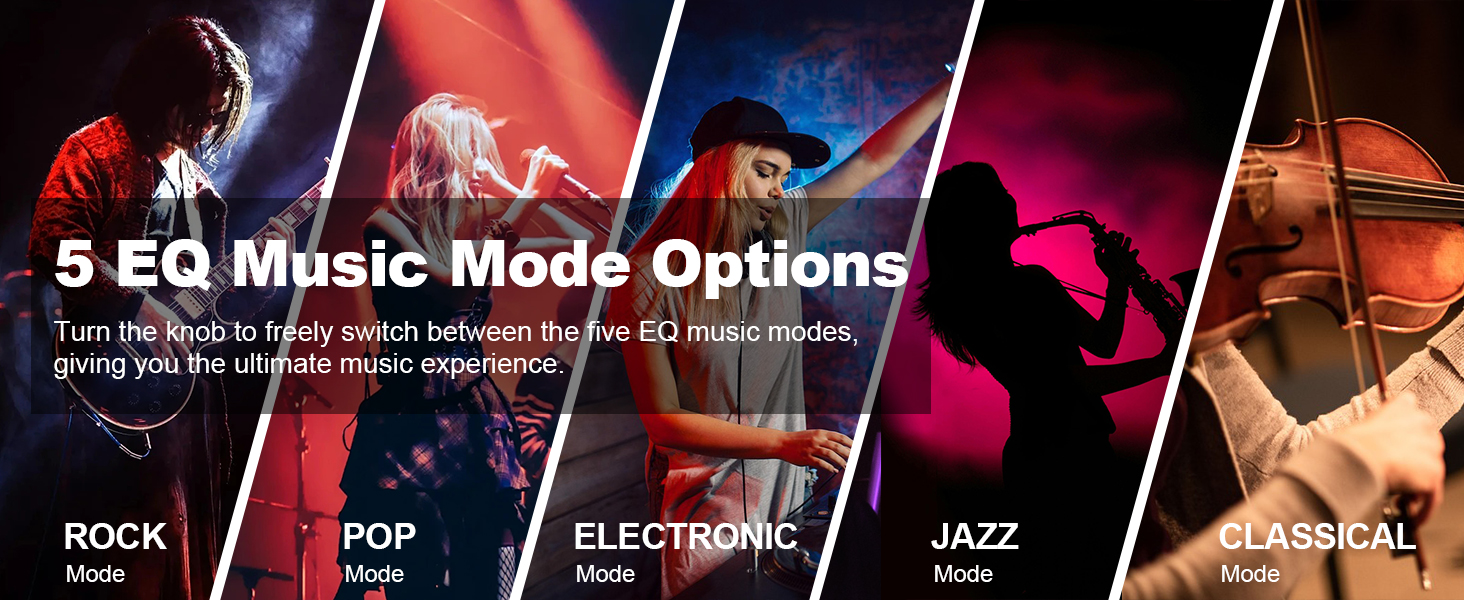
Image: Visual representation of the 5 EQ music mode options: Rock, Pop, Electronic, Jazz, Classical.
5.4 Volume Control and Playback
- Volume Up: Press the '+' button.
- Volume Down: Press the '-' button.
- Play/Pause: Press the Play/Pause button once.
- Next Track: Press and hold the '+' button.
- Previous Track: Press and hold the '-' button.
5.5 Call Management
- Answer/End Call: Press the Play/Pause button once.
- Reject Call: Press and hold the Play/Pause button for 2 seconds.
6. Maintenance
- Cleaning: Use a soft, dry cloth to clean the headphones. Do not use abrasive cleaners or solvents.
- Storage: When not in use, store the headphones in a cool, dry place. The foldable design allows for compact storage.
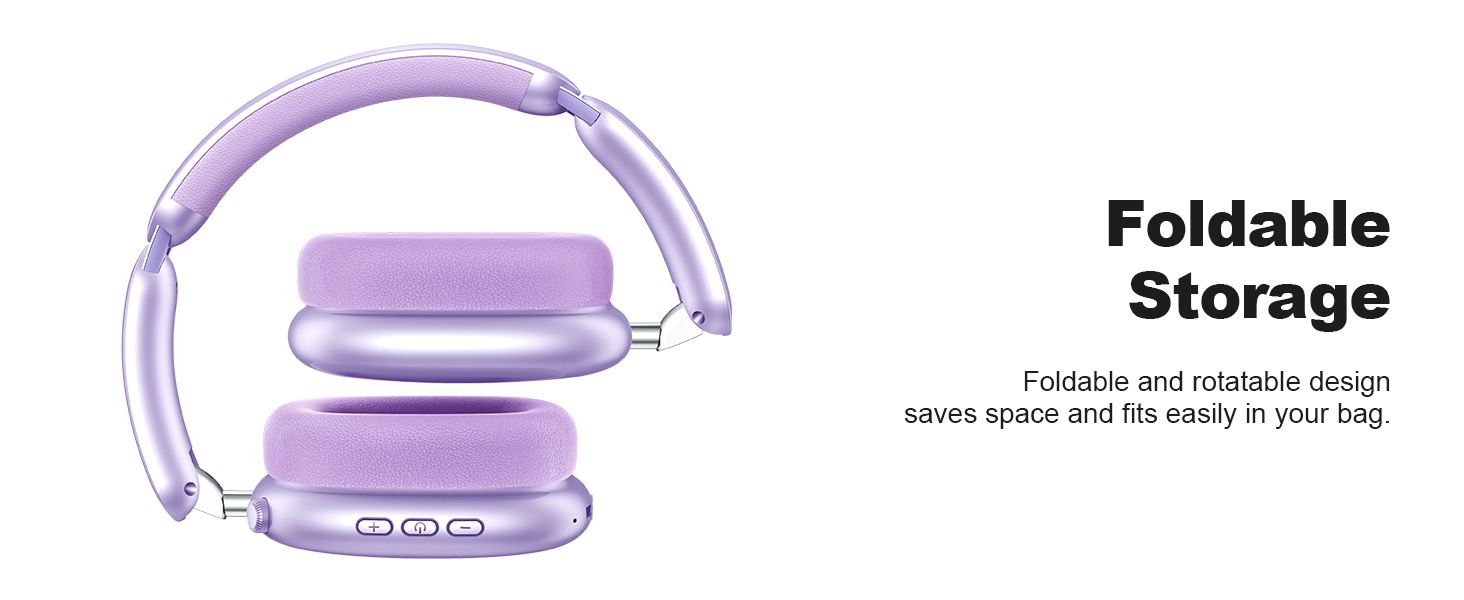
Image: Wentronic Y02 headphones demonstrating their foldable design for convenient storage.
- Avoid Water: Do not expose the headphones to water or excessive moisture.
- Temperature: Avoid extreme temperatures.
7. Troubleshooting
| Problem | Possible Cause | Solution |
|---|---|---|
| Headphones do not power on | Low battery | Charge the headphones fully. |
| Cannot pair via Bluetooth | Headphones not in pairing mode; Device Bluetooth off; Too far from device | Ensure headphones are in pairing mode (flashing blue/red LED). Turn on Bluetooth on your device. Move headphones closer to your device. |
| No sound | Volume too low; Incorrect audio source; Wired connection active | Increase volume on headphones and device. Check if the correct audio output is selected on your device. Disconnect 3.5mm cable for Bluetooth audio. |
| ANC not working effectively | ANC not activated; Extreme noise levels | Press the multi-functional knob to activate ANC. Note that ANC is most effective for low-frequency, constant noise. |
8. Specifications
| Feature | Detail |
|---|---|
| Brand | Wentronic |
| Model Number | Y02 |
| Hardware Interface | Bluetooth, 3.5mm Audio Jack |
| Bluetooth Version | 5.4 |
| Driver Size | 40mm Dynamic |
| Active Noise Cancellation | Up to 35 dB |
| Battery Capacity | 500mAh |
| Playtime (ANC Off) | Up to 60 hours |
| Playtime (ANC On) | Up to 48 hours |
| Charging Port | Type-C |
| Item Weight | 0.63 Kilograms |
9. Warranty and Support
Wentronic products are designed for reliability and performance. For specific warranty details, please refer to the warranty card included in your product packaging or visit the official Wentronic website. If you encounter any issues or have questions not covered in this manual, please contact Wentronic customer support through their official channels.