
1. Introduction
Thank you for choosing the Monster Persona 6th ANC Wireless Headphones. These headphones are designed to provide a superior audio experience with Active Noise Cancellation, long battery life, and comfortable wear. This manual will guide you through the setup, operation, and maintenance of your new headphones to ensure optimal performance.

Image: Monster Persona 6th ANC Wireless Headphones, showcasing the sleek black design with subtle gold accents.
2. What's in the Box
Please check the package contents to ensure all items are present:
- Monster Persona 6th ANC Headphones × 1
- Type-C Charging Cable × 1
- Aux Cable × 1
- User Manual × 1

Image: A visual representation of all items included in the Monster Persona 6th ANC headphone package.
3. Product Overview
Familiarize yourself with the various parts and controls of your Monster Persona 6th ANC headphones.

Image: Detailed diagram illustrating the location and function of each button and port on the headphones for easy operation.
- ANC Button: Activates/deactivates Active Noise Cancellation and switches between sound modes.
- Volume - / Previous Song: Press to decrease volume; long press to go to the previous song.
- On/Off / Play/Pause / Answer/Hang Up: Long press for 3 seconds to power on/off; press once to play/pause music or answer/hang up calls. Long press for 2 seconds to reject calls. Long press for 2 seconds to activate voice assistant.
- Volume + / Next Song: Press to increase volume; long press to go to the next song.
- Type-C Charging Port: For charging the headphones.
- 3.5mm Audio Jack: For wired connection using the Aux Cable.
4. Setup
4.1 Charging the Headphones
Before first use, fully charge your headphones. A full charge takes approximately 2 hours.
- Connect the Type-C charging cable to the charging port on the headphones.
- Connect the other end of the cable to a USB power adapter (not included) or a computer's USB port.
- The indicator light will show charging status (refer to the specific light behavior in your included manual for details).
- Once fully charged, the indicator light will change (e.g., turn off or change color).
A 10-minute charge provides approximately 5 hours of playback. A full charge offers up to 60 hours of playtime (ANC off) or 40 hours (ANC on).

Image: The headphones highlighting their extended battery life and rapid charging feature.
4.2 Power On/Off
- To Power On: Long press the On/Off button for 3 seconds. The indicator light will flash, and you will hear a power-on prompt.
- To Power Off: Long press the On/Off button for 3 seconds. The indicator light will turn off, and you will hear a power-off prompt.
4.3 Bluetooth Pairing
The Monster Persona 6th ANC headphones utilize Bluetooth 6.0 for stable and efficient wireless connection.
- Ensure the headphones are powered off.
- Long press the On/Off button for 3 seconds until the indicator light flashes rapidly (usually blue and red alternately), indicating pairing mode.
- On your device (smartphone, tablet, computer), enable Bluetooth and search for available devices.
- Select "Monster Persona 6th ANC" from the list of devices.
- Once connected, the indicator light will stop flashing rapidly and may show a steady blue light, and you will hear a connection prompt.
The headphones support dual device connection, allowing you to seamlessly switch between two paired devices.
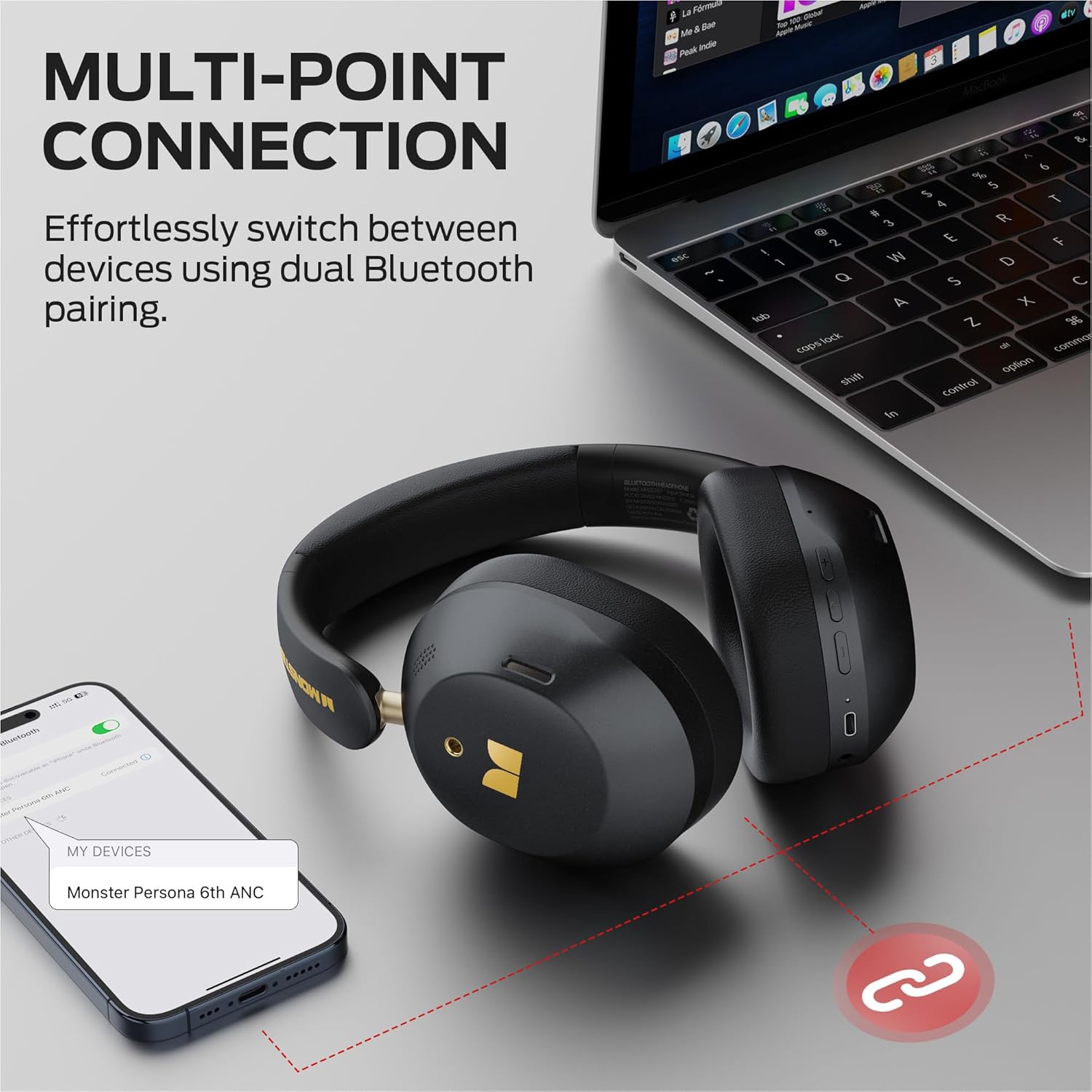
Image: Illustration of the multi-point connection feature, showing the headphones paired with both a phone and a laptop.
5. Operating the Headphones
5.1 Basic Controls
| Function | Action |
|---|---|
| Power On/Off | Long press On/Off button (3s) |
| Play/Pause Music | Press On/Off button (1x) |
| Volume Up | Press Vol+ button (1x) |
| Volume Down | Press Vol- button (1x) |
| Next Song | Long press Vol+ button (2s) |
| Previous Song | Long press Vol- button (2s) |
| Answer/Hang Up Call | Press On/Off button (1x) |
| Reject Call | Long press On/Off button (2s) |
| Activate Voice Assistant | Long press On/Off button (2s) |
5.2 Sound Modes (ANC, Transparency, Standard)
The headphones offer three distinct sound modes to adapt to your environment:
- Active Noise Cancellation (ANC) Mode: Reduces ambient noise, providing an immersive listening experience. Ideal for travel or noisy environments.
- Transparency Mode: Allows you to hear your surroundings while still enjoying your audio. Useful for commutes or when you need to be aware of your environment.
- Standard Mode: Provides a balanced audio experience without active noise cancellation or transparency features.
To Switch Modes: Press the ANC button once to cycle through the modes (ANC > Transparency > Standard).
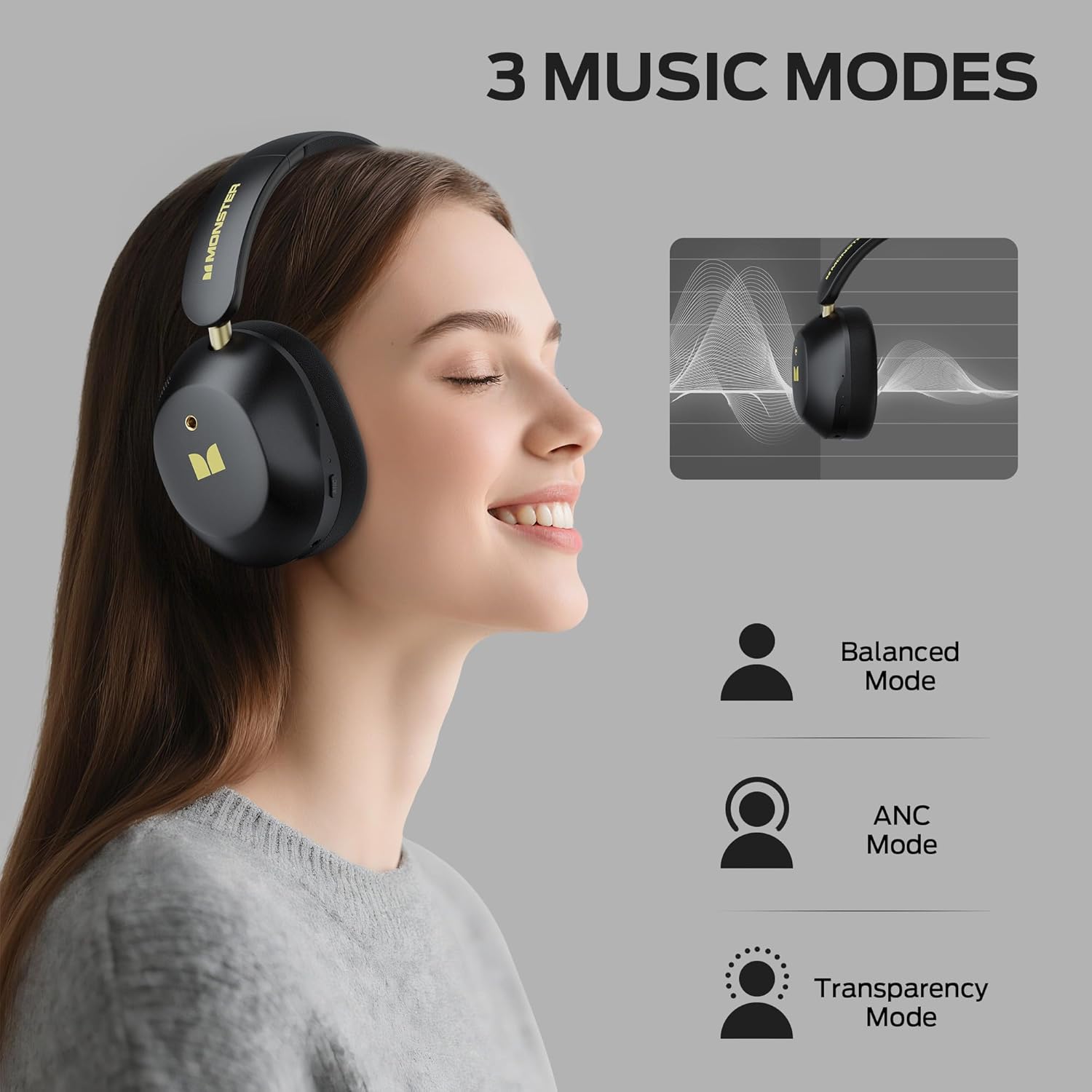
Image: Visual explanation of the three available sound modes and their respective icons.
5.3 Wired Connection
You can use the included 3.5mm Aux Cable for a wired connection, which is useful when the battery is depleted or for devices without Bluetooth connectivity.
- Plug one end of the 3.5mm Aux Cable into the audio jack on the headphones.
- Plug the other end into the 3.5mm audio output of your device.
- The headphones will operate in passive mode, and Bluetooth functions will be disabled.

Image: Demonstrating both wired (3.5mm) and wireless (Bluetooth) connection options for the headphones.
6. Maintenance
To ensure the longevity and optimal performance of your Monster Persona 6th ANC headphones, follow these maintenance guidelines:
- Cleaning: Use a soft, dry cloth to clean the headphones. Do not use abrasive cleaners, solvents, or harsh chemicals.
- Storage: When not in use, store the headphones in a cool, dry place, away from direct sunlight and extreme temperatures. The headphones feature a practical folding design for effortless portability and storage.
- Avoid Water: These headphones are not waterproof. Avoid exposure to water, moisture, or rain.
- Handle with Care: Do not drop, disassemble, or attempt to repair the headphones yourself. This may void the warranty and cause damage.
- Charging: Charge the headphones regularly, even if not used frequently, to maintain battery health.
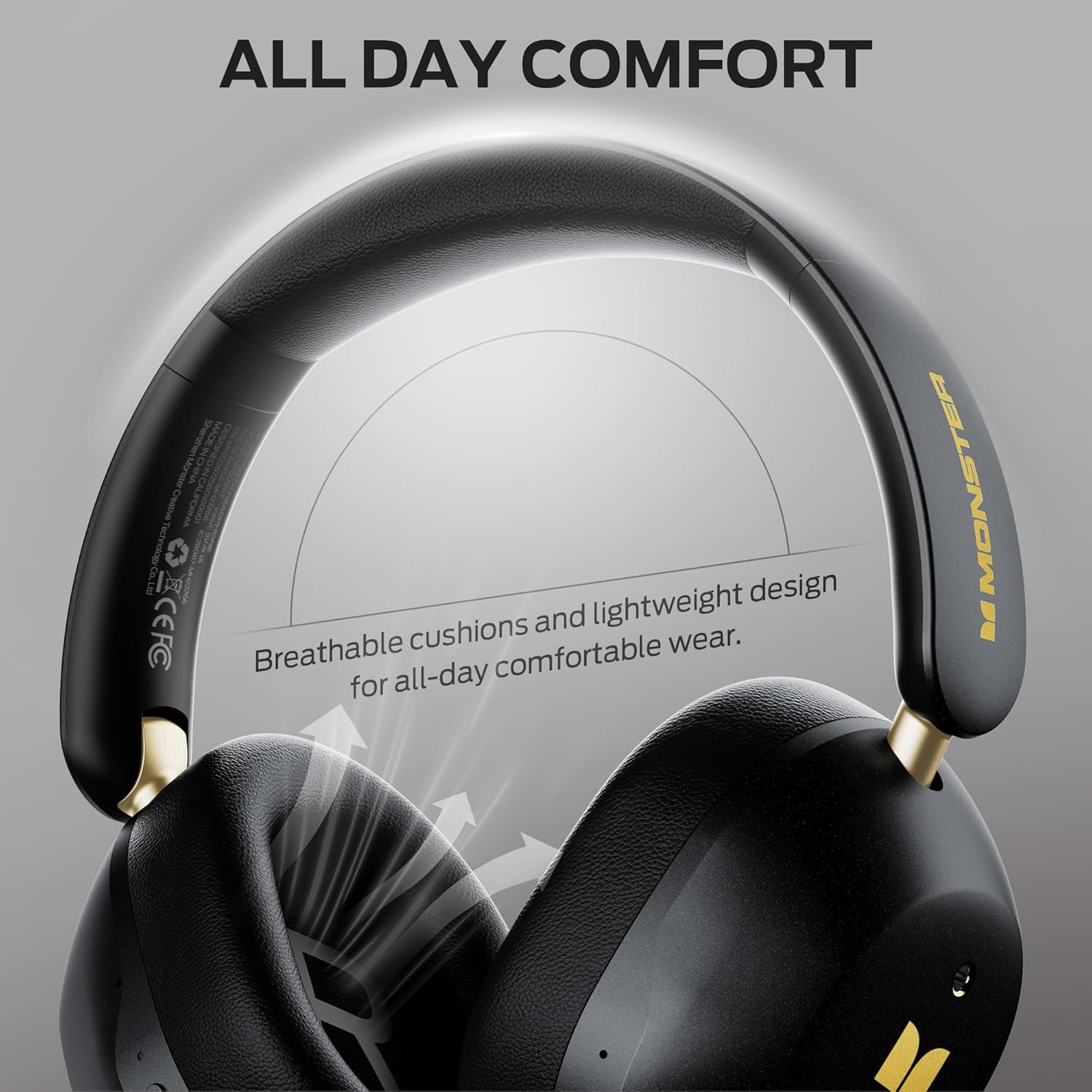
Image: Highlighting the comfortable design elements, such as breathable cushions and an adjustable headband, which also contribute to ease of maintenance.
7. Troubleshooting
If you encounter any issues with your headphones, refer to the following common problems and solutions:
| Problem | Possible Solution |
|---|---|
| Headphones do not power on | Ensure the headphones are charged. Connect to a power source and try again. |
| Cannot pair via Bluetooth | Ensure headphones are in pairing mode (flashing indicator light). Turn off and on Bluetooth on your device. Move closer to the device (within 33 feet). Forget the device in your phone's Bluetooth settings and re-pair. |
| No sound or low volume | Check volume levels on both headphones and connected device. Ensure headphones are properly paired. If using wired connection, ensure cable is fully inserted. |
| ANC not working effectively | Ensure ANC mode is activated (press the ANC button). Adjust headphone fit to ensure a good seal around your ears. |
| Intermittent connection | Move closer to your device. Avoid obstacles between headphones and device. Disconnect from other Bluetooth devices if using multi-point connection. |
8. Specifications
| Feature | Detail |
|---|---|
| Model Name | Monster Persona 6th ANC |
| Connectivity Technology | Wireless (Bluetooth), Wired (3.5mm Aux) |
| Bluetooth Version | 6.0 |
| Bluetooth Range | 33 Feet (10 meters) |
| Noise Control | Active Noise Cancellation |
| Audio Driver Size | 40 Millimeters |
| Battery Life | Up to 60 Hours (ANC off) |
| Charging Time | Approximately 2 Hours |
| Fast Charging | 10 minutes charge for 5 hours playback |
| Control Type | Button Control |
| Ear Placement | Over Ear |
| Material | Plastic |
| Item Weight | 13.7 ounces |
| Compatible Devices | Bluetooth-enabled devices (smartphones, tablets, computers, MP3 players, TVs, laptops) |
9. Warranty and Support
Monster products are built with quality and reliability in mind. For specific warranty information, please refer to the warranty card included in your product packaging or visit the official Monster website. Keep your purchase receipt as proof of purchase.
For technical support, troubleshooting assistance, or service inquiries, please contact Monster customer support through their official channels. You can often find contact information on the manufacturer's website or in the documentation provided with your product.
Online Resources: For additional information, FAQs, and support, please visit the Monster Store on Amazon.


