
1. Safety Instructions
Always prioritize safety when operating power tools. Read and understand all instructions before use.
1.1 Personal Protective Equipment (PPE)
- Eye Protection: Always wear safety goggles or glasses to protect against flying debris.
- Hand Protection: Wear heavy-duty work gloves to protect hands from cuts and vibrations.
- Head Protection: A hard hat is recommended when working overhead or in areas with falling objects.
- Foot Protection: Wear sturdy, non-slip footwear.
- Hearing Protection: Earplugs or earmuffs are recommended for extended use.
1.2 General Safety Guidelines
- Work Area: Keep the work area clear of bystanders, children, and pets. Ensure good lighting.
- Tool Condition: Inspect the chainsaw before each use. Ensure the chain is sharp, properly tensioned, and lubricated. Check for damaged parts.
- Battery Safety: Use only the specified UBeesize batteries and charger. Do not charge damaged batteries.
- Secure Grip: Always hold the chainsaw firmly with both hands during operation.
- Avoid Kickback: Be aware of the chain's rotation direction and potential kickback. Avoid cutting with the tip of the guide bar.
- Proper Stance: Maintain a balanced and stable stance. Do not overreach.
- Weather Conditions: Do not use the chainsaw in wet conditions or rain.
- Storage: Store the chainsaw in a dry, secure place, out of reach of children, with the battery removed and bar guard in place.
2. Package Contents
Verify that all items are present in your UBeesize Mini Chainsaw package:
- UBeesize 8-inch Mini Chainsaw (x1)
- 8-inch Guide Bar (x2)
- Chains (x2)
- 2.0Ah Batteries (x2)
- Fast Charger (x1)
- Gloves (x1 pair)
- Goggles (x1)
- Bar Guard (x1)
- Wrench Set (x1)
- Cleaning Brush (x1)
- Sharpening File (x1)
- Auxiliary Handle (x1)
- Color Box (x1)

Image: The UBeesize Mini Chainsaw with all its components and accessories laid out, including two batteries, two guide bars, two chains, charger, gloves, goggles, bar guard, wrench set, cleaning brush, sharpening file, and auxiliary handle.
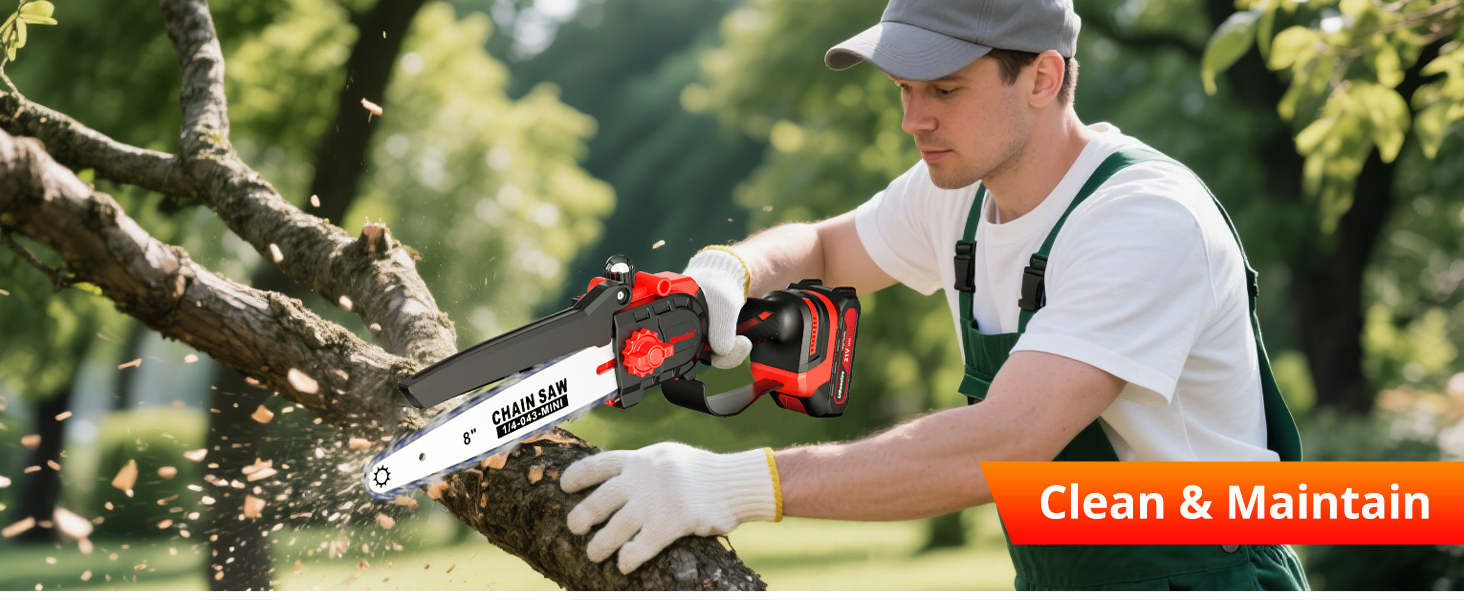
Image: A comprehensive display of everything included in the package: the chainsaw, two 8-inch chains, two 8-inch guide bars, two batteries, a fast charger, gloves, goggles, a bar guard, a wrench set, a cleaning brush, a sharpening file, and an auxiliary handle.
3. Assembly
Follow these steps to assemble your UBeesize Mini Chainsaw:
3.1 Installing the Guide Bar and Chain
- Ensure the battery is removed from the chainsaw before beginning assembly.
- Remove the chain cover by loosening the knob.
- Carefully place the chain around the sprocket and then guide it into the groove of the guide bar. Ensure the cutting edges of the chain teeth are facing the correct direction (away from the motor).
- Position the guide bar and chain onto the chainsaw body, ensuring the chain fits around the drive sprocket.
- Replace the chain cover and lightly tighten the knob. Do not fully tighten yet.
3.2 Adjusting Chain Tension
- With the chain cover lightly tightened, use the tool-free tension knob (red knob on the side) to adjust the chain tension.
- The chain should be snug against the guide bar but still able to be pulled freely by hand. There should be no excessive slack. A properly tensioned chain will have a small gap (approx. 2-3mm) between the chain and the bottom of the guide bar when lifted from the center.
- Once the tension is correct, fully tighten the chain cover knob securely.
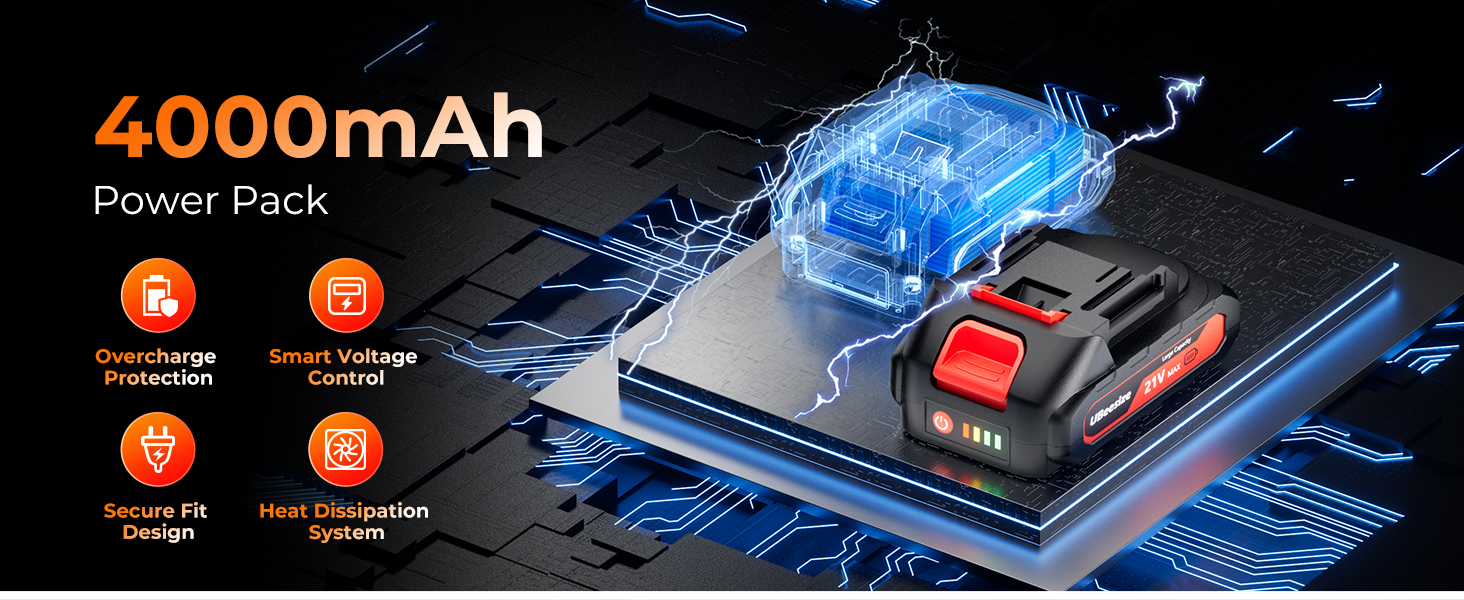
Image: Illustration demonstrating the quick-adjust chain mechanism and the locking bar system for precise tensioning without tools.
3.3 Installing the Auxiliary Handle
- Slide the auxiliary handle onto the designated mounting point on the chainsaw body.
- Secure the handle firmly using the provided fasteners or tightening mechanism.
4. Battery Charging and Installation
4.1 Charging the Battery
- Connect the fast charger to a standard power outlet.
- Insert the UBeesize 2.0Ah battery into the charger.
- The charger indicator light will show the charging status. A full charge typically takes 1-2 hours.
- Once fully charged, remove the battery from the charger. Do not leave batteries on charge indefinitely.
4.2 Installing the Battery
- Align the charged battery with the battery slot on the chainsaw handle.
- Slide the battery into the slot until it clicks securely into place. Ensure it is fully seated.
- To remove the battery, press the release button (if present) and slide the battery out.
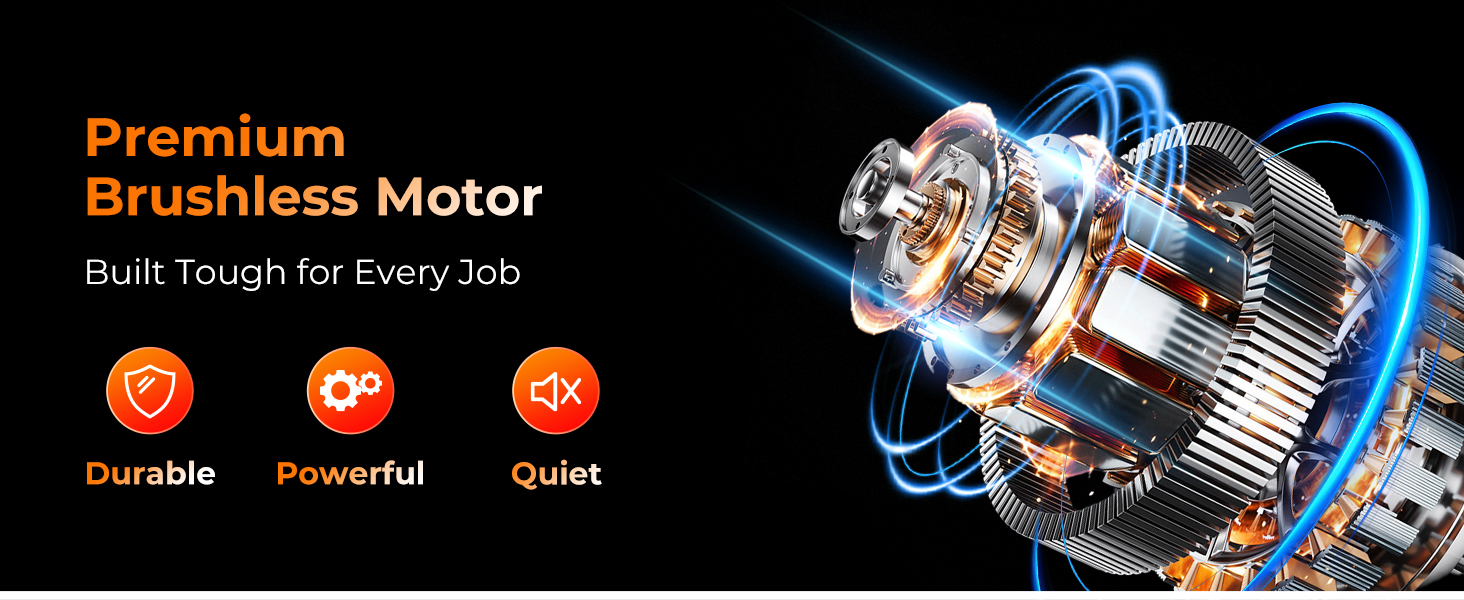
Image: A detailed graphic illustrating the UBeesize 2.0Ah battery, highlighting its charging time (1-2 hours), working time (30-40 minutes), and safety features such as overcharge protection, smart voltage control, secure fit design, and heat dissipation system.
5. Operation
Before operating, ensure you have read the safety instructions and the chainsaw is properly assembled with a charged battery.
5.1 Starting and Stopping the Chainsaw
- Starting: With a firm two-handed grip, press the safety lock button (if applicable) and then squeeze the trigger switch to start the chainsaw.
- Stopping: Release the trigger switch to stop the chainsaw. The chain should stop immediately.
5.2 Cutting Techniques
- Branch Trimming: For small branches, make a cut from the top down. For larger branches, make an undercut first to prevent pinching, then complete the cut from the top.
- Wood Cutting: Ensure the wood is stable and supported. Apply steady, even pressure. Let the chainsaw do the work; do not force it.
- Avoid Pinching: Be aware of the natural movement of the wood as you cut. If the chain gets pinched, release the trigger, remove the chainsaw, and reposition.
- One-Handed Use: While the chainsaw is lightweight and designed for easy handling, two-handed operation is always recommended for maximum control and safety. If one-handed use is necessary for light tasks, ensure a very stable stance and clear surroundings.

Image: The UBeesize Mini Chainsaw in action, demonstrating its capability to cut through an 8-inch diameter log with ease, highlighting its anti-drop, quick adjust, tool-free, and no jamming features.
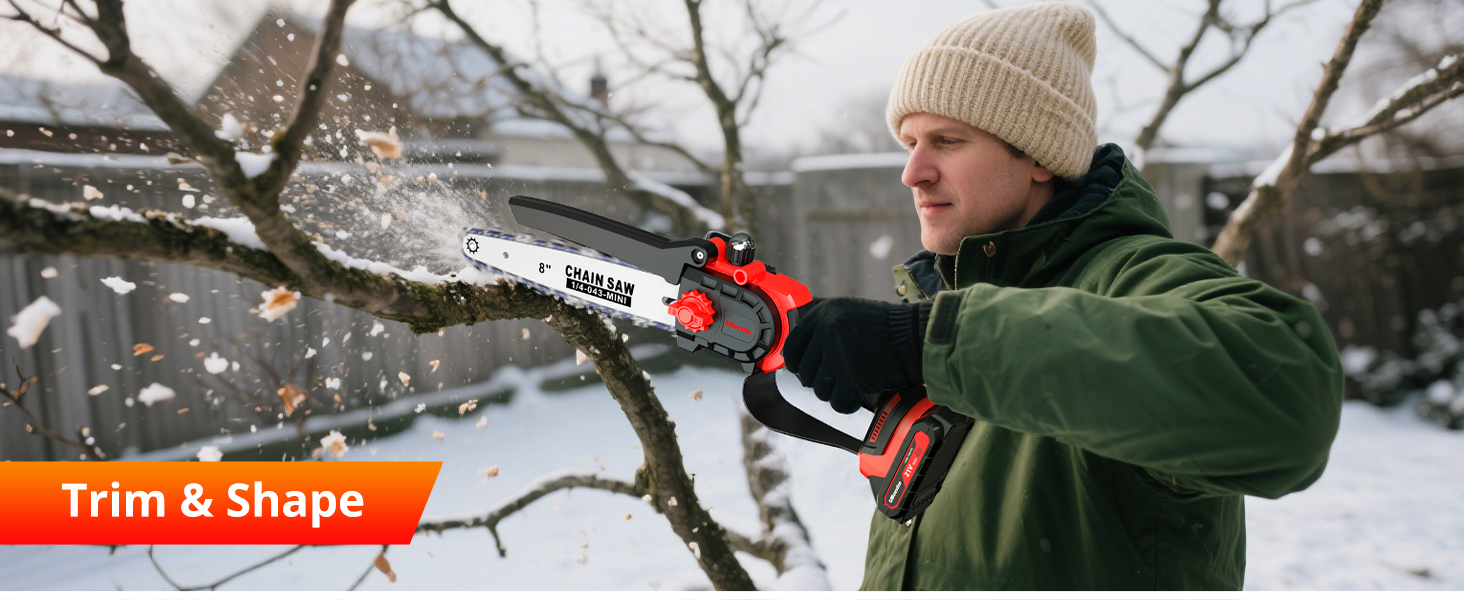
Image: A woman demonstrating the lightweight and ergonomic design of the UBeesize Mini Chainsaw, allowing for comfortable one-handed use for light pruning tasks. The chainsaw weighs 2.4 lbs.

Image: The UBeesize Mini Chainsaw being used for multiple applications, including pruning branches, general gardening tasks, and home DIY projects, showcasing its versatility.
6. Maintenance
Regular maintenance ensures optimal performance and extends the life of your chainsaw.
6.1 Chain Lubrication
The UBeesize Mini Chainsaw features an automatic oil system. Ensure the oil reservoir is filled with appropriate bar and chain oil before each use. Check the oil level periodically during extended operation.
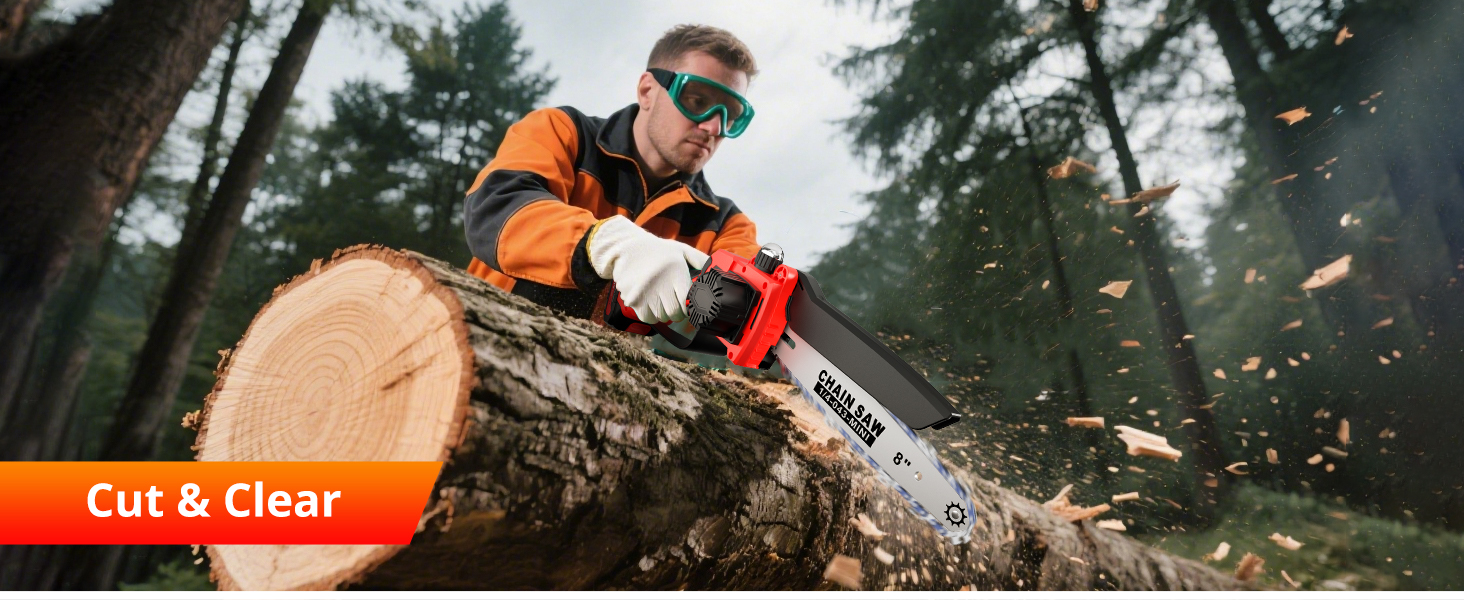
Image: Illustration of the chainsaw's oil system, showing oil being poured into the reservoir and lubricating the chain for guaranteed optimal performance and jam-free operation.
6.2 Chain Sharpening
A dull chain reduces cutting efficiency and increases strain on the motor. Use the included sharpening file to maintain sharp cutting edges. Refer to the chain manufacturer's guidelines for proper sharpening angles.
6.3 Cleaning
- After each use, remove the battery and clean the chainsaw.
- Use the cleaning brush to remove sawdust, wood chips, and debris from the guide bar, chain, and motor housing vents.
- Wipe down the exterior with a damp cloth. Do not use harsh chemicals.
6.4 Storage
- Ensure the chainsaw is clean and dry before storage.
- Remove the battery.
- Place the bar guard over the guide bar and chain.
- Store the chainsaw in a cool, dry, and secure location, out of reach of children.
7. Troubleshooting
Here are solutions to common issues you might encounter:
| Problem | Possible Cause | Solution |
|---|---|---|
| Chainsaw does not start | Battery not charged or improperly installed Safety lock not engaged Trigger switch faulty | Charge battery fully and ensure it's clicked into place Press safety lock button before squeezing trigger Contact customer support |
| Chain constantly falls off | Improper chain tension Worn chain or guide bar Incorrect chain installation | Adjust chain tension (see Section 3.2) Inspect chain and guide bar for wear; replace if necessary Reinstall chain correctly, ensuring teeth direction |
| Poor cutting performance | Dull chain Improper chain tension Insufficient lubrication | Sharpen or replace chain Adjust chain tension Ensure oil reservoir is filled and oil system is working |
| Chainsaw overheats | Overuse or forcing the cut Blocked ventilation ports Dull chain | Allow chainsaw to cool down; avoid forcing cuts Clean ventilation ports Sharpen or replace chain |
8. Specifications
| Feature | Detail |
|---|---|
| Brand | UBeesize |
| Model Number | UB-4815 |
| Power Source | Battery Powered |
| Motor Type | Brushless Motor |
| Guide Bar Length | 8 inches |
| Battery Type | 21V Nonstandard Battery (2.0Ah x 2 included) |
| Horsepower | 880 Watts |
| Item Weight | Approximately 2.4 lbs (without battery) |
| Product Dimensions | 1"L x 1"W x 1"H (Approximate, actual dimensions vary with assembly) |
| UPC | 705161182991 |
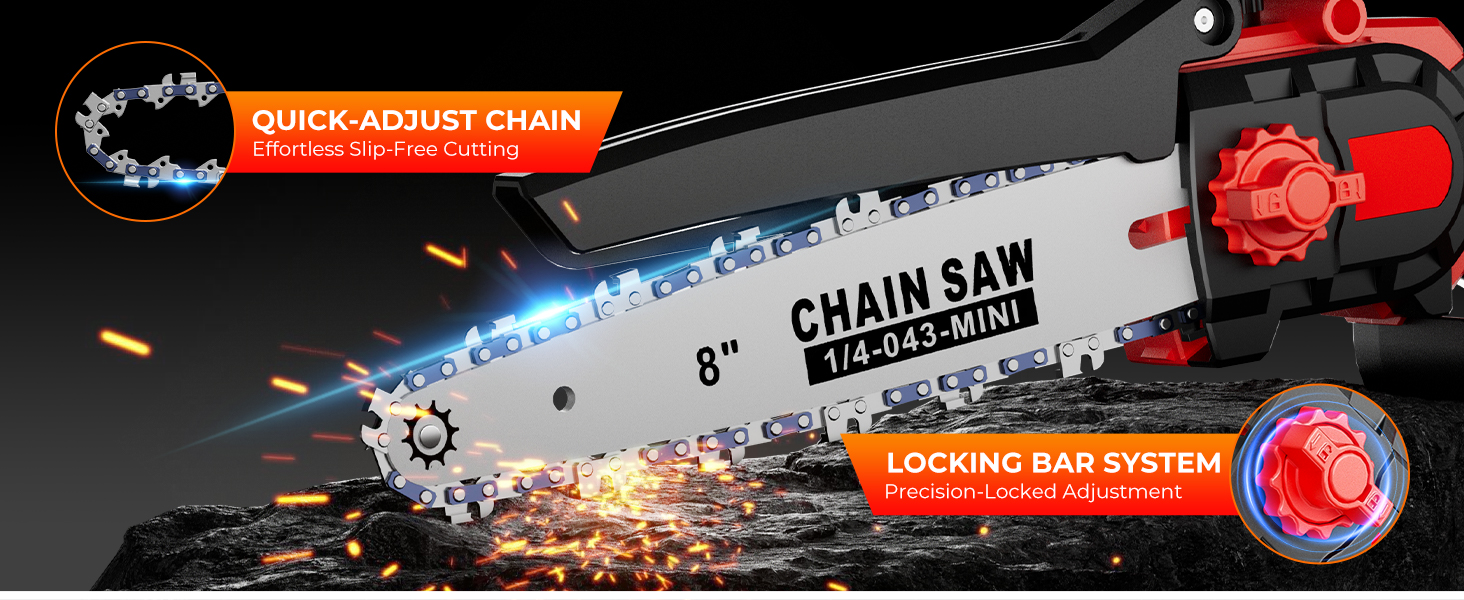
Image: A visual comparison highlighting the advantages of the UBeesize brushless motor, including 60% longer life, 80% more power, 90% fewer sparks, and 60% less noise compared to traditional brushed motors.
9. Warranty and Support
For warranty information, technical support, or replacement parts, please contact UBeesize customer service through the retailer where the product was purchased or visit the official UBeesize website.
Keep your purchase receipt as proof of purchase for any warranty claims.