
Introduction
The Vivilumens S5D is a versatile 7-in-1 device combining a wireless charging station, Bluetooth speaker, and alarm clock with an LCD touch screen. It is designed to charge your iPhone, Apple Watch, and AirPods simultaneously while providing audio playback and timekeeping functions. This manual provides detailed instructions for setup, operation, and maintenance of your device.
What's in the Box
- Vivilumens S5D Wireless Charging Station
- 1M USB Type-C Cable
- 18W Power Adapter
- User Manual

Image: Contents of the Vivilumens S5D package.
Product Overview
The S5D features a compact design with multiple functionalities:
- Wireless Charging Pads: Dedicated areas for wirelessly charging compatible smartphones, smartwatches, and earbuds.
- LCD Touch Screen: An intuitive display for controlling settings, alarms, and viewing time.
- Bluetooth Speaker: Integrated speaker for audio playback via Bluetooth 5.3.
- Alarm Clock: Customizable alarm functions with snooze.
- Pixel Display: Dynamic pixel animations that can react to music or display time.
- USB Type-C Port: For power input.
- Internal Battery: Powers the Bluetooth speaker for portable use (does not power charging functions when unplugged).
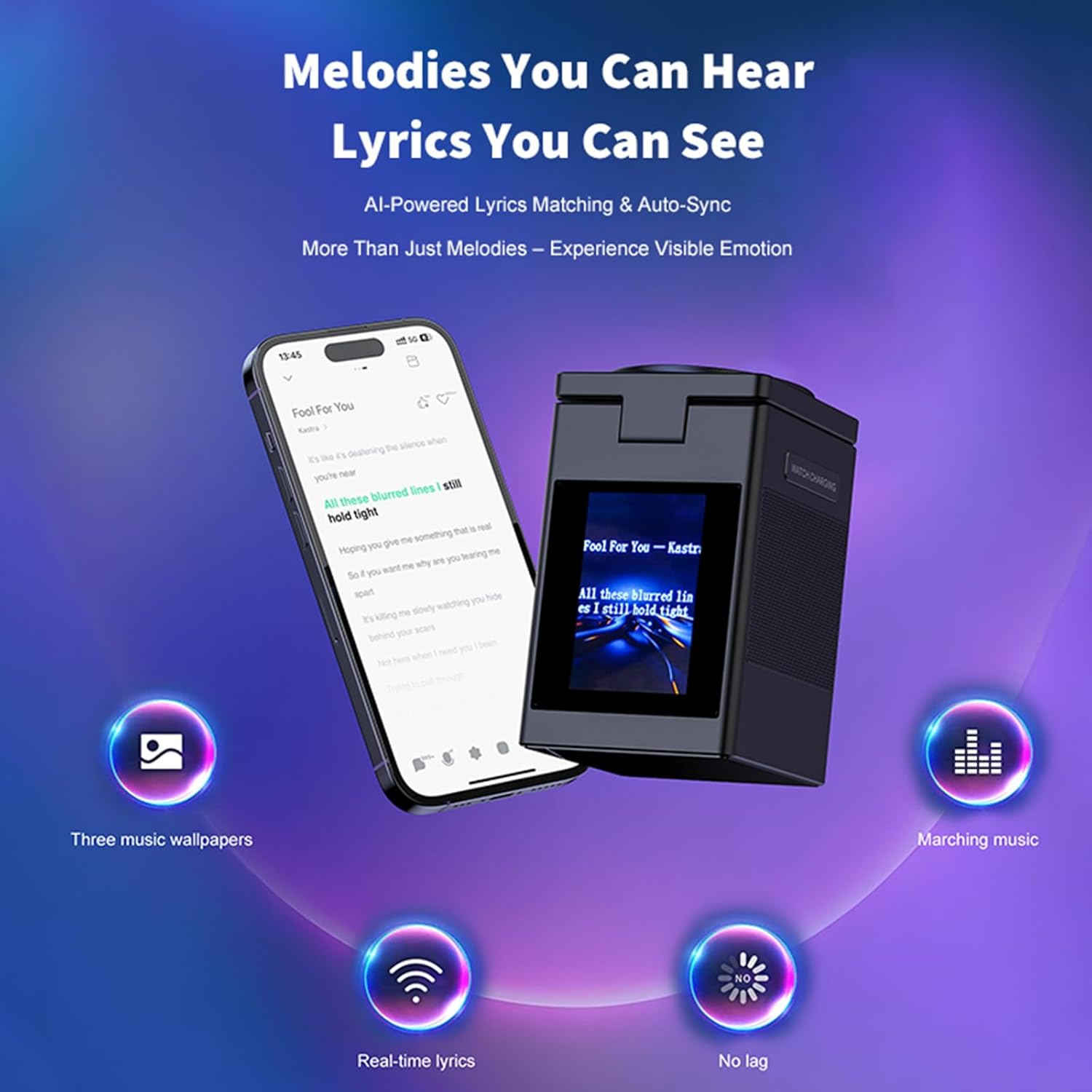
Image: Front view of the Vivilumens S5D charging station.
Setup
- Unpacking: Carefully remove all components from the packaging.
- Power Connection: Connect the provided USB Type-C cable to the charging station's input port and the 18W power adapter. Plug the adapter into a wall outlet.
- Initial Power On: The device will power on automatically once connected to power.
- Time Setting: Use the LCD touch screen to set the current time and date. Refer to the "Operating Instructions" for detailed touch screen navigation.
Video: Overview of the Vivilumens Multifunctional Wireless Charger, demonstrating its features and setup.
Operating Instructions
Wireless Charging
- Smartphone Charging: Place your Qi-compatible smartphone on the main charging pad. Ensure the phone is centered for optimal charging. The charging indicator on the screen or device will confirm charging.
- Apple Watch Charging: Extend the retractable watch charging arm from the side of the unit. Place your Apple Watch on the magnetic charging disc. Ensure it snaps into place and begins charging.
- Earbuds Charging: Place your Qi-compatible earbuds case on the designated charging area, typically located behind the main phone charging pad.
Note: The device must be connected to the power adapter for wireless charging functions to operate. The internal battery only supports the Bluetooth speaker function when unplugged.

Image: The 3-in-1 wireless charging feature of the Vivilumens S5D.
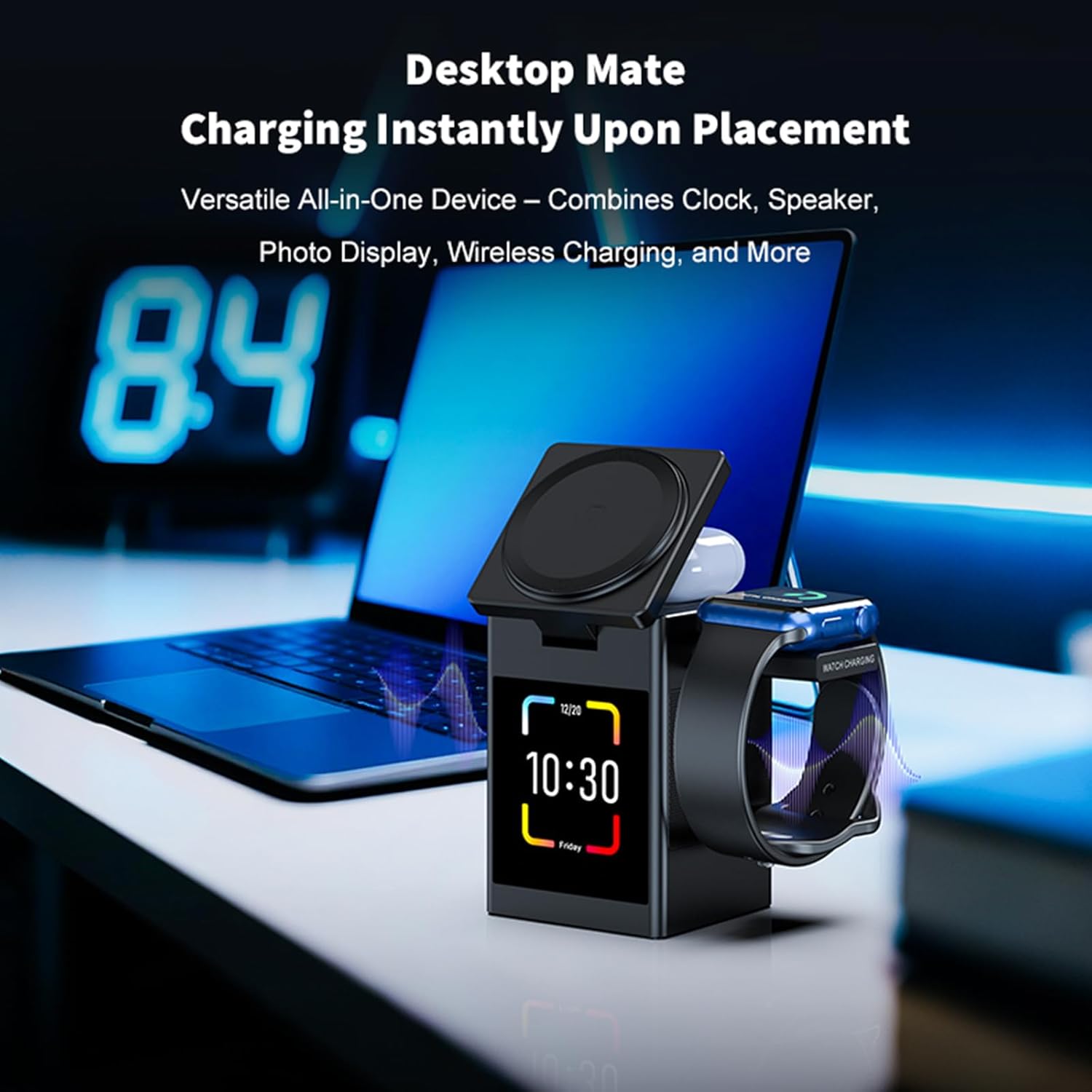
Image: Charging multiple devices on the Vivilumens S5D.
Bluetooth Speaker
- Pairing Mode: Access the Bluetooth settings via the LCD touch screen. Select "Pairing Mode" or similar option. The device will become discoverable.
- Connect Device: On your smartphone or other Bluetooth-enabled device, search for "Vivilumens S5D" (or similar name) in the Bluetooth settings and connect.
- Audio Playback: Once connected, audio from your paired device will play through the S5D speaker.
- Volume Control: Adjust volume using the touch screen controls or your paired device.
Note: This device supports audio playback only and does not include voice assistant or call support.
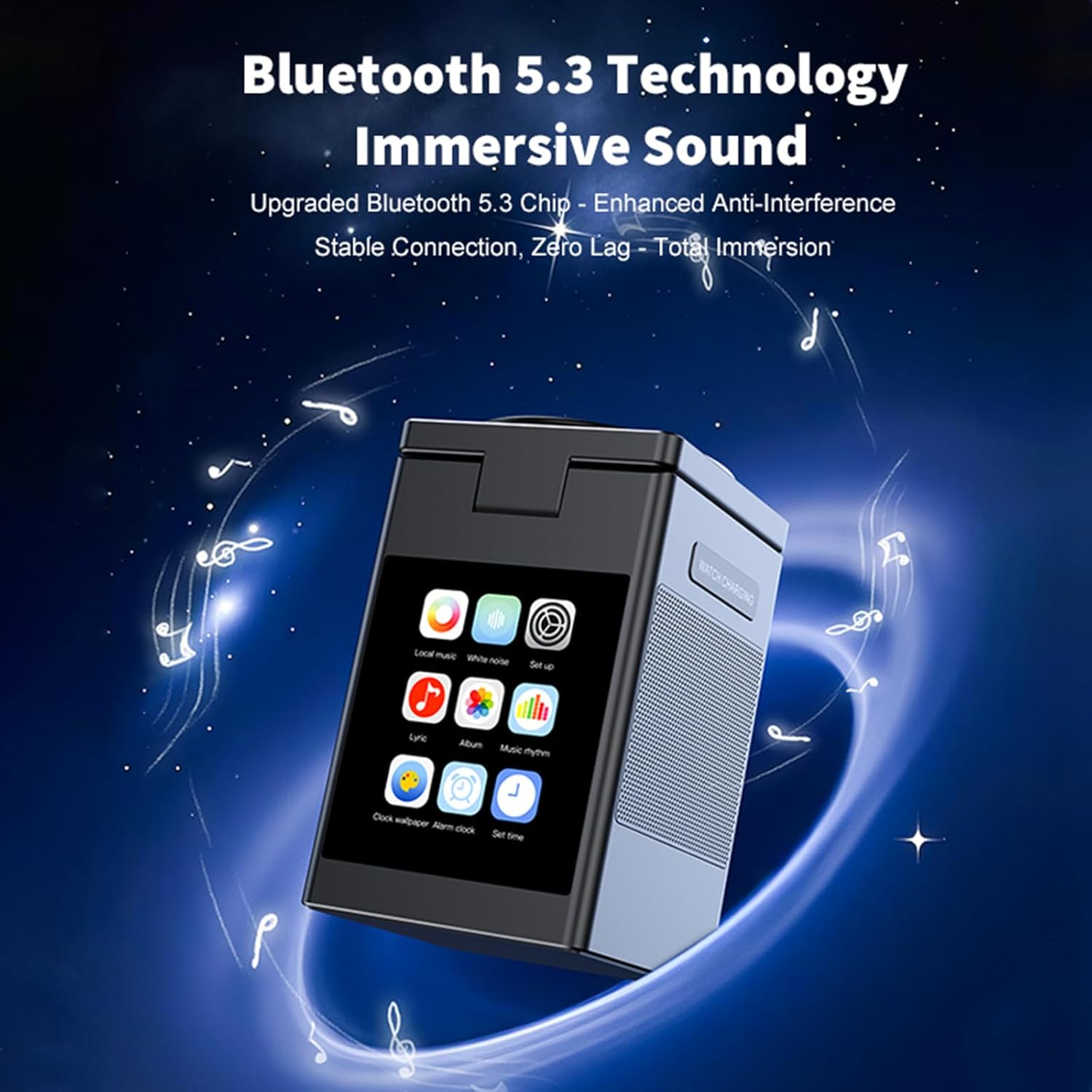
Image: Bluetooth 5.3 technology for immersive sound.
Video: Demonstration of the Vivilumens All-In-One Wireless Charger Station's Bluetooth speaker function.
Alarm Clock
- Set Alarm: Navigate to the "Alarm" section on the LCD touch screen.
- Customize: Set the desired alarm time, days of the week, and alarm sound.
- Snooze Function: To snooze an active alarm, tap the screen or a designated button. The snooze duration is typically 5 minutes.
- Dimmer: Adjust the brightness of the clock display through the touch screen settings for nighttime comfort.

Image: The alarm clock feature for starting your day.
LCD Touch Screen & Pixel Display
- Navigation: Tap and swipe on the LCD screen to access various functions and settings.
- Pixel Animations: The pixel display offers dynamic animations. These can be set to react to music or display various visual patterns. Options for customization may be limited to selecting pre-set modes.
- Clock Display: The screen can display the time with adjustable brightness levels.

Image: Intuitive touch screen for simpler settings.
Portable Use (Speaker Only)
The built-in 1000mAh battery allows the Bluetooth speaker to function independently when unplugged. To charge the internal battery, connect the device to the power adapter.
Maintenance
- Cleaning: Use a soft, dry cloth to clean the device. Avoid abrasive cleaners or solvents.
- Dust: Keep charging pads free of dust and debris to ensure efficient charging.
- Storage: Store the device in a cool, dry place when not in use for extended periods.
Troubleshooting
- Device Not Charging:
- Ensure the power adapter is securely plugged into both the device and a working wall outlet.
- Verify that your device (phone, watch, earbuds) is Qi-compatible and correctly aligned on the charging pad.
- Remove any thick cases from your phone that might interfere with wireless charging.
- Check if the charging station is receiving power (screen should be active).
- Bluetooth Speaker Not Connecting:
- Ensure the S5D is in Bluetooth pairing mode.
- Check that Bluetooth is enabled on your external device.
- Move your external device closer to the S5D.
- Forget the device from your external device's Bluetooth list and attempt to re-pair.
- Alarm Not Sounding:
- Verify the alarm is enabled and the volume is set appropriately.
- Check that the time and date are correctly set on the device.
- Screen Unresponsive:
- Try restarting the device by unplugging and re-plugging the power adapter.
- Ensure the screen is clean and dry.
Specifications
| Brand | Vivilumens |
| Model Number | S5D |
| Color | Black |
| Material | Metal |
| Connectivity | Wireless (Qi), Bluetooth 5.3 |
| Input | 9V DC (via USB Type-C) |
| Wireless Output (Phone) | 15W / 10W / 7.5W / 5W |
| Wireless Output (Earbuds) | 5W |
| Wireless Output (Apple Watch) | 2.5W |
| Built-in Battery | 1000mAh (for Bluetooth speaker function only) |
| Included Components | 1M Type-C Cable, 18W Power Adapter |
| Item Weight | 0.16 Pounds |
Warranty and Support
For warranty information and customer support, please refer to the official Vivilumens website or contact their customer service directly. Keep your purchase receipt for warranty claims.
