
Introduction
Thank you for choosing the Fotopro DIGI-9700 Aluminum Tripod. This lightweight and versatile tripod is designed to provide stable support for your digital camera, SLR, video camera, or smartphone, enabling high-quality photography and videography. With a maximum height of 175cm and a robust 3kg load capacity, it is suitable for various shooting scenarios. This manual will guide you through the setup, operation, and maintenance of your new tripod.
Key Features
- Adjustable Height: Extends from a minimum of 47.5cm to a maximum of 175cm, offering flexibility for various shooting angles.
- 3-Way Pan Head: Allows for smooth and precise adjustments in horizontal, vertical, and tilt directions, perfect for panoramic shots and video tracking.
- Lightweight & Portable: Constructed from aluminum alloy, weighing only 1.2kg, making it easy to transport.
- High Load Capacity: Supports devices up to 3kg, accommodating most cameras and smartphones.
- Smartphone Compatibility: Includes a dedicated smartphone mount for mobile photography and videography.
- Enhanced Stability: Features a hanging hook for adding counterweights and adjustable feet for uneven terrain.
Setup Instructions
- Unpack the Tripod: Carefully remove the tripod and all accessories from the carrying bag.
- Extend the Legs: Release the leg locks on each tripod leg and extend them to your desired length. Securely fasten the leg locks.
- Adjust Center Column: Loosen the knob on the center column to extend or retract it for additional height adjustment. Tighten the knob to secure.
- Check Level: Utilize the built-in bubble level on the tripod head to ensure your setup is perfectly horizontal.
- Attach Camera/Device:
- For Cameras: Attach the quick-release plate to the bottom of your camera by screwing it into the 1/4-inch thread. Then, slide the quick-release plate with your camera into the tripod head until it clicks securely into place.
- For Smartphones: Mount your smartphone into the provided smartphone holder. Attach the smartphone holder to the quick-release plate or directly to the tripod head's 1/4-inch screw.
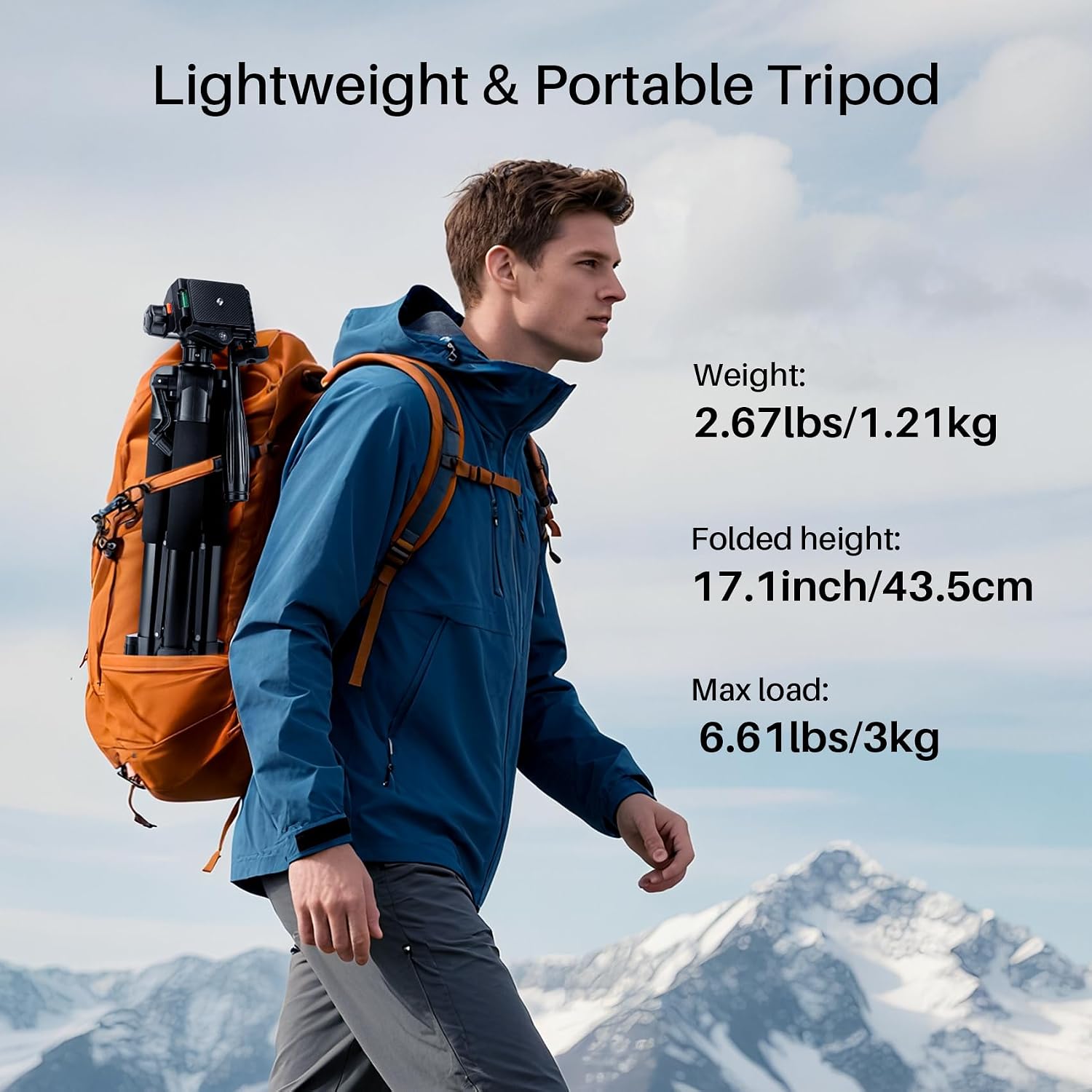
Image: The Fotopro DIGI-9700 tripod demonstrating how to mount both a camera and a smartphone using the quick-release plate and smartphone holder.

Image: A visual representation of the Fotopro DIGI-9700 tripod's height adjustability, ranging from its minimum folded height to its maximum extended height of 175cm.
Operating Instructions
- Adjusting the 3-Way Pan Head: Use the pan handle to control the horizontal and vertical movement of your camera. Loosen the corresponding knobs to adjust the angle, then tighten to secure. The head also allows for 90-degree vertical shooting.
- Panoramic Shooting: The 3-way pan head allows for smooth 360-degree panoramic rotation. Loosen the horizontal rotation knob, rotate to your desired position, and then tighten.
- Stability Enhancement: For added stability, especially in windy conditions or with heavier equipment, hang a weight (e.g., your camera bag) from the hook located at the bottom of the center column.

Image: Detailed view of the tripod's 3-way pan head, illustrating its capabilities for 360-degree panoramic rotation, 170-degree high/low angle shots, and 90-degree vertical shooting.

Image: The tripod showcasing its superior stability features, including a hanging hook for counterweights and adjustable feet for secure placement on various terrains like water, snow, jungle, rubble, and desert.
Video: A demonstration of general Fotopro tripod features, including leg extension, head adjustment, and quick-release plate usage. Note: This video is for model DIGI-204 but illustrates common tripod functionalities.
Specifications
| Brand | Fotopro |
| Model Name | DIGI-9700 |
| Material | Aluminum |
| Color | Black |
| Maximum Height | 175 cm |
| Minimum Height | 47.5 cm |
| Weight Limit | 3 kg |
| Tripod Head Type | Pan Handle Head (3-Way) |
| Features | Pan Handle, Smartphone Mount Compatible |
| Warranty | 1 Year |
Maintenance
- Cleaning: Wipe down the tripod with a soft, dry cloth after each use to remove dust and dirt. For stubborn grime, use a slightly damp cloth and mild soap, then dry thoroughly.
- Lubrication: Periodically check moving parts for smooth operation. Apply a small amount of silicone-based lubricant if necessary, avoiding excessive application.
- Storage: Store the tripod in its carrying bag in a cool, dry place away from direct sunlight and extreme temperatures. Ensure all knobs and locks are slightly loosened before storage to prevent stress on components.
- Inspection: Regularly inspect the tripod for any signs of wear, damage, or loose parts. Do not use if any components are damaged.
Troubleshooting
- Tripod is unstable: Ensure all leg locks and the center column knob are securely tightened. Extend legs fully and check that the tripod is on a flat, stable surface. Use the hanging hook with a counterweight if needed.
- Camera/device is loose on the head: Verify that the quick-release plate is firmly attached to your device and securely locked into the tripod head. Check the tightness of the pan head knobs.
- Legs are difficult to extend/retract: Clean the leg sections to remove any dirt or debris. Apply a small amount of silicone lubricant to the moving parts if needed.
Warranty and Support
The Fotopro DIGI-9700 Tripod comes with a 1-year warranty from the date of purchase. This warranty covers manufacturing defects and workmanship. It does not cover damage caused by misuse, accidents, unauthorized modifications, or normal wear and tear. For warranty claims or technical support, please contact your retailer or visit the official Fotopro website for customer service information.
Please retain your proof of purchase for warranty purposes.