
PAXA Ctbuds02
PAXA 2-in-1 Clip-on Open Ear Headphones & Wireless Earbuds User Manual
Model: Ctbuds02
Brand: PAXA
1. Introduction
Thank you for choosing the PAXA 2-in-1 Clip-on Open Ear Headphones and Wireless Earbuds. This innovative audio solution offers the flexibility of both open-ear clip-on and traditional in-ear earbuds, designed to adapt to various scenarios from active sports to focused work environments. Featuring advanced Bluetooth 6.0 technology, high-fidelity sound, and an ultra-long 140-hour playtime with the charging case, these earbuds provide a seamless and high-quality listening experience. This manual will guide you through the setup, operation, maintenance, and troubleshooting of your new device.

Image: The PAXA 2-in-1 Clip-on Open Ear Headphones and Wireless Earbuds, showcasing both the clip-on and in-ear styles, along with their unique rotating charging case in rose gold.
2. Key Features
- 2-in-1 Design: Seamlessly switch between clip-on open-ear headphones for situational awareness and in-ear earbuds for immersive sound and privacy.
- Bluetooth 6.0: Equipped with the latest Bluetooth 6.0 chip for ultra-stable, zero-latency directional pairing, enhanced processing power, and efficient energy consumption.
- High Fidelity Sound: Experience immersive, spatial stereo sound with precision-tuned 13mm drivers, delivering crystal-clear vocals, rich bass, and vibrant details.
- 140H Ultra Playtime: Enjoy up to 140 hours of uninterrupted use with the portable 200mAh charging case, allowing for quick earbud swaps without waiting for charging.
- IPX5 Water Resistant: Built with nano-coating technology and rigid seams, offering IPX5 water resistance, ideal for sports and fitness activities.
- Dual Stable and Comfortable Fit: Designed with skin-friendly silicone materials, ensuring a secure and comfortable fit for various ear shapes, reducing ear canal fatigue.
- 360° Rotating Stress-Relief Case: The exclusive metal ring design allows both inner and outer rings to rotate smoothly, doubling as a fidget toy for stress relief.

Image: A comparison chart highlighting the advantages of Bluetooth 6.0 technology in PAXA Ctbuds over older Bluetooth 5.4 versions, including lower latency, longer connection distance, and better interference resistance.
3. Setup Guide
3.1 What's in the Box
- Clip on Earbuds x2
- In Ear Earbuds x2
- Charging Case x1
- User Manual x1
- Type-C Charging Cable x1
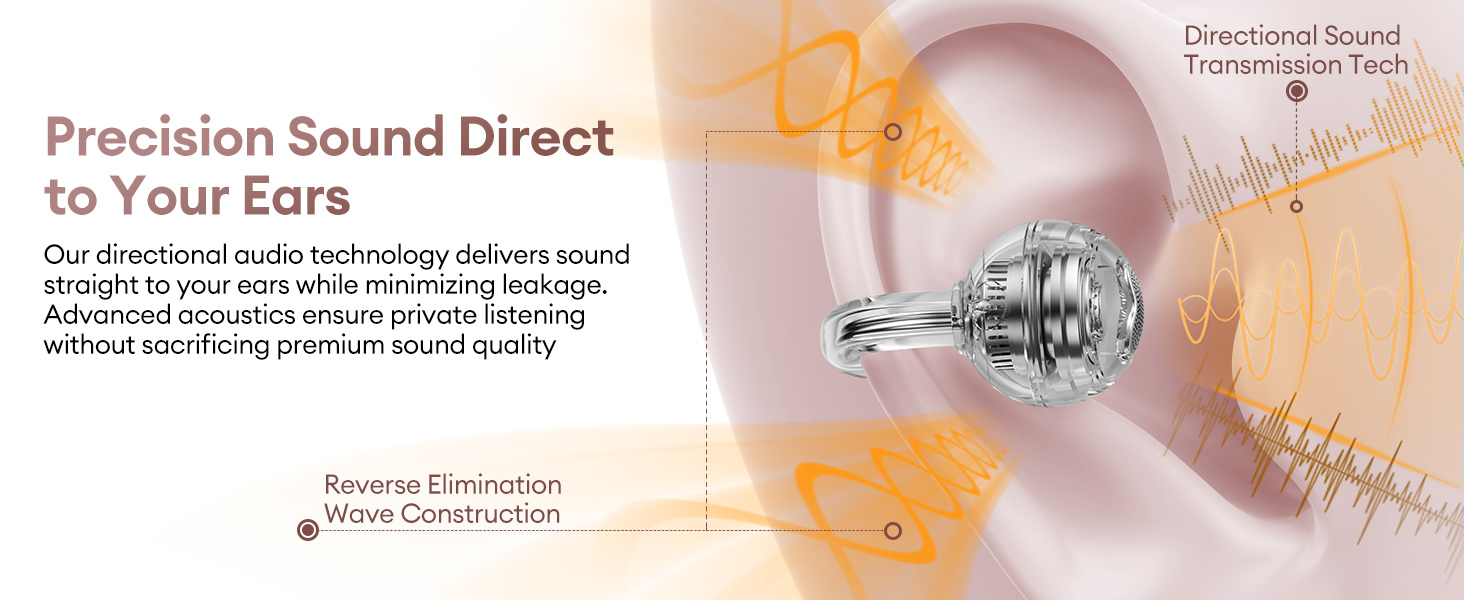
Image: An overhead view of the PAXA earbud packaging contents, including the charging case, two sets of earbuds (clip-on and in-ear), a user manual, and a Type-C charging cable.
3.2 Charging the Earbuds and Case
For optimal performance, fully charge the earbuds and charging case before first use. The first full charge requires 6-8 hours to activate the battery. Subsequent full charges typically take 2.5 hours.
- Place the earbuds into the charging case, ensuring they are correctly seated in their respective slots.
- Connect the Type-C charging cable to the charging port on the case and plug the other end into a USB power source.
- During charging, the red light on the earbud case will flash. Once fully charged, the red light will remain steady.

Image: A visual representation of the earbuds inside the charging case, connected via a USB-C cable, illustrating the charging process and the impressive 140-hour total playtime.
3.3 Bluetooth Pairing
Follow these steps to pair your PAXA earbuds with your device:
- Ensure the earbuds are charged.
- Open the charging case. The earbuds will automatically enter pairing mode.
- On your device (smartphone, tablet, laptop), enable Bluetooth.
- Search for available Bluetooth devices and select "PAXA Ctbuds" from the list.
- Once connected, a voice prompt will confirm successful pairing.
4. Operating Instructions
4.1 Wearing the Earbuds
The PAXA Ctbuds offer two distinct wearing styles to suit your needs:
- In-Ear Earbuds: For a traditional, immersive audio experience that helps maintain privacy and reduce external noise. Insert the earbuds gently into your ear canal.
- Clip-on Open Ear Headphones: For situational awareness, allowing you to hear your surroundings while enjoying audio. Clip the earbuds onto the outer part of your ear.

Image: A woman wearing the PAXA earbuds, demonstrating their comfortable and ergonomic design for all-day wearing comfort.
4.2 Touch Controls
The PAXA Ctbuds feature intuitive touch controls on each earbud:
| Action | Control |
|---|---|
| Answer/End Call | Double click either earbud |
| Reject Call | Press and hold either earbud for 2 seconds |
| Voice Assistant | Hold both earbuds for 2 seconds |
| Play/Pause | Double click either earbud |
| Previous Song | Triple-click the left (L) earbud |
| Next Song | Triple-click the right (R) earbud |
| Volume + | Click the right (R) earbud |
| Volume - | Click the left (L) earbud |
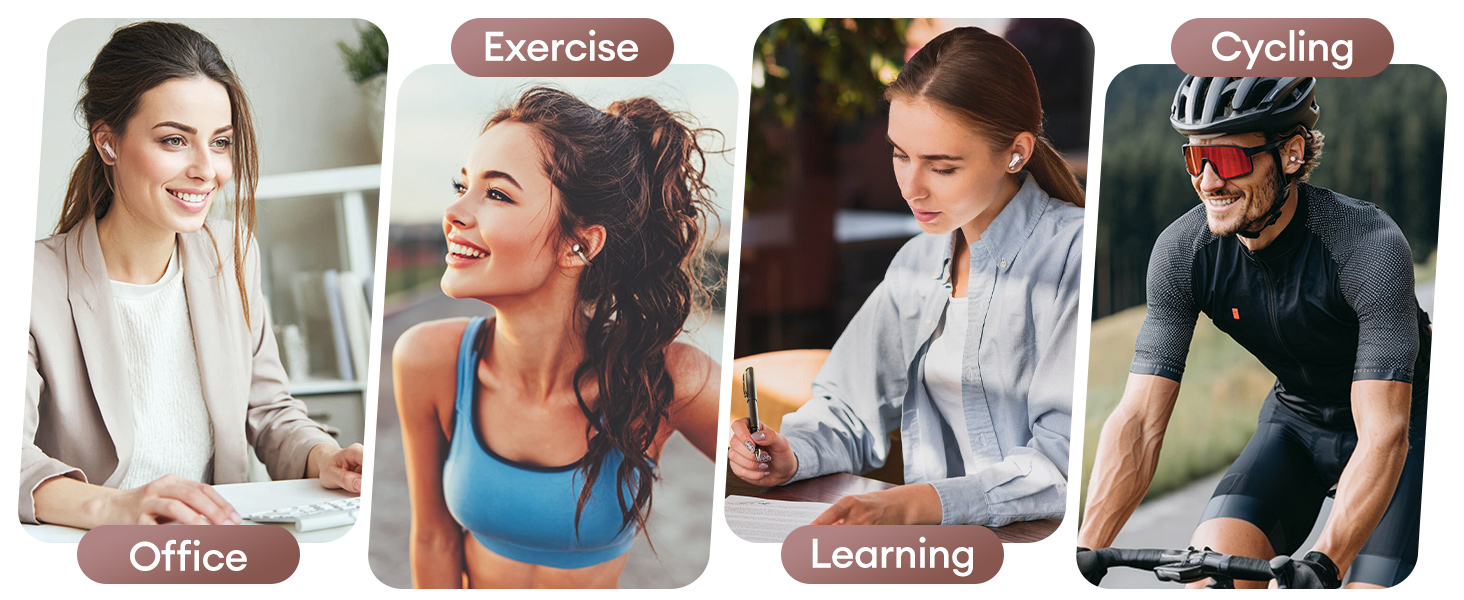
Image: A detailed diagram illustrating the touch control functions for both the left and right PAXA Ctbuds, showing how to manage calls, music playback, and volume.
5. Maintenance
5.1 Cleaning Your Earbuds
To ensure longevity and optimal sound quality, regularly clean your earbuds:
- Use a soft, dry, lint-free cloth to wipe the earbuds and charging case.
- For stubborn dirt, slightly dampen the cloth with water. Avoid using harsh chemicals or abrasive materials.
- Gently clean the charging contacts on both the earbuds and the case to ensure proper connection.
5.2 Storage
When not in use, always store your earbuds in their charging case to protect them and keep them charged. The unique 360° rotating case also serves as a convenient and fun stress-relief toy.

Image: A hand demonstrating the 360° rotation feature of the PAXA earbud case, highlighting its dual function as a storage and charging unit, and a stress-relief fidget toy.
6. Troubleshooting
If you encounter any issues with your PAXA Ctbuds, please refer to the following common solutions:
- No Sound/Poor Sound Quality:
- Ensure earbuds are fully charged.
- Check if the earbuds are properly paired with your device.
- Adjust the volume on both your device and the earbuds.
- Clean any debris from the earbud speakers.
- Earbuds Not Pairing:
- Make sure Bluetooth is enabled on your device.
- Place earbuds back into the case, close it, wait a few seconds, then open it again to re-enter pairing mode.
- Forget the device from your device's Bluetooth settings and attempt to pair again.
- Ensure no other Bluetooth devices are interfering.
- Charging Issues:
- Verify the charging cable is securely connected to both the case and the power source.
- Try a different USB port or power adapter.
- Clean the charging contacts on the earbuds and inside the case.
- Earbuds Falling Out:
- Ensure you are using the correct wearing style (in-ear or clip-on) for your activity.
- Adjust the fit of the clip-on earbuds or ensure the in-ear earbuds are properly seated.
If the issue persists, please contact customer support for further assistance.
7. Specifications
| Feature | Detail |
|---|---|
| Model Name | Ctbuds02 |
| Connectivity Technology | Wireless (Bluetooth) |
| Bluetooth Version | 6.0 |
| Bluetooth Range | 10 Meters |
| Playtime (with charging case) | Up to 140 Hours |
| Charging Time | Approx. 2.5 Hours (earbuds + case) |
| Water Resistance Level | IPX5 |
| Control Type | Touch |
| Ear Placement | Open Ear / In Ear |
| Material | Metal, Plastic, Silicone |
| Item Weight | 5 Ounces |
| Product Dimensions | 3.05 x 0.98 x 2.78 inches |
| Included Components | User Manual |
8. Warranty & Support
8.1 Warranty Information
PAXA products are manufactured to the highest quality standards. This product is covered by a standard manufacturer's warranty against defects in materials and workmanship from the date of original purchase. Please retain your proof of purchase for warranty claims.
8.2 Customer Support
For any questions, technical support, or warranty inquiries, please refer to the contact information provided on the product packaging or visit the official PAXA website. Our customer support team is dedicated to assisting you.
Ask a question about this manual
Ask about setup, troubleshooting, compatibility, parts, safety, or missing instructions. Manuals+ will review the question and use this page’s manual context to help answer it.