
1. Introduction
The VETEK Mini Keychain Camera HJD-02 is a compact and portable digital camera designed for capturing high-quality photos and videos on the go. Its vintage design and user-friendly features make it suitable for various users, from photography beginners to those seeking a convenient way to document everyday moments. This manual provides detailed instructions to help you get the most out of your new camera.
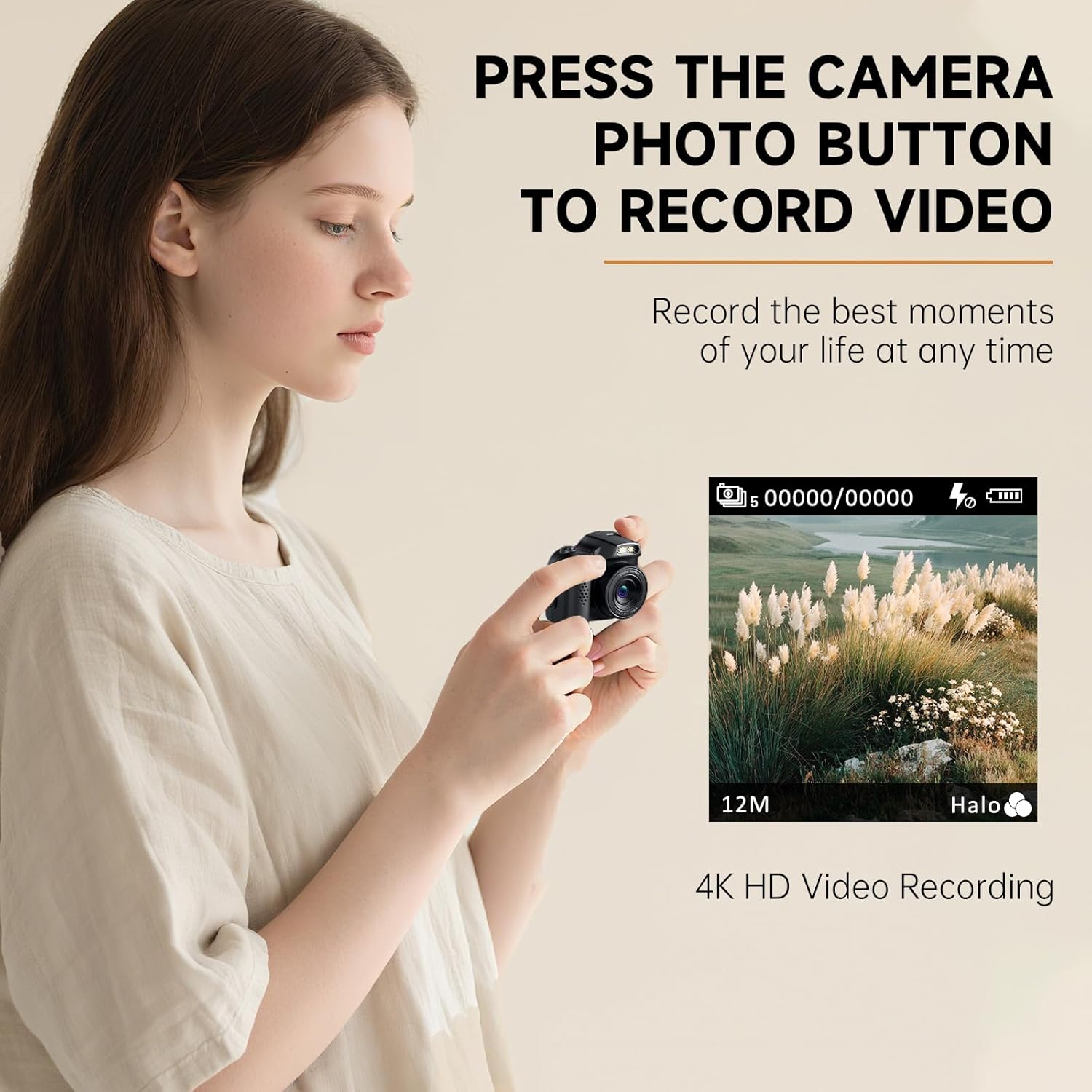
Image 1.1: The VETEK Mini Keychain Camera HJD-02, showcasing its compact design.
2. What's in the Box
Upon opening your VETEK Mini Keychain Camera HJD-02 package, you should find the following items:
- Mini Camera Keychain (HJD-02)
- Micro SD Card (32GB included)
- Stylish Lanyard
- Type-C Cable

Image 2.1: All items included in the VETEK Mini Keychain Camera HJD-02 package.
Video 2.1: An unboxing video demonstrating the contents of the VETEK Mini Keychain Camera package.
3. Key Features
- Compact and Portable: Weighing only 25 grams and about the size of an egg, this camera is designed for ultimate portability.
- High-Resolution Imaging: Capture stunning 4K videos and crisp 64-megapixel photos.
- Built-in Flash: Equipped with an integrated flash for improved low-light photography.
- Creative Filters: Explore multiple colorful filters to add unique styles to your photos and videos.
- 1.54-inch LCD Screen: A clear display for framing shots and reviewing captured media.
- User-Friendly Interface: Intuitive controls and simple buttons make it easy for beginners and all ages to operate.
- Expandable Storage: Supports Micro SD cards up to 128GB (32GB card included).
- Direct PC Connection: Easily connect to a computer via the Type-C cable for quick data transfer and viewing.
- Long-lasting Battery: Features a 300mAh Lithium Ion battery, providing approximately 50 minutes of recording time.
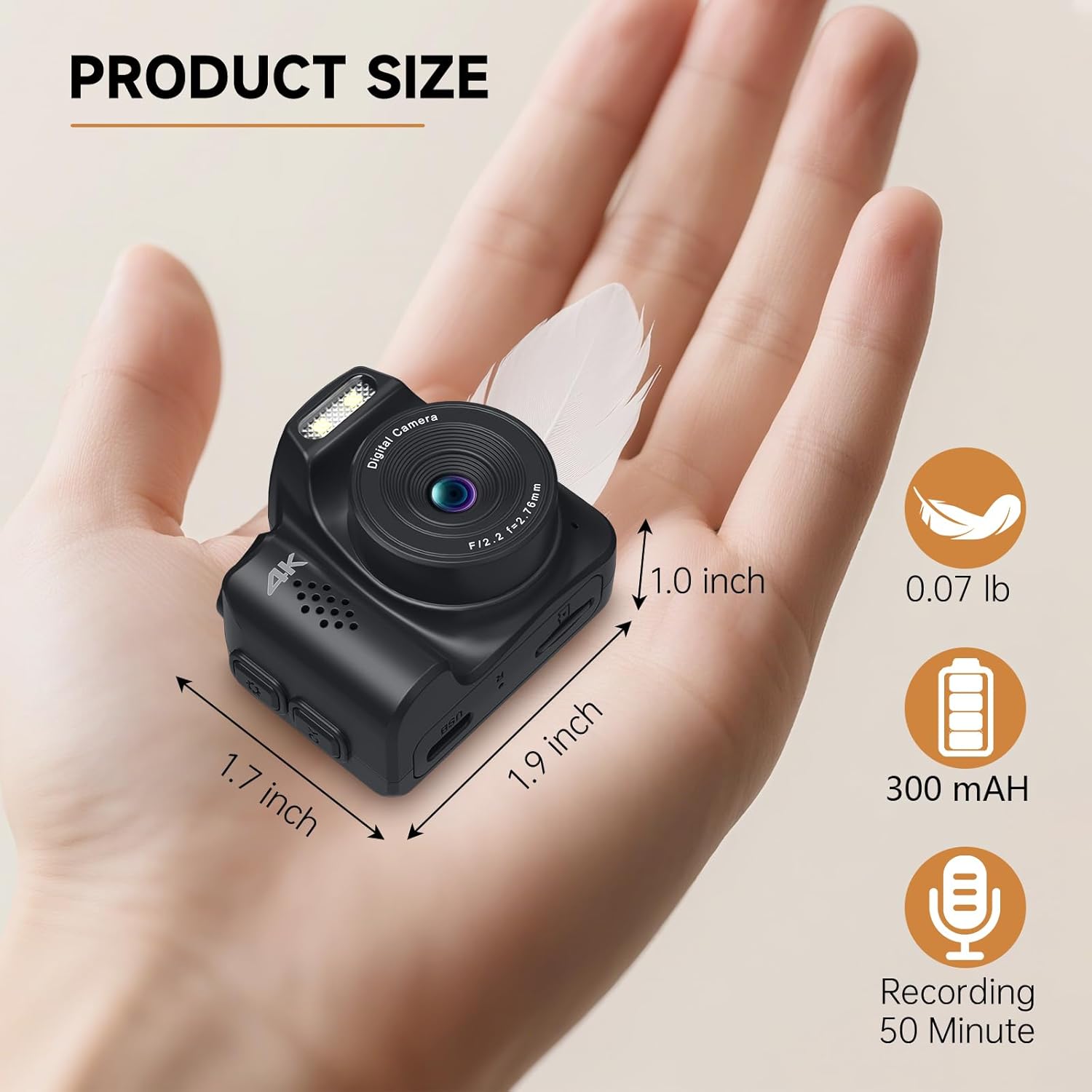
Image 3.1: The compact size and lightweight design of the camera.

Image 3.2: The camera offers multiple filters to enhance your photos.
4. Setup
4.1. Charging the Camera
Before first use, fully charge your camera. Connect the provided Type-C cable to the camera's charging port and the other end to a USB power source (e.g., computer, wall adapter). The charging indicator will show the charging status.
4.2. Inserting the Micro SD Card
Your camera comes with a 32GB Micro SD card pre-inserted. If you need to replace it or insert a new one (up to 128GB), locate the Micro SD card slot on the side of the camera. Gently push the card into the slot until it clicks into place. To remove, push the card again until it springs out.
4.3. Powering On/Off
To power on the camera, press and hold the power button located on the top. The LCD screen will light up. To power off, press and hold the power button again until the screen turns off.
5. Operating Instructions
5.1. Taking Photos
With the camera powered on, ensure it is in photo mode (indicated by an icon on the screen). Frame your shot using the 1.54-inch LCD screen. Press the shutter button (usually the power button or a dedicated button) once to capture a photo.
5.2. Recording Videos
To switch to video recording mode, press the mode button (refer to the camera's physical buttons). Once in video mode, press the shutter button to start recording. Press it again to stop recording. The camera supports 4K video resolution.
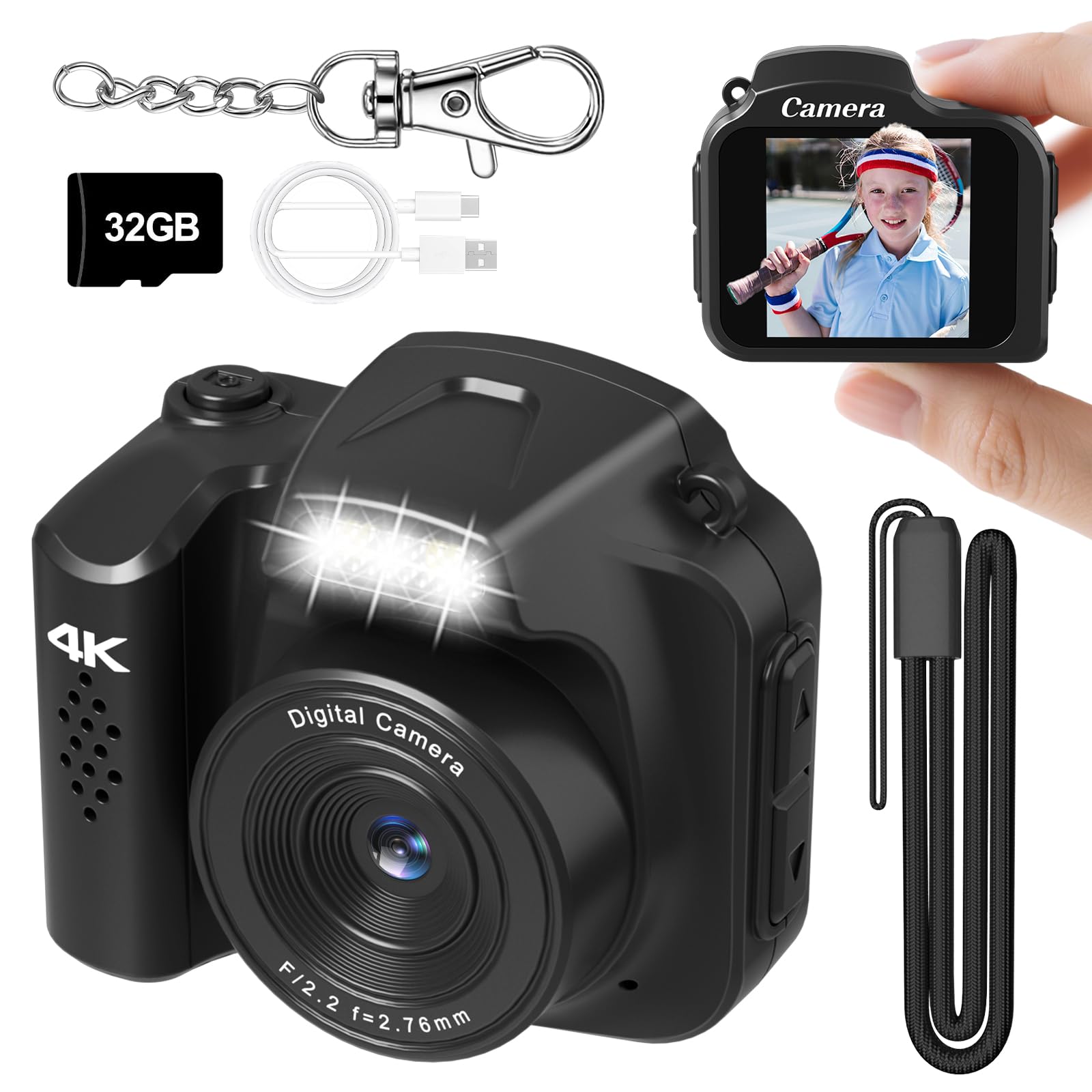
Image 5.1: Demonstrating how to press the camera button to record video.
5.3. Using Filters
While in photo or video mode, you can cycle through various colorful filters by pressing the designated filter button (refer to the camera's physical buttons for exact location). This allows for creative customization of your shots.
5.4. Viewing Media
To review your captured photos and videos directly on the camera, switch to playback mode. Use the navigation buttons to scroll through your media. Videos can be played back with sound.
6. Data Transfer
To transfer photos and videos to your computer or other compatible devices:
- Connect the camera to your computer using the provided Type-C cable.
- The camera should appear as a removable storage device on your computer.
- Open the camera's folder to access your photos (JPG) and videos (MP4).
- Copy the desired files to your computer.
Note: For mobile phone transmission, ensure you use a cable with the same Type-C interface as both your phone and the camera.

Image 6.1: Easily transfer images and videos from the camera to your computer.
7. Maintenance
- Keep the camera dry. This device is Not Water Resistant.
- Clean the lens and screen with a soft, dry cloth. Avoid abrasive materials.
- Store the camera in a cool, dry place away from direct sunlight and extreme temperatures.
- Avoid dropping or subjecting the camera to strong impacts.
8. Troubleshooting
8.1. Camera Not Turning On
- Ensure the battery is charged. Connect the camera to a power source using the Type-C cable.
- Press and hold the power button for a few seconds.
8.2. Unable to Record/Take Photos
- Check if the Micro SD card is properly inserted.
- Ensure there is sufficient storage space on the Micro SD card. Delete old files or replace the card if full.
- Verify the camera is in the correct mode (photo or video).
8.3. Poor Image/Video Quality
- Ensure the lens is clean and free from smudges.
- Check lighting conditions. Use the built-in flash in low-light environments.
- Hold the camera steady while capturing.
8.4. Connection Issues with Computer
- Ensure the Type-C cable is securely connected to both the camera and the computer.
- Try a different USB port on your computer.
- Restart your computer and the camera.
9. Specifications
| Feature | Detail |
|---|---|
| Brand | VETEK |
| Model Name | HJD-02-Black |
| Maximum Webcam Image Resolution | 64 MP |
| Effective Still Resolution | 64 MP |
| Video Resolution | 2160p, 1080p (4K) |
| Photo Sensor Technology | CMOS |
| Screen Size | 1.54 Inches |
| Supported File Format | JPG, MP4 |
| Flash Memory Type | Micro SD |
| Memory Storage Capacity | 128 GB (Max) |
| Recording Capacity | 50 Minutes (approx.) |
| Battery Type | Lithium Ion |
| Battery Capacity | 300 Milliamp Hours |
| Water Resistance Level | Not Water Resistant |
| Connectivity Technology | USB |
| Camera Flash | Built-In |
10. Warranty & Support
For warranty information and customer support, please refer to the documentation included with your purchase or visit the official VETEK website. Keep your proof of purchase for any warranty claims.
For additional assistance, you may contact VETEK customer service through their official channels.