
1. Product Overview
The Casio G-Shock G-LIDE GBX-100 Series is a robust digital watch designed for active lifestyles, particularly surfing and outdoor activities. It combines G-SHOCK's renowned toughness with advanced digital functionality, featuring a high-definition MIP LCD for clear visibility and smartphone connectivity for enhanced data management.
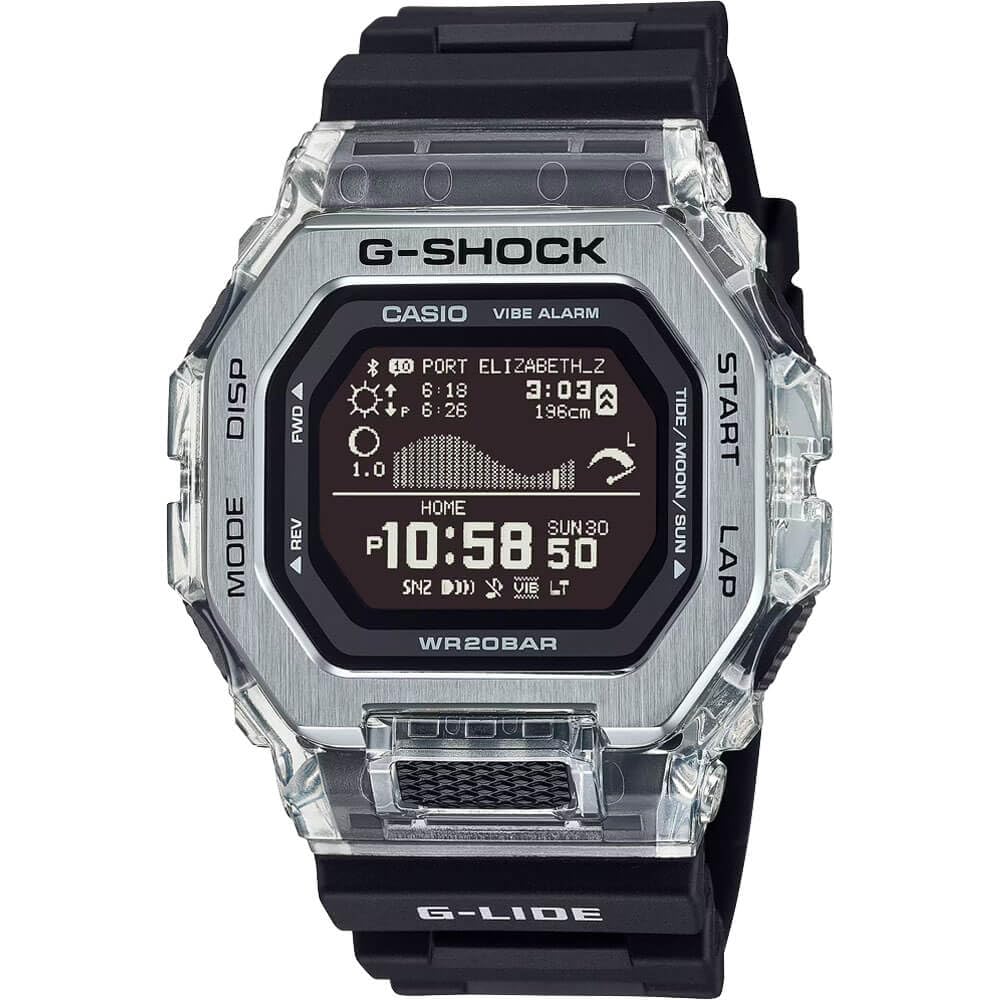
Figure 1: Front view of the Casio G-Shock G-LIDE GBX-100 Series Digital Watch.
2. Setup
2.1 Initial Time Setting
The GBX-100 watch can automatically adjust its time by linking with a smartphone via Bluetooth. Download the dedicated G-SHOCK Connected app to your smartphone to utilize this feature. Follow the in-app instructions for pairing and initial setup.
2.2 Band Adjustment
The watch features a bio-based urethane band designed for comfort and water/sweat runoff. If the band is too long, it can be carefully trimmed to achieve a better fit. Ensure precise measurement before cutting to avoid over-shortening.
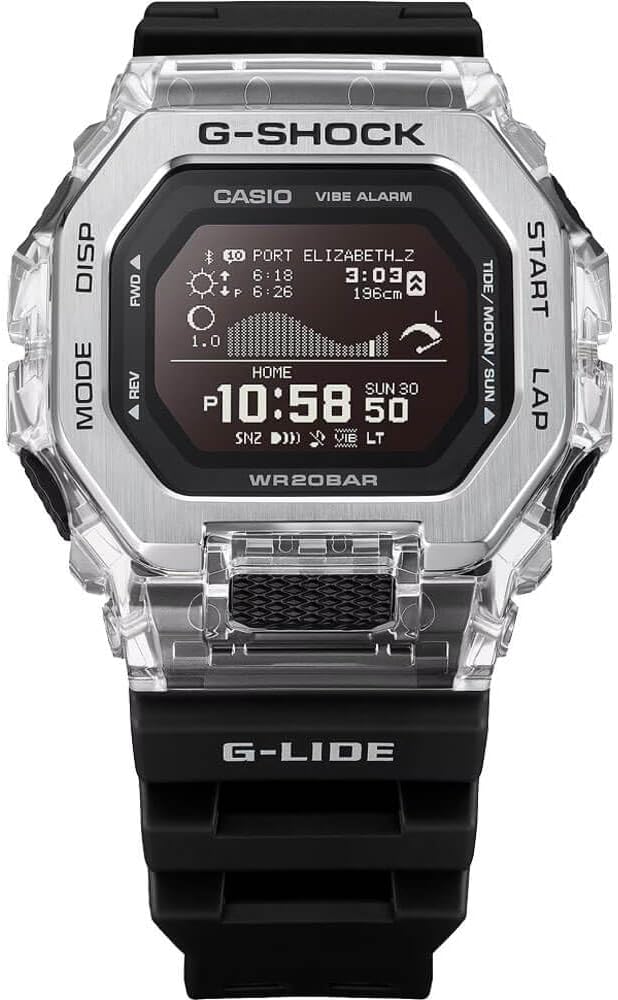
Figure 2: The watch worn on a wrist, showcasing its fit and design.
3. Operating Instructions
3.1 Display and Readability
The watch features a high-definition MIP LCD (Memory-in-Pixel Liquid Crystal Display) which offers excellent visibility, even in bright sunlight. The display provides clear readouts of time, date, and various data points.

Figure 3: Close-up view of the watch's MIP LCD display, showing detailed information.
3.2 Button Functions
- MODE Button: Cycles through different watch modes (Timekeeping, Tide/Moon Data, Training Function, Stopwatch, Timer, Alarm).
- DISP Button: Changes the display content within certain modes.
- FWD/REV Buttons: Used for navigating menus and adjusting settings (forward/reverse).
- START/LAP Buttons: Initiates or stops functions like the stopwatch or training timer, and records lap times.
3.3 Key Features
- Tide Graph & Moon Age: Displays tide patterns, high/low tide times and levels, and moon age for approximately 3,300 major surf spots worldwide when linked to the app.
- Sunrise/Sunset Times: Provides local sunrise and sunset times.
- Training Function: Utilizes an accelerometer to display and record distance, speed, pace, auto/manual lap times, Auto Pause, and target alerts (time, calories burned). Training display customization is available via the app.
- Bluetooth Connectivity: Enables automatic time adjustment and data transfer to the G-SHOCK Connected app for detailed analysis of training logs and tide data.
- Dual Time: Allows tracking of a second time zone.
- Stopwatch & Timer: Standard stopwatch and countdown timer functions are included.
4. Maintenance
4.1 Water Resistance
The watch is rated for 200-meter water resistance, making it suitable for swimming, snorkeling, and diving (excluding saturation diving). Ensure all buttons are not operated while submerged to maintain water resistance.
4.2 Shock Resistance
As a G-Shock model, the GBX-100 is built with a shock-resistant structure to withstand impacts and vibrations from daily use and extreme sports.
4.3 Battery Life
The watch operates on a standard battery with an average life of approximately 2 years. Battery replacement should be performed by a qualified technician to ensure proper sealing and water resistance.
4.4 Cleaning
Regularly clean the watch case and band with a soft, damp cloth. For stubborn dirt, a mild soap solution can be used, followed by rinsing with fresh water and thorough drying. Avoid using harsh chemicals or solvents.
5. Troubleshooting
5.1 Time Synchronization Issues
If the watch fails to synchronize time with your smartphone, ensure Bluetooth is enabled on both devices and the G-SHOCK Connected app is running. Check the app for any pending updates or connection errors. Move the watch closer to the smartphone to improve signal strength.
5.2 Display Readability
While the MIP LCD offers excellent readability, extreme angles or very low light conditions might affect clarity. Utilize the built-in backlight function by pressing the appropriate button (refer to the detailed manual for button location) for improved visibility in dark environments.
5.3 Battery Drain
Frequent use of Bluetooth connectivity, backlight, or vibration alarms can reduce battery life. If you experience unusually fast battery drain, consider reducing the frequency of these features or disabling Bluetooth when not needed.
6. Specifications
| Brand | Casio |
| Model Number | GBX100S-1 |
| Case Size (L x W x H) | 50.9 x 46 x 14.7 mm |
| Weight | 66 Grams |
| Case & Bezel Material | Resin / Stainless Steel |
| Band Material | Bio-based Resin |
| Water Resistance | 200 Meters (20 BAR) |
| Display Type | Digital (MIP LCD) |
| Connectivity | Bluetooth (Mobile Link) |
| Battery Life (Approx.) | 2 years |
| Supported Applications | Alarm, Calendar, Fitness Tracker, Messages, Multisport Tracker, Pedometer, Phone, Reminders, Sleep Monitor, Social Media, Time Display, Weather (via smartphone link) |
| Metrics Measured | Distance, Step Count, Pace, Speed, Calories Burned |
7. Warranty and Support
7.1 Manufacturer's Warranty
This Casio G-Shock watch comes with a 1-Year Manufacturer's Warranty. Please refer to the warranty card included with your product for full terms and conditions.
7.2 Additional Resources
For detailed operational guides, advanced feature tutorials, and frequently asked questions, please visit the official Casio G-Shock support website or consult the comprehensive digital manual available through the G-SHOCK Connected app.


