
Introduction
Thank you for choosing the NIORSUN Motion Sensor Stair Lights. This manual provides essential information for the safe and efficient operation of your new lights. Please read these instructions thoroughly before installation and use, and retain them for future reference.
Product Features
- 3 Color Temperature Options: Select between 3000K (warm white), 4500K (natural white), and 6000K (cool white) to suit various environments and preferences.
- Dual Smart Motion Sensing Modes: Features a high-brightness mode (25 seconds) for active use and a low-brightness mode (3 hours) for gentle, prolonged illumination.
- Rechargeable Battery: Equipped with a 2000mAh built-in rechargeable battery, reducing the need for frequent battery replacements.
- Efficient Charging: Includes a 3-in-1 USB charging cable for convenient simultaneous charging of multiple units.
- Dusk to Dawn Light Sensor: Automatically activates in low light conditions and deactivates in bright environments to conserve energy.
- Magnetic Installation: Easy, tool-free installation on metal surfaces or with included adhesive metal plates for non-metal surfaces.
Package Contents
- NIORSUN Motion Sensor Stair Lights (4 units)
- 3-in-1 USB Charging Cable
- Adhesive Metal Plates (for non-metal surfaces)
- User Manual
Setup and Installation
The NIORSUN Motion Sensor Stair Lights are designed for quick and easy installation without the need for tools, drilling, or wiring.
Installation Steps:
- Prepare the Surface: Ensure the desired installation surface is clean, dry, and smooth.
- Magnetic Attachment: If installing on a metal surface, simply attach the light directly. The built-in magnet will secure it.
- Adhesive Plate Installation (for non-metal surfaces):
- Peel off the protective film from one side of an adhesive metal plate.
- Firmly press the adhesive side of the plate onto the desired non-metal surface (e.g., wall, wooden stair).
- Attach the light to the metal plate using its built-in magnet.

Image: Product dimensions and magnetic installation steps.
These lights are suitable for various indoor locations such as stairways, hallways, bathrooms, kitchens, and bedrooms.

Image: Lights installed in various indoor locations.
Charging Instructions
The NIORSUN Motion Sensor Stair Lights feature a long-lasting rechargeable battery. To charge your lights:
- Connect the 3-in-1 USB charging cable to the charging port on each light.
- Plug the USB end of the cable into a standard USB power adapter (not included) or a computer USB port.
- The lights will be fully charged within approximately 3 hours.

Image: Multiple lights charging with a 3-in-1 USB cable.
Video: Demonstration of NIORSUN rechargeable battery stair lights, including charging process.
Operating Instructions
Motion Sensor Modes:
The lights feature two intelligent motion sensing modes. A short press on the control button cycles through these modes and the OFF state.
- Mode 1 (High Brightness): When motion is detected, the light illuminates at full brightness for 25 seconds, then turns off if no further motion is detected. Ideal for quick trips or areas requiring clear visibility.
- Mode 2 (Low Brightness / All-Night Sentinel): After an initial 25-second period of high brightness upon motion detection, the light dims to a soft glow that lasts for 3 hours. This mode is suitable for guiding you safely without disrupting sleep, such as in hallways or bedrooms.
- OFF: The light remains off regardless of motion.

Image: Explanation of the two motion sensor modes.
Dusk to Dawn Light Sensor:
The integrated light sensor automatically manages the light's operation based on ambient light levels.
- Automatic On: The light will automatically activate its motion sensing functions when the surrounding environment becomes dark.
- Automatic Off: The light will automatically turn off its motion sensing functions when the ambient light is bright enough, conserving battery life.
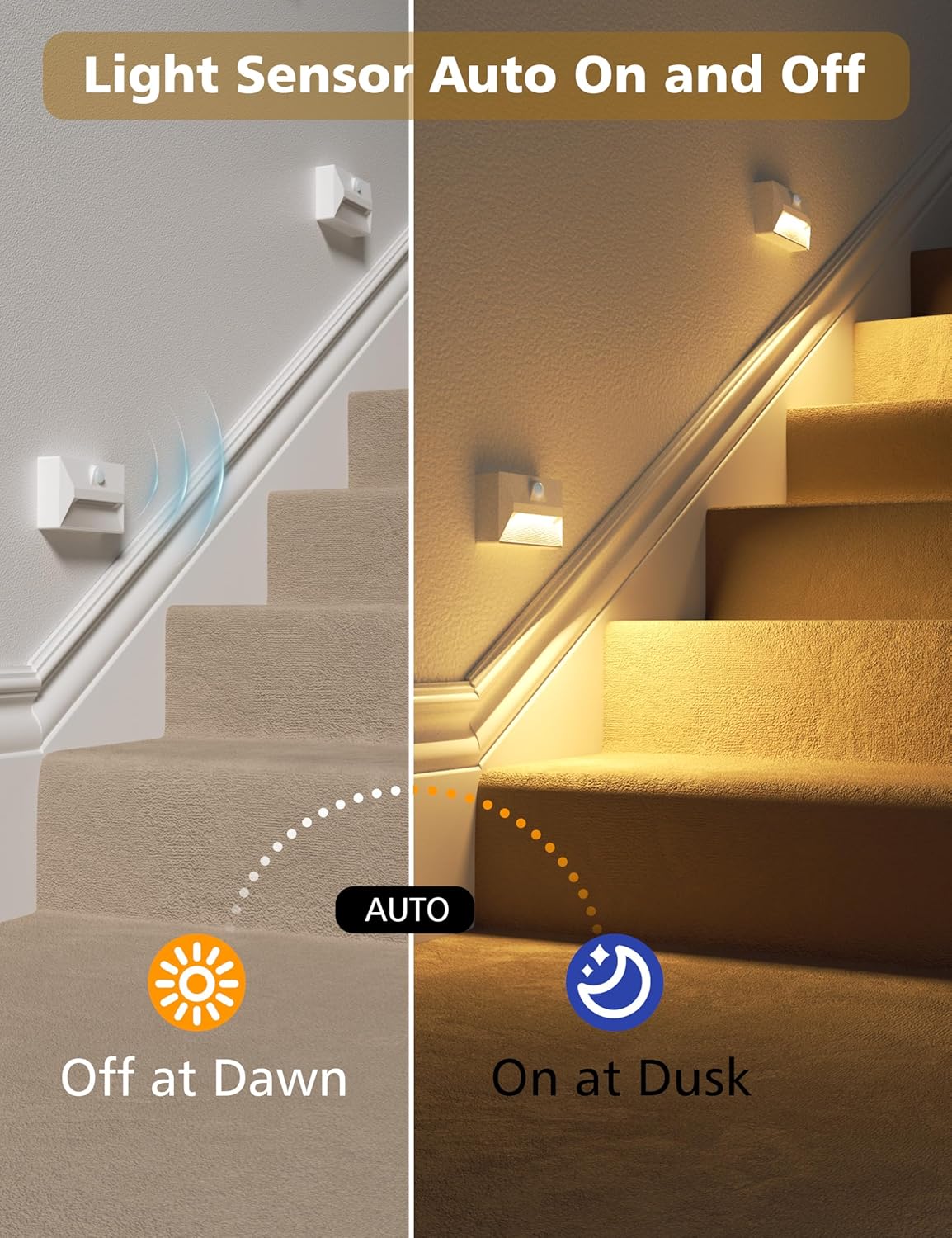
Image: Light sensor auto on/off functionality.
Color Temperature Adjustment:
To change the light's color temperature:
- Long Press: While the light is on, press and hold the control button to cycle through the three color temperature options: 3000K (warm white), 4500K (natural white), and 6000K (cool white). Release the button when your desired color temperature is displayed.

Image: Visual representation of the three color temperatures.
Maintenance
To ensure the longevity and optimal performance of your NIORSUN Motion Sensor Stair Lights:
- Cleaning: Wipe the lights with a soft, dry cloth. Do not use abrasive cleaners or solvents, as these can damage the surface.
- Battery Care: Recharge the lights regularly, especially if they are used frequently or if you notice a decrease in brightness or response time. Avoid fully depleting the battery for extended periods.
- Placement: Ensure the motion sensor is not obstructed by furniture or other objects to maintain accurate detection.
Troubleshooting
| Problem | Possible Cause | Solution |
|---|---|---|
| Light does not turn on. | Battery is low or depleted. | Charge the light using the provided USB cable. |
| Ambient light is too bright (light sensor active). | Test in a darker environment. The light will only activate in low light conditions. | |
| Motion sensor is obstructed. | Ensure the sensor has a clear line of sight. | |
| Light does not detect motion. | Sensor range is exceeded. | Move closer to the light. The sensing distance is approximately 12 feet. |
| Sensor is dirty or obstructed. | Clean the sensor lens with a soft cloth. Remove any obstructions. | |
| Light falls off the wall. | Adhesive plate not properly secured or surface is unsuitable. | Ensure the surface is clean and dry before applying the adhesive plate. Press firmly for 30 seconds. Allow 24 hours for adhesive to cure before attaching the light. |
| Battery life is shorter than expected. | Frequent activation or continuous use in bright mode. | Consider using Mode 2 (low brightness) for longer battery life. Ensure the light sensor is functioning correctly to prevent unnecessary activation during daylight. |
Specifications
| Feature | Detail |
|---|---|
| Model Number | TD23 |
| Power Source | Battery Powered (Rechargeable) |
| Battery Capacity | 2000mAh |
| Light Source Type | LED |
| Color Temperatures | 3000K (Warm White), 4500K (Natural White), 6000K (Cool White) |
| Switch Type | Motion Sensor, Light Sensor |
| Motion Sensing Angle | 120 degrees |
| Motion Sensing Distance | Up to 12 feet |
| Product Dimensions (D x W x H) | 2.76" x 4.92" x 4.72" (7cm x 12.5cm x 12cm) |
| Base Material | Plastic |
| Shade Material | Acrylonitrile Butadiene Styrene, Polycarbonate |
| Mounting Type | Wall Mount (Magnetic) |
| Indoor/Outdoor Usage | Indoor Only |
Warranty and Support
NIORSUN products are designed for reliability and performance. For any questions, technical support, or warranty claims, please refer to the contact information provided with your purchase or visit the official NIORSUN website. Please retain your proof of purchase for warranty purposes.