1. Introduction
This manual provides essential information for setting up, operating, and maintaining your VIZIO 43-Inch Quantum 4K QLED Smart TV. This television combines Quantum Color technology with 4K resolution, offering an enhanced viewing experience. It features smart connectivity options and is designed for both general entertainment and gaming.
2. Key Features
- Quantum Color Technology: Delivers over one billion vibrant colors for rich, immersive visuals.
- Cinematic HDR Formats: Supports Dolby Vision, HDR10+, HDR10, and HLG for enhanced contrast and depth.
- 120fps Gaming Ready: Offers ultra-smooth gameplay at Full HD with HDMI Variable Refresh Rate (VRR) and low latency performance.
- Smart & Voice-Enabled: Integrated Bluetooth 5.2, Alexa compatibility, WiFi 6, Apple AirPlay 2, and Google Cast for seamless connectivity and control.
- Exclusive Bonus Bundle: Includes an HDMI cable, a 12-month CPS Protection Plan, and a screen cleaner with a microfiber cloth.

Image: VIZIO Quantum TV highlighting QLED, WiFi 6, and 120fps gaming capabilities.

Image: VIZIO QLED TV displaying true-to-life picture with over 1 billion colors.
3. Setup Guide
3.1. Unboxing and Component Check
Carefully remove the television from its packaging. Ensure all components are present:
- VIZIO 43-Inch Quantum 4K QLED HDR Smart TV
- Remote Control with Batteries
- TV Stand Legs (2) and Screws
- Power Cable
- HDMI Cable
- Screen Cleaner with Microfiber Cloth
- Quick Start Guide (this document)
3.2. Stand Installation
If placing the TV on a stand, attach the two stand legs to the bottom of the television using the provided screws. Ensure they are securely fastened.
3.3. Power Connection
Connect the power cable to the TV's power input and then to a wall outlet. The TV will typically power on automatically or enter standby mode.
3.4. Initial Setup
Upon first power-on, the TV will guide you through initial setup steps, including:
- Language selection
- Network connection (Wi-Fi or Ethernet)
- Channel scan (if using an antenna)
- VIZIO Account setup (recommended for full smart TV functionality and updates)
4. Operating Your VIZIO Smart TV
4.1. Navigation and Remote Control
Use the provided remote control to navigate the SmartCast interface. The remote includes dedicated buttons for popular streaming services and menu navigation. The TV also features physical buttons on the back for basic controls like power and volume.
4.2. SmartCast and Streaming Apps
Your VIZIO Smart TV comes with the SmartCast platform, offering access to a wide range of pre-installed streaming applications and the ability to add more. Connect to your home Wi-Fi network (WiFi 6 supported) for optimal streaming performance.

Image: VIZIO SmartCast OS interface displaying various streaming applications and inputs.
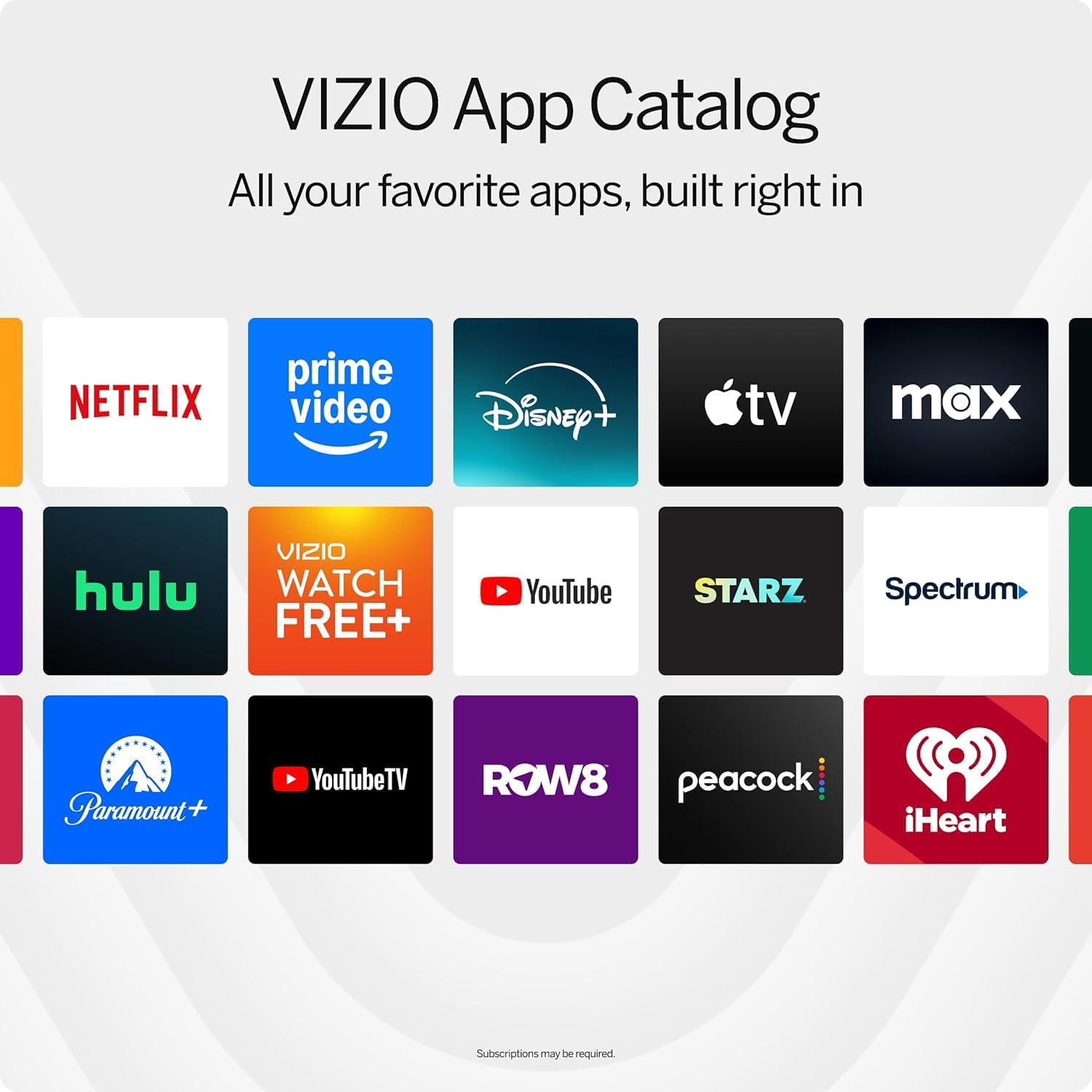
Image: VIZIO App Catalog illustrating the wide selection of available streaming services.
4.3. Voice Control and Casting
The TV is compatible with Alexa, Apple AirPlay 2, and Google Cast, allowing you to control the TV with voice commands or cast content directly from your compatible devices.

Image: VIZIO Account interface on a smartphone, emphasizing convenience for streaming.
4.4. Picture Settings
Adjust picture modes to optimize your viewing experience:
- Vivid: Enhances brightness and color saturation.
- Bright: Suitable for well-lit rooms.
- Calibrated: Provides accurate color reproduction for movies and TV shows.
- Calibrated Dark: Optimized for dark room viewing.
- Game: Reduces input lag for a more responsive gaming experience.
- Sports: Enhances motion clarity for fast-paced action.
4.5. Audio Settings
The TV features built-in speakers with Dolby Audio support for immersive sound. For an enhanced audio experience, consider connecting external sound systems via the available audio output ports.

Image: VIZIO TV highlighting DTS Cinema-inspired audio for an immersive sound experience.
4.6. Gaming Features
The TV supports 120fps at 1080p and HDMI Variable Refresh Rate (VRR) for smoother gaming. Activate 'Game Mode' in the picture settings to minimize input lag.

Image: VIZIO TV demonstrating its capabilities for 120fps gaming and low input latency.
4.7. Connectivity Ports
The TV offers a variety of ports for connecting external devices:
- 3 x HDMI 2.1 ports (for high-definition devices, including gaming consoles)
- 1 x USB port (for media playback from USB drives)
- 1 x RF Input (for antenna/cable connection)
- 1 x Ethernet port (for wired network connection)
- 1 x Optical Audio Out (for digital audio to soundbars/receivers)
- 1 x Analog Audio Out (for older audio systems)
5. Maintenance
5.1. Screen Cleaning
To maintain a clear display, gently wipe the screen with the provided microfiber cloth. For stubborn smudges, lightly dampen the cloth with water or a screen-safe cleaning solution. Avoid harsh chemicals or abrasive materials.
6. Troubleshooting
6.1. No Power / No Picture
- Ensure the power cable is securely connected to both the TV and a working wall outlet.
- Press the power button on the remote or the TV itself.
- Try plugging another device into the same outlet to confirm it has power.
6.2. No Sound / Poor Audio Quality
- Check the TV's volume level and ensure it is not muted.
- If using external audio devices, ensure they are powered on and correctly connected.
- Navigate to the TV's audio settings to adjust sound modes or output options.
- Note: While the built-in 40W Dolby Audio system is adequate for most home use, some users may prefer an external soundbar or surround sound system for a more cinematic experience.
6.3. Network Connectivity Issues
- Verify your Wi-Fi network is active and other devices can connect.
- Restart your router and modem.
- Go to the TV's network settings to reconnect to Wi-Fi or check Ethernet cable connection.
6.4. Gaming Performance Concerns (120fps)
- The TV supports 120fps at 1080p resolution. Ensure your gaming console or PC is configured to output at this resolution and refresh rate.
- Activate 'Game Mode' in the TV's picture settings to optimize for lower input lag.
- For 4K resolution, the TV's native refresh rate is 60Hz. While 'Game Mode Plus' can improve responsiveness, it will not achieve 120Hz at 4K.
7. Specifications
| Feature | Specification |
|---|---|
| Brand | VIZIO |
| Model Name | VQD43M-0801 |
| Display Size | 43 Inches |
| Resolution | 4K (3840 x 2160) |
| Refresh Rate | 60Hz Native (120fps at 1080p) |
| HDR Support | Dolby Vision, HDR10+, HDR10, HLG |
| Connectivity Technology | Bluetooth 5.2, HDMI, Wi-Fi 6 |
| Ports | 3 x HDMI 2.1, 1 x USB, 1 x RF Input, 1 x Ethernet, 1 x Optical Audio Out, 1 x Analog Audio Out |
| Special Features | Bezel-Less Design, Built-In Speaker, HDMI VRR, Apple AirPlay 2, Google Cast, Alexa Compatible |
| Item Weight | 25.4 Pounds |
| Product Dimensions | 37.74 x 3.38 x 22.23 inches |
8. Warranty and Support
8.1. Protection Plan
This VIZIO Smart TV bundle includes a 12-Month CPS Protection Plan for added peace of mind. Please refer to the separate documentation provided with your purchase for details regarding the terms and conditions of this protection plan.
8.2. Further Assistance
For additional support, detailed user manuals, or to contact customer service, please visit the official VIZIO website or refer to the on-screen user manual available through your TV's settings menu.


