
1. Introduction
This manual provides essential information for setting up, operating, and maintaining your MSI Katana 15 B13VGK-2000US gaming laptop. Please read this manual thoroughly before using your device to ensure proper function and longevity.

Figure 1.1: MSI Katana 15 B13VGK-2000US Gaming Laptop. This image displays the laptop with its screen on, showcasing the keyboard and overall design.
2. Package Contents
Upon unpacking your MSI Katana 15 B13VGK-2000US, please verify that all items listed below are present:
- MSI Katana 15 B13VGK-2000US Gaming Laptop
- Power Adapter and Cable (Charger)
- User Manual (this document)
If any items are missing or damaged, please contact your retailer or MSI customer support.
3. Product Overview
The MSI Katana 15 B13VGK-2000US is a high-performance gaming laptop designed for immersive gaming and demanding tasks. It features a 15.6-inch QHD display with a 165Hz refresh rate, powered by an Intel Core i7-13620H processor and an NVIDIA GeForce RTX 4070 GPU.

Figure 3.1: Key specifications of the MSI Katana 15. This image highlights the 13th Gen Intel Core i7-13620H processor, NVIDIA GeForce RTX 4070 GPU, 15.6" QHD 165Hz Display, 16GB DDR5 RAM, and 1TB NVMe SSD.
3.1. Components and Features
- Processor: 13th Gen Intel Core i7-13620H for powerful computing.
- Graphics: NVIDIA GeForce RTX 4070 GPU for advanced graphics performance.
- Display: 15.6-inch QHD (2560x1440) display with a 165Hz refresh rate for smooth visuals.
- Memory: 16GB DDR5 RAM for efficient multitasking.
- Storage: 1TB NVMe SSD for fast boot times and data access.
- Cooling: Cooler Boost 5 technology for optimal thermal management.
- Operating System: Pre-installed with Windows 11 Home.
- Keyboard: Backlit keyboard for enhanced visibility in low-light conditions.

Figure 3.2: Connectivity ports on the MSI Katana 15. This image illustrates the various ports available on the sides of the laptop, including RJ45, HDMI, USB 3.2 Gen1 Type-C/DP, USB 3.2 Gen1 Type-A, Audio Combo Jack, DC in, USB 3.2 Gen1 Type-A, and USB 2.0 Type-A.
3.2. Port Layout
The MSI Katana 15 offers a comprehensive selection of ports for connecting peripherals and external displays:
- RJ45: For wired network connection.
- HDMI (8K @ 60Hz / 4K @ 120Hz): For connecting to external displays.
- USB 3.2 Gen1 Type-C / DP: Multi-functional port for data transfer and display output.
- USB 3.2 Gen1 Type-A: High-speed USB port.
- Audio Combo Jack: For headphones or headsets.
- DC In: Power input for the AC adapter.
- USB 2.0 Type-A: Standard USB port.
4. Setup
4.1. Connecting the Power Adapter
- Connect the AC adapter to the DC In port on the laptop.
- Plug the power cable into the AC adapter.
- Connect the power cable to a grounded electrical outlet.
Ensure the power adapter is securely connected before powering on the laptop.
4.2. Initial Power On and Operating System Setup
- Open the laptop lid and press the power button, typically located above the keyboard.
- The laptop will boot up and guide you through the Windows 11 Home setup process. Follow the on-screen instructions to configure language, region, network, and user accounts.
- It is recommended to connect to the internet during setup to download the latest updates.
5. Operating
5.1. Display Settings
Your MSI Katana 15 features a 15.6-inch QHD (2560x1440) display with a 165Hz refresh rate. To optimize your visual experience:
- Adjust Resolution: In Windows, navigate to
Settings > System > Displayto set the display resolution to 2560x1440. - Set Refresh Rate: Under
Advanced display settings, ensure the refresh rate is set to 165Hz for the smoothest motion.

Figure 5.1: High refresh rate display on the MSI Katana 15. This image visually compares a standard display to the 165Hz display, demonstrating smoother motion on the latter.
5.2. Performance Management
The laptop is equipped with a 13th Gen Intel Core i7 processor and NVIDIA GeForce RTX 4070 graphics. MSI provides software tools to manage performance and cooling:
- MSI Center: Utilize the pre-installed MSI Center software to switch between performance modes (e.g., Extreme Performance, Balanced, Silent) and monitor system status.
- Cooler Boost 5: This cooling technology helps maintain optimal temperatures during intensive tasks. Ensure proper airflow by not blocking the vents.
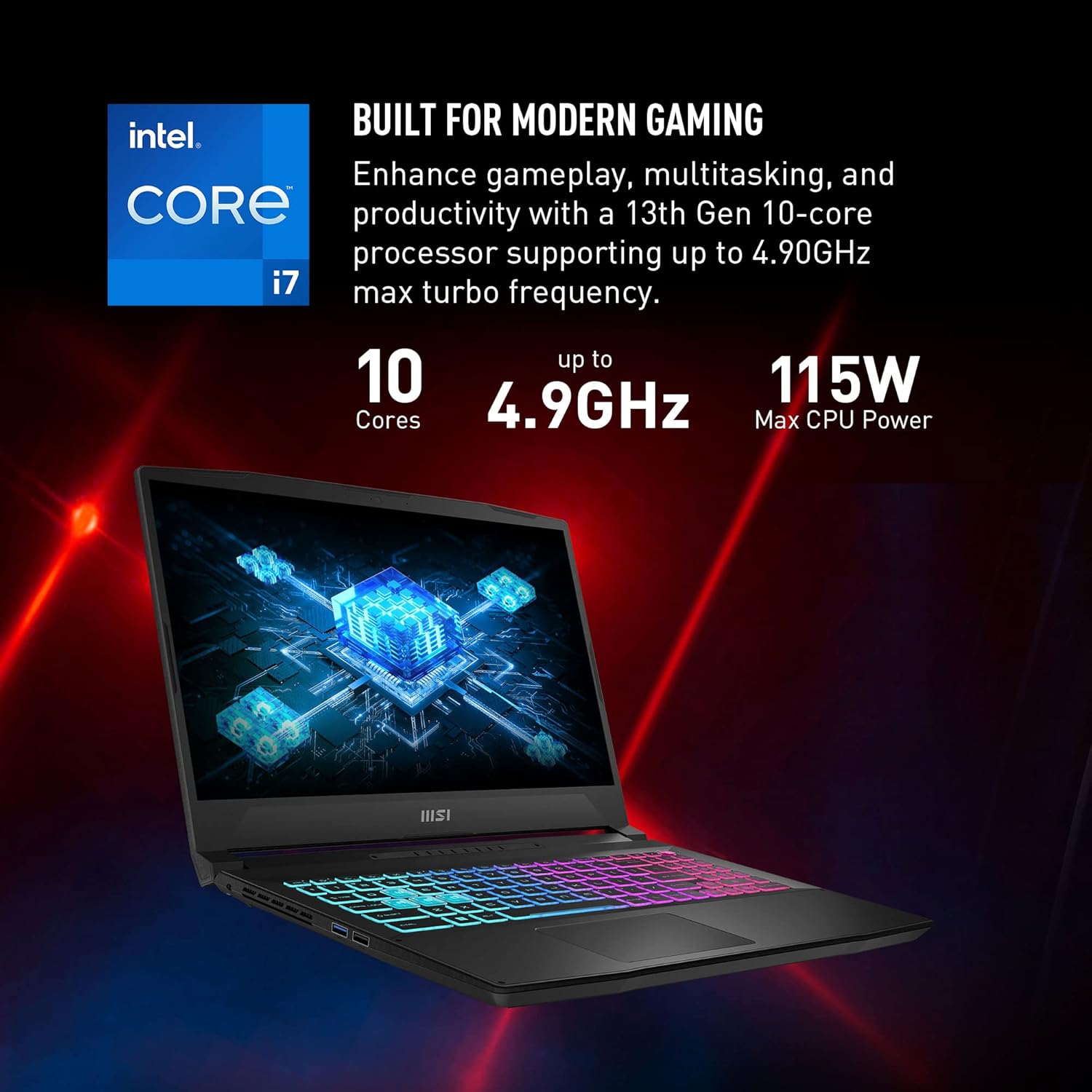
Figure 5.2: Intel Core i7 processor capabilities. This image highlights the 13th Gen 10-core Intel Core i7 processor, supporting up to 4.90GHz max turbo frequency and 115W max CPU power, built for modern gaming and multitasking.
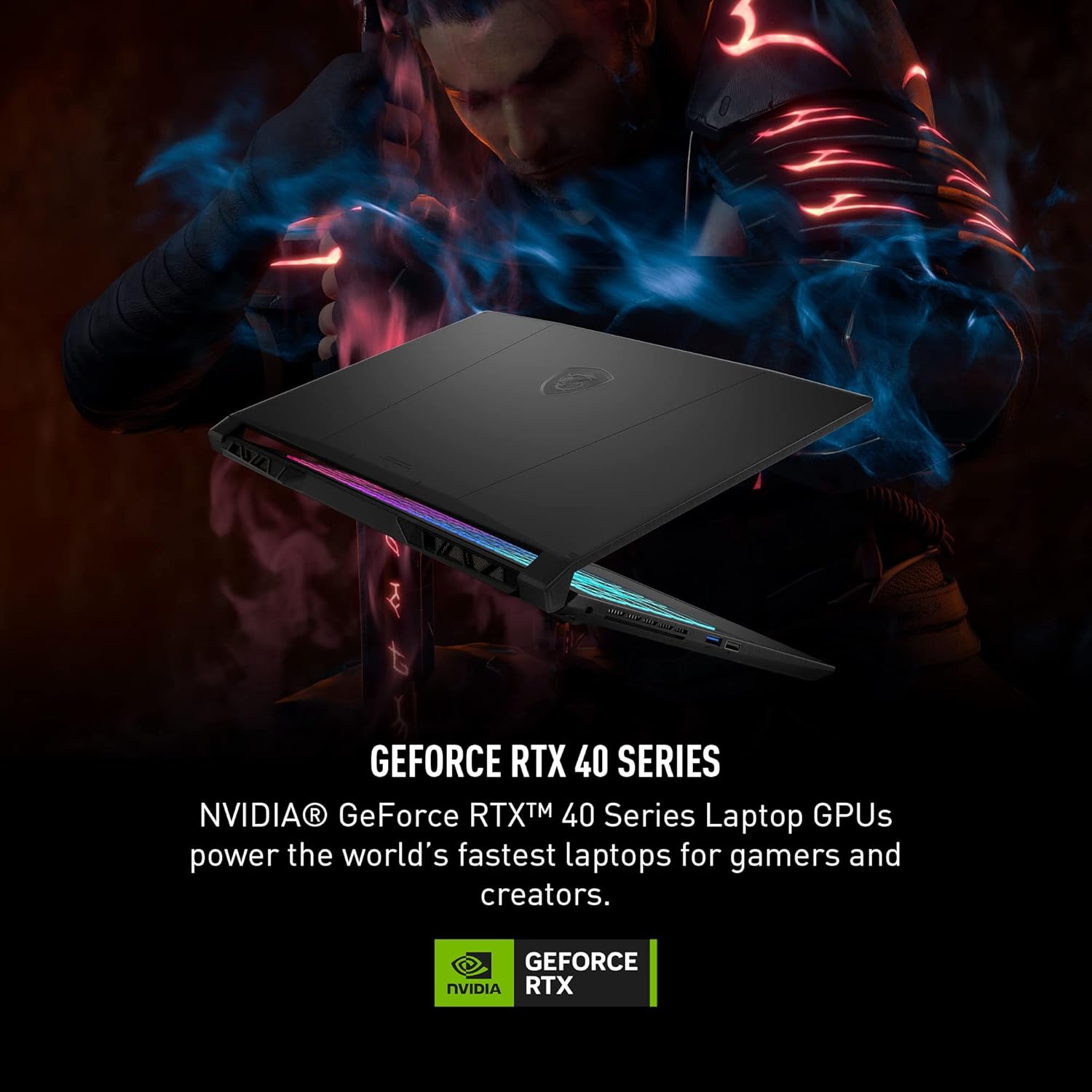
Figure 5.3: NVIDIA GeForce RTX 40 Series. This image states that NVIDIA GeForce RTX 40 Series Laptop GPUs power the world's fastest laptops for gamers and creators.
5.3. Keyboard and Touchpad
The laptop features a backlit keyboard. You can typically adjust the backlight intensity and effects through the MSI Center software or dedicated function keys (Fn key combinations).
- Function Keys: Familiarize yourself with the Fn key combinations for quick access to features like volume control, display brightness, keyboard backlight, and Wi-Fi toggle.
- Touchpad Gestures: Windows 11 supports various multi-touch gestures on the touchpad for navigation and control.
6. Maintenance
6.1. Cleaning
- Screen: Use a soft, lint-free cloth slightly dampened with water or a screen cleaner. Avoid harsh chemicals.
- Keyboard and Chassis: Use a soft brush or compressed air to remove dust from keys and vents. Wipe surfaces with a slightly damp, soft cloth.
- Vents: Regularly check and clean the cooling vents to prevent dust buildup, which can impede airflow and lead to overheating.
6.2. Battery Care
- Avoid fully discharging the battery frequently.
- If storing the laptop for an extended period, charge the battery to approximately 50-60% and store it in a cool, dry place.
- Use only the original MSI power adapter provided with your laptop.
7. Troubleshooting
This section addresses common issues you might encounter with your laptop.
7.1. Power Issues
- Laptop does not turn on: Ensure the power adapter is securely connected to both the laptop and a working electrical outlet. Try a different outlet.
- Battery not charging: Verify the power adapter connection. Check if the battery indicator light is on. If the issue persists, contact support.
7.2. Display Issues
- No display on screen: Connect an external monitor to check if the issue is with the laptop's internal display. Press
Fn + F2(or the appropriate function key) to cycle through display modes. - Flickering or distorted display: Update your graphics drivers. Ensure the display resolution and refresh rate are set correctly in Windows settings.
7.3. Performance Issues
- Laptop is slow: Close unnecessary applications. Check Task Manager for processes consuming high CPU or RAM. Ensure sufficient free space on the SSD.
- Overheating: Ensure cooling vents are clear of obstructions. Use MSI Center to monitor temperatures and adjust fan speeds if necessary.
8. Specifications
Below are the detailed technical specifications for the MSI Katana 15 B13VGK-2000US:
| Feature | Specification |
|---|---|
| Model Name | Katana 15 B13VGK-2000US |
| Processor | Intel Core i7-13620H (2.4 GHz base, up to 4.9 GHz turbo) |
| Graphics Coprocessor | NVIDIA GeForce RTX 4070 (8 GB GDDR6) |
| Display | 15.6 Inches, QHD (2560x1440) resolution, 165Hz refresh rate |
| RAM | 16 GB DDR5 |
| Storage | 1 TB NVMe SSD |
| Operating System | Windows 11 Home |
| Wireless Connectivity | 802.11ax (Wi-Fi 6), Bluetooth |
| Ports | 1x USB 2.0 Type-A, 2x USB 3.2 Gen1 Type-A, 1x USB 3.2 Gen1 Type-C (with DP), 1x HDMI (8K@60Hz / 4K@120Hz), 1x RJ45, 1x Audio Combo Jack, 1x DC-in |
| Special Features | Backlit Keyboard, HD Audio, Cooler Boost 5 |
| Dimensions (LxWxH) | 14.13 x 0.98 x 10.2 inches |
| Item Weight | 4.96 pounds |
| Color | Black |
| Average Battery Life | Up to 10 Hours |
9. Warranty and Support
For warranty information, technical support, or service inquiries, please refer to the warranty card included with your product or visit the official MSI website. You can also contact MSI customer service directly for assistance.
MSI Official Website: www.msi.com


