
Introduction
Thank you for choosing the mingwear K68-B Military Smartwatch. This device is designed to provide a robust and versatile experience, featuring a 1.7-inch display, call answering capabilities, over 100 sport modes, fitness tracking, and message alerts. This manual will guide you through the setup, operation, and maintenance of your smartwatch to ensure optimal performance and longevity. Please read these instructions carefully before using your device.
Package Contents
Please check the package for the following items:
- mingwear K68-B Smartwatch
- Charging Cable
- User Manual (this document)
- Silica gel packet (for moisture absorption)
If any items are missing or damaged, please contact customer support.
Setup
1. Charging the Smartwatch
Before first use, fully charge your smartwatch. Connect the charging cable to the charging port on the back of the watch and plug the USB end into a standard USB power adapter (not included) or a computer's USB port.
- A full charge typically takes approximately 2 hours.
- The battery icon on the screen will indicate charging status.
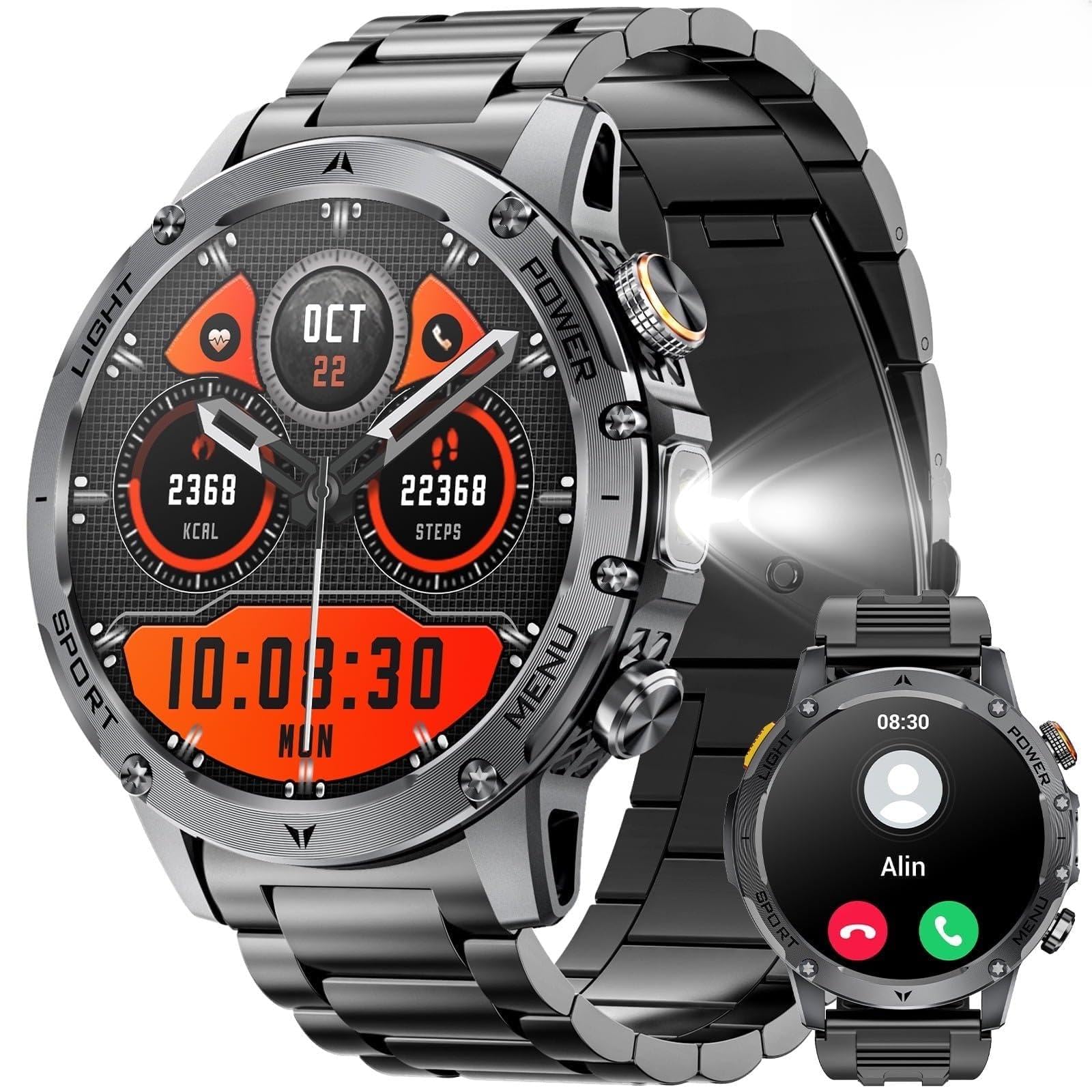
Image: The mingwear K68-B Smartwatch connected to its charging cable.
2. Power On/Off
- Power On: Press and hold the side button for 3-5 seconds until the screen lights up.
- Power Off: Press and hold the side button, then select "Power Off" on the screen.
3. App Installation and Pairing
To unlock the full features of your smartwatch, you need to install the companion app on your smartphone (compatible with Android and iPhone devices).
- Download the App: Scan the QR code provided in the quick start guide (or on the watch screen) or search for "[App Name, e.g., 'SmartHealth']" in the Apple App Store or Google Play Store.
- Register/Log In: Open the app and follow the on-screen instructions to create an account or log in.
- Pair the Device:
- Ensure Bluetooth is enabled on your smartphone.
- In the app, navigate to "Add Device" or "Pair Smartwatch."
- Select "K68-B" from the list of available devices.
- Confirm the pairing request on both your phone and smartwatch.
- Grant Permissions: Allow necessary permissions (e.g., notifications, location, contacts) for the app to function correctly.
Note: The exact app name and pairing steps may vary slightly. Refer to the quick start guide for specific app details.
Operating Instructions
1. Basic Navigation
- Swipe Up: Access quick settings/control center.
- Swipe Down: View notifications.
- Swipe Left/Right: Navigate through widgets (e.g., heart rate, activity, weather).
- Tap: Select an item or open an application.
- Side Button: Press once to return to the home screen or wake the screen. Press and hold for power options.
2. Call Functions (Answer/Make Calls)
Once paired via Bluetooth, your smartwatch can handle calls directly.
- Answering Calls: When an incoming call rings, tap the green phone icon on the watch screen to answer.
- Making Calls: Access the dial pad or contact list from the watch menu. Tap to dial a number or select a contact.
- Ending Calls: Tap the red phone icon on the watch screen to end a call.
3. Sport Modes and Fitness Tracking
The K68-B offers over 100 sport modes and comprehensive fitness tracking.
- Accessing Sport Modes: From the main menu, select the "Workout" or "Sport" icon. Choose your desired activity (e.g., running, cycling, swimming).
- Starting a Workout: Tap to start the selected activity. The watch will begin tracking duration, calories burned, heart rate, and other relevant metrics.
- Ending a Workout: Swipe right or press the side button, then select "End" or "Pause."
- Fitness Tracking: The watch continuously tracks steps, distance, calories, and sleep. View detailed data in the companion app.
4. Message Alerts
Receive notifications from your smartphone directly on your smartwatch.
- Ensure notification permissions are granted in the companion app.
- When a message or alert arrives, the watch will vibrate and display the content.
- Swipe down from the home screen to view your notification history.
Maintenance
1. Cleaning Your Smartwatch
- Wipe the screen and body with a soft, lint-free cloth.
- For stubborn stains, slightly dampen the cloth with water. Avoid harsh chemicals or abrasive materials.
- Ensure the charging contacts are clean and dry before charging.
2. Battery Care
- Avoid fully discharging the battery frequently.
- Do not expose the watch to extreme temperatures (hot or cold) for extended periods.
- If storing the watch for a long time, charge it to about 50% before storage.
Troubleshooting
Smartwatch will not power on:
- Ensure the battery is charged. Connect to the charger for at least 30 minutes.
- Try pressing and holding the side button for 10-15 seconds for a forced restart.
Cannot pair with smartphone:
- Make sure Bluetooth is enabled on your phone and the watch.
- Ensure the watch is within Bluetooth range (typically 10 meters).
- Restart both your phone and the smartwatch.
- Clear Bluetooth cache on your phone (Android) or "Forget This Device" in Bluetooth settings (iOS) and try pairing again.
- Ensure the correct companion app is installed and updated.
Notifications are not received:
- Verify that the watch is successfully paired with your phone.
- Check notification permissions in the companion app and your phone's system settings.
- Ensure "Do Not Disturb" mode is not active on either the watch or phone.
Specifications
| Model Name | K68-B |
| Brand | mingwear |
| Screen Size | 1.85 Inches |
| Operating System | Android Wear 1.0 |
| Connectivity Technology | Bluetooth |
| Battery Capacity | 730 Milliamp Hours (Lithium Polymer) |
| Special Feature | Activity Tracker, Call Function, Message Alerts, 100+ Sport Modes |
| GPS | No GPS |
| Compatibility | Android and iPhone |
Warranty and Support
For warranty information and technical support, please refer to the warranty card included in your product packaging or visit the official mingwear website. If you encounter any issues not covered in this manual, please contact mingwear customer service for assistance.
Contact Information:
- Website: www.mingwear.com (Example link, replace with actual if available)
- Email: support@mingwear.com (Example email, replace with actual if available)
