
1. Introduction
The PXN VD6 Bundle provides a professional-grade sim racing experience for Windows PC users. This comprehensive setup includes a 6Nm direct drive servo motor base, a W AS racing wheel, a Hall Effect 2-pedal set, and a table clamp. This manual will guide you through the assembly, connection, operation, and maintenance of your new sim racing equipment, ensuring optimal performance and longevity.
2. Product Contents
The PXN VD6 Bundle includes the following components:
- VD6 Direct Drive Wheel Base: The core unit providing force feedback.
- W AS Racing Wheel: The detachable steering wheel with integrated controls.
- PD HM 2-Pedal Set: Accelerator and brake pedals with Hall Effect sensors.
- Table Clamp: For secure mounting to a desk or racing stand.
- USB Cables: For connecting components to your PC.
- Power Adapter: To power the wheel base.
- Mounting Accessories: Screws and tools for assembly.
- User Manual: This document.

Image: All components included in the PXN VD6 Bundle, neatly laid out.
Video: An unboxing video demonstrating the contents of the PXN VD Direct Drive Servo Motor Bases bundle.
3. Setup Guide
3.1 Physical Assembly
- Mount the VD6 Direct Drive Base: Secure the VD6 base to your desk or racing cockpit using the provided table clamp and mounting accessories. Ensure it is stable and does not wobble during use.
- Attach the W AS Racing Wheel: Align the quick-release mechanism of the W AS racing wheel with the shaft on the VD6 base. Push firmly until it clicks into place, ensuring a secure connection.
- Connect the PD HM 2-Pedal Set: Place the pedal set on the floor or mount it to your racing cockpit. Connect the pedal set to the VD6 base using the appropriate USB cable.
- Power Connection: Connect the power adapter to the VD6 base and then plug it into a wall outlet.
- PC Connection: Connect the VD6 base to your Windows PC (Windows 7-11) using the provided USB cable.

Image: The PXN VD6 Direct Drive Base with the W AS Racing Wheel attached, and the PD HM 2-Pedal Set.
3.2 Software Installation & Initial Configuration
To ensure optimal performance and customization, install the PXN SimRacing software from the official PXN website.
- Download & Install: Visit the official PXN website and download the latest version of the PXN SimRacing software for Windows. Follow the on-screen instructions to complete the installation.
- Update Software: Ensure the software is updated to the latest version for full compatibility and features.
- Apply Game Presets: Within the PXN SimRacing software, navigate to the 'Devices' tab, select your 'Wheel Base', and then click 'Game Presets' in the top-right corner. Find and select the desired game (e.g., Euro Truck Simulator 2, Forza Motorsport 8, DiRT Rally 2.0) and click 'Apply'. This will load recommended settings for that game.

Image: Screenshot of the PXN SimRacing software interface, showing device settings and game launcher.
Video: A detailed setup guide for the PXN VD Series Racing Wheel in Euro Truck Simulator 2.
Video: A detailed setup guide for the PXN VD Series Racing Wheel in Forza Motorsport 8.
Video: A detailed setup guide for the PXN VD Series Racing Wheel in DiRT Rally 2.0.
4. Operating Instructions
4.1 VD6 Direct Drive Base
The VD6 base features a 20-pole low-inertia servo motor, delivering 6Nm continuous and 7Nm peak torque. The Sense+ algorithm provides detailed and smooth force feedback. The aluminum chassis and smart thermal control system ensure stable performance.

Image: Close-up of the VD6 Direct Drive Base, highlighting the multi-pole low inertia DD servo motor, 24-bit magnetic encoder, and intelligent temperature control system.
4.2 W AS Racing Wheel
This 11-inch (28cm) racing wheel has an aluminum alloy frame with a microfiber leather grip. It includes a dynamic RGB telemetry light bar, 19 programmable buttons, 2 rotary encoders, and 4 aluminum paddle shifters (2 linear, 2 tactile). The quick-release system allows for easy attachment and detachment.
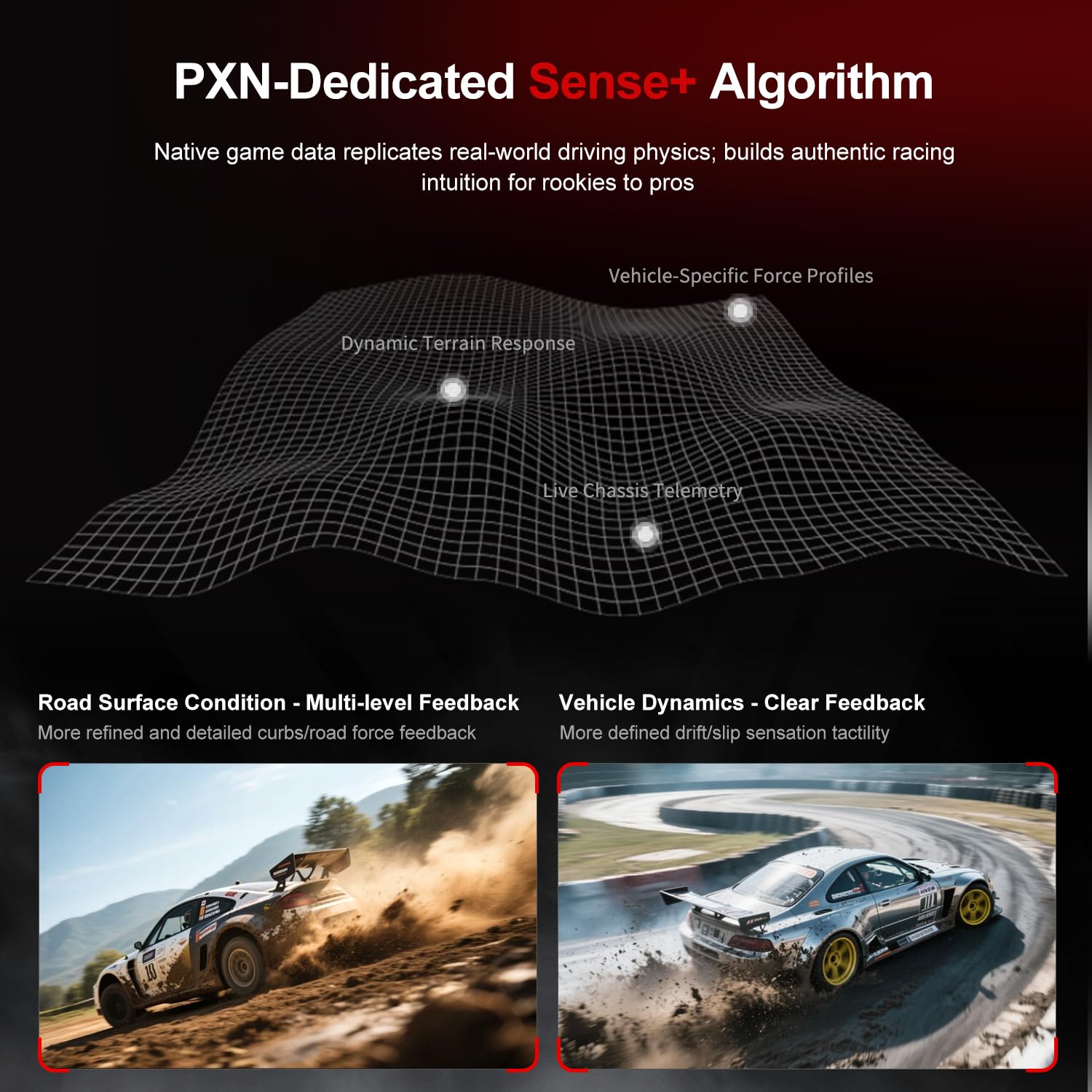
Image: Detailed view of the W AS Racing Wheel, showing the button layout, RGB light bar, quick release, and paddle shifters.
Video: A demonstration of the PXN W AS Gaming Racing Wheel in action, highlighting its features and responsiveness.
4.3 PD HM 2-Pedal Set
The full-metal PD HM 2-pedal set uses high-precision Hall-effect sensors for accurate throttle and brake input. It features adjustable height and angle settings, with response curves configurable via the PXN SimRacing software.

Image: Close-up of the PD HM 2-Pedal Set, showing the Hall Effect sensors and adjustable panel angle.
5. Compatibility
The PXN VD6 Bundle is compatible with Windows PC (Windows 7, 8, 10, and 11). It supports popular PC racing games and truck simulators, including but not limited to:
- iRacing
- Assetto Corsa
- WRC
- Euro Truck Simulator 2
- F1 series
- Forza Horizon 5
- Forza Motorsport
- DiRT Rally 2.0
- Project CARS 2
- American Truck Simulator
Note: Compatible ONLY with PC Windows 7–11. Not compatible with macOS, Linux, or gaming consoles (e.g., PlayStation, Xbox).

Image: A collage of popular racing game titles compatible with the PXN VD Series.

Image: A list of recommended PC games, indicating which require manual setup for full force feedback support.
6. Maintenance
- Cleaning: Use a soft, dry cloth to clean the surfaces of the wheel, pedals, and base. Avoid using abrasive cleaners or solvents.
- Cable Management: Ensure all cables are neatly routed and not under tension to prevent damage.
- Storage: When not in use, store the bundle in a clean, dry place away from direct sunlight and extreme temperatures.
- Software Updates: Regularly check the official PXN website for software and firmware updates to ensure optimal performance and compatibility.
7. Troubleshooting
7.1 Common Issues & Solutions
- Device Not Recognized:
- Ensure all cables are securely connected.
- Try connecting to a different USB port on your PC.
- Restart your PC and the PXN SimRacing software.
- Verify that the PXN SimRacing software is installed and up-to-date.
- No Force Feedback:
- Check in-game force feedback settings and ensure they are enabled.
- Verify that the correct game preset is applied in the PXN SimRacing software.
- Adjust force feedback strength in the PXN SimRacing software.
- Pedals Not Responding:
- Ensure the pedal set is correctly connected to the VD6 base.
- Calibrate pedals within the PXN SimRacing software or in-game settings.
- Wheel Calibration Issues:
- Perform a manual calibration through the PXN SimRacing software.
- Ensure the wheel is centered before starting any game.
For further assistance, please refer to the support section or contact PXN customer service.
8. Specifications
| Feature | Detail |
|---|---|
| Model | VD6 Bundle |
| Direct Drive Torque | 6Nm continuous, 7Nm peak |
| Servo Motor | 20-pole low-inertia |
| Encoder | High-precision 24-bit |
| Racing Wheel Diameter | 11-inch (28cm) |
| Wheel Material | Aluminum alloy frame, microfiber leather grip |
| Pedal Type | Hall Effect 2-Pedal Set (Throttle, Brake) |
| Pedal Material | Full-metal construction |
| Compatibility | PC Windows 7-11 |
| Connectivity | USB |
| Package Dimensions | 17.5 x 17.5 x 12.5 inches |
| Item Weight | 35.3 pounds |
9. Warranty & Support
For warranty information, please refer to the documentation included with your purchase or visit the official PXN website. For technical support, software downloads, and additional resources, please visit the PXN support page or contact customer service directly.
Contact Support: support@e-pxn.com


